Introduzzjoni
The Turtle Beach Kone II Air is an ergonomic wireless gaming mouse designed for unparalleled gaming freedom. It features exceptional battery life, precise tracking, and extensive customization options. This manual provides detailed instructions for setting up, operating, maintaining, and troubleshooting your Kone II Air mouse to ensure optimal performance.
X'hemm fil-Kaxxa

Image: The retail package contents, including the mouse, USB receiver, charging cable, adapter, and grip tape.
- Turtle Beach Kone II Air Wireless Gaming Mouse
- Riċevitur Wireless USB-A
- PhantomFlex USB-C to USB-A Charging Cable
- USB-A to USB-C Receiver Adapter
- Tape tal-Aqbad
- Gwida Quick Start
Setup
1. Iċċarġjar Inizjali
Before first use, it is recommended to fully charge your Kone II Air mouse. Connect the PhantomFlex USB-C to USB-A charging cable to the USB-C port located at the front of the mouse and to a powered USB-A port on your computer or a USB wall adapter.
Image: The front of the mouse with the USB-C charging port visible.
2. Tqabbad il-Maws Tiegħek
The Kone II Air offers two wireless connection modes: 2.4 GHz Wireless and Bluetooth.
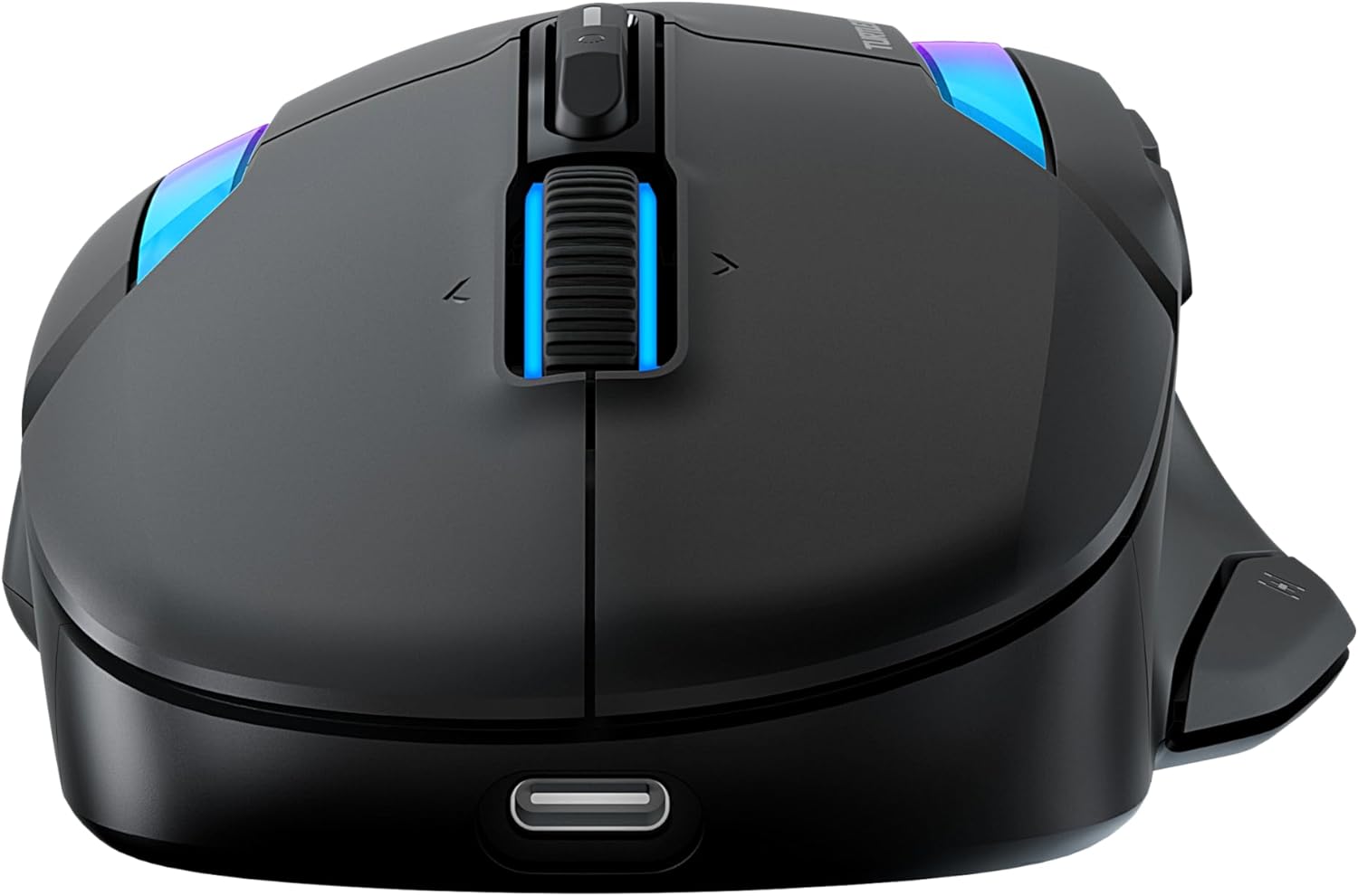
Image: The bottom of the mouse, highlighting the switch for 2.4GHz wireless and Bluetooth modes.
2.1. 2.4 GHz Wireless Connection (Low Latency)
- Locate the USB-A wireless receiver stored in the compartment on the underside of the mouse.
- Plug the USB-A wireless receiver directly into an available USB-A port on your computer. For convenience, you can use the included USB-A to USB-C adapter if your computer only has USB-C ports.
- Slide the switch on the underside of the mouse to the 2.4 GHz wireless icon.
- Your computer should automatically detect and install the necessary drivers. The mouse is ready for use.
2.2. Bluetooth Connection (Low Latency)
- Slide the switch on the underside of the mouse to the Bluetooth icon.
- Fuq il-kompjuter tiegħek, mur fis-settings tal-Bluetooth.
- Select "Add a device" or "Pair new device".
- Select "Turtle Beach Kone II Air" from the list of available devices.
- Segwi kwalunkwe prompts fuq l-iskrin biex tlesti l-proċess ta 'tqabbil.
3. Applying Grip Tape (Optional)
For enhanced control and grip, you can apply the included grip tape to the sides of the mouse. Ensure the mouse surface is clean and dry before applying for optimal adhesion.
It-Tħaddim tal-Maws Tiegħek
1. Ergonomic Design and Grip
The Kone II Air is ergonomically designed to fit medium to large hands, accommodating various grip styles including palm, claw, and fingertip grips.
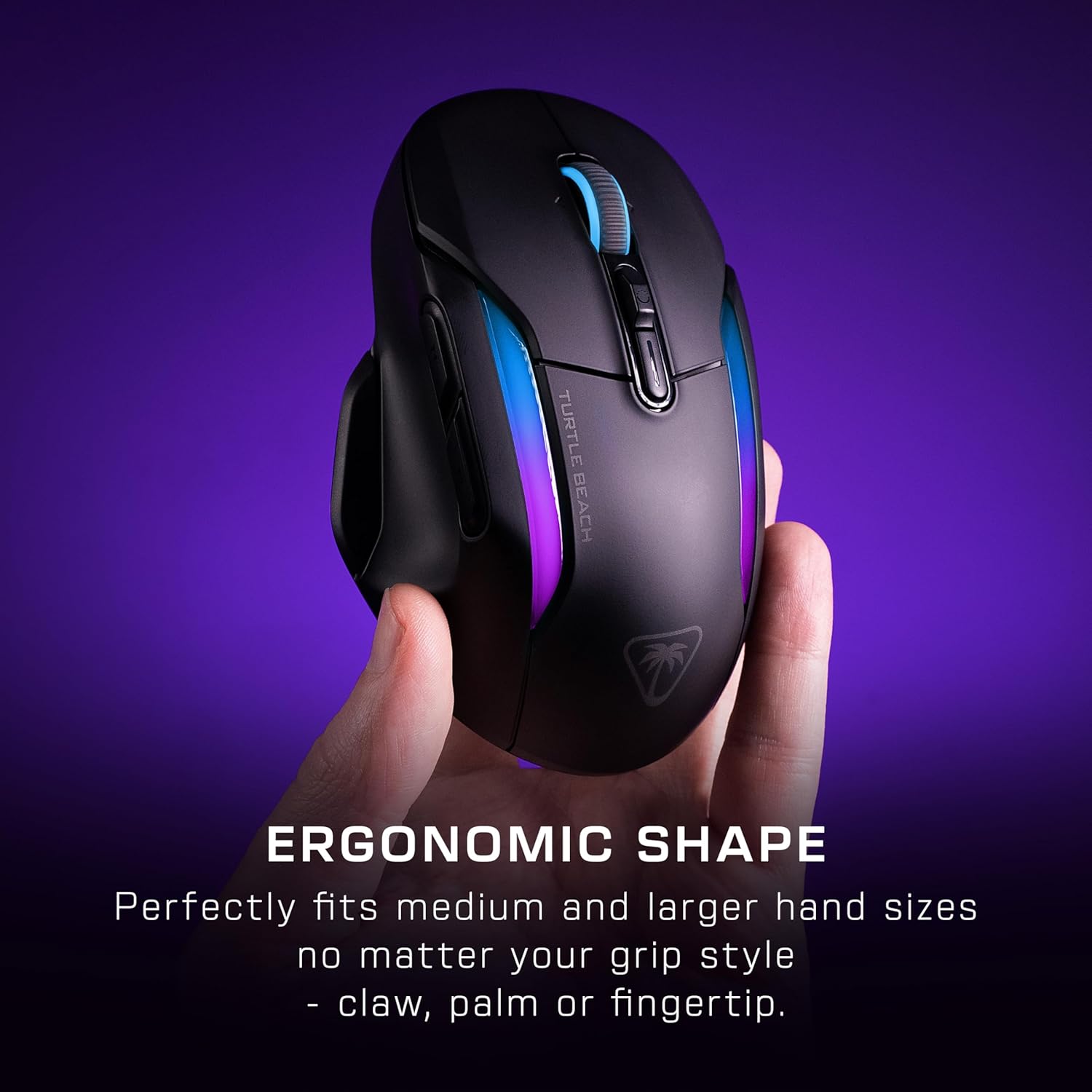
Image: A hand gripping the Kone II Air mouse, illustrating its comfortable ergonomic design.
2. Customizable Buttons and Easy-Shift[+]
The mouse features 7 programmable buttons and a 4D scroll wheel. With Easy-Shift[+] technology, you can expand these into 21 customizable functions, allowing for extensive personalization of your gaming experience.

Immaġni: Ritratt minn fuq view of the mouse with circles highlighting the 7 primary buttons and the Easy-Shift[+] button, indicating their customizability.
3. 4D Multifunction Scroll Wheel
The 4D scroll wheel offers both free-spin and tactile scrolling options, along with fully customizable tilt controls for fluid content navigation and additional in-game commands.
4. DPI Adjustment and Tracking
Equipped with the Owl-Eye 26,000 DPI optical sensor, the mouse provides exceptional tracking performance. DPI settings can be adjusted to suit your preference, ranging from 50 to 26,000 DPI, with a tracking speed of 650 IPS (16.5 m/s).
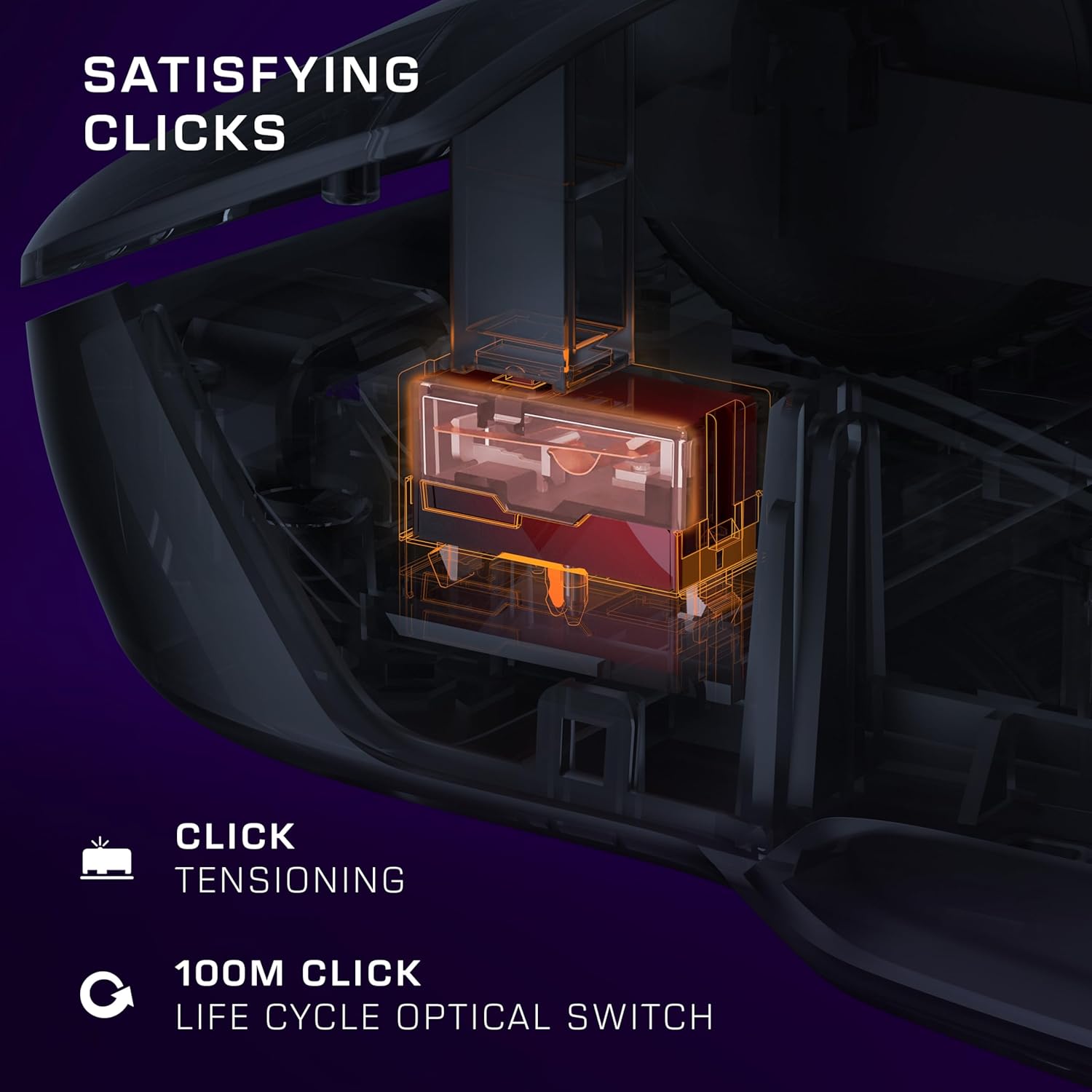
Image: A transparent overlay showing the internal components of the mouse, focusing on the 26K DPI optical sensor for smooth tracking.
5. Optical Switches and Click Tensioning
The Kone II Air features TITAN optical switches, ensuring precise and reliable clicks with a lifecycle of 100 million clicks. The pre-tensioned buttons provide satisfying and rapid click responses.
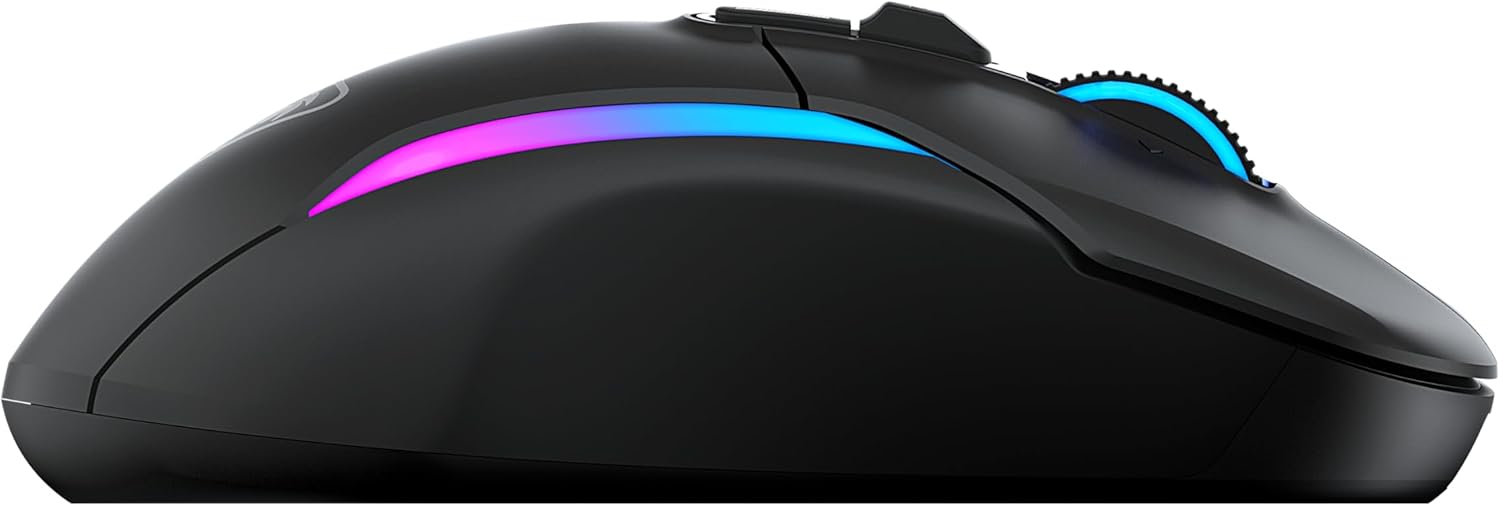
Image: A detailed internal view of the mouse, illustrating the optical switch mechanism responsible for click responsiveness and durability.
6. Dawl RGB
Personalize your gaming setup with the dual-zone programmable RGB lighting. Settings can be adjusted via the companion software (if available, check Turtle Beach websit għal downloads ta' softwer).
7. Ħajja tal-batterija
Enjoy extended gaming sessions with up to 350 hours of battery life in low-latency Bluetooth connection or up to 130 hours in high-performance 2.4 GHz wireless mode.

Image: The mouse illuminated with RGB lighting, accompanied by icons indicating battery life for both 2.4GHz wireless and Bluetooth connections.
Manutenzjoni
1. Tindif
To maintain optimal performance and appearance, regularly clean your mouse. Use a soft, dry, lint-free cloth to wipe down the surface. For stubborn dirt, slightly dampLaħlaħ id-drapp bl-ilma. Evita li tuża kimiċi ħarxa, prodotti tat-tindif li joborxu, jew solventi.
2. Kura tal-batterija
To maximize battery lifespan, avoid fully discharging the mouse frequently. Recharge the mouse when the battery indicator suggests low power. Store the mouse in a cool, dry place when not in use for extended periods.
3. PTFE Feet
The mouse features pure, heat-treated PTFE feet for incredible glide. Keep the mousepad surface clean to prevent debris from accumulating on the feet, which can affect glide performance. Replacement feet may be available from Turtle Beach support if they wear out over time.

Image: The underside of the mouse, clearly showing the smooth, white PTFE feet designed for effortless gliding.
Issolvi l-problemi
1. Il-Maws Ma Jirrispondix
- Iċċekkja l-batterija: Ensure the mouse is charged. Connect it to the charging cable.
- Iċċekkja l-Modalità tal-Konnessjoni: Verify the switch on the underside of the mouse is set to the correct mode (2.4 GHz or Bluetooth) for your connection type.
- 2.4 GHz bla fili: Kun żgur li r-riċevitur tal-USB huwa mdaħħal sew f'port USB li jaħdem. Ipprova port USB ieħor.
- Bluetooth: Ensure Bluetooth is enabled on your computer and the mouse is paired. Try unpairing and re-pairing the mouse.
- Ibda mill-ġdid: Ibda mill-ġdid il-kompjuter tiegħek.
2. Erratic Tracking or Cursor Movement
- Sensor Nadif: Kun żgur li s-senser ottiku fuq in-naħa ta' taħt tal-maws huwa nadif u ħieles mit-trab jew mill-fdalijiet.
- Wiċċ: Use the mouse on a clean, uniform, non-reflective surface. A good quality mousepad is recommended.
- Twaqqif DPI: Aġġusta s-setting tad-DPI għal valur aktar baxx jekk il-cursor ikun sensittiv wisq.
3. Il-Buttuni Ma Jirrispondux
- Kunflitt tas-Softwer: If you have other mouse software installed, it might conflict. Try uninstalling other mouse drivers/software.
- Irrisettja: Refer to the Quick Start Guide or Turtle Beach support for instructions on how to reset the mouse to factory settings, if available.
Speċifikazzjonijiet
| Karatteristika | Dettall |
|---|---|
| Numru tal-Mudell | TBM-1104-05 |
| Konnettività | 2.4 GHz Wireless, Bluetooth |
| Sensor | Owl-Eye Optical Sensor |
| Firxa tad-DPI | 50 - 26,000 DPI |
| Veloċità tat-Traċċar | 650 IPS (16.5 m/s) |
| Swiċċijiet | TITAN Optical Switches (100M click lifecycle) |
| Buttuni programmabbli | 7 buttons, 21 functions with Easy-Shift[+] |
| Skrollja Rota | 4D Multifunction (Free-spin & Tactile, Tilt) |
| Battery Life (2.4 GHz) | Sa 130 sigħat |
| Ħajja tal-Batterija (Bluetooth) | Sa 350 sigħat |
| Dimensjonijiet (L x W x H) | 17.9 x 11.5 x 0.3 ċm (approssimattiv, ibbażat fuq id-dejta tal-prodott) |
| Piż | Mhux speċifikat fid-dejta pprovduta |
| Kompatibilità | PC (Windows 7, Windows XP, Linux), Personal Computer |
Informazzjoni dwar Garanzija
The Turtle Beach Kone II Air Wireless Gaming Mouse comes with a Garanzija ta' 2 snin mill-manifattur. Please retain your proof of purchase for warranty claims. For detailed warranty terms and conditions, refer to the official Turtle Beach websit jew ikkuntattja lill-appoġġ tal-klijenti tagħhom.
Appoġġ
For further assistance, technical support, or to download the latest software and drivers for your Turtle Beach Kone II Air mouse, please visit the official Turtle Beach support websit. Tista’ ssib ukoll FAQs u fora tal-komunità hemmhekk.
Official Turtle Beach Websit: www.turtlebeach.com


