Introduzzjoni
Grazzi tax-xiriasing the ZEBRONICS Zeb-Escape 10 Wireless BT Earphone. This manual provides essential information for setting up, operating, and maintaining your device. Please read it carefully before use to ensure optimal performance and longevity of your earphones.
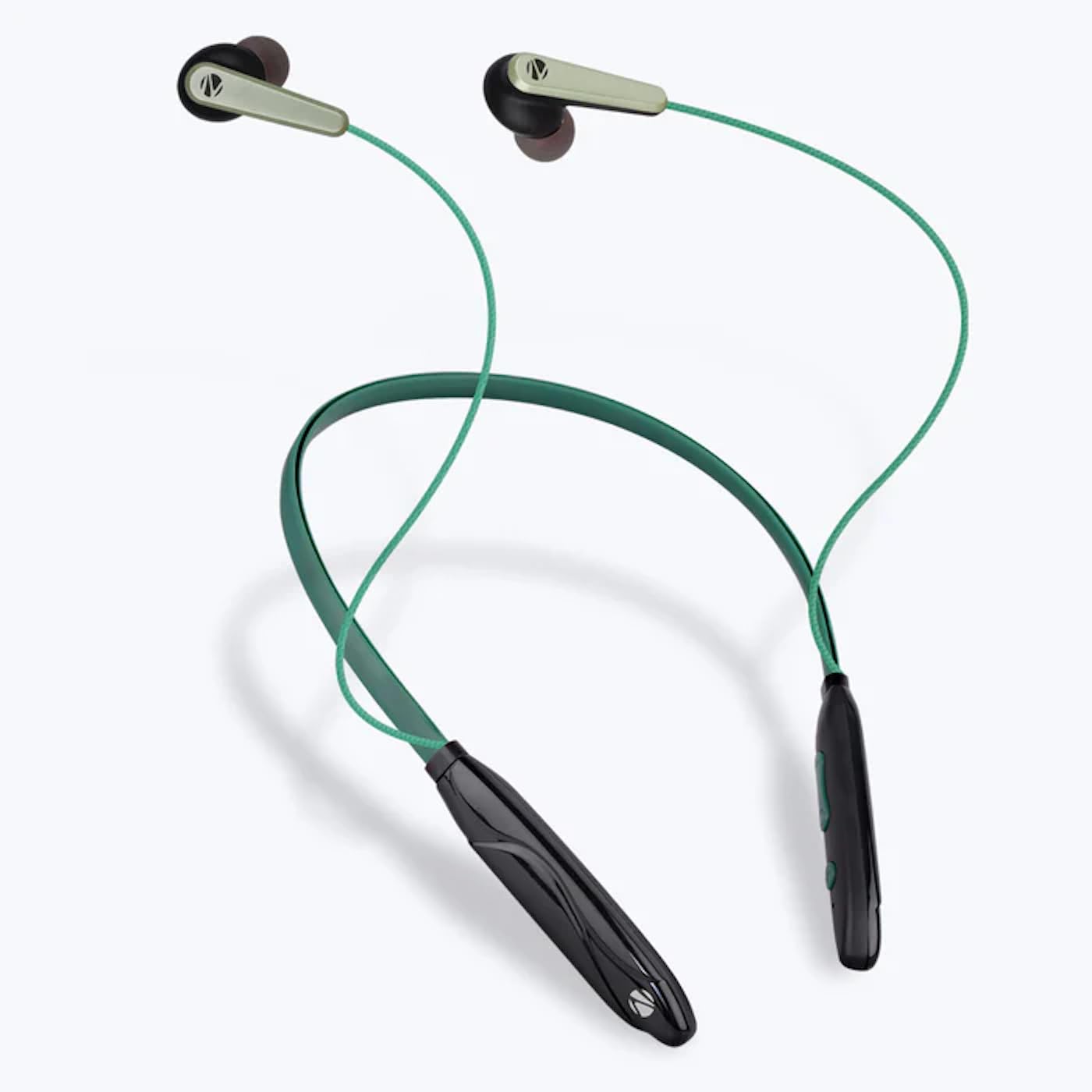
Image: The ZEBRONICS Zeb-Escape 10 Wireless BT Earphone, featuring a green and black neckband design with in-ear earbuds.
Kontenut tal-Pakkett
L-oġġetti li ġejjin huma inklużi fil-pakkett tal-prodott tiegħek:
- 1 U Neckband Earphone
- 1 U Charging Cable (Type-C)
- 1 U QR Code Guide
Setup
1. Charging the Earphone
Before first use, fully charge the earphone. Use the provided Type-C charging cable to connect the earphone to a USB power source (e.g., computer USB port, wall adapter). The LED indicator will show the charging status.
- Ħin tal-Iċċarġjar: Madwar sagħtejn.

Image: The earphone's control module with a Type-C charging port, showing a charging cable connected.
2. Tqabbil tal-Bluetooth
To connect your earphone to a Bluetooth-enabled device:
- Kun żgur li l-earphone huwa ċċarġjat u mitfi.
- Press and hold the multi-function button on the earphone until the LED indicator flashes red and blue, indicating it is in pairing mode.
- Fuq l-apparat tiegħek (smartphone, tablet, eċċ.), attiva l-Bluetooth u fittex apparati disponibbli.
- Select "ZEB-ESCAPE 10" from the list of found devices.
- Ladarba jkun imqabbad, l-indikatur LED se jteptep blu bil-mod jew jintefa, skont il-mudell.

Image: A smartphone display illustrating the Bluetooth pairing process, showing the earphone model 'ZEB-ESCAPE 10' as connected.
Istruzzjonijiet Operattivi
Qawwa mixgħul/mitfi
- Qawwa Mixgħul: Press and hold the multi-function button until the LED indicator lights up.
- Itfi: Press and hold the multi-function button until the LED indicator turns off.
Volume and Media Control
The earphone features integrated controls for managing audio playback and volume.
- Volum 'il fuq: Agħfas il-buttuna '+'.
- Volum 'l isfel: Agħfas il-buttuna '-'.
- Play/Pawsa: Agħfas il-buttuna b'diversi funzjonijiet darba.
- Track li jmiss: Agħfas u żomm il-buttuna '+'.
- Track preċedenti: Agħfas u żomm il-buttuna '-'.
Sejħa Funzjoni
Manage calls directly from your earphone.
- Irrispondi Sejħa: Agħfas il-buttuna b'diversi funzjonijiet darba.
- Tmiem Sejħa: Agħfas il-buttuna multi-funzjoni darba waqt telefonata.
- Irrifjuta Sejħa: Agħfas u żomm il-buttuna multifunzjonali.
- Isemmi mill-ġdid l-Aħħar Numru: Agħfas darbtejn il-buttuna multi-funzjoni.
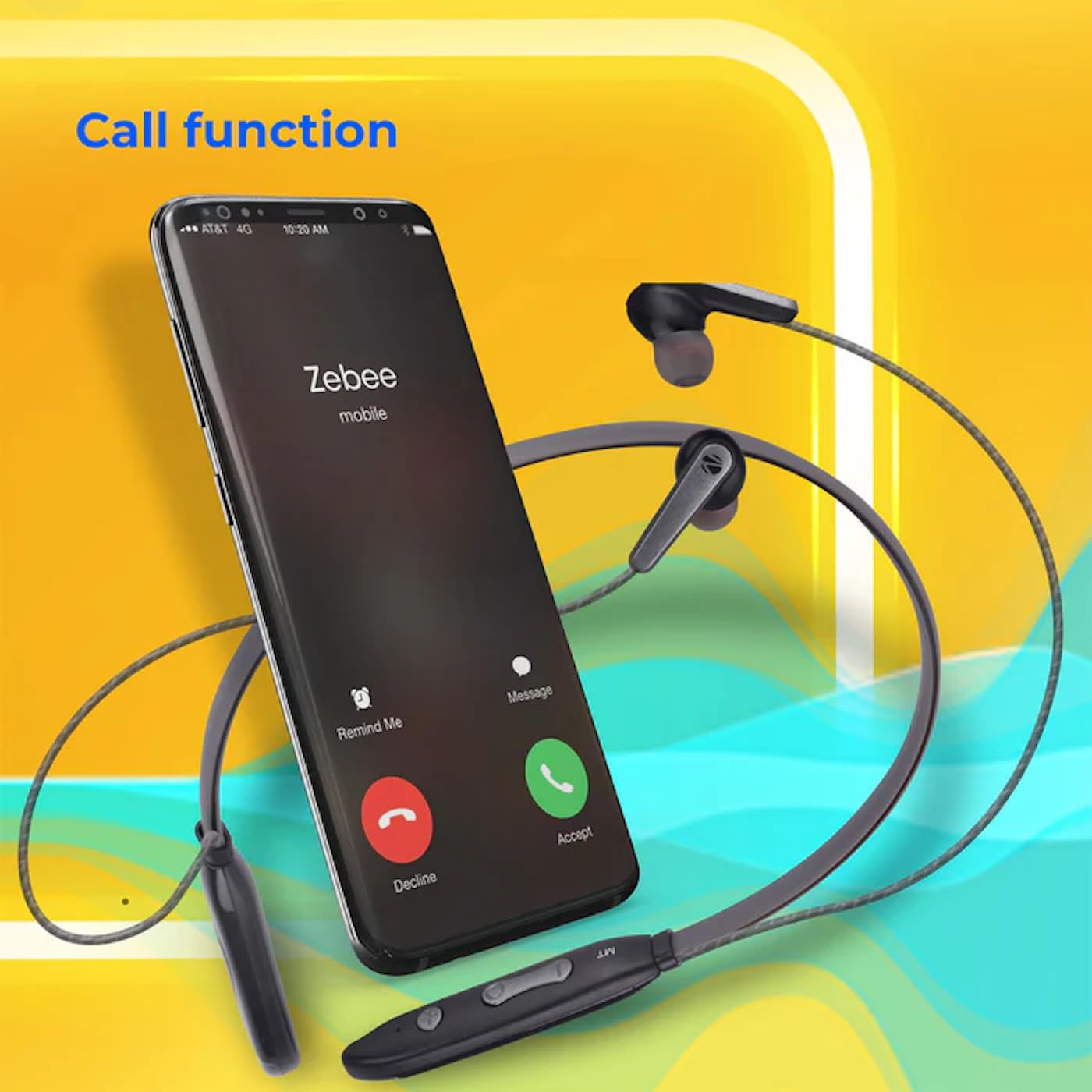
Image: A smartphone showing an incoming call interface, indicating the earphone's call handling capability.
Appoġġ għall-Assistent tal-Vuċi
Attiva l-assistent tal-vuċi tat-tagħmir tiegħek (eż., Google Assistant, Siri) billi tagħfas tliet darbiet il-buttuna multi-funzjoni.
Earpiece manjetiku
The earpieces are magnetic, allowing them to securely attach to each other when not in use, preventing tangling and ensuring they stay in place around your neck.

Immaġni: Dettaljata view of an earbud, illustrating its design for a stable and comfortable fit.
Manutenzjoni
To ensure the longevity and optimal performance of your ZEBRONICS Zeb-Escape 10 earphones, follow these maintenance guidelines:
- Tindif: Uża drapp artab u niexef biex tnaddaf il-earphones. Tużax kimiċi ħarxa jew materjali li joborxu.
- Ħażna: Aħżen il-earphones f'post frisk u niexef 'il bogħod mix-xemx diretta u minn temperaturi estremi.
- Reżistenza għall-Ilma: The earphones are water resistant. Avoid submerging them in water or exposing them to heavy rain.
- Iċċarġjar: Only use the provided charging cable or a certified Type-C cable. Avoid overcharging.
Issolvi l-problemi
If you encounter issues with your earphone, refer to the following common problems and solutions:
| Problema | Soluzzjoni Possibbli |
|---|---|
| Earphone does not power on. | Kun żgur li l-earphone huwa ċċarġjat kompletament. |
| Ma tistax tqabbad mat-tagħmir. | Ensure the earphone is in pairing mode (flashing red/blue). Turn off and on Bluetooth on your device. Move closer to the earphone. |
| L-ebda ħoss jew volum baxx. | Check volume levels on both the earphone and your connected device. Ensure the earphone is properly paired. |
| Call quality issues. | Ensure you are within Bluetooth range. Check for obstructions between the earphone and your device. |
Speċifikazzjonijiet
Technical specifications for the ZEBRONICS Zeb-Escape 10 Wireless BT Earphone:
| Karatteristika | Dettall |
|---|---|
| Isem tal-Mudell | ZEB-NBI 5 |
| Verżjoni Bluetooth | v5.3 |
| Appoġġjat BT Profiles | HSP / HFP / A2DP / AVRCP |
| Daqs tas-Sewwieq | 10mm |
| Impedenza tal-Ispeaker | 16Ω |
| Ħin tal-daqq | Sa 20 sigħat (b'50% volum) |
| Ħin tat-Tkellem | Sa 20 sigħat |
| Ħin tal-Iċċarġjar | 1.5 sigħat |
| Ħin ta' Standby | 200 sigħat |
| Piż Nett | 26g |
| Tip ta' Kontroll | Kontroll tal-Midja, Mess |
| Livell ta 'Reżistenza għall-Ilma | Reżistenti għall-Ilma |
| Karatteristiċi Speċjali | Fast Charging, Foldable, Microphone Included, Sweatproof |

Image: Visual representation of the earphone's 20-hour playback capability.
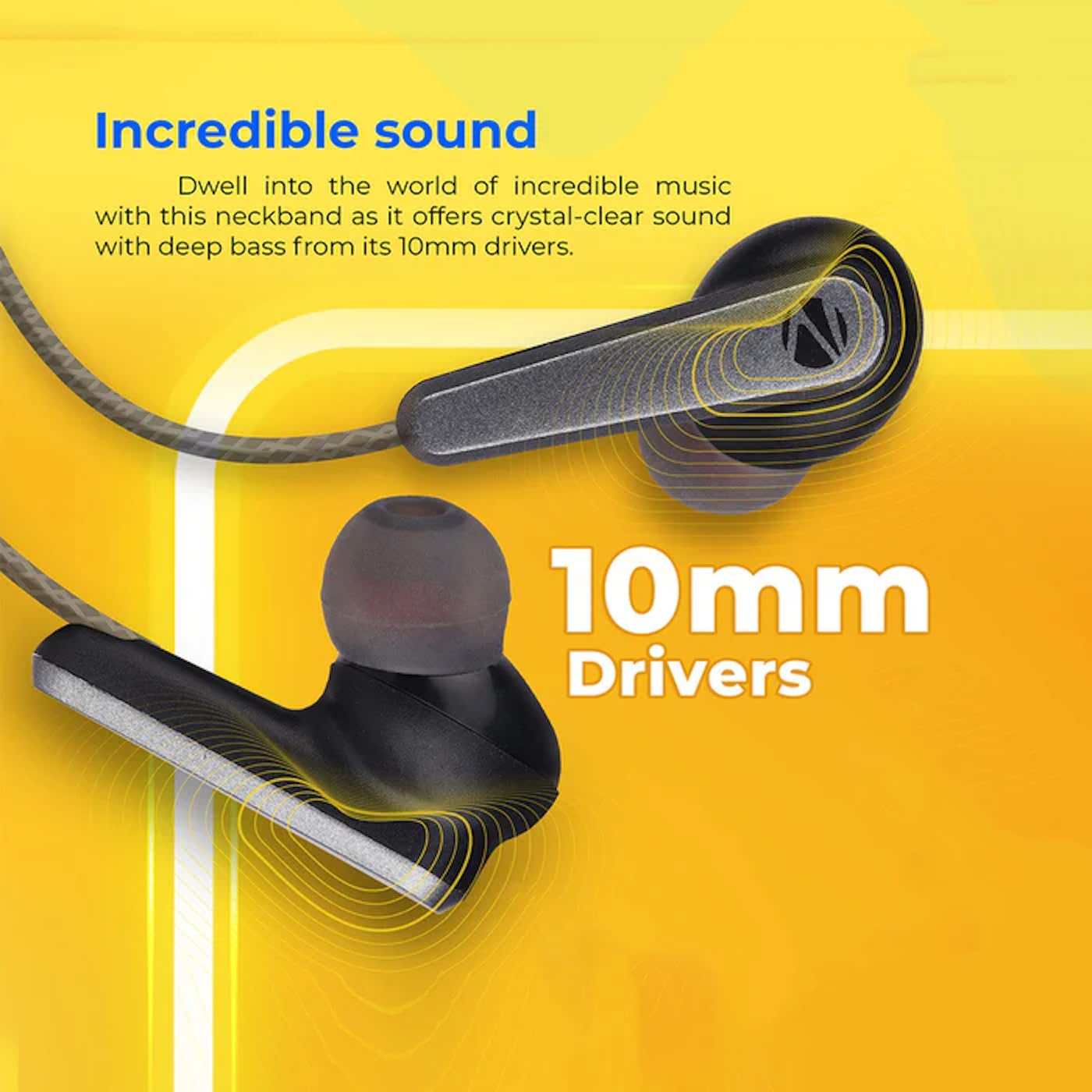
Image: A close-up of an earbud, highlighting the 10mm audio drivers responsible for sound output.
Informazzjoni dwar Garanzija
The ZEBRONICS Zeb-Escape 10 Wireless BT Earphone comes with a 6-il xahar garanzija mid-data tax-xiri. Din il-garanzija tkopri difetti fil-manifattura. Jekk jogħġbok żomm l-irċevuta tax-xiri tiegħek bħala prova tax-xiri għal talbiet ta' garanzija. Il-garanzija ma tkoprix ħsara kkawżata minn użu ħażin, inċidenti, modifiki mhux awtorizzati, jew xedd u kedd normali.
Appoġġ għall-Klijent
For further assistance, technical support, or warranty claims, please contact ZEBRONICS customer service. Refer to the QR code guide included in your package or visit the official ZEBRONICS websit għad-dettalji tal-kuntatt.


