1. Introduzzjoni
Thank you for choosing the boAt Airdopes Unity ANC TWS Earbuds. This manual provides essential information for setting up, operating, and maintaining your earbuds to ensure optimal performance and longevity. Please read this manual thoroughly before using the product.
The boAt Airdopes Unity ANC earbuds are designed for an immersive audio experience with Active Noise Cancellation (ANC) up to 32dB, long playback time, and clear calls facilitated by Dual Mics with ENx Technology.
2. X'hemm fil-Kaxxa
Ivverifika li l-oġġetti kollha huma preżenti fil-pakkett tiegħek:
- 1 x Earbuds
- 1 x Cable tal-Iċċarġjar
- 1 x Manwal għall-utent
3. Prodott Aktarview
Familiarize yourself with the components of your Airdopes Unity ANC earbuds and charging case.

Image: The boAt Airdopes Unity ANC earbuds are shown resting inside their open charging case. The earbuds are grey, matching the case, and feature a sleek, ergonomic design. The boAt logo is visible on the front of the charging case.
Komponenti tal-Earbud:
- Żona tal-Kontroll tal-Messi: For managing playback, calls, and modes.
- Mikrofonu: Dual Mics with ENx™ Technology for clear voice capture.
- Indikatur LED: Juri l-konnessjoni u l-istat tal-batterija.
- Kuntatti tal-Iċċarġjar: Għall-iċċarġjar ġewwa l-kaxxa.
Komponenti tal-Kaxxa tal-Iċċarġjar:
- Port tal-Iċċarġjar: Port USB tat-Tip C għall-iċċarġjar tal-kaxxa.
- Indikatur LED tal-Każ: Displays charging status of the case.
- Slots għall-Earbuds: Iżomm u jiċċarġja l-earbuds b'mod sigur.
4. Setup
4.1 Iċċarġjar tal-Earbuds u l-Kaxxa
Qabel l-ewwel użu, iċċarġja l-earbuds u l-kaxxa tal-iċċarġjar kompletament.
- Poġġi ż-żewġ earbuds fil-kaxxa tal-iċċarġjar, waqt li tiżgura li jkunu f'posthom sew.
- Connect the USB Type-C charging cable to the charging port on the case and the other end to a USB power adapter (5V/1A recommended) or a computer's USB port.
- The case LED indicator will show charging status. Once fully charged, the indicator will change or turn off.
- Ċarġ sħiħ jipprovdi sa 50 siegħa ta' ħin totali ta' daqq bil-kaxxa tal-iċċarġjar.

Image: The boAt Airdopes Unity ANC earbuds are depicted floating above their charging case, with a clock-like graphic below, illustrating the impressive 50 hours of total playback time. The earbuds and case are grey.
4.2 It-tqabbil mat-Tagħmir Tiegħek
The Airdopes Unity ANC features Insta Wake 'n' Pair (IWP) Technology for seamless connection.
- Tqabbil għall-ewwel darba: Open the lid of the charging case. The earbuds will automatically enter pairing mode, indicated by a flashing LED on one of the earbuds.
- Fuq l-ismartphone jew it-tagħmir li jaħdem bil-Bluetooth tiegħek, mur fis-settings tal-Bluetooth u fittex tagħmir disponibbli.
- Select "Airdopes Unity ANC" from the list. Once connected, a voice prompt will confirm the successful pairing.
- Subsequent Pairing (IWP): After the initial pairing, simply open the lid of the charging case, and the earbuds will automatically connect to the last paired device (if Bluetooth is enabled on the device).

Image: This composite image showcases three key features. Top right shows the earbuds and case with text "Dual EQ Modes", indicating "boAt Signature Sound" and "Balanced Mode". Bottom left shows the earbuds and case with "Ambient Mode". Bottom right shows a smartphone screen displaying "Airdopes Unity ANC" with the earbuds and case, highlighting "Insta Wake 'n' Pair Technology".
5. Tħaddim tal-Earbuds Tiegħek
The Airdopes Unity ANC earbuds feature intuitive touch controls for various functions.
5.1 Kontrolli touch
| Funzjoni | Azzjoni |
|---|---|
| Play/Pawsa | Tektek wieħed fuq kull earbud. |
| Track li jmiss | Tektek darbtejn fuq il-earbud tal-lemin. |
| Track Preċedenti | Tektek darbtejn fuq il-earbud tax-xellug. |
| Tweġiba/Tmiem Sejħa | Tektek wieħed fuq kull earbud. |
| Irrifjuta Sejħa | Agħfas fit-tul (2 sekondi) fuq kwalunkwe earbud. |
| Attiva l-Assistent tal-Vuċi | Tektek tliet darbiet fuq kull earbud. |
| Switch ANC/Transparency/Normal Mode | Long press (2 seconds) on the Left earbud. |
| Toggle BEAST™ Mode | Long press (2 seconds) on the Right earbud. |
5.2 Kanċellazzjoni Attiva tal-Ħoss (ANC)
The Airdopes Unity ANC features Active Noise Cancellation up to 32dB, reducing ambient noise for an immersive listening experience.
- Modalità ANC: Reduces external noise. Ideal for travel or noisy environments.
- Modalità ta' Trasparenza: Allows you to hear your surroundings while still enjoying your audio. Useful for awareness in urban environments.
- Modalità Normali: Il-modi ANC u Trasparenza huma mitfija.
Toggle between these modes by long-pressing the Left earbud's touch control area.
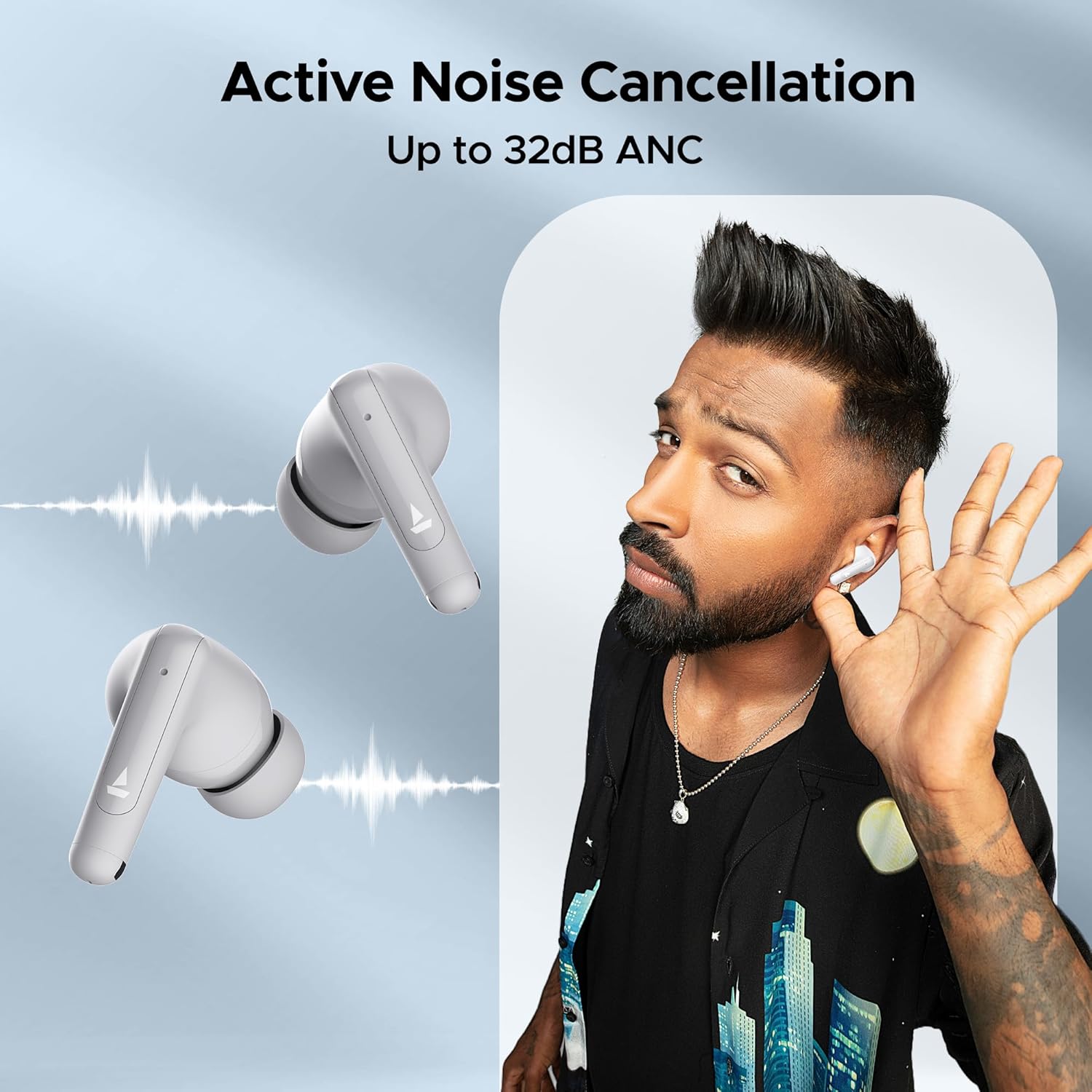
Image: A person is shown wearing the boAt Airdopes Unity ANC earbuds, with sound wave graphics emanating from the earbuds, illustrating the Active Noise Cancellation feature. The text "Active Noise Cancellation Up to 32dB ANC" is prominently displayed.
5.3 BEAST™ Mode (Low Latency)
Activate BEAST™ Mode for a low-latency audio experience, perfect for gaming or watching videos, ensuring audio and video synchronization.
- Latency is reduced to 50ms in BEAST™ Mode.
- Toggle BEAST™ Mode by long-pressing the Right earbud's touch control area.

Image: The boAt Airdopes Unity ANC earbuds are shown alongside a smartphone displaying a gaming scene, with text "BEAST™ Mode 50ms Low Latency", emphasizing the earbuds' suitability for gaming due to reduced audio delay.
5.4 ENx™ Technology (Environmental Noise Cancellation)
The Dual Mics with ENx™ Technology enhance call clarity by suppressing environmental noise, ensuring your voice is heard clearly during calls.
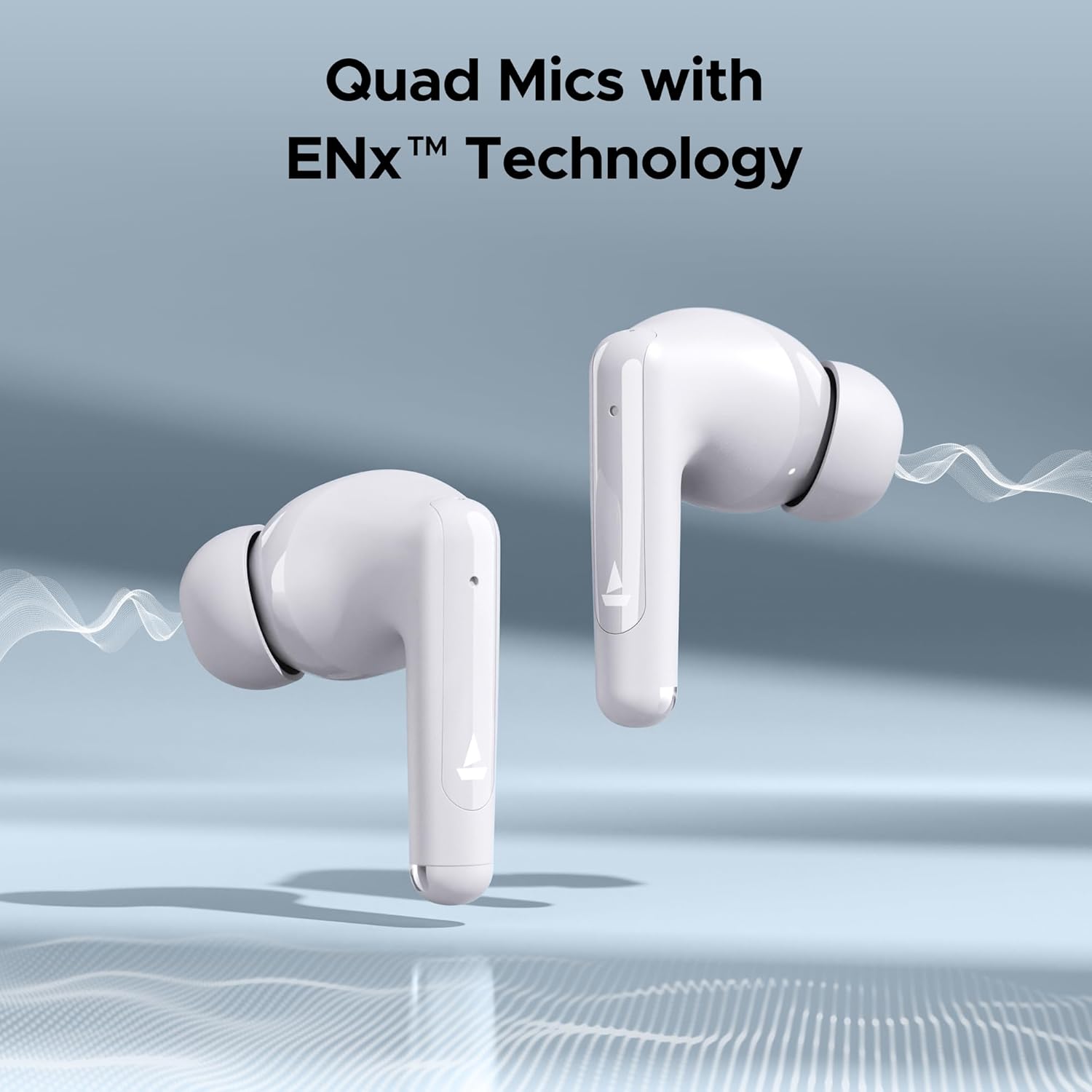
Image: Close-up of the boAt Airdopes Unity ANC earbuds with sound wave graphics, highlighting the "Quad Mics with ENx™ Technology" feature, which improves call quality by reducing background noise.
6. Manutenzjoni
Manutenzjoni xierqa tiżgura l-lonġevità u l-prestazzjoni ottimali tal-earbuds tiegħek.
6.1 Tindif
- Naddaf il-earbuds regolarment, speċjalment il-eartips u l-kuntatti tal-iċċarġjar, b'ċarruta ratba, niexfa u mingħajr suf.
- Tużax prodotti tat-tindif li joborxu, alkoħol, jew solventi kimiċi.
- Naddaf il-kaxxa tal-iċċarġjar b'ċarruta ratba u niexfa.
6.2 Ħażna
- Meta ma tkunx qed tużahom, dejjem aħżen il-earbuds fil-kaxxa tal-iċċarġjar tagħhom biex tipproteġihom u żżommhom iċċarġjati.
- Aħżen f'post frisk u niexef, 'il bogħod minn temperaturi estremi u dawl tax-xemx dirett.
6.3 Reżistenza għall-Ilma (IPX5)
The Airdopes Unity ANC earbuds are IPX5 rated, meaning they are resistant to sweat and light splashes of water. They are not designed for submersion in water or exposure to heavy rain.
- Tgħaddasx il-earbuds fl-ilma apposta.
- Nixxef il-earbuds sewwa qabel ma tpoġġihom lura fil-kaxxa tal-iċċarġjar jekk jixxarbu.
7 Issolvi l-problemi
If you encounter issues with your Airdopes Unity ANC, try the following solutions:
- Il-earbuds mhux qed jitqabbdu:
- Kun żgur li ż-żewġ earbuds huma ċċarġjati.
- Poġġi l-earbuds lura fil-kaxxa, agħlaq l-għatu, stenna ftit sekondi, imbagħad iftaħ l-għatu biex terġa' tidħol fil-modalità ta' tqabbil.
- Itfi u ixgħel il-Bluetooth fuq l-apparat tiegħek.
- Forget "Airdopes Unity ANC" from your device's Bluetooth list and try pairing again.
- Earbud wieħed biss jaħdem:
- Kun żgur li ż-żewġ earbuds huma ċċarġjati.
- Poġġi ż-żewġ earbuds lura fil-kaxxa, agħlaq l-għatu, imbagħad iftaħha mill-ġdid.
- Ipprova agħmel reset tal-earbuds (irreferi għall-istruzzjonijiet tal-manifattur) web(is-sit għal struzzjonijiet speċifiċi ta' reset jekk meħtieġ).
- Volum baxx jew kwalità ħażina tal-ħoss:
- Aġġusta l-volum fuq it-tagħmir konness tiegħek.
- Ensure eartips are properly sealed in your ear canal. Try different sized eartips.
- Naddaf kwalunkwe debris miż-żennuni tal-earbuds.
- ANC mhux effettiv:
- Ensure ANC mode is activated (long press Left earbud).
- Ensure a proper seal with your ear canal.
8. Speċifikazzjonijiet
Key technical specifications for the boAt Airdopes Unity ANC:
| Karatteristika | Dettall |
|---|---|
| Isem tal-Mudell | Airdopes Unity ANC |
| Teknoloġija tal-Konnettività | Bluetooth |
| Teknoloġija tal-Komunikazzjoni mingħajr Fili | Bluetooth |
| Kontroll tal-Ħoss | Kanċellazzjoni Attiva tal-Istorbju (sa 32dB) |
| Ħin Totali ta' Daqq | Sa 50 Siegħa (bil-kaxxa tal-iċċarġjar) |
| Mikrofoni | Mikrofoni Doppji bit-Teknoloġija ENx™ |
| Klassifikazzjoni tar-Reżistenza għall-Ilma | IPX5 |
| Tip ta' Kontroll | Wireless (Touch Controls) |
| Metodu ta' Kontroll | Voice (Built-In Voice Assistant) |
| Piż tal-oġġett | 45 Gramm |
| Materjal | Plastik |
| Dimensjonijiet tal-Prodott | 5 x 3 x 5 ċm |
| Batteriji | 1 batterija tal-polimer tal-litju (inkluża) |
9. Garanzija u Appoġġ
boAt products come with a standard warranty. For detailed warranty information, terms, and conditions, please refer to the warranty card included in your package or visit the official boAt websit.
For product-related queries, technical support, or service requests, please contact boAt customer support:
- Numru ta' Kuntatt: +91 (022) 69181920
- Email: info@imaginemarketingindia.com
- Manifattur: Immaġina Kummerċjalizzazzjoni Limitata
- Indirizz: Unità nru. 204 & 205, it-2 sular, D-wing & E-wing, Corporate Avenue, Andheri Ghatkopar Link Road, Mumbai, Maharashtra-400093, Indja
You can also visit the official boAt store on Amazon for more information: boAt Store


