1. Introduzzjoni u Fuqview
The Ulefone Armor Pad PRO is a rugged 8-inch Android tablet designed for durability and high performance in challenging environments. It combines advanced technology with robust protection, making it ideal for outdoor enthusiasts, field workers, and anyone needing a reliable device that can withstand harsh conditions.

Image: Ulefone Armor Pad PRO rugged tablet, highlighting its display and robust design.
Il-karatteristiċi ewlenin jinkludu:
- Durabilità Estrema: IP68/IP69K waterproof and dustproof, and MIL-STD-810H certified for drop protection.
- Prestazzjoni qawwija: Equipped with up to 16GB RAM (8GB physical + 8GB virtual) and 128GB internal storage, expandable up to 2TB via microSD.
- Batterija fit-tul: A massive 7650mAh battery provides extended usage, up to 14 hours of intensive tasks.
- Wirja vibranti: 8.0-inch HD+ display with 800 x 1280 pixels resolution and 500 nits brightness for sunlight readability.
- High-Resolution Cameras: Features a 48MP rear camera and a 32MP front camera for clear photos and video calls.
- Global Connectivity: Supports 4G LTE, 2.4G+5G WiFi, GPS, GLONASS, Galileo, and NFC.
- Sigurtà Mtejba: Integrated fingerprint sensor for secure access.
2. Kontenut tal-Pakkett
Upon opening your Ulefone Armor Pad PRO package, you should find the following items:
- Ulefone Armor Pad PRO Tablet
- Ċarġer tal
- Cable USB
- Manwal għall-Utent
- Karta ta' Garanzija
- Istruzzjonijiet għall-Iċċarġjar
- Broxxura tal-Ekosistema tal-Aċċessorji
Please inspect all items for any damage or missing components. If anything is amiss, contact customer support immediately.
3. It-Tqassim u l-Kontrolli tal-Apparat
Familiarize yourself with the physical layout of your Ulefone Armor Pad PRO tablet:

Immaġni: Ġenb view of the Ulefone Armor Pad PRO, illustrating the location of its ruggedized ports and buttons.
- Buttuna tal-Qawwa: Located on the side, used to power on/off or wake/sleep the device.
- Buttuni tal-Volum: Maġenb il-buttuna tal-qawwa, għall-aġġustament tal-livelli tal-awdjo.
- Port USB-C: Covered by a protective flap, used for charging and data transfer.
- Slott tal-Karta SIM/MicroSD: Also protected by a flap, for inserting SIM cards and expanding storage.
- Ċavetta tad-dwana: A programmable button for quick access to specific functions or apps.
- Kamera ta' wara: 48MP camera with flash, located on the back, protected by a raised bezel.
- Kamera ta' quddiem: 32MP camera, located on the front for selfies and video calls.
- Kelliema Doppji: Positioned for stereo sound output.
- Sensor tal-marki tas-swaba': Integrated for biometric security.

Immaġni: Wara view of the Ulefone Armor Pad PRO, showcasing the 48MP camera and the tablet's ruggedized back panel.
4. Setup
4.1 Qawwa Inizjali
To power on your Ulefone Armor Pad PRO for the first time, press and hold the Power button until the Ulefone logo appears on the screen. The tablet will then guide you through the initial setup wizard.
4.2 Installazzjoni tal-Karta SIM u l-Karta MicroSD
The Armor Pad PRO supports dual SIM cards and a microSD card for expanded storage up to 2TB. Locate the SIM/microSD card slot on the side of the device, gently open the protective flap, and insert your cards as indicated by the tray's diagram. Ensure the flap is securely closed to maintain water and dust resistance.
4.3 Wizard tal-Konfigurazzjoni għall-Ewwel Darba
Segwi l-istruzzjonijiet fuq l-iskrin biex tlesti s-setup inizjali:
- Agħżel Lingwa: Agħżel il-lingwa ppreferuta tiegħek.
- Qabbad mal-Wi-Fi: Agħżel in-netwerk Wi-Fi tiegħek u daħħal il-password.
- Kont Google: Idħol bil-kont tal-Google tiegħek jew oħloq wieħed ġdid. Dan huwa essenzjali biex taċċessa l-Google Play Store u servizzi oħra tal-Google.
- Data u Ħin: Set your current date and time, or allow the network to set it automatically.
- Sigurtà: Issettja lock tal-iskrin (PIN, mudell, password, jew marka tas-swaba').

Image: The Ulefone Armor Pad PRO screen showing battery statistics, emphasizing its long-lasting 7650mAh battery.
5. Istruzzjonijiet Operattivi
5.1 Wiri u Navigazzjoni
The 8.0-inch HD+ display offers clear visuals with 500 nits brightness, ensuring readability even in direct sunlight. Navigate the Android 13 interface using touch gestures: tap to select, swipe to scroll, pinch to zoom.
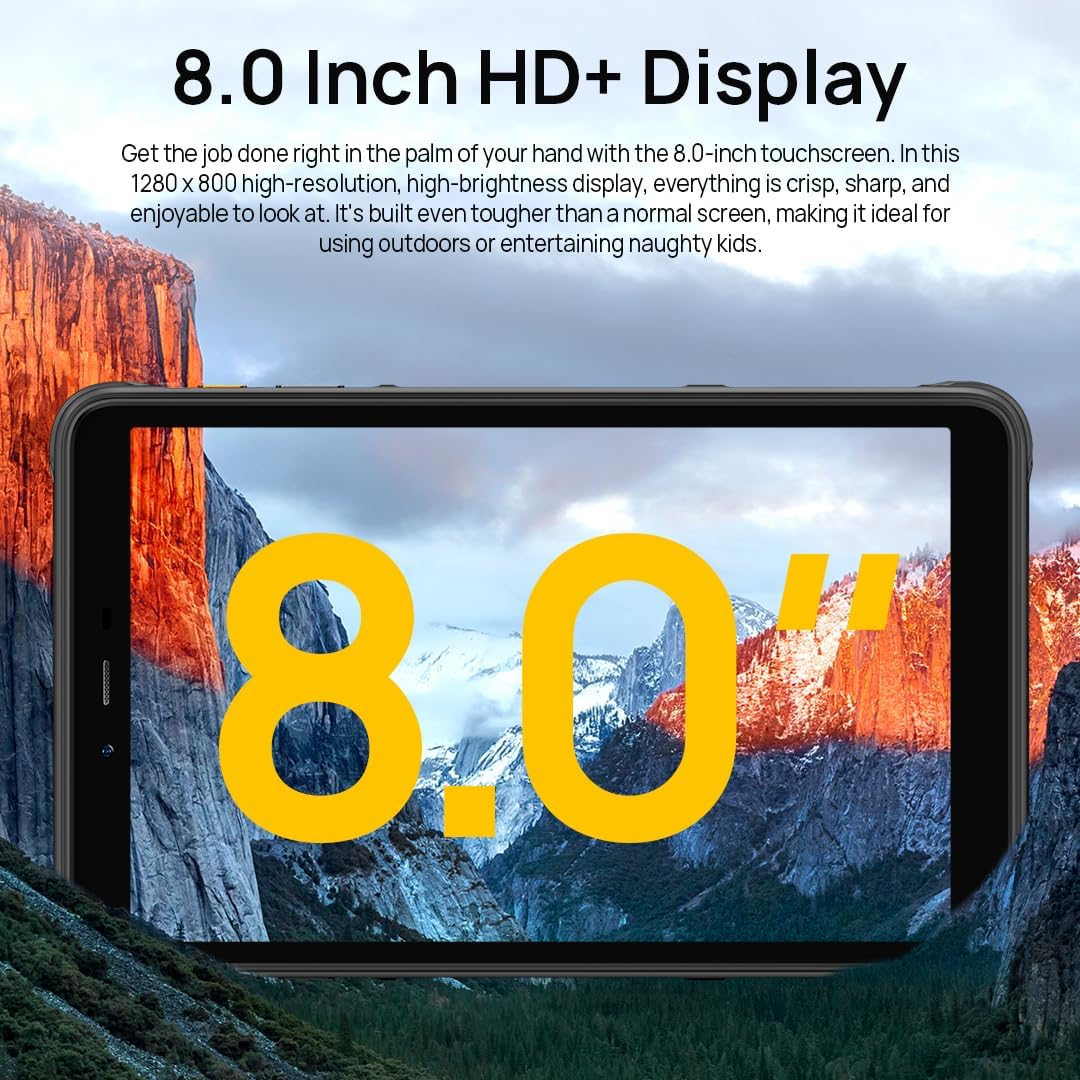
Image: The Ulefone Armor Pad PRO showcasing its 8.0-inch HD+ display, ideal for outdoor use and entertainment.

Image: A person using the Ulefone Armor Pad PRO outdoors, illustrating its 500 nits sunlight readable display.
5.2 Kameras
Capture high-quality images and videos with the tablet's advanced camera system.
- Kamera ta' wara (48MP): Ideal for detailed photos and videos. Open the Camera app and select 'Photo' or 'Video' mode. Tap to focus, and press the shutter button to capture.
- Kamera ta' Quddiem (32MP): Perfect for selfies and video calls. Switch to the front camera within the Camera app.

Immaġni: Dettaljata view of the Ulefone Armor Pad PRO's 48MP rear camera, designed for high-quality imaging.

Image: A user engaged in a video call, demonstrating the clarity of the Ulefone Armor Pad PRO's 32MP front camera.
5.3 Awdjo
The tablet features dual stereo speakers, providing a rich and immersive audio experience for media consumption and communication.
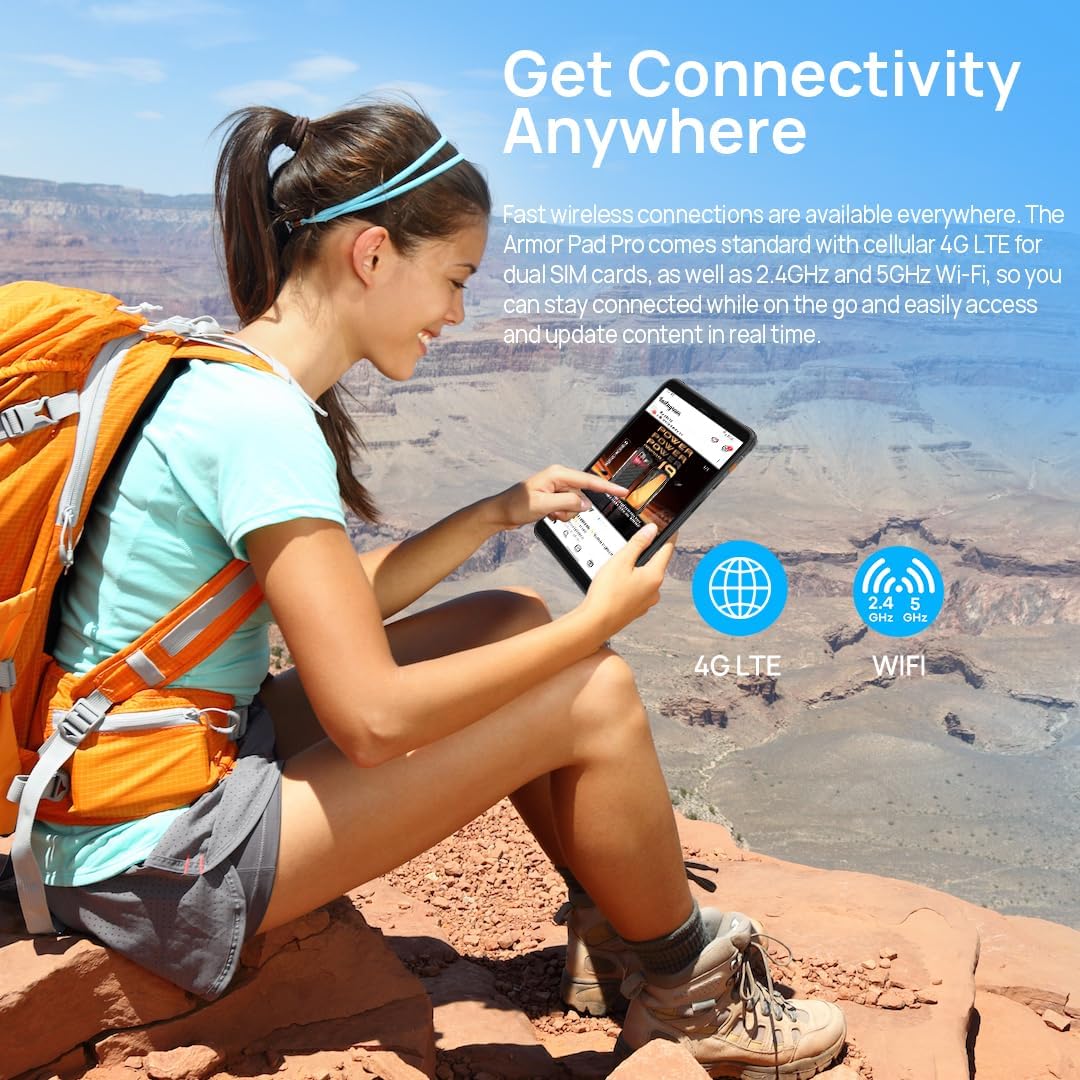
Image: The Ulefone Armor Pad PRO showing a musical performance on its screen, emphasizing the tablet's dual stereo speakers for enhanced audio.
5.4 Konnettività
Stay connected with various options:
- 4G LTE: Insert a compatible SIM card to access cellular data and make calls. Note: Not compatible with AT&T, Cricket Wireless, Sprint, Straight Talk, Boost Mobile, or other CDMA-based carriers.
- Wi-Fi (2.4G+5G): Qabbad ma' netwerks mingħajr fili għal aċċess għall-internet.
- GPS/GLONASS/Galileo: Utilize built-in navigation systems for precise location tracking.
- NFC: Enable Near Field Communication for data sharing and mobile payments (e.g., Google Pay).

Image: A person using the Ulefone Armor Pad PRO outdoors, illustrating its 4G LTE and Wi-Fi connectivity options.

Image: The Ulefone Armor Pad PRO demonstrating its NFC capability for contactless payments.
5.5 Karatteristiċi tas-Sigurtà
The tablet offers robust security options:
- Sensor tal-marki tas-swaba': Register your fingerprints in Settings > Security > Fingerprint to unlock your device quickly and securely.
- Face Unlock: Configure face recognition for convenient unlocking.

Image: The Ulefone Armor Pad PRO highlighting its integrated fingerprint sensor for secure and convenient access.
5.6 Custom Key
The programmable Custom Key on the side of the tablet can be assigned to various functions, such as Push-to-Talk (PTT), flashlight, screenshot, or launching specific applications. Configure this in Settings > Smart Assistant > Custom Key.

Image: The Ulefone Armor Pad PRO displaying various customizable shortcut options for its dedicated key.
5.7 Gloves Mode
For use in cold environments or industrial settings, the Armor Pad PRO supports Gloves Mode, allowing responsive touch interaction even when wearing gloves. Activate this feature in Settings > Smart Assistant > Gloves Mode.

Image: Two workers using the Ulefone Armor Pad PRO while wearing gloves, demonstrating the tablet's Gloves Mode functionality.
6. Manutenzjoni u Kura
The Ulefone Armor Pad PRO is built to be rugged, but proper care will extend its lifespan and maintain its performance.
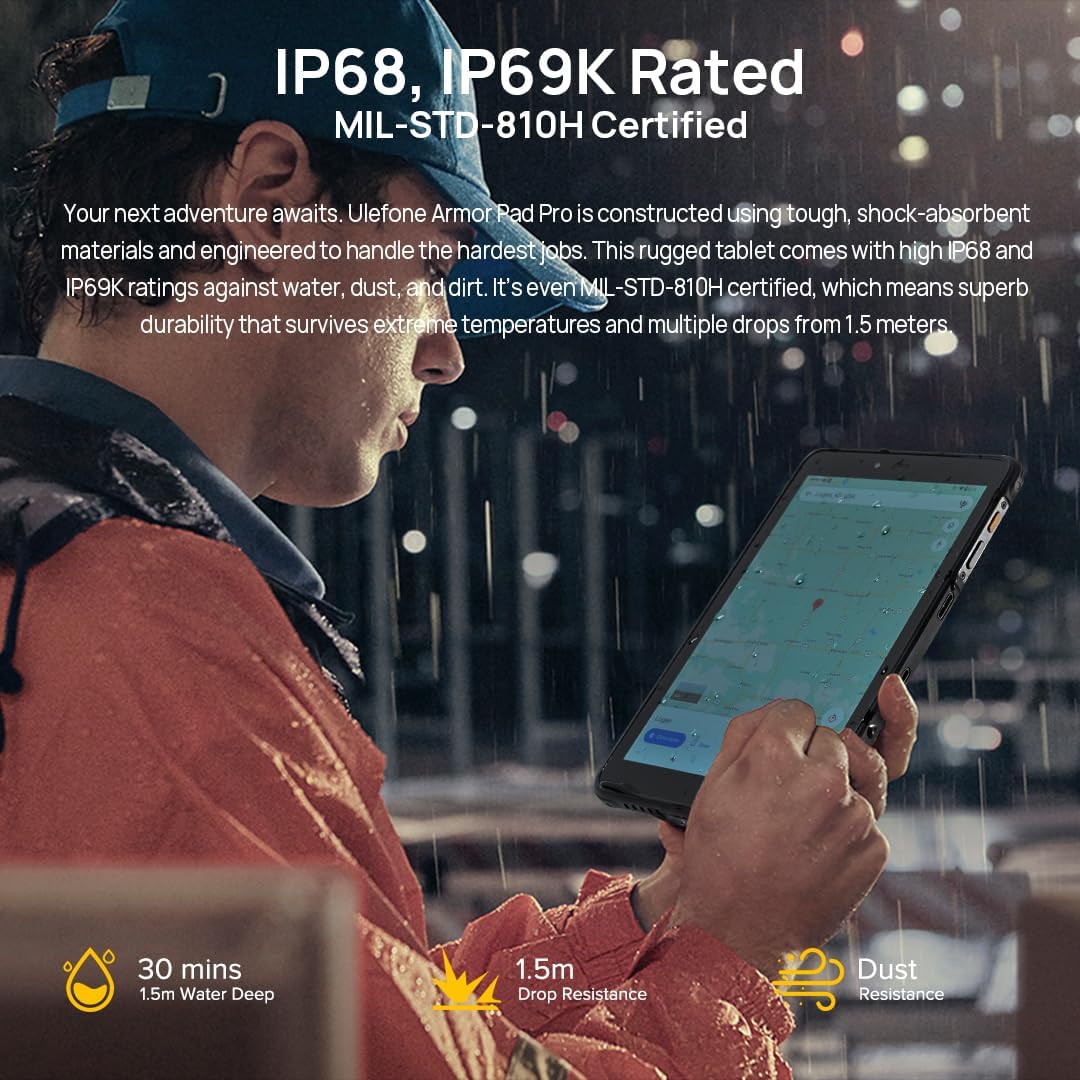
Image: A person using the Ulefone Armor Pad PRO in a wet outdoor setting, emphasizing its IP68/IP69K and MIL-STD-810H ruggedness certifications.
- Reżistenza għall-Ilma u t-Trab: Ensure all port covers are securely closed before exposing the device to water or dust. Do not intentionally submerge the device beyond its rated depth (1.5m for 30 minutes) or expose it to high-pressure water jets.
- Protezzjoni kontra l-qatra: While MIL-STD-810H certified for drops up to 1.5m, extreme impacts can still cause damage. Avoid unnecessary drops.
- Kura tal-batterija: Avoid exposing the battery to extreme temperatures. Use only the provided charger and cable. Do not fully discharge the battery frequently.
- Tindif: Uża artab, damp cloth to clean the device. Avoid harsh chemicals or abrasive materials. For ports, ensure they are dry before charging.
- Temperatura: Ħaddem l-apparat fil-firxiet ta' temperatura rakkomandati. Sħana jew kesħa estremi jistgħu jaffettwaw il-prestazzjoni u l-ħajja tal-batterija.
7 Issolvi l-problemi
If you encounter issues with your Ulefone Armor Pad PRO, try the following solutions:
- Apparat mhux Jirrispondi: Agħfas u żomm il-buttuna tal-Qawwa għal madwar 10-15-il sekonda biex terġa' tibda.
- Ma tistax tikkonnettja mal-Wi-Fi: Ensure Wi-Fi is enabled in Settings. Restart your router and the tablet. Forget the network and reconnect.
- Poor Cellular Signal: Check if your SIM card is properly inserted. Ensure you are in an area with network coverage. Note network compatibility restrictions mentioned in Section 5.4.
- Batterija Tixxotta malajr: Reduce screen brightness, close unused apps, disable unnecessary connectivity features (Bluetooth, GPS) when not in use. Check battery usage in Settings to identify power-hungry apps.
- L-Apps Jikkraxxjaw/Jiffriżaw: Neħħi l-cache u d-dejta tal-app problematika minn Settings > Apps. Jekk il-problema tippersisti, iddiżinstalla u erġa' installa l-app.
- Is-sħana żejda tal-apparat: Close background apps, reduce screen brightness, and avoid using the device while charging for extended periods.
- Irrisettjar tal-Fabbrika: As a last resort, if software issues persist, you can perform a factory reset in Settings > System > Reset options > Erase all data (factory reset). Twissija: Dan se jħassar id-dejta kollha fuq l-apparat tiegħek. Agħmel backup tad-dejta importanti qabel ma tipproċedi.
8. Speċifikazzjonijiet
| Karatteristika | Speċifikazzjoni |
|---|---|
| Brand | Ulefone |
| Isem tal-Mudell | Ulefone Armor PAD PRO |
| Sistema Operattiva | Android 13 |
| Daqs tal-Iskrin | 8 Pulzier |
| Riżoluzzjoni tal-Iskrin | 800 x 1280 Pixels |
| Proċessur | MediaTek MT8788 (2 GHz, 8 Cores) |
| RAM | 16 GB (8GB fiżiku + 8GB virtwali) |
| Ħażna Interna | 128 GB Flash Memory (Expandable up to 2TB) |
| Kamera ta' wara | 48 MP |
| Kamera ta' Quddiem | 32 MP |
| Kapaċità tal-batterija | 7650 mAh (Average Battery Life: 1 month standby) |
| Tip bla fili | 802.11ac (2.4G+5G WiFi) |
| Konnettività | 4G LTE, OTG, GPS, GLONASS, Galileo, NFC |
| Dimensjonijiet (LxWxH) | 8.3 x 5.07 x 0.55 pulzieri |
| Piż tal-oġġett | 2.12 liri |
| Kulur | Iswed |
| Ċertifikazzjonijiet | IP68, IP69K, MIL-STD-810H |
9. Garanzija u Appoġġ
The Ulefone Armor Pad PRO comes with an industry-leading 24-il xahar garanzija, ensuring peace of mind for your investment. For detailed warranty terms and conditions, please refer to the Warranty Card included in your product package.
For technical support, troubleshooting assistance, or any inquiries regarding your device, please contact Ulefone customer service through their official website or the contact information provided in your user manual. Keep your purchase receipt and product serial number handy when seeking support.


