Introduzzjoni
The ZHENYEMEI Sleep Mask with Bluetooth Headphones (Model ZYE05) is designed to enhance sleep quality and relaxation. It features ultra-thin stereo speakers, Bluetooth 5.4 connectivity, and a comfortable, light-blocking design. This manual provides detailed instructions for setup, operation, and maintenance.
Informazzjoni Importanti dwar is-Sigurtà
- Aqra l-istruzzjonijiet kollha qabel l-użu.
- Tesponix l-apparat għal temperaturi jew umdità estremi.
- Żomm fejn ma jintlaħaqx mit-tfal.
- Uża biss il-kejbil tal-iċċarġjar ipprovdut.
- Discontinue use if you experience discomfort or irritation.
Kontenut tal-Pakkett
- ZHENYEMEI Sleep Mask with Bluetooth Headphones
- Cable tal-Iċċarġjar tal-USB
- Borża tal-Ħżin li jinġarr
- Manwal għall-Utent
Prodott Overview
The ZHENYEMEI Sleep Mask integrates a comfortable eye mask with ultra-thin Bluetooth headphones. It features a control panel for easy operation and an adjustable strap for a secure fit, designed to provide a serene environment for sleep or relaxation.

Immaġni: Quddiem view of the ZHENYEMEI Sleep Mask, highlighting the control panel and soft material.
Materjal u Disinn
The ZYE05 Sleep Mask is crafted from a soft, ultra-fine fabric with a 0.01mm molecular structure, ensuring a smooth, breathable, and skin-friendly experience. Its design includes a specialized nose pad for superior light blocking and ultra-thin speakers for comfort, especially for side sleepers.
Video: Demonstrates the material quality and softness of the ZHENYEMEI Sleep Mask. This video is provided by ZHENYEMEI Official US Store.
Video: Highlights the skin-friendly nature and comfort of the ZHENYEMEI Eye Mask. This video is provided by ZHENYEMEI Official US Store.
Gwida ta' Setup
1. Iċċarġjar tal-Apparat
Before first use, fully charge your ZHENYEMEI Sleep Mask.
- Locate the charging port on the side of the control panel.
- Connect the provided USB charging cable to the mask and a compatible USB power source.
- Id-dawl indikatur jixgħel waqt l-iċċarġjar u jintefa meta jkun iċċarġjat kompletament. Iċċarġjar sħiħ jieħu madwar sagħtejn.

Image: Illustration of the sleep mask's charging port and battery life.
2. Tqabbil tal-Bluetooth
Pair your sleep mask with your smartphone or other Bluetooth-enabled device.
- Ensure the sleep mask is charged and turned off.
- Press and hold the power button on the control panel until the indicator light begins to flash, indicating pairing mode.
- Fuq it-tagħmir tiegħek, mur fis-settings tal-Bluetooth u fittex tagħmir disponibbli.
- Select "V03" from the list to connect.
- Once connected, the indicator light on the mask will turn off.
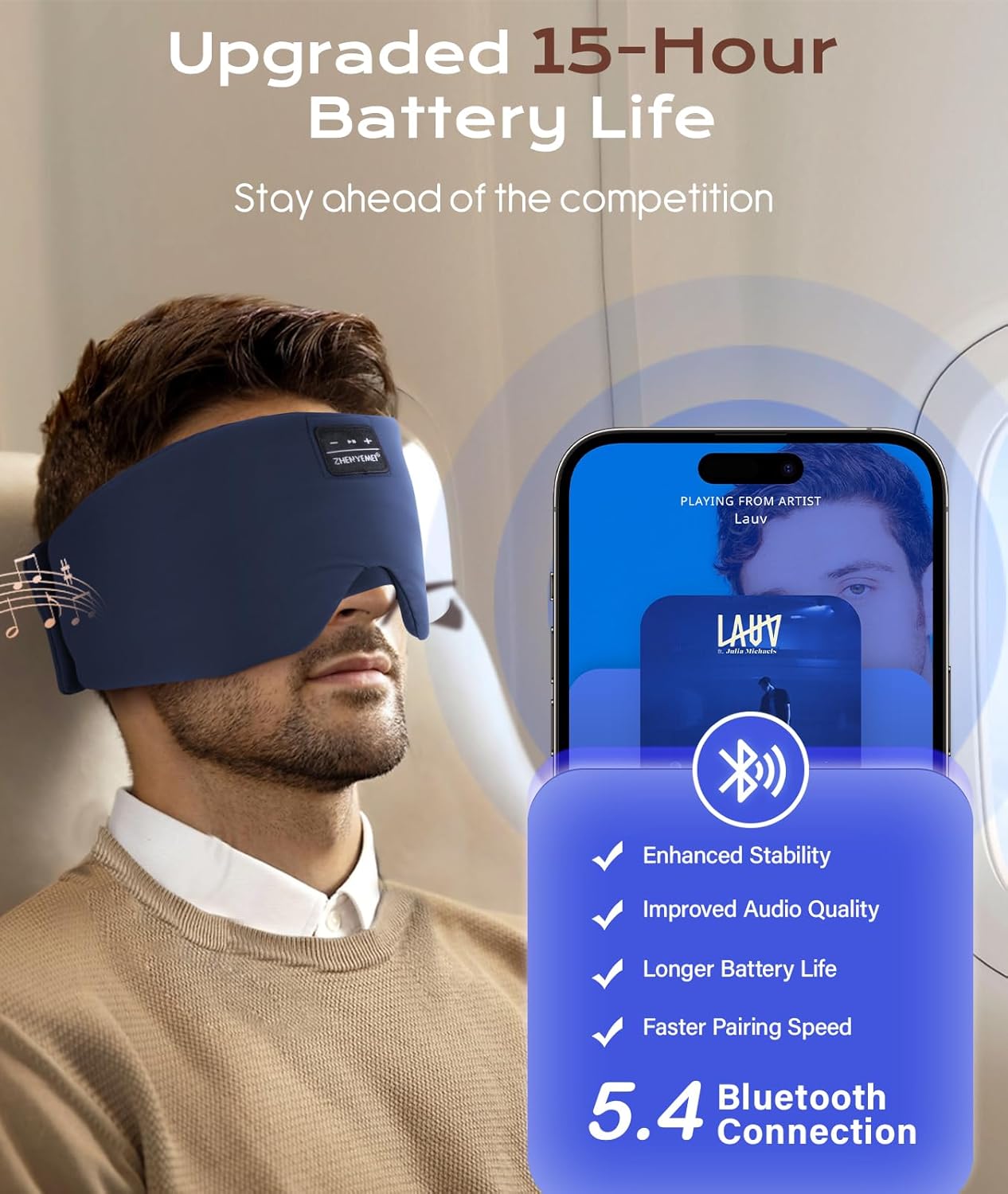
Image: Visual representation of Bluetooth 5.4 connectivity with a smartphone.
3. Wearing the Sleep Mask
Adjust the mask for a comfortable and secure fit.
- Place the mask over your eyes, ensuring the speakers are aligned with your ears.
- Use the adjustable Velcro strap at the back to secure the mask comfortably around your head.
- Ensure the specialized nose pad is positioned to block out light effectively.

Image: A person wearing the sleep mask, illustrating proper placement and fit.

Image: Detail of the adjustable Velcro strap for a secure and comfortable fit.
Istruzzjonijiet Operattivi
Qawwa mixgħul/mitfi
- Qawwa Mixgħul: Press and hold the power button (usually the play/pause button) for 3 seconds until the indicator light flashes.
- Itfi: Agħfas u żomm il-buttuna tal-enerġija għal 3 sekondi sakemm id-dawl indikatur jintefa.
Daqq tal-Mużika
- Play/Pawsa: Agħfas il-buttuna tal-qawwa darba.
- Track li jmiss: Agħfas il-buttuna "+" darba.
- Track preċedenti: Agħfas il-buttuna "-" darba.
- Volum 'il fuq: Agħfas u żomm il-buttuna "+".
- Volum 'l isfel: Agħfas u żomm il-buttuna "-".
Ġestjoni tas-Sejħiet
- Tweġiba/Tmiem Sejħa: Agħfas il-buttuna tal-qawwa darba.
- Irrifjuta Sejħa: Agħfas u żomm il-buttuna tal-qawwa għal 2 sekondi.
Video: Demonstrates how to wear and adjust the ZHENYEMEI Sleep Mask with Bluetooth Headphones, and shows its use in various sleeping positions. This video is provided by ZHENYEMEI Official US Store.
Manutenzjoni
Istruzzjonijiet għat-Tindif
To ensure the longevity and hygiene of your sleep mask:
- Before washing, locate the opening and carefully remove the Bluetooth module and speakers from the mask.
- Hand wash the fabric mask with cold water using a mild detergent.
- Air dry the mask completely, avoiding direct sunlight.
- Do not machine wash the electronic components.
- Once dry, reinsert the electronic components into their designated pockets.

Image: Step-by-step guide on how to remove electronic components and wash the sleep mask.
Ħażna
Store the sleep mask in its portable bag in a cool, dry place when not in use to protect it from dust and damage.
Issolvi l-problemi
| Problema | Soluzzjoni |
|---|---|
| L-apparat ma jixgħelx. | Kun żgur li l-apparat huwa ċċarġjat kompletament. Agħfas u żomm il-buttuna tal-qawwa għal 3-5 sekondi. |
| Ma tistax tgħaqqad ma' apparat Bluetooth. | Ensure the mask is in pairing mode (flashing indicator light). Turn off and on your device's Bluetooth. Move closer to the mask. |
| L-ebda ħoss jew volum baxx. | Check the volume levels on both the mask and your connected device. Ensure the speakers are correctly positioned over your ears. |
| Il-kwalità tal-ħoss hija fqira. | Ensure the mask is fully charged. Move closer to your connected device to avoid interference. |
Speċifikazzjonijiet
- Numru tal-Mudell: ZYE05
- Dimensjonijiet tal-Prodott: 25.2 x 5.31 x 0.39 pulzieri
- Piż tal-oġġett: 3.36 uqija
- Verżjoni Bluetooth: 5.4
- Batterija: 1 batterija tal-jone tal-litju (inkluża)
- Ħajja tal-batterija: Sa 15 sigħat
- Tip ta' Materjal: 100% Softness with Ultra-Fine Fabric, Cotton
- Karatteristiċi tal-Materjal: Breathable, Compact, Hypoallergenic, Non Toxic, Side Sleep Without Pressure, Soft & Skin-Friendly, Width Upgrade
- Kura tal-Prodott: Hand Wash Only (after removing electronics)
- Tip ta 'għeluq: Hook u Loop
- Kulur: Ċjan
Garanzija u Appoġġ
ZHENYEMEI offers a 365-day unconditional refund policy and a 1-Year Worry-free Warranty for this product. For any questions or support needs, please contact our professional customer service team.

Image: ZHENYEMEI customer service commitment details.


