1. Introduzzjoni
The Amazon Kindle Scribe is a digital notebook and e-reader designed for reading, writing, and document management. It features a large, glare-free display and a Premium Pen for a natural writing experience. This manual provides essential information for setting up, operating, and maintaining your device.
2. X'hemm fil-Kaxxa
Ivverifika li l-oġġetti kollha huma preżenti fil-pakkett:
- Apparat Kindle Scribe li jaħdem bil-Wi-Fi
- Pinna Premium
- Cable tal-iċċarġjar USB-C
- 5 replacement tips for the Premium Pen
- Għodda għas-sostituzzjoni tal-ponta
- Batterija rikarikabbli integrata (integrata fl-apparat)
3. Device Overview
The Kindle Scribe features a 10.2-inch Paperwhite display and a sleek design. The Premium Pen allows for precise writing and navigation.

Image: The Kindle Scribe device with its Premium Pen, displaying a digital notebook. The device is thin and designed for comfortable holding.
The device includes a power button, a USB-C port for charging and data transfer, and a front-lit display for reading in various lighting conditions.
4. Setup
Segwi dawn il-passi għas-setup inizjali:
- Iċċarġja l-Apparat: Connect the Kindle Scribe to a power source using the provided USB-C cable. A full charge from a computer takes approximately 7 hours, or 2.5 hours with a 9W USB-C power adapter.
- Qawwa Mixgħul: Agħfas u żomm il-buttuna tal-qawwa sakemm l-iskrin jiġi attivat.
- Għażla tal-Lingwa: Agħżel il-lingwa preferuta tiegħek mill-għażliet fuq l-iskrin.
- Qabbad mal-Wi-Fi: The device supports 2.4 GHz and 5.0 GHz networks. Use Amazon Wi-Fi simple setup to automatically connect to your home network or manually select and enter credentials.
- Irreġistra t-Tagħmir Tiegħek: Sign in with your Amazon account or create a new one to access Kindle content and cloud services.
No computer is required to download content after initial setup; the device is fully wireless.
5. Operazzjoni Bażika
5.1 Qari
The 10.2-inch glare-free, 300 ppi front-lit display is optimized for comfortable reading in various environments. Tap the sides of the screen to turn pages, or swipe. Adjust font size, font face, line spacing, and margins through the reading menu.
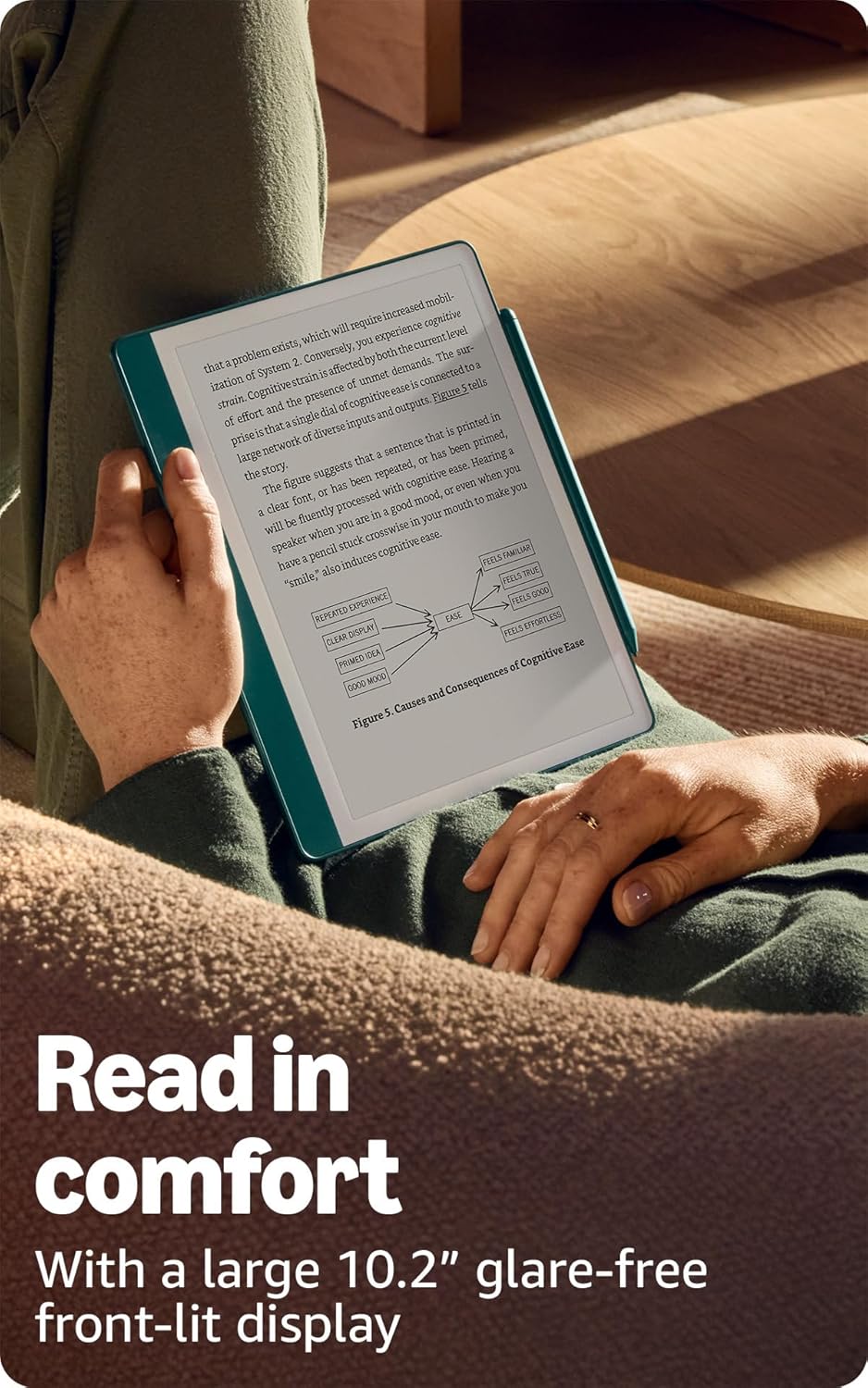
Image: A person comfortably reading on the Kindle Scribe, highlighting the large, glare-free display.
5.2 Writing and Note-Taking
Use the Premium Pen to write directly on the screen. The screen technology provides a tactile experience that simulates writing on paper. The pen does not require charging or setup.

Image: A user actively writing notes on the Kindle Scribe with the Premium Pen, demonstrating its use as a digital notebook.
5.3 Navigazzjoni
Navigate the device using touch gestures on the screen or the Premium Pen. The home screen displays your library and notebooks. Access settings and other features through the top menu bar.
6. Karatteristiċi Avvanzati
6.1 AI Notebook Tools
The Kindle Scribe includes built-in AI tools to enhance your notes. These tools can convert handwritten notes into readable text, summarize content, and adjust the length or tone of your notes.

Image: The Kindle Scribe screen showing refined and summarized notes, illustrating the AI notebook tools.
6.2 Document Import and Markup
Import documents and PDFs to your Kindle Scribe using the Send to Kindle feature. Once imported, you can mark up these documents directly on the page with your Premium Pen.
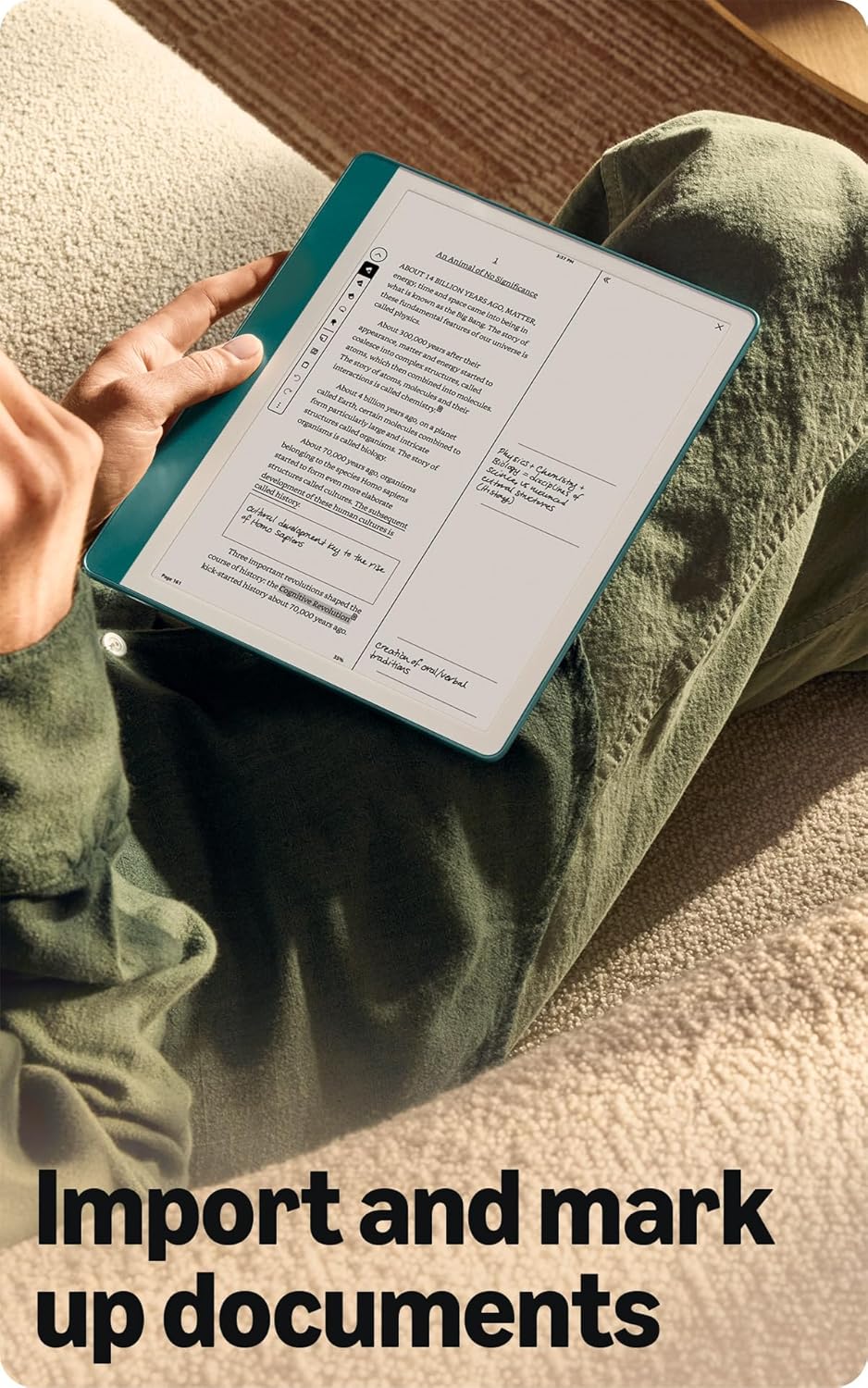
Image: A user holding the Kindle Scribe, displaying a document with handwritten annotations, demonstrating the import and markup feature.
6.3 Active Canvas
When reading, you can start writing notes directly on a book's page. Active Canvas will create space for your notes. You can expand the margins to add more extensive notes or collapse them to view the original page content without distractions.
7. Iċċarġjar u Batterija
The Kindle Scribe is equipped with a long-lasting rechargeable battery.
- Ħajja tal-batterija: For reading, a single charge can last up to 12 weeks (based on 30 minutes of reading per day with wireless off and light setting at 13). For writing, a single charge can last up to 3 weeks (based on 30 minutes of writing per day with wireless off and light setting at 13). Actual battery life varies based on usage.
- Iċċarġjar: Use the included USB-C cable. Charge time is approximately 7 hours from a computer or 2.5 hours with a 9W USB-C power adapter.
8. Manutenzjoni u Kura
- Tindif: Use a soft, lint-free cloth to clean the screen and device body. Avoid abrasive materials or harsh chemicals.
- Pen Tips: Replace the Premium Pen tip when it shows significant wear. Use the provided tip replacement tool and replacement tips.
- Ħażna: Aħżen l-apparat f'post frisk u niexef 'il bogħod mix-xemx diretta u minn temperaturi estremi.
- Aġġornamenti tas-Software: Ensure your device software is up to date for optimal performance and new features. Updates are typically downloaded automatically when connected to Wi-Fi.
9 Issolvi l-problemi
- Apparat mhux Jirrispondi: Agħfas u żomm il-buttuna tal-qawwa għal 7 sekondi biex terġa 'tibda l-apparat.
- Ma tistax tikkonnettja mal-Wi-Fi: Verify your Wi-Fi password and ensure the device is within range of your router. Restarting your router may resolve connection issues.
- Pen Not Writing: Ensure the pen tip is properly seated. If worn, replace the tip.
- Batterija Tixxotta malajr: Naqqas il-luminożità tal-iskrin, itfi l-Wi-Fi meta ma tkunx qed tużah, u kun żgur li l-ebda proċess fl-isfond ma jkun qed jikkonsma enerġija eċċessiva.
10. Speċifikazzjonijiet
| Karatteristika | Deskrizzjoni |
|---|---|
| Wiri | It-teknoloġija tal-wiri Paperwhite ta' 10.2” ta' Amazon b'dawl integrat, 300 ppi, teknoloġija tat-tipa ottimizzata, skala ta' griż ta' 16-il livell. |
| Daqs tal-Apparat | 7.7” x 9.0 x .22” (196 x 230 x 5.7mm esklużi s-saqajn) |
| Daqs tal-Pinna Premium | 6.4” x .35” x .33” (162 x 8.8 x 8.4 mm) |
| Ħażna fuq l-Apparat | 64 GB |
| Piż tal-Apparat | 15.3 oz (433g device only) |
| Piż tal-Pinna Premium | .60 oz (17g) |
| Konnettività Wi-Fi | Supports 2.4 GHz and 5.0 GHz networks with WEP, WPA, WPA2, WPA3 security. Does not support ad-hoc networks. |
| Formati ta' Kontenut Appoġġjati | Format Kindle 8 (AZW3), Kindle (AZW), TXT, PDF, MOBI mhux protett, PRC b'mod nattiv; PDF, DOCX, DOC, HTML, EPUB, TXT, RTF, JPEG, GIF, PNG, BMP permezz ta' konverżjoni; Format awdjo li jinstema' (AAX). |
| Ħajja tal-Batterija (Qari) | Up to 12 weeks (30 min/day, wireless off, light 13) |
| Ħajja tal-Batterija (Kitba) | Up to 3 weeks (30 min/day, wireless off, light 13) |
| Ħin tal-Ħlas | Approx. 7 hours (computer USB-C); 2.5 hours (9W USB-C adapter) |
| Ġenerazzjoni | Kindle Scribe tal-ewwel ġenerazzjoni - rilaxx tal-2024 |
11. Garanzija u Appoġġ
Your Kindle Scribe includes a 1-year limited warranty and service. Optional extended warranties (1-year, 2-year, or 3-year) are available for U.S. customers and sold separately.
For detailed information regarding your warranty, service, and terms of use, please refer to the official Amazon documentation or visit the Amazon support website. Additional resources, including a Quick Start Guide and Kindle User Guide, are available online.
Use of Kindle devices is subject to Amazon's Conditions of Use.


