1. Introduzzjoni
The Formuler Z Mini is a compact and powerful Android OTT Media Streamer designed to deliver a high-quality entertainment experience. This device features MyTV Online 3, runs on Android 12, and supports 4K HDR 10+ content, providing stunning visuals and smooth performance. With 2GB DDR4 RAM and 8GB of internal storage, it offers efficient operation and ample space for essential applications. This manual provides comprehensive instructions for setting up, operating, maintaining, and troubleshooting your Formuler Z Mini.

Image 1.1: The Formuler Z Mini media streamer, its remote control, and the product packaging, showcasinid-disinn kompatt u l-aċċessorji inklużi.
2. Informazzjoni dwar is-Sigurtà
Jekk jogħġbok aqra l-istruzzjonijiet kollha tas-sigurtà bir-reqqa qabel ma tuża l-apparat. Jekk ma ssegwix dawn l-istruzzjonijiet, dan jista' jirriżulta f'xokk elettriku, nar, jew ħsara lill-apparat.
- Tesponix l-apparat għall-ilma, umdità, jew temperaturi estremi.
- Evita li tpoġġi l-apparat ħdejn sorsi tas-sħana bħal radjaturi, reġistri tas-sħana, stufi, jew apparat ieħor (inkluż amplifiers) li jipproduċu sħana.
- Uża biss l-adapter tal-enerġija fornut mal-apparat.
- Timblokkax il-fetħiet tal-ventilazzjoni. Installa skont l-istruzzjonijiet tal-manifattur.
- Ipproteġi l-korda tad-dawl milli timxi fuqha jew maqrusa, partikolarment fil-plakek, ir-reċipjenti tal-konvenjenza, u l-punt fejn joħorġu mill-apparat.
- Aqla’ dan l-apparat waqt maltempati tas-sajjetti jew meta ma jintużax għal perjodi twal ta’ żmien.
- Irreferi l-manutenzjoni kollha lil persunal tas-servizz kwalifikat. Il-manutenzjoni hija meħtieġa meta l-apparat ikun sar xi ħsara.
3. Kontenut tal-Pakkett
Iċċekkja li l-oġġetti kollha elenkati hawn taħt huma inklużi fil-pakkett tiegħek. Jekk xi oġġetti huma neqsin jew bil-ħsara, jekk jogħġbok ikkuntattja lill-bejjiegħ tiegħek.
- Formuler Z Mini Android OTT Media Streamer
- Bluetooth Remote Control (BT1)
- Kejbil ta' Estensjoni HDMI
- Kejbil tal-Enerġija USB-C
- Adapter tal-Enerġija
- 2 x Batteriji AAA (għall-kontroll remot)
- Gwida ta 'Twaqqif Quick

Image 3.1: Contents of the Formuler Z Mini package laid out on a wooden surface, including the streamer, remote, and box.
4. Gwida ta' Setup
Follow these steps to set up your Formuler Z Mini for the first time.
- Qabbad mat-TV: Insert the HDMI connector of the Formuler Z Mini directly into an available HDMI port on your television. If direct connection is difficult due to space, use the provided HDMI extension cable.
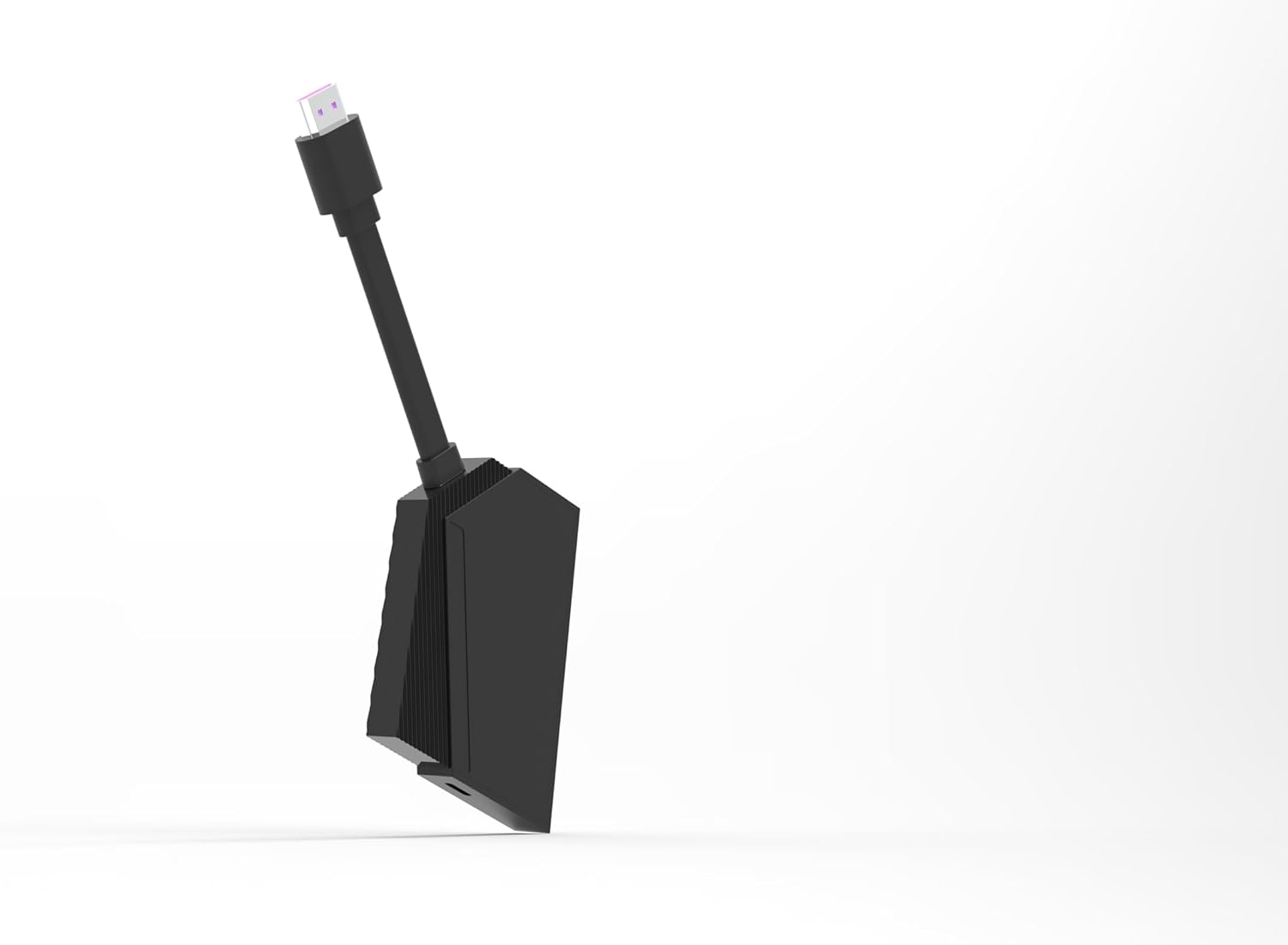
Image 4.1: The Formuler Z Mini device, highlighting its HDMI connector ready for TV connection.
- Konnessjoni tal-Enerġija: Connect the USB-C power cable to the Formuler Z Mini and then plug the other end into the supplied power adapter. Plug the power adapter into a wall outlet. Alternatively, if your TV has a powered USB port, you may be able to power the device directly from the TV's USB port.
- Daħħal il-Batteriji fir-Remote: Open the battery compartment on the back of the Bluetooth Remote Control and insert the two AAA batteries, ensuring correct polarity (+/-).

Image 4.2: The Formuler Z Mini streamer alongside its BT1 Bluetooth remote control.
- Initial Boot-up and Network Configuration:
Turn on your television and select the correct HDMI input. The Formuler Z Mini will boot up. Follow the on-screen instructions to complete the initial setup, which includes:
- Għażla tal-lingwa.
- Connecting to your Wi-Fi network (enter your network password when prompted).
- Signing in with your Google account (optional, but recommended for app downloads).
- Igawdu Streaming: Once the setup is complete, you can begin using your Formuler Z Mini to access various streaming services and applications.

Image 4.3: The side of the Formuler Z Mini packaging illustrating the four easy setup steps: Connect to TV, Insert USB-C Power, Configure Network, and Enjoy Streaming.
5. Istruzzjonijiet Operattivi
The Formuler Z Mini operates on Android 12, providing a user-friendly interface for accessing your favorite content.
5.1. Navigazzjoni Bażika
Use the included Bluetooth Remote Control to navigate the interface. The directional pad (D-pad) allows you to move through menus, and the 'OK' button confirms selections. The 'Back' button returns to the previous screen, and the 'Home' button takes you to the main Android home screen.

Immaġni 5.1: Stampa dettaljata view of the Formuler Z Mini streamer and its Bluetooth remote, showing the button layout for navigation and control.
5.2. MyTV Online 3 Application
MyTV Online 3 is the primary application for accessing IPTV services and other media content.
- Launching MyTV Online 3: Locate and select the MyTV Online 3 icon from the home screen or app drawer.
- Navigazzjoni tal-Kontenut: Within MyTV Online 3, you can browse live TV channels, video-on-demand (VOD), and TV series. Use the D-pad to navigate and 'OK' to select.
- Zapping tal-Kanal: The remote control allows for fast channel zapping, enhancing the live TV viewing esperjenza.
5.3. 4K HDR 10+ Playback
The Formuler Z Mini supports 4K Ultra HD resolution with HDR 10+, providing vibrant colors and incredible detail. Ensure your television is 4K and HDR compatible to fully utilize these features.
5.4. USB Recording (DVR)
The device supports USB Recording (DVR) functionality. To use this feature, you will need an external USB storage device (e.g., USB flash drive or external hard drive) connected to a compatible USB port on your television or a USB hub connected to the Formuler Z Mini (if available). Refer to the MyTV Online 3 application settings for recording options and scheduling.
6. Manutenzjoni
Proper maintenance ensures the longevity and optimal performance of your Formuler Z Mini.
- Tindif: Uża drapp artab u niexef biex tnaddaf l-apparat. Tużax prodotti tat-tindif likwidi jew sprejs tal-ajrusol.
- Ventilazzjoni: Ensure the device has adequate ventilation. Do not cover the ventilation openings.
- Aġġornamenti tas-Software: Periodically check for software updates through the device's settings menu to ensure you have the latest features and security patches.
- Ħażna: Meta ma tkunx qed tużah għal perjodi twal, aħżen l-apparat f'post frisk u niexef.
7 Issolvi l-problemi
If you encounter issues with your Formuler Z Mini, refer to the following common problems and solutions.
| Problema | Kawża Possibbli | Soluzzjoni |
|---|---|---|
| Bla enerġija/Apparat mhux qed jixgħel | Power cable not connected properly; Power adapter faulty; Wall outlet not working. | Check all power connections. Try a different wall outlet. Ensure the USB-C cable is fully inserted. |
| L-ebda sinjal fuq l-iskrin tat-TV | Incorrect HDMI input selected on TV; HDMI cable loose or faulty; Device not powered on. | Ensure your TV is set to the correct HDMI input. Check HDMI cable connections. Verify the device is powered on. |
| Il-kontroll mill-bogħod ma jirrispondix | Batteries are low or incorrectly inserted; Remote not paired (for Bluetooth remote). | Replace batteries, ensuring correct polarity. If it's a Bluetooth remote, re-pair it according to the device's on-screen instructions (usually found in settings). |
| Kwistjonijiet ta 'konnessjoni Wi-Fi | Incorrect Wi-Fi password; Router too far or signal interference; Router issues. | Double-check Wi-Fi password. Move the device closer to the router or reduce interference. Restart your Wi-Fi router. |
| L-applikazzjonijiet jiġġarraf jew jiffriżaw | Insufficient memory; App specific issue; Outdated software. | Close background applications. Clear app cache/data in settings. Update the app or device firmware. Restart the device. |
8. Speċifikazzjonijiet
Detailed technical specifications for the Formuler Z Mini Android OTT Media Streamer.
- Ditta: Formulatur
- Isem tal-Mudell: Z Mini
- Kulur: Iswed
- Fattur tal-Formola: Stick TV
- Sistema Operattiva: Android 12
- RAM: 2GB DDR4
- Ħażna: 8GB
- Riżoluzzjoni: 4K Ultra HD, HDR 10+
- Teknoloġija tal-Konnettività: HDMI, Wi-Fi
- Tip ta' Konnettur: HDMI, USB-C (for power)
- Karatteristiċi Speċjali: Reġistrazzjoni tal-USB (DVR)
- Servizzi tal-Internet Appoġġjati: MyTV
- Tip ta 'Kontrollur: Bluetooth Remote Control (BT1), App Control
- Apparati Kompatibbli: Televiżjoni
- Batteriji: 2 x AAA (for remote, included)
- ASIN: B0CWYY5JYT
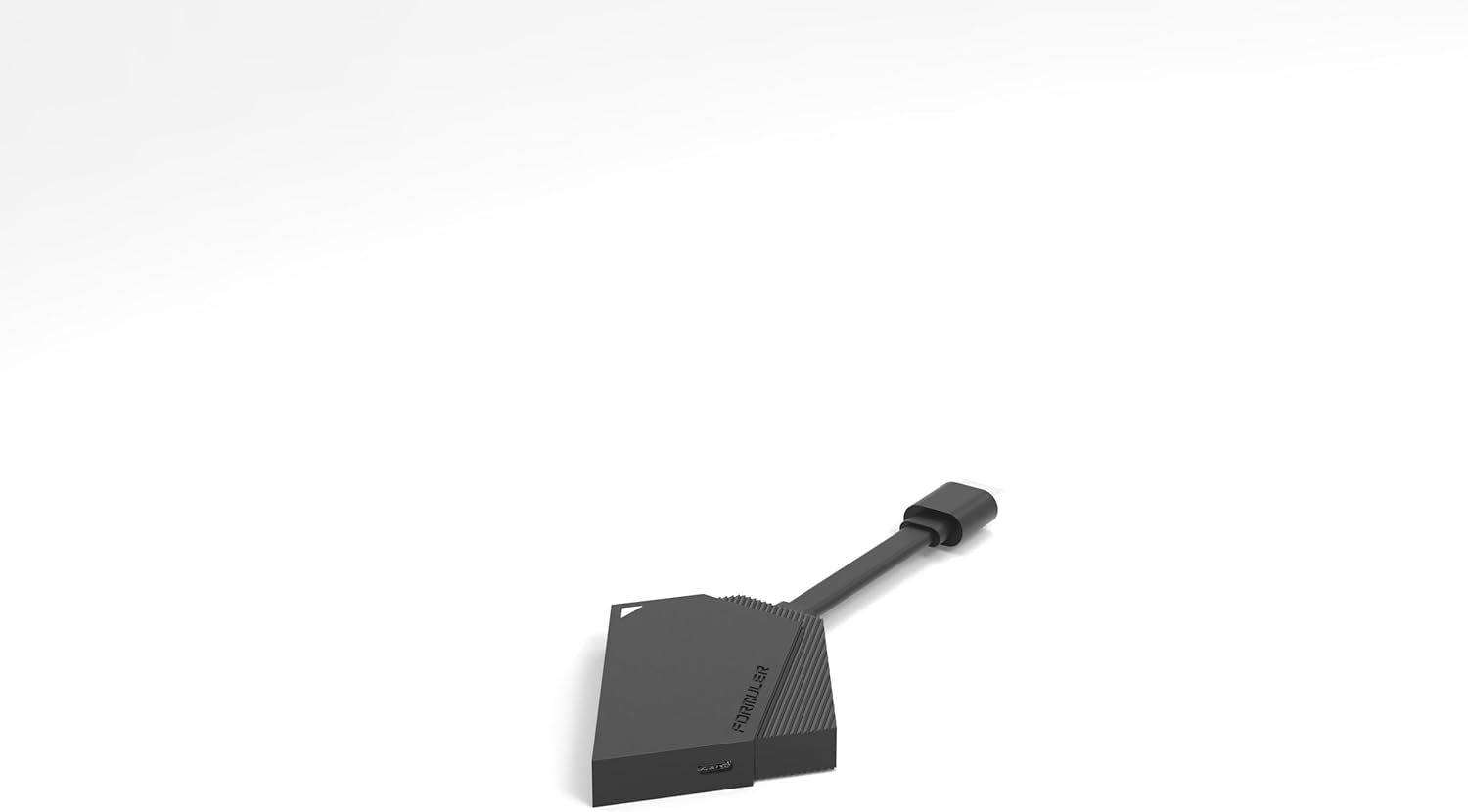
Immaġni 8.1: Naħa A view of the compact Formuler Z Mini device, illustrating its small form factor.
9. Garanzija u Appoġġ
For detailed warranty information, please refer to the warranty card included with your product or visit the official Formuler websit.
If you require technical support or have questions not covered in this manual, please contact Formuler customer support or your authorized retailer.
- Manifattur: Formulatur
- Uffiċjali Websit: www.formuler.tv (Eżampil-link, il-link attwali jista' jvarja)


