1. Introduzzjoni
This manual provides comprehensive instructions for the setup, operation, and maintenance of your Kinhank X5 PRO Android 12.0 TV Box. Please read this manual thoroughly before using the device to ensure proper functionality and to maximize your user experience. Keep this manual for future reference.

Image 1.1: The Kinhank X5 PRO Android 12.0 TV Box, its remote control, and a television screen displaying various streaming applications, illustrating its primary function as a media streaming device.
2. Informazzjoni dwar is-Sigurtà
- Kun żgur li l-apparat jitqiegħed fuq wiċċ stabbli u ċatt biex tevita waqgħat aċċidentali.
- Tesponix l-apparat għall-ilma, umdità, jew temperaturi estremi.
- Uża biss l-adapter tal-enerġija pprovdut. L-użu ta' adapters mhux awtorizzati jista' jagħmel ħsara lill-apparat u jannulla l-garanzija.
- Evita li timblokka l-fetħiet tal-ventilazzjoni biex tevita sħana żejda.
- Tippruvax tiftaħ jew issewwi l-apparat int stess. Irreferi għal kull manutenzjoni f'idejn persunal kwalifikat.
- Żomm l-apparat 'il bogħod minn kampi manjetiċi qawwija.
3. Kontenut tal-Pakkett
Ivverifika li l-oġġetti kollha huma preżenti fil-pakkett:
- Kinhank X5 PRO Android 12.0 TV Box
- Remote Control (Voice-enabled)
- Adapter tal-Enerġija
- Kejbil HDMI 2.1
- Manwal għall-Utent (dan id-dokument)
4. Prodott Aktarview
The Kinhank X5 PRO is a high-performance Android 12.0 TV Box designed for advanced media streaming and entertainment. It features an 8-core processor, 8GB RAM, 64GB ROM, 8K Ultra HD resolution support, Wi-Fi 6, Bluetooth 5.0, and various connectivity options.
4.1 It-Tqassim tal-Apparat u l-Portijiet

Immaġni 4.1: Dettaljata view of the Kinhank X5 PRO TV Box, highlighting its various input/output ports on the front, side, and rear panels, including USB 2.0, USB 3.0, TF card slot, SATA 3.0, HDMI 2.1, Optical audio, Ethernet, and DC power input.
The device features a comprehensive set of ports for versatile connectivity:
- Quddiem: Power button, Status LED.
- Naħa (Xellug): TF Card slot, 2x USB 3.0 ports, 2x USB 2.0 ports.
- Naħa (Lemin): SATA 3.0 interface for external hard drives.
- Wara: ON/OFF switch, NET (Ethernet) port, Type-C/DP port, OPTICAL audio output, HDMI 2.1 port, AUDIO (AV) port, DC IN (power input).
5. Gwida ta' Setup
5.1 Konnessjoni mat-Televiżjoni Tiegħek
- Connect one end of the provided HDMI 2.1 cable to the HDMI port on the Kinhank X5 PRO.
- Connect the other end of the HDMI cable to an available HDMI input port on your television or display.
- Kun żgur li t-TV tiegħek huwa ssettjat għas-sors tad-dħul HDMI korrett.

Image 5.1: The included HDMI 2.1 cable, essential for connecting the TV box to a high-definition display.
5.2 Kif Tixgħel l-Apparat
- Connect the power adapter to the DC IN port on the rear of the TV Box.
- Ipplaggja l-adapter tal-enerġija f'iżbokk tal-ħajt.
- Flip the ON/OFF switch on the rear panel to the 'ON' position. The status LED on the front of the device will illuminate.
5.3 Konnessjoni tan-Netwerk
The Kinhank X5 PRO supports both Wi-Fi 6 and Gigabit Ethernet for internet connectivity.
5.3.1 Konnessjoni Wi-Fi
- Mill-menù prinċipali, mur fuq Settings > Netwerk u Internet.
- Agħżel Wi-Fi u dawwarha.
- Agħżel in-netwerk Wi-Fi mixtieq tiegħek mil-lista.
- Daħħal il-password tan-netwerk jekk tintalab u agħżel Qabbad.
5.3.2 Konnessjoni Ethernet
- Connect an Ethernet cable from your router or modem to the NET port on the rear of the TV Box.
- L-apparat awtomatikament se jiskopri u jikkonnettja man-netwerk bil-fili.

Image 5.2: Illustration of the device's Wi-Fi 6 and 1000M Gigabit Ethernet capabilities, demonstrating fast and stable network connections.
5.4 Tqabbil tal-Kontroll mill-Bogħod
The included remote control is typically pre-paired. If it does not respond, ensure batteries are correctly inserted. For voice control functionality, the remote uses Bluetooth and may require pairing if not automatically connected:
- Mur fuq Settings > Apparati Konnessi > Par apparat ġdid.
- Follow the on-screen instructions to put the remote into pairing mode (usually by holding specific buttons).
- Select the remote control from the list of available devices to complete pairing.
6. Istruzzjonijiet Operattivi
6.1 Navigating the Android TV Interface
The Kinhank X5 PRO runs on Android 12.0, providing a user-friendly interface. Use the directional buttons on your remote to navigate through menus and select items. The Dar button returns you to the main screen, and the Lura Il-buttuna tinnaviga għall-iskrin ta' qabel.
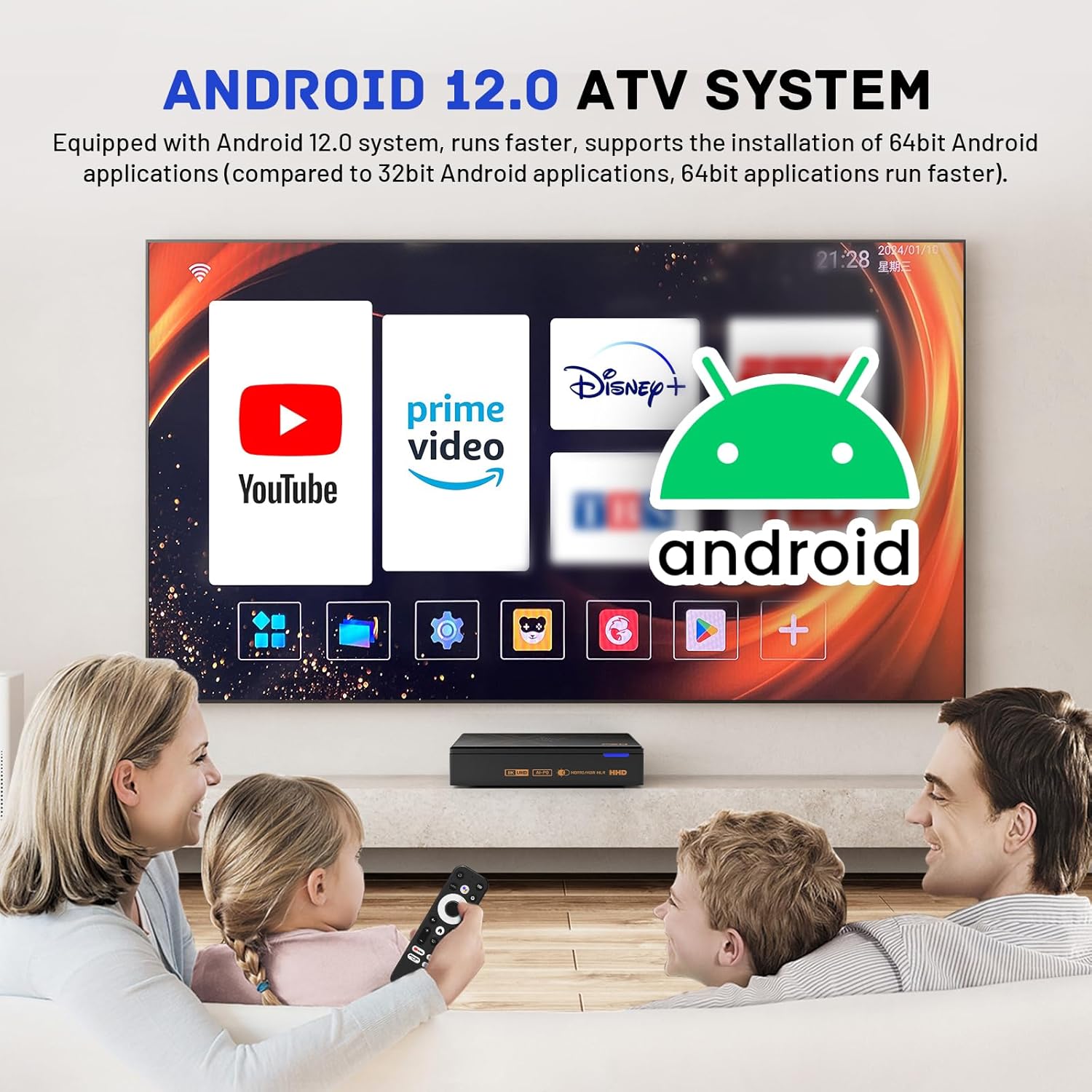
Image 6.1: The Android 12.0 ATV System interface, showing popular streaming applications, designed for ease of use on a television screen.
6.2 Installing and Managing Applications
Access the Google Play Store from the main menu to download and install a wide range of applications, including streaming services, games, and utilities.
- Installa Apps: Iftaħ il- Google Play Store, search for your desired app, and select Installa.
- Iddiżinstalla l-Apps: Mur fuq Settings > Apps, select the app you wish to remove, and choose Iddiżinstalla.
6.3 Media Playback and Display Features
6.3.1 8K Ultra HD and HDR Support
The X5 PRO supports 8K@60fps video decoding and output, providing high-definition image quality. Ensure your television or display is 8K compatible and connected via the HDMI 2.1 port for optimal performance. HDR (High Dynamic Range) content is also supported for enhanced contrast and color.
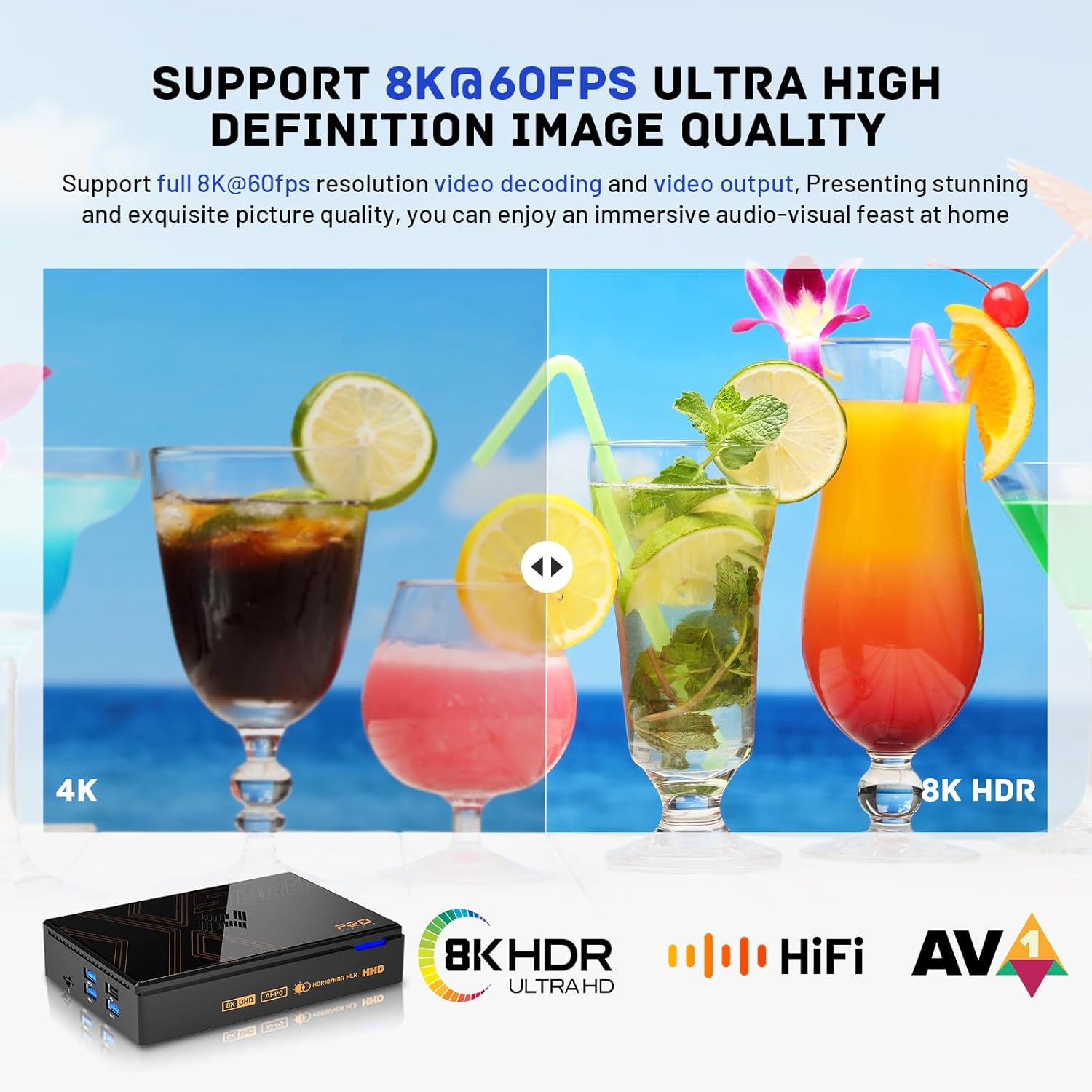
Image 6.2: Visual comparison demonstrating the enhanced clarity and detail of 8K HDR resolution compared to 4K, showcasing vibrant colors and improved image quality.
6.3.2 AV1 Video Decoding
The device includes AV1 video decoding, which offers improved compression efficiency, allowing for high-quality video streaming at lower bitrates.

Image 6.3: Illustration of AV1 decoding benefits, showing a clearer image compared to H.264/VP9, indicating superior compression and quality.
6.3.3 AI Image Quality Enhancement
The X5 PRO features AI-SR Super Resolution and AI-PQ Image Quality Enhancement, which can optimize 4K images to 8K@30fps and 1080P to 4K, providing an ultra-clear viewing esperjenza.

Image 6.4: Before and after comparison of AI-SR Super Resolution, demonstrating how image quality is enhanced for a clearer and more detailed visual output.
6.4 Voice Remote Control
The included remote control supports voice commands. Press the dedicated voice button on the remote and speak clearly into the microphone to search for content, open applications, or ask questions.

Image 6.5: The voice-enabled remote control, illustrating its functionality for issuing commands such as playing music, searching for movies, or inquiring about the weather.
6.5 Dual Screen Display Function
The Type-C interface on the X5 PRO supports DP1.4 output, allowing for dual-screen display with resolutions up to 8K@30fps. You can connect two monitors or TVs simultaneously to extend your display.

Image 6.6: Diagram showing the Kinhank X5 PRO connected to two separate displays, demonstrating its dual-screen display capability via DP 1.4 and HD 2.1 outputs.
6.6 External Storage (SATA 3.0 / USB 3.1)
The device supports external storage expansion via its SATA 3.0 interface and USB 3.1 ports. You can connect a hard disk drive (HDD) up to 18TB to expand your storage for media files.
Image 6.7: The Kinhank X5 PRO connected to an external SATA 3.0 hard drive, illustrating the device's capability to expand storage up to 18TB for media playback.
7. Manutenzjoni
7.1 Tindif tal-Apparat
- Skonnettja l-adapter tal-enerġija qabel it-tindif.
- Uża drapp ratba u niexfa biex timsaħ in-naħa ta 'barra tal-apparat.
- Do not use liquid cleaners or abrasive materials, as they may damage the finish.
7.2 Aġġornamenti tas-Software
Periodically check for software updates to ensure your device has the latest features and security patches. Navigate to Settings > Dwar > Aġġornament tas-sistema biex tiċċekkja u tinstalla aġġornamenti disponibbli.
7.3 Ġestjoni tal-Ħażna
To maintain optimal performance, regularly manage your device's internal storage. You can uninstall unused applications or move large media files għal apparati ta' ħażna esterni.
- Mur fuq Settings > Ħażna biex view l-użu u l-ġestjoni tal-ħażna files.
8 Issolvi l-problemi
| Problema | Kawża Possibbli | Soluzzjoni |
|---|---|---|
| Ebda qawwa | Power adapter not connected; ON/OFF switch off. | Ensure power adapter is securely connected and the ON/OFF switch is in the 'ON' position. Try a different power outlet. |
| L-ebda wiri fuq it-TV | Incorrect HDMI input; loose HDMI cable. | Verify TV is on the correct HDMI input. Check HDMI cable connections at both ends. Try a different HDMI port or cable. |
| Il-kontroll mill-bogħod ma jirrispondix | Batteriji baxxi; il-kontroll remot mhux imqabbad. | Replace batteries. Re-pair the remote control as described in Section 5.4. |
| Ebda konnessjoni tal-internet | Wi-Fi disconnected; Ethernet cable loose; router issue. | Check Wi-Fi settings and password. Ensure Ethernet cable is securely connected. Restart your router/modem. |
| Applications crashing or slow performance | Wisq apps jaħdmu; ħażna baxxa; softwer skadut. | Close background applications. Clear app caches. Uninstall unused apps. Check for system updates. |
9. Speċifikazzjonijiet
Detailed technical specifications for the Kinhank X5 PRO Android 12.0 TV Box:
| Karatteristika | Deskrizzjoni |
|---|---|
| Isem tal-Mudell | X5PRO |
| Sistema Operattiva | Android 12.0 |
| Proċessur | 8-core (RK3588S, 8-core Cortex-A76x4 + Cortex-A55x4) |
| GPU | ARM Mali-G610 |
| RAM | 8GB |
| Ħażna Interna (ROM) | 64GB |
| Appoġġ għar-Riżoluzzjoni | 8K Ultra HD (8K@60fps decoding, 8K@30fps output) |
| Dekodifikazzjoni tal-vidjo | AV1, HDR |
| Wi-Fi | Wi-Fi 6 |
| Bluetooth | BT 5.0 |
| Ethernet | 1000M Gigabit Ethernet |
| Portijiet USB | 2x USB 3.0, 2x USB 2.0 |
| Output tal-vidjo | HDMI 2.1, Type-C/DP1.4 (Dual Screen Display) |
| Output Awdjo | Optical, AV |
| Ħażna Esterna | SATA 3.0 (up to 18TB HDD), TF Card slot |
| Karatteristiċi Speċjali | AI Image Quality Enhancement, Voice Remote Control |

Image 9.1: Performance comparison of the RK3588S 8-core chip, highlighting its superior CPU, GPU, and NPU capabilities compared to previous generation chips like S922X.
10. Garanzija u Appoġġ
Kinhank provides a standard warranty for this product. For detailed warranty terms and conditions, please refer to the warranty card included in your package or visit the official Kinhank website. For technical support, troubleshooting assistance, or service inquiries, please contact Kinhank customer support through the channels provided on their websit.


