Prodott Overview
The LC-M27-QHD-180 is a 27-inch (68.58 cm) PC monitor designed to deliver a high-quality visual experience. It features a QHD resolution of 2560 x 1440 pixels, providing sharp and detailed images. The IPS panel ensures an ultra-fast 1 ms response time, excellent color accuracy, and wide viewing angles. With a refresh rate of 180 Hz, content display is very fluid, making it suitable for fast-paced applications and gaming.
Key features include Adaptive Sync for smooth gameplay, Picture-by-Picture (PbP) and Picture-in-Picture (PiP) for multi-source viewing, and a height-adjustable stand with integrated cable management for ergonomic use. The monitor also supports a pivot feature, allowing it to be rotated 90 degrees for vertical document viewing.
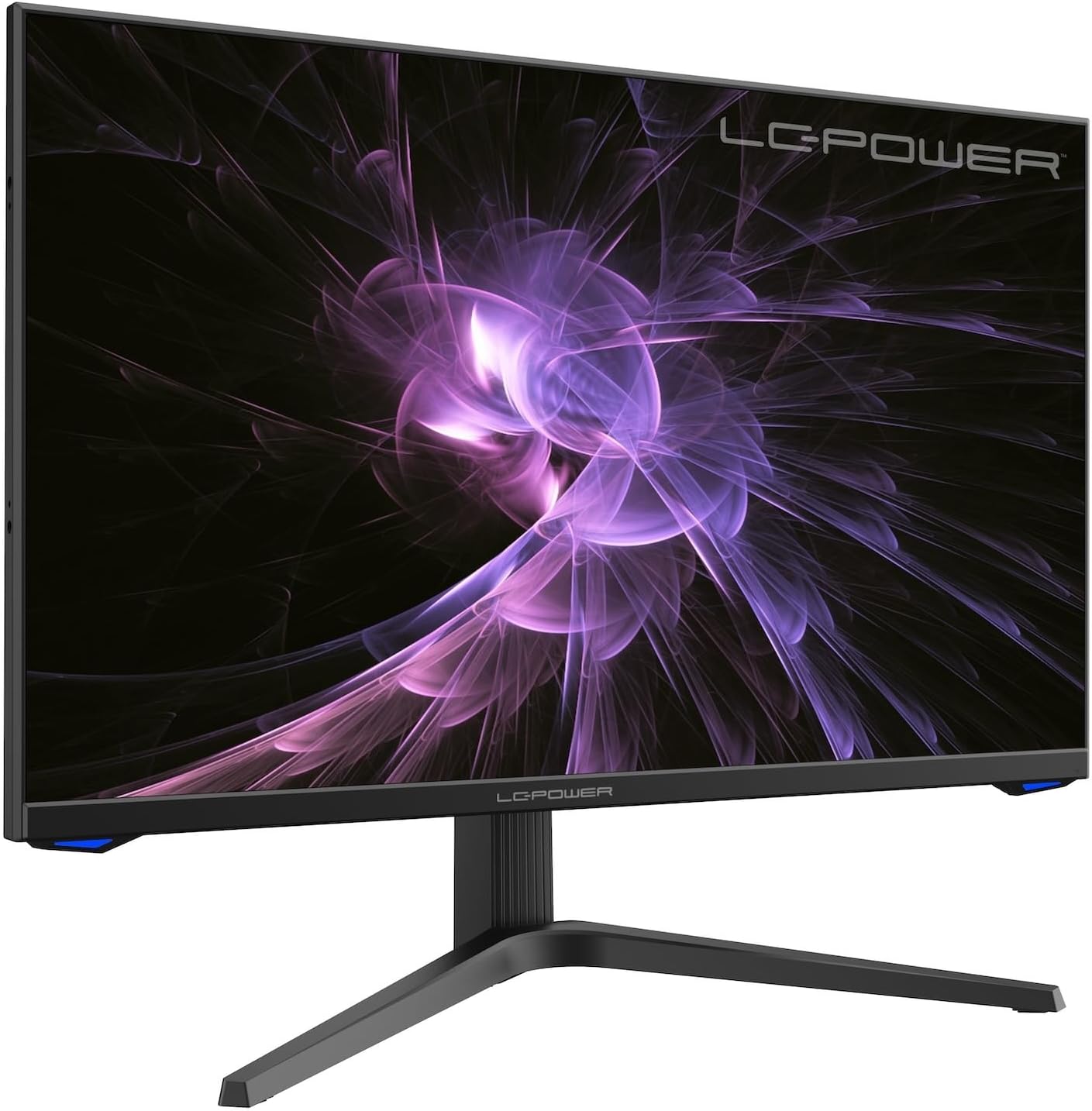
Immaġni: Quddiem view of the LC-M27-QHD-180 monitor, showcasing id-displej u d-disinn eleganti tiegħu.
Gwida ta' Setup
1. Żpakkjar u Kontenut
Carefully remove all components from the packaging. Please verify that all items listed below are present:
- LC-M27-QHD-180 Monitor
- Monitor Bażi
- Cable HDMI
- Adapter tal-Enerġija
- Materjal tal-Immuntar
- Manwal għall-Utent (dan id-dokument)
2. Assemblea
It-twaħħil tal-Bażi:
- Poġġi l-iskrin tal-monitor wiċċu 'l isfel fuq wiċċ artab u nadif biex tevita l-grif.
- Align the stand arm with the slot on the back of the monitor.
- Secure the stand arm to the monitor using the provided screws.
- Attach the base plate to the stand arm and tighten the screws.
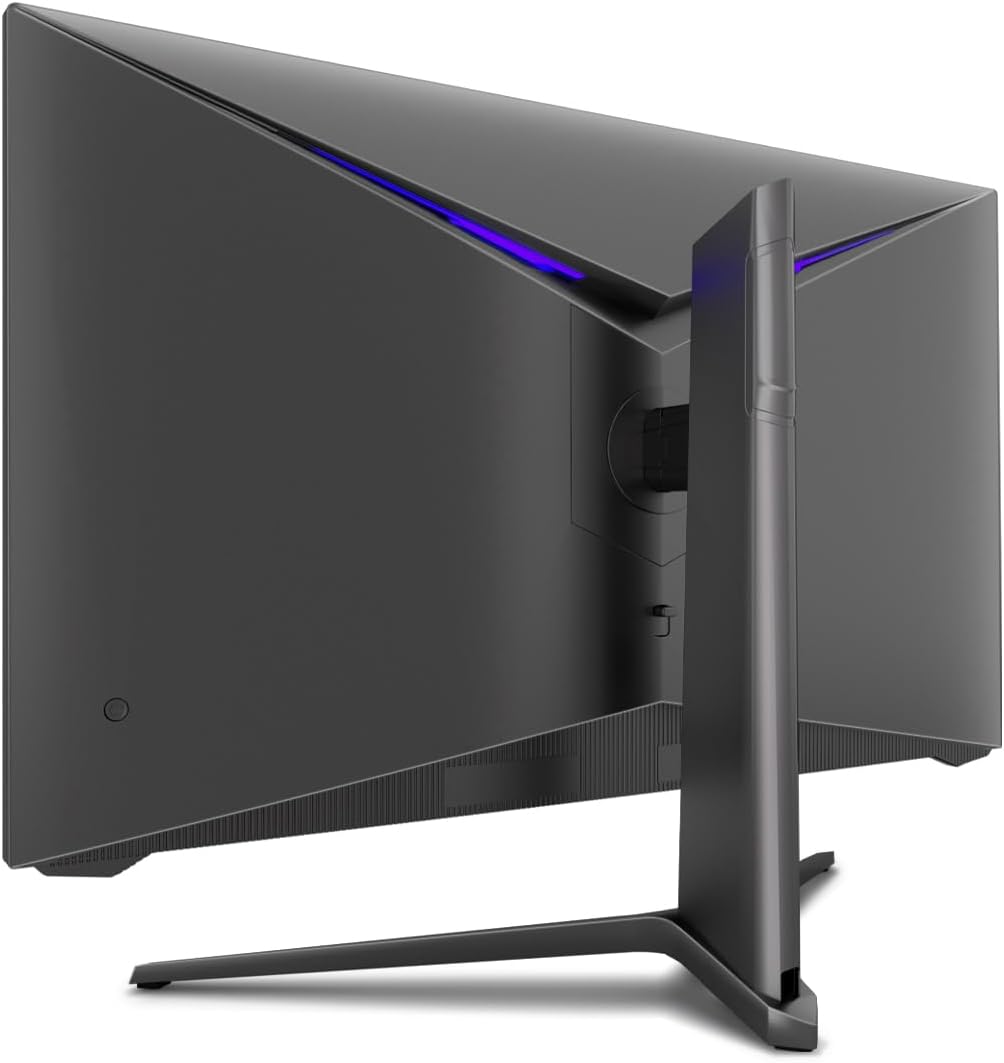
Immaġni: Wara view of the monitor, illustrating the stand assembly area and cable management design.
Immuntar VESA: The monitor is VESA compatible. If you intend to use a VESA mount, remove the stand arm after assembly and attach your VESA mount according to its instructions.
3. Tqabbad il-Monitor
- Konnessjoni tal-Enerġija: Connect the power adapter to the monitor's power input and then plug the power adapter into a wall outlet.
- Konnessjoni tal-vidjo: Connect one end of the provided HDMI cable to the HDMI port on your computer's graphics card and the other end to an HDMI input port on the monitor.
- Kun żgur li l-konnessjonijiet kollha huma siguri.
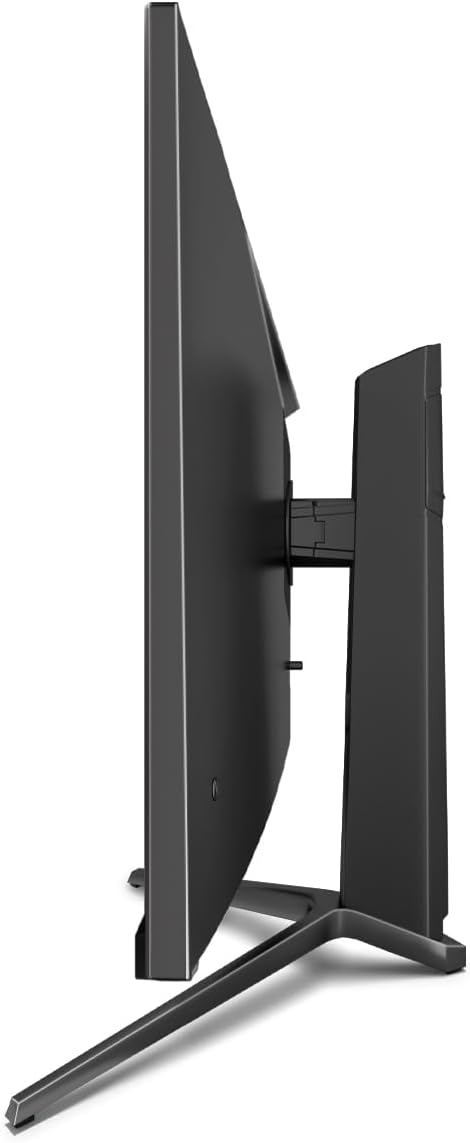
Immaġni: Ġenb view of the monitor, showing its slim design and connectivity ports.
4. L-Ewwel Tixgħil
Press the power button on the monitor. The power indicator light should illuminate. Your computer should automatically detect the new display. If not, adjust display settings in your operating system.
Istruzzjonijiet Operattivi
Menu tal-Wiri fuq l-Iskrin (OSD).
The monitor features an On-Screen Display (OSD) menu for adjusting various settings. Use the control buttons located on the monitor (typically on the back or bottom edge) to navigate the OSD menu.
Karatteristiċi u Settings Ewlenin
- Sinkronizzazzjoni Adattiva: This technology synchronizes the monitor's refresh rate with your graphics card's frame rate, reducing screen tearing and stuttering for a smoother gaming experience. Enable this feature in your graphics card settings and on the monitor's OSD if applicable.
- Overdrive: Overdrive pre-calculates and accelerates specific pixels, significantly reducing response times for both black-and-white and color nuance changes, resulting in clearer motion.
- Dawl Blu Baxx: The Low Blue Light filter reduces the emission of harmful blue light from the screen, minimizing eye strain and fatigue during prolonged use. This feature can be adjusted via the OSD menu.
- Stampa b'Stampa (PbP) / Stampa f'Stampa (PiP):
- PbP: Allows you to display content from two different input sources side-by-side on the same screen.
- PiP: Displays the image from a second source as a smaller, scalable window (up to 25% of original size) that can be positioned anywhere on the main screen.
- FPS / RTS Modes: Dedicated display modes optimized for First Person Shooter (FPS) and Real-Time Strategy (RTS) games. These modes enhance visibility and provide a better gaming experience by adjusting display parameters.
- Karatteristika tal-pern: The monitor can be rotated 90 degrees to a vertical (portrait) orientation. This is particularly useful for reading documents, coding, or web browsing.

Image: Diagram illustrating the monitor's ability to pivot 90 degrees for vertical viewing.
Note: After physically rotating the monitor, you must adjust the display orientation settings within your operating system (e.g., Windows Display Settings) to match the new physical orientation.
- Height Adjustable Stand & Cable Management: The integrated stand allows for height adjustment to achieve an ergonomic viewing position. Cables can be neatly routed through the stand's built-in cable management system to maintain a tidy workspace.

Image: Close-up of the monitor's stand, highlighting the integrated cable management feature.
Manutenzjoni
Biex tiżgura l-lonġevità u l-prestazzjoni ottimali tal-monitor tiegħek, segwi dawn il-linji gwida ta' manutenzjoni:
- Tindif tal-Iskrin: Gently wipe the screen with a soft, lint-free cloth specifically designed for electronics. For stubborn marks, lightly dampLaħlaħ id-drapp bl-ilma jew b'soluzzjoni tat-tindif li ma tobrox u li ma tagħmilx ħsara lill-monitor. Tisprejjax likwidu direttament fuq l-iskrin.
- Tindif tas-Casing: Uża drapp artab u niexef biex tnaddaf il-parti ta' fuq tal-monitor.asing. Evita li tuża kimiċi ħarxa jew materjali li joborxu.
- Ventilazzjoni: Kun żgur li l-fetħiet tal-ventilazzjoni fuq il-monitor mhumiex imblukkati biex tevita li jisħon iżżejjed.
- Itfi: Dejjem itfi l-monitor u aqlagħh mill-plagg tal-elettriku qabel ma tnaddfu jew jekk ma jkunx se jintuża għal perjodu twil ta' żmien.
- Evita dawl tax-xemx dirett: Tesponix il-monitor għad-dawl tax-xemx dirett jew għal sħana eċċessiva.
Issolvi l-problemi
If you encounter issues with your LC-M27-QHD-180 monitor, please refer to the following common troubleshooting steps:
| Problema | Kawża Possibbli | Soluzzjoni |
|---|---|---|
| L-ebda immaġni fuq l-iskrin | Monitor not powered on; video cable loose or disconnected; incorrect input source selected. | Ensure power cable is securely connected and monitor is turned on. Check video cable connections (HDMI). Select the correct input source via the OSD menu. |
| L-immaġni hija mċajpra jew distorta | Incorrect resolution setting; video cable issue. | Set the display resolution to 2560 x 1440 pixels in your computer's display settings. Try a different HDMI cable if available. |
| L-ebda ħoss (jekk il-monitor għandu kelliema/ħruġ tal-awdjo) | Audio cable not connected; volume too low; incorrect audio output selected on computer. | Ensure audio cable (if used) is connected. Adjust monitor volume via OSD. Select the monitor as the default audio output device in your computer's sound settings. |
| Teptip tal-iskrin | Refresh rate mismatch; faulty cable; graphics driver issue. | Ensure refresh rate is set to 180 Hz in display settings. Try a different video cable. Update your graphics card drivers. |
For more detailed troubleshooting or persistent issues, please consult the full user manual or contact LC-Power customer support.
Speċifikazzjonijiet
| Karatteristika | Dettall |
|---|---|
| Numru tal-Mudell | LC-POWER (LC-M27-QHD-180) |
| Daqs tal-Iskrin | 27 Pulzier (68.58 ċm) |
| Riżoluzzjoni | QHD Wide 1440p (2560 x 1440 pixels) |
| Proporzjon ta' l-aspett | 16:9 |
| Riffriskar Rata | 180 Hz |
| Ħin ta' Rispons | 1 ms |
| Tip ta' Panel | IPS |
| Wiċċ tal-Iskrin | Flach (Flat) |
| Dimensjonijiet tal-Prodott (L x W x H) | 28.74 x 18.9 x 8.66 pulzieri |
| Piż tal-oġġett | 17.73 liri |
| Manifattur | LC Power |
| ASIN | B0CQJNV3YR |
| Data L-Ewwel Disponibbli | 31 ta’ Mejju, 2024 |

Image: EU Energy Label for the LC-M27-QHD-180 monitor. For more details, scan the QR code or visit eprel.ec.europa.eu/qr/1758049.
Garanzija u Appoġġ
The LC-M27-QHD-180 monitor is manufactured by LC Power.
- Garanzija Ġenerali: The product comes with a 3-year general warranty from the date of purchase.
- Guaranteed Availability of Spare Parts: Spare parts are guaranteed to be available for 7 years from the date of placing the product on the market.
- Appoġġ għall-Prodott Garantit: Product support is guaranteed for 7 years.
For technical support, warranty claims, or service inquiries, please contact LC-Power customer support through their official channels. Refer to the packaging or the brand's official websit għal informazzjoni ta' kuntatt speċifika.


