Introduzzjoni
This user manual provides comprehensive instructions for the Dragon Touch Notepad K10 Android Tablet. It covers essential information regarding product features, setup, operation, maintenance, and troubleshooting to ensure optimal performance and user experience. Please read this manual thoroughly before using your device.
Kontenut tal-Pakkett
Malli tiftaħ il-kaxxa, jekk jogħġbok ivverifika li l-oġġetti kollha elenkati hawn taħt huma preżenti u f'kundizzjoni tajba:
- 1 x 10.1 Inch Android Tablet
- 1 x USB Cable
- 1 x 5V 2A Charger
- 1 x Manwal tal-Utent (dan id-dokument)

Image: The Dragon Touch Notepad K10 Android Tablet, front and back view.
Prodott Overview
The Dragon Touch Notepad K10 is a versatile 10.1-inch Android tablet designed for various uses, from entertainment to productivity. It features a robust quad-core processor and the Android 12 operating system for smooth performance.
Karatteristiċi ewlenin:
- Prestazzjoni qawwija: Equipped with a 64-bit quad-core processor up to 1.3GHz and 2GB RAM for efficient multitasking and smooth app launches.
- Latest Android 12 OS: GMS certified, providing full access to Google Play and a smarter, faster user experience.
- Wirja vibranti: A 10.1-inch 800x1280 IPS HD display offers clear visuals and rich colors from all viewing angles. Includes an Eye-Care mode for comfortable night reading.
- Divertiment imtejjeb: Dual speakers deliver a robust audio experience. Dual-band Wi-Fi (2.4GHz and 5GHz) ensures high-speed network connections for streaming and browsing.
- Ample Ħażna: Built-in 32GB storage, expandable up to 256GB via a micro SD card, allowing for extensive media and app storage.
- Kameras Doppju: Features an 8MP rear camera and a 2MP front camera for capturing photos and video calls.

Immaġni: Fuqview of the tablet highlighting its 10.1-inch HD IPS display, Android 12, Quad-Core CPU, 2.4GHz+5.0GHz WiFi, 2GB RAM, 32GB Storage, and Dual Camera.
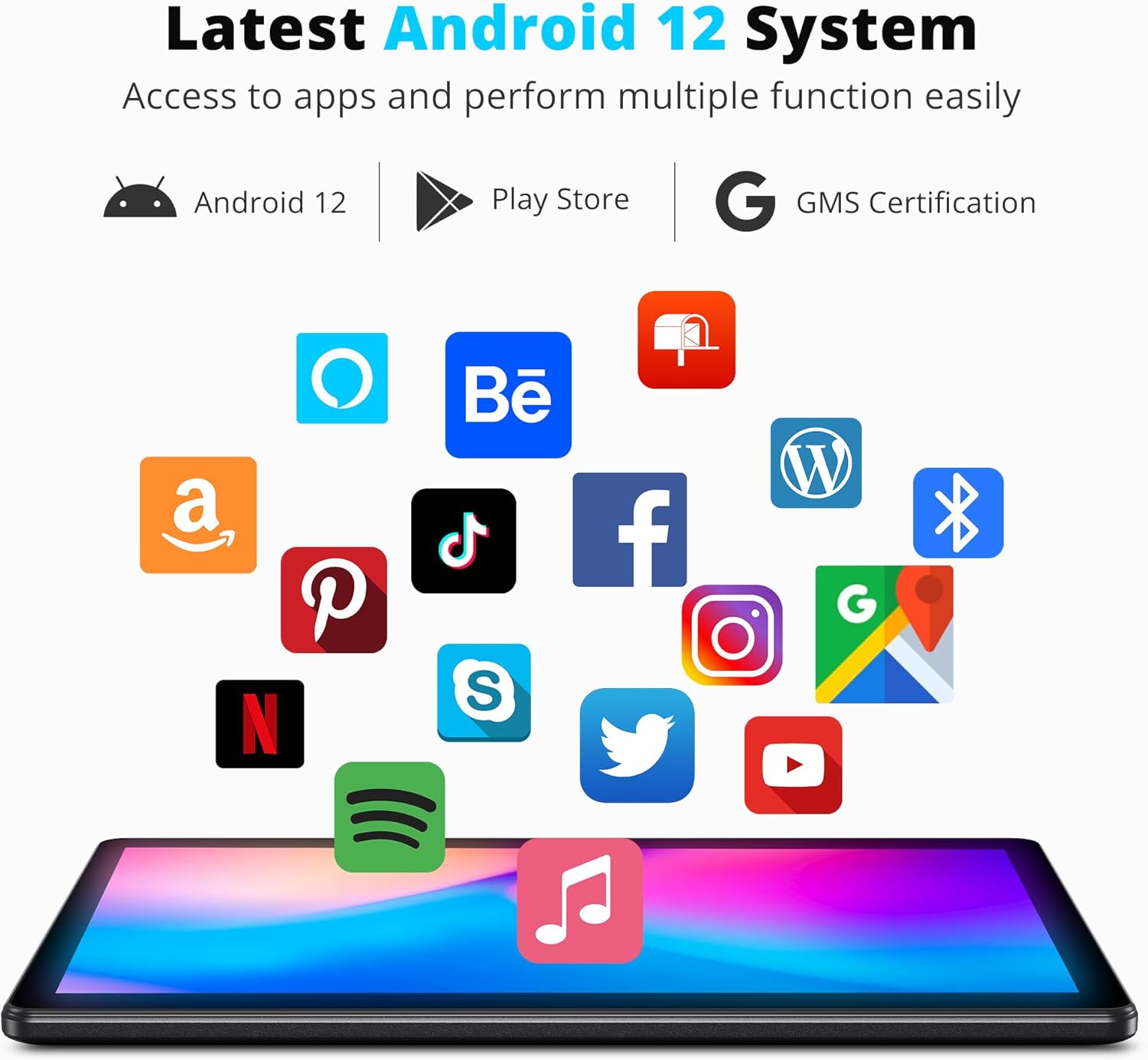
Image: The tablet displaying the Android 12 system interface with various popular application icons, indicating access to the Google Play Store.

Image: The tablet screen illustrating its 32GB internal storage capacity and the ability to expand storage up to 256GB using a microSD card.
Setup
1. Iċċarġjar Inizjali
Before first use, fully charge the tablet using the provided USB cable and 5V 2A charger. The charging indicator will typically show progress on the screen.
2. Power On/Off
- Biex Tixgħel: Press and hold the Power button located on the side of the tablet until the screen lights up.
- Biex Tifi: Agħfas u żomm il-buttuna tal-Enerġija sakemm jidher menu tat-tifi. Agħżel "Itfi" biex titfi l-apparat.
3. Inizjali Setup Wizard
Malli tixgħel l-apparat għall-ewwel darba, it-tablet jiggwidak permezz ta' proċess inizjali ta' setup. Dan jinkludi l-għażla tal-lingwa tiegħek, il-konnessjoni ma' netwerk Wi-Fi, it-twaqqif tal-kont Google tiegħek, u l-konfigurazzjoni tas-settings bażiċi tal-apparat. Segwi l-istruzzjonijiet fuq l-iskrin biex tlesti s-setup.
Istruzzjonijiet Operattivi
1. Navigazzjoni Bażika
- Ġesti mess: Tektek biex tagħżel, skrolla biex tiskrollja, aqbad biex tagħmel zoom.
- Skrin tad-dar: Aċċessa l-apps, il-widgets, u n-notifiki tiegħek.
- Bar tan-Navigazzjoni: Uża l-buttuni Lura, Dar, u Applikazzjonijiet Riċenti fil-qiegħ tal-iskrin.
2. Konnessjoni mal-Wi-Fi
- Mur fuq Settings > Netwerk u internet > Wi-Fi.
- Ixgħel il-Wi-Fi. It-tablet se jiskennja għan-netwerks disponibbli.
- Agħżel in-netwerk mixtieq tiegħek u daħħal il-password jekk tintalab.
The tablet supports both 2.4GHz and 5GHz Wi-Fi bands for optimal connectivity.
3. Installazzjoni u Ġestjoni tal-Applikazzjonijiet
Apps can be downloaded from the Google Play Store. Ensure you are signed in with your Google account.
- Installa: Open the Play Store app, search for your desired app, and tap "Install".
- Iddiżinstalla: Mur fuq Settings > Apps > Ara l-apps kollha, select the app, and tap "Uninstall".
4. Uża l-Kameras
The tablet features an 8MP rear camera and a 2MP front camera.
- Iftaħ il- Kamera app.
- Ibdel bejn il-kameras ta' quddiem u ta' wara billi tuża l-ikona fuq l-iskrin.
- Tektek il-buttuna tax-shutter biex tieħu ritratt jew tibda/twaqqaf ir-reġistrazzjoni tal-vidjow.

Image: The tablet displaying a clear image captured by its HD Dual Camera, featuring a child and a dog.
5. Display Settings and Eye-Care Mode
Adjust brightness, font size, and enable Eye-Care mode for reduced eye strain.
- Mur fuq Settings > Wiri.
- Aġġusta l-luminożità billi tuża s-slider.
- Locate and enable Eye-Care mode for optimized backlight during night reading.

Immaġni: Il-wiri tat-tabletasing its 10.1-inch HD IPS display with vibrant colors, featuring a group of people enjoying a scenic view.
Manutenzjoni
1. Tindif tat-Tablet
Uża drapp artab u mingħajr suf biex tnaddaf l-iskrin u l-qafas tat-tablet. Evita li tuża kimiċi ħarxa jew materjali li joborxu li jistgħu jagħmlu ħsara lill-wiċċ.
2. Kura tal-batterija
- Evita temperaturi estremi, għax jistgħu jaffettwaw il-ħajja tal-batterija.
- Tħallix il-batterija tixxotta kompletament ta' spiss.
- Use only the provided charger or a compatible 5V 2A charger.

Image: The tablet screen displaying a charging animation with a large '5000mAh' text, indicating its long-lasting battery capacity.
3. Aġġornamenti tas-Software
Iċċekkja u installa aġġornamenti tas-sistema regolarment biex tiżgura li t-tablet tiegħek ikollu l-aħħar karatteristiċi, irqajja tas-sigurtà, u titjib fil-prestazzjoni.
- Mur fuq Settings > Sistema > Aġġornament tas-sistema.
- Segwi l-istruzzjonijiet fuq l-iskrin biex tiċċekkja u tinstalla l-aġġornamenti.
Issolvi l-problemi
This section addresses common issues you might encounter with your Dragon Touch Notepad K10 tablet.
| Problema | Kawża Possibbli | Soluzzjoni |
|---|---|---|
| It-tablet ma jixgħelx. | Batterija baxxa; ħsara fis-sistema. | Charge the tablet for at least 30 minutes. If still unresponsive, press and hold the Power button for 10-15 seconds to force a restart. |
| Apps crash frequently. | Insufficient RAM; app incompatibility; corrupted app data. | Close background apps. Clear the app's cache (Settings > Apps > [App Name] > Storage > Clear cache). Reinstall the app. Ensure the tablet's software is up to date. |
| Problemi bil-konnessjoni tal-Wi-Fi. | Incorrect password; router issue; tablet Wi-Fi module issue. | Verify Wi-Fi password. Restart your Wi-Fi router. Forget the network on the tablet and reconnect. |
| Prestazzjoni bil-mod. | Wisq apps jaħdmu; ħażna baxxa; softwer skadut. | Close unused apps. Clear cache and unnecessary files. Uninstall rarely used apps. Perform a system update. |
| Il-batterija tiskula malajr. | High screen brightness; background apps; old battery. | Reduce screen brightness. Close power-intensive apps. Limit background data usage. If the issue persists, contact support. |
Speċifikazzjonijiet
Detailed technical specifications for the Dragon Touch Notepad K10 Android Tablet:
- Isem tal-Mudell: Notepad K10
- Sistema Operattiva: Android 12
- Proċessur: Quad-Core, 1.3GHz
- RAM: 2GB
- Ħażna Interna: 32GB
- Ħażna espansibbli: Sa 256GB permezz ta' kard Micro SD
- Daqs tal-iskrin: 10.1 Pulzier
- Riżoluzzjoni tal-wiri: 1280 x 800 pixels IPS HD
- Kamera ta' wara: 8 MP
- Kamera ta' quddiem: 2 MP
- Konnettività Wireless: 802.11ac (2.4GHz & 5GHz Wi-Fi)
- Batterija: 5000mAh Lithium Polymer (Average Battery Life: 5 Hours)
- Dimensjonijiet (LxWxH): 9.4 x 0.4 x 6.7 pulzieri
- Piż tal-oġġett: 2.31 liri
- Kulur: Iswed
Garanzija u Appoġġ
Dragon Touch products come with a standard warranty. For specific warranty terms and conditions, please refer to the warranty card included in your product packaging or visit the official Dragon Touch website. For technical support, troubleshooting assistance beyond this manual, or warranty claims, please contact Dragon Touch customer service through their official support channels.
Spiss tista' ssib informazzjoni ta' kuntatt għall-appoġġ fuq il-websajt tal-manifattur. website or within the tablet's settings under "About tablet" or "Support".


