Introduzzjoni
This manual provides comprehensive instructions for the installation, programming, operation, and maintenance of your Garage Outlet Keyless Keypad Door Opener. This aftermarket replacement keypad is designed for convenient keyless entry to your garage and is compatible with various Liftmaster, Chamberlain, and Craftsman garage door opener models, specifically those utilizing a purple learn button.
Compatible models include Liftmaster 1345, 1355, 1356, 3220, 3240, 3265, 3270, 3280, and Craftsman 139.53754.
Karatteristiċi tal-Prodott
- Backlit Keypad for enhanced visibility in low light conditions.
- Designed for compatibility with garage door openers featuring a Purple Learn Button.
- Compact dimensions: Approximately 6.25 inches (L) x 2.5 inches (W) x 1 inch (H).
- Aftermarket replacement unit.
- Includes step-by-step programming instructions.
Kontenut tal-Pakkett
Ivverifika li l-oġġetti kollha huma preżenti fil-pakkett tiegħek:
- 1 x Garage Outlet Keyless Keypad Door Opener
- 1 x 9V Lithium Metal Battery (pre-installed or separate)
- Viti u Ankri tal-Immuntar
- Manwal ta' Istruzzjoni

Image: The keypad unit shown with included mounting screws and wall anchors.
Setup u Installazzjoni
Before mounting, ensure the 9V battery is correctly installed in the keypad. The battery compartment is typically located on the back of the unit.
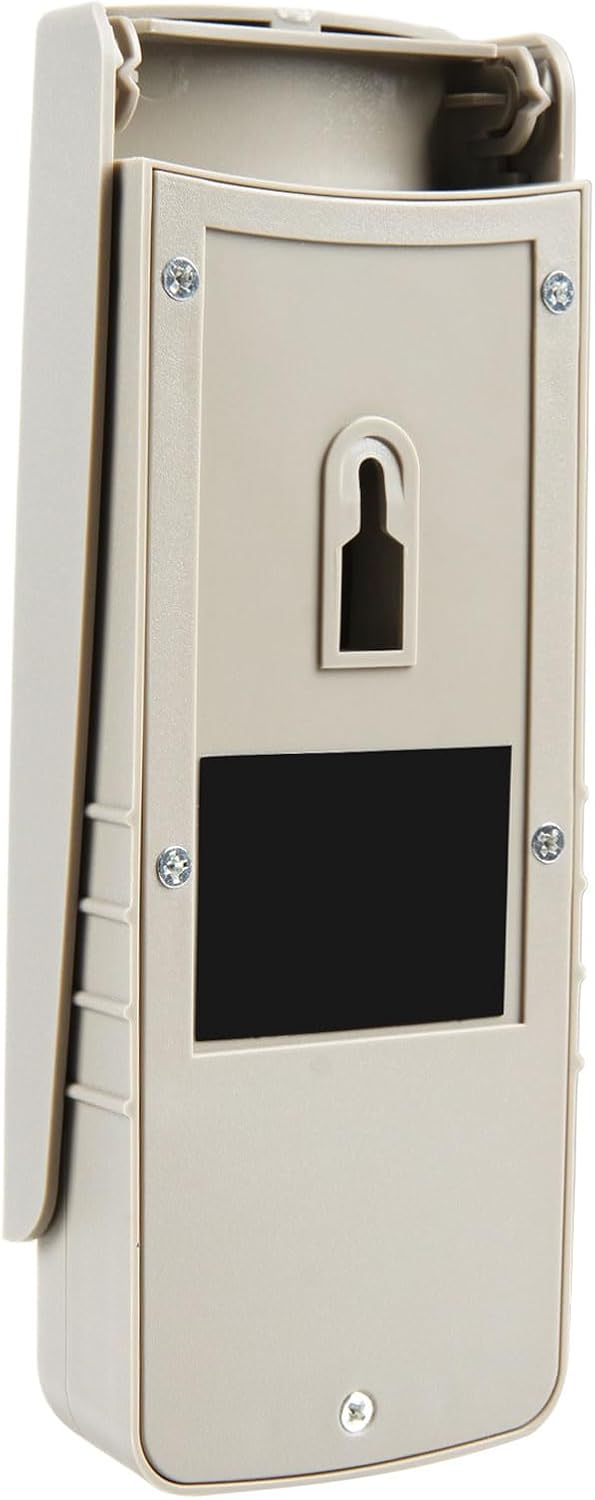
Immaġni: Wara view of the keypad, highlighting the mounting points and battery access.
- Choose a suitable location near your garage door, preferably out of direct sunlight and rain, but easily accessible.
- Use the keypad as a template to mark the drilling locations for the mounting screws.
- Ħaffer toqob pilota jekk meħtieġ u daħħal l-ankri tal-ħajt.
- Secure the keypad to the wall using the provided mounting screws.
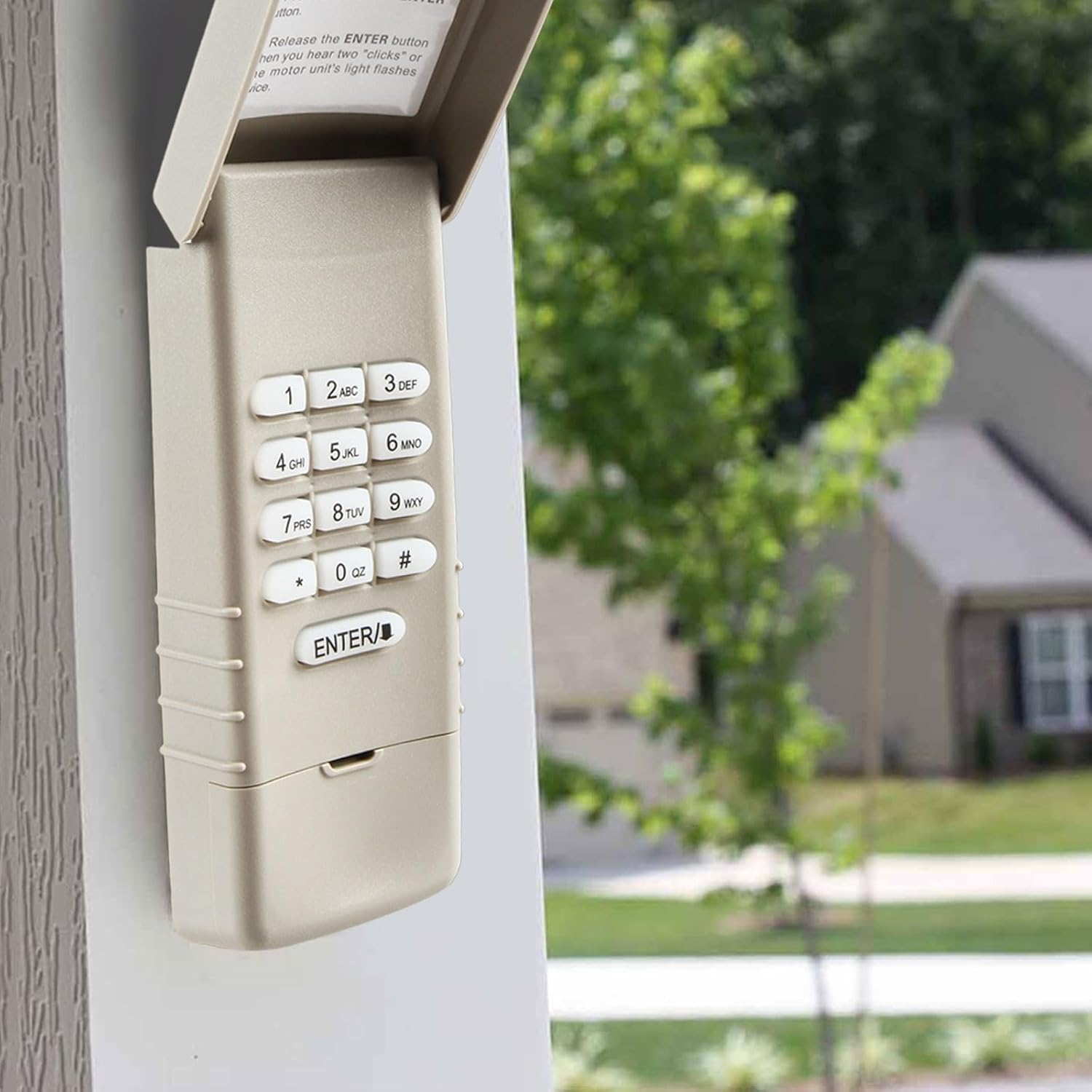
Image: The keypad installed on an exterior wall, demonstrating typical placement.
Istruzzjonijiet għall-Ipprogrammar
This keypad is compatible with garage door openers that have a purple learn button. Please verify your opener's learn button color before proceeding.

Image: Compatibility chart for garage door opener learn buttons, emphasizing the purple button.
Passi ta' Programmazzjoni:
Step 1: Locate the Learn Button on your Garage Door Opener.
The learn button is typically found on the back or side panel of the garage door opener motor unit, usually near the antenna wire.

Image: Visual guide for locating the learn button on the garage door opener.
Step 2: Activate Programming Mode on the Opener.
Press and immediately release the Learn button on your garage door opener. The light on the opener will illuminate for 30 seconds, indicating it is in programming mode.
Step 3: Program the Keypad.
Within 30 seconds of pressing the learn button on the opener, enter your desired 4-digit Personal Identification Number (PIN) on the keypad, then press and hold the DĦUL buttuna.
Irrilaxxa l- DĦUL button when you hear two "clicks" or when the garage door opener's light flashes. This confirms successful programming.

Image: Step-by-step visual instructions for programming the keypad.
If programming is unsuccessful, repeat the steps, ensuring you complete the process within the 30-second window.
Istruzzjonijiet Operattivi
To operate your garage door using the keypad:
- Enter your programmed 4-digit PIN.
- Agħfas il- DĦUL buttuna.
The garage door will activate. The keypad is backlit for easy use in the dark.
Manutenzjoni
Sostituzzjoni tal-batterija:
The keypad is powered by a 9V Lithium Metal battery. If the keypad's backlight dims or the unit becomes unresponsive, it may be time to replace the battery. Access the battery compartment on the back of the unit, replace the old battery with a new 9V Lithium Metal battery, and re-secure the cover.
Tindif:
Wipe the keypad surface with a soft, damp drapp. Evita li tuża prodotti tat-tindif jew solventi li joborxu, għax dawn jistgħu jagħmlu ħsara lill-finitura jew lill-komponenti interni.
Issolvi l-problemi
| Problema | Kawża Possibbli | Soluzzjoni |
|---|---|---|
| Keypad does not respond or backlight is dim. | Batterija baxxa jew mejta. | Replace the 9V Lithium Metal battery. |
| Keypad does not program to opener. | Incorrect learn button color; programming window expired; incorrect steps followed. | Ensure your opener has a purple learn button. Repeat programming steps carefully, ensuring all steps are completed within 30 seconds. |
| Poor operating range. | Interference; weak battery; keypad too far from opener. | Check for sources of interference. Replace battery. Ensure keypad is mounted within reasonable range of the garage door opener. |
| Garage door does not open/close after programming. | Programming not successful. | Repeat the programming steps. Ensure the opener's light flashes or clicks are heard, indicating successful pairing. |
Speċifikazzjonijiet
| Manifattur | Żbokk tal-Garaxx |
| Numru tal-Parti | GO10312025 |
| Piż tal-oġġett | 3 uqija |
| Dimensjonijiet tal-Pakkett | 6.22 x 2.95 x 1.38 pulzieri |
| Numru tal-Mudell tal-Oġġett | GO10312025 |
| Batteriji | 1 batterija tal-Lithium Metal meħtieġa (inkluża) |
| Kulur | Keypad (Beige/Tan) |
| Kwantità tal-Pakkett tal-Oġġett | 1 |
Garanzija u Appoġġ
This product is an aftermarket replacement item provided by Garage Outlet. Each item includes step-by-step instructions for installation and programming.
For technical assistance or inquiries, Garage Outlet offers support. Please refer to the contact information provided with your purchase or visit the official Garage Outlet store on Amazon for further details.
The standard return policy allows for refund or replacement within 30 days of purchase.
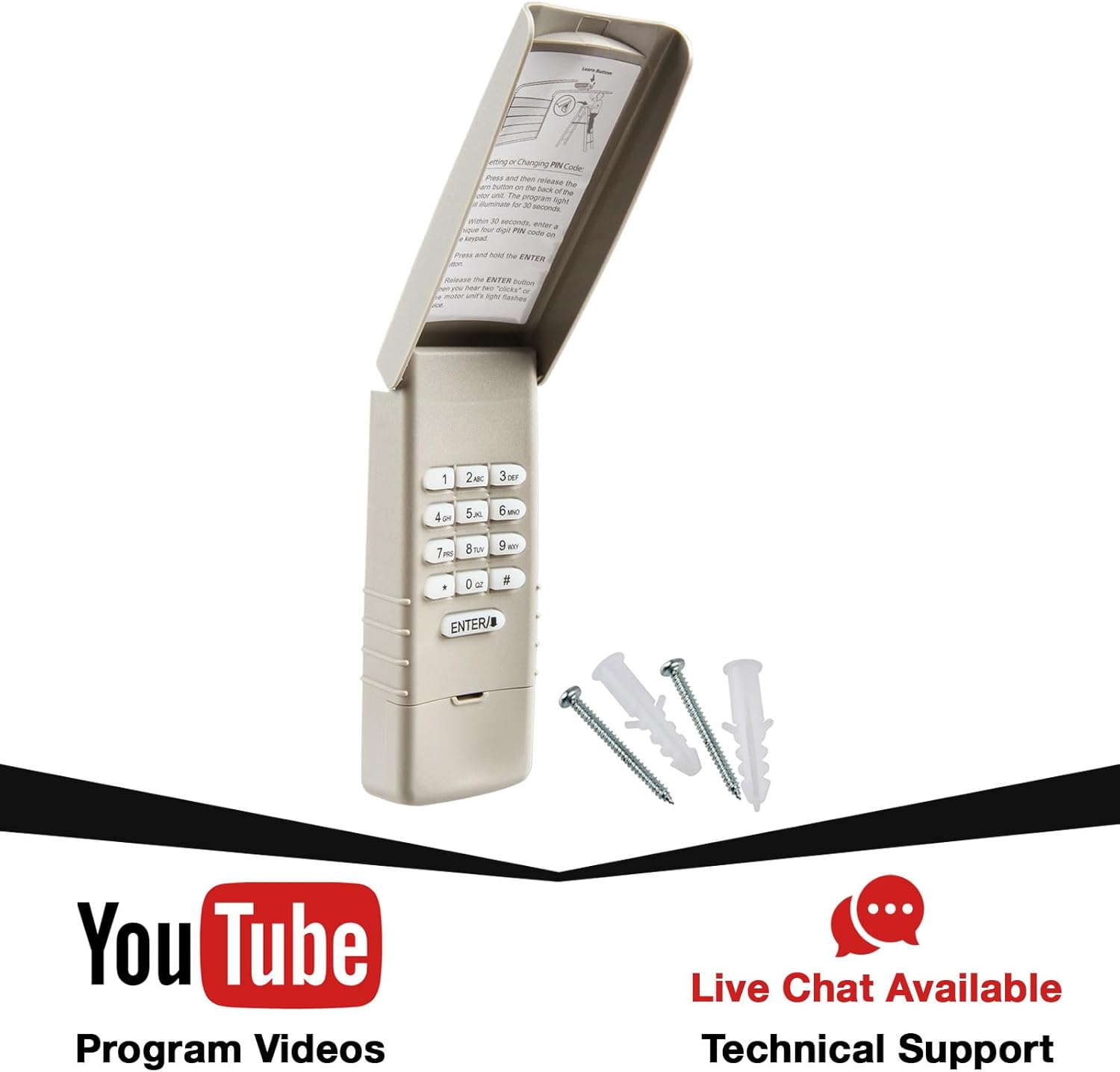
Image: Keypad packaging highlighting available support resources.


