This user manual provides detailed instructions for the operation, maintenance, and troubleshooting of your Visulapex V2 Mini Projector. Please read this manual thoroughly before using the product to ensure optimal performance and longevity.
Karatteristiċi ewlenin:
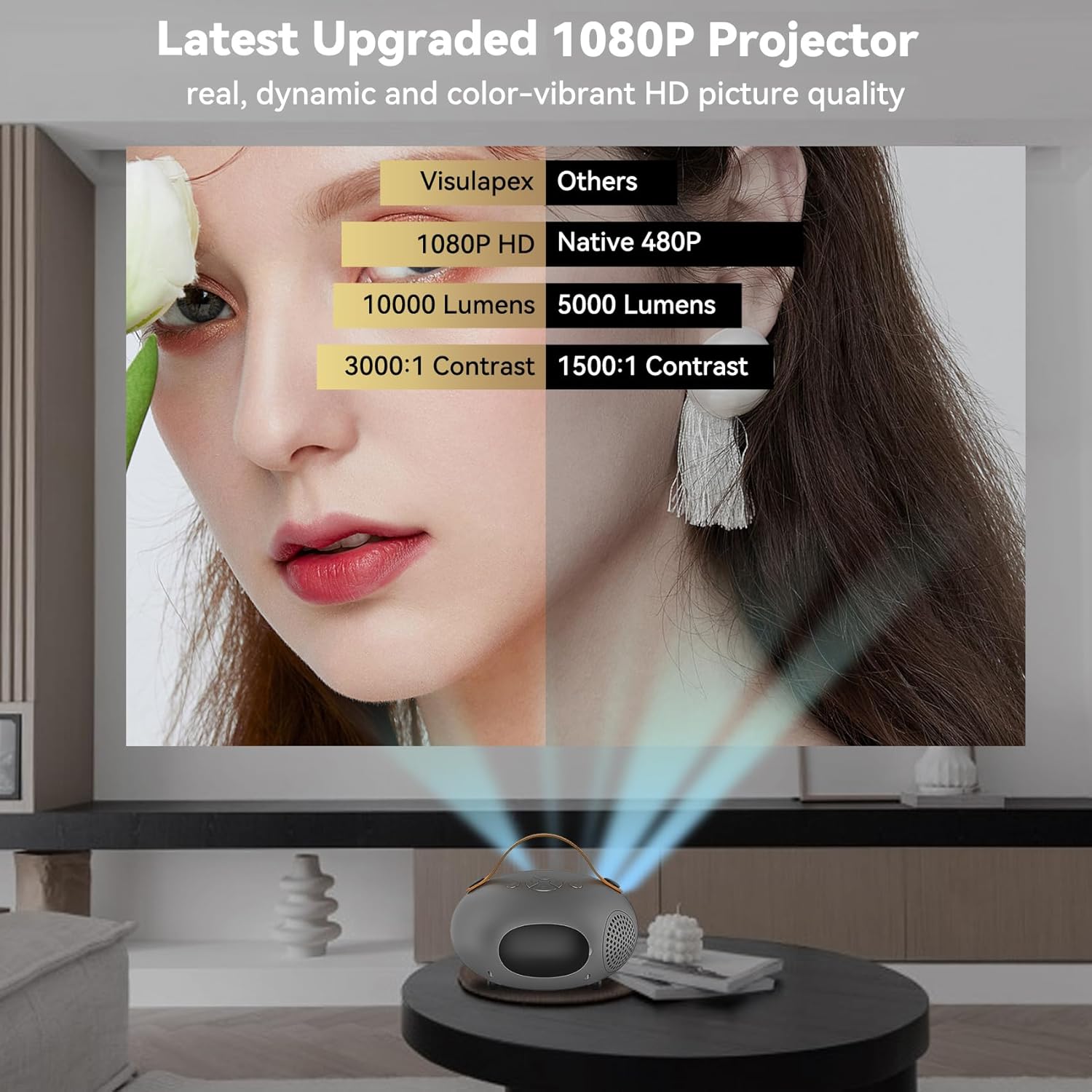
Latest Upgraded 1080P Projector: Supports 1920x1080 resolution, 10,000 Lumens brightness, and 3000:1 high contrast for vibrant HD projection. Features an HD lens and 60,000 hours lamp ħajja.
Faster & Stable 5G Dual WiFi Connection: Equipped with the latest 5G WiFi technology for stable signal and fast transmission, ensuring smooth video playback and gaming.
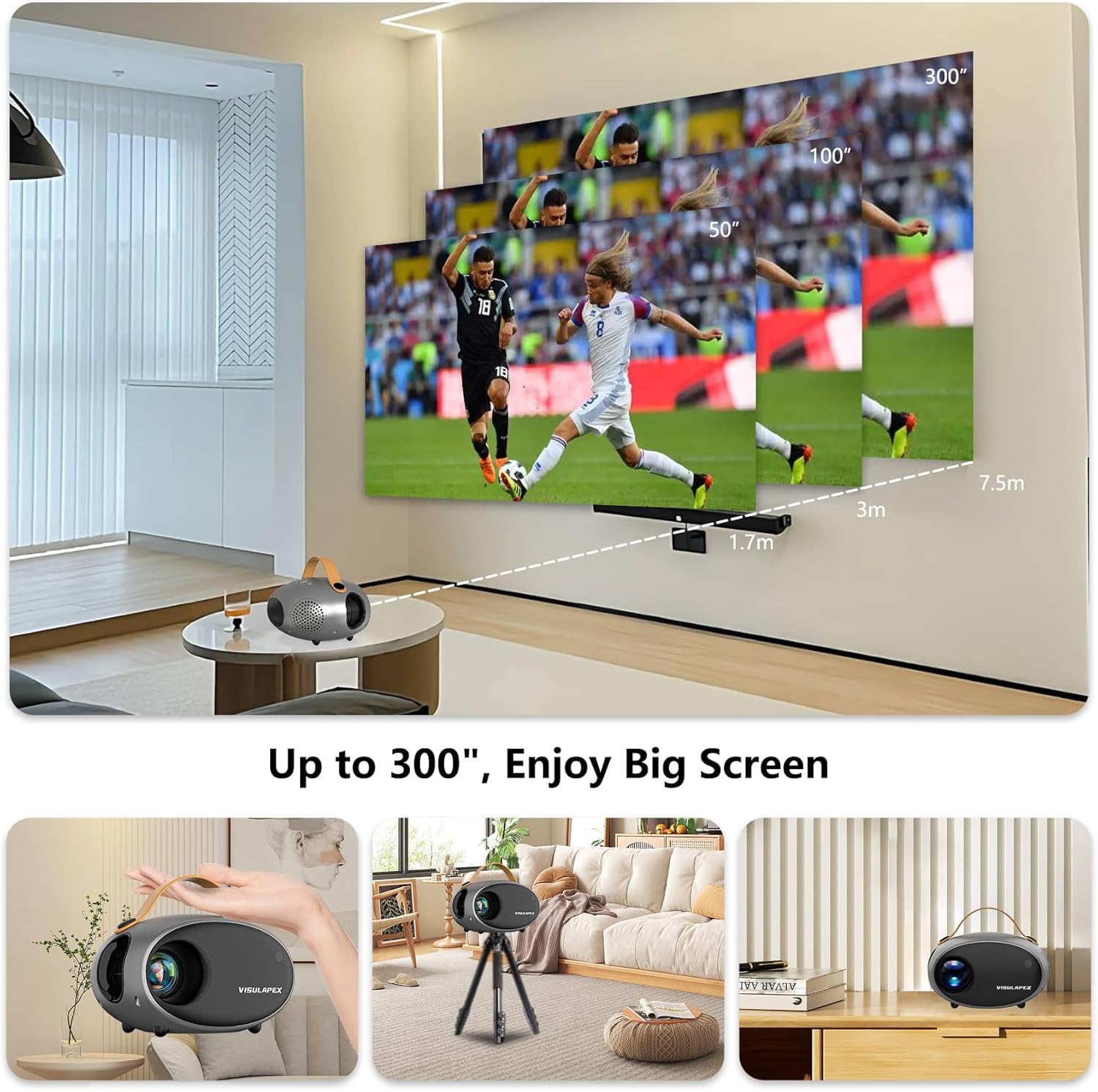
Mini Design & Large Screen Size Experience: Portable design with a hand belt, capable of projecting a viewing size from 20 inches to 300 inches. Features manual focus, ±15° keystone correction, and 50% to 100% zoom function via remote control.
Bluetooth 5.0 Function & HiFi Stereo Speaker: Built-in HiFi stereo surround speaker provides original audio fidelity. Easily connect to Bluetooth headphones, speakers, and other audio devices for enhanced sound.
Multiple Devices Compatible: Features HDMI, Audio, AV, and USB interfaces, compatible with TV Box, TV Stick, PC, Laptop, Tablet, Smartphone, Chromecast, U Disk, PS4, Xbox, Camera, and Speakers.
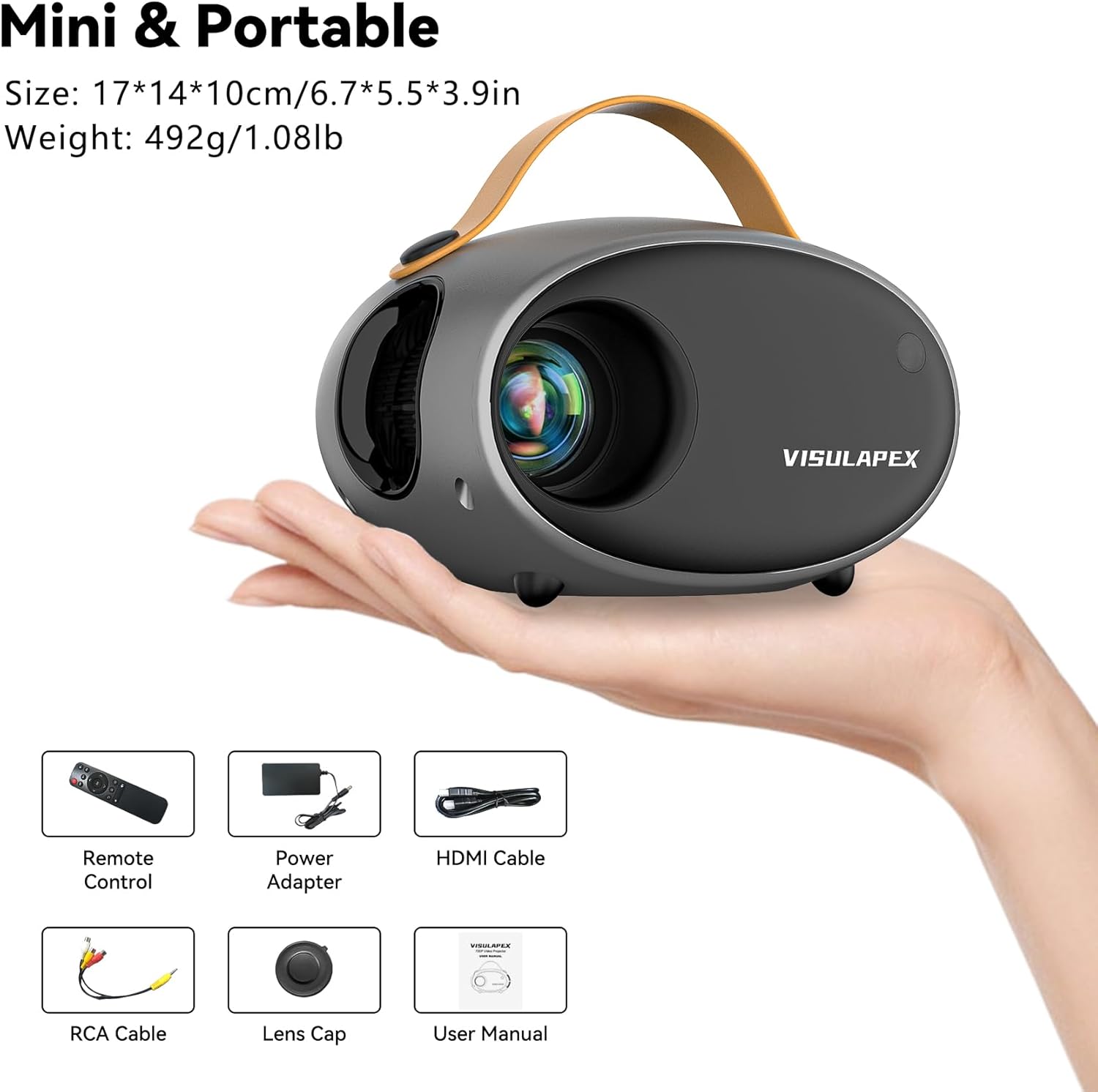
2. Kontenut tal-Pakkett
Malli tiftaħ il-pakkett, jekk jogħġbok ivverifika li l-oġġetti kollha li ġejjin huma inklużi u f'kundizzjoni tajba:
Visulapex V2 Mini Projector
Kontroll mill-bogħod
Adapter tal-Enerġija
Cable HDMI
RCA Cable
Kap tal-Lenti
Manwal għall-Utent
Image: The Visulapex V2 Mini Projector shown alongside its included accessories: remote control, power adapter, HDMI cable, RCA cable, lens cap, and user manual. These components are neatly arranged in protective foam packaging.
3. Setup
3.1 Tixgħel
Connect the power adapter to the projector's power input port and then plug it into a wall outlet. Press the power button on the projector or the remote control to turn on the device. The projector will display the Visulapex logo upon startup.
3.2 Tqegħid u Fokus Inizjali
Poġġi l-proġettur fuq wiċċ stabbli u ċatt. Għal użu ottimali viewing, position the projector perpendicular to the projection surface (wall or screen). Rotate the focus ring on the projector lens until the projected image appears clear and sharp.
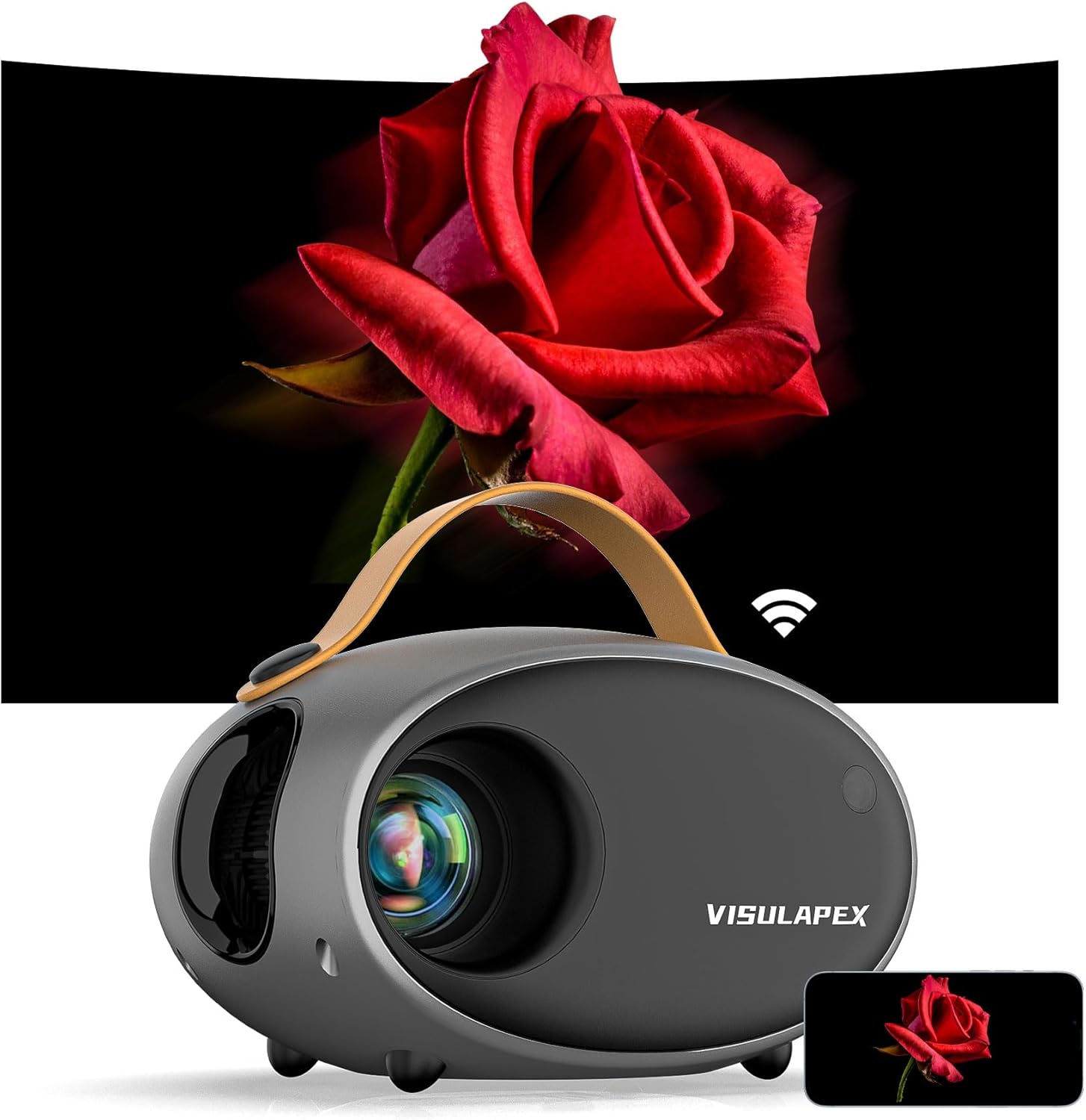
Image: The Visulapex V2 Mini Projector, a compact grey device with a brown handle, is shown projecting a vivid image of a red rose onto a large screen. A small smartphone displaying the same rose image is positioned in the foreground, illustrating screen mirroring capabilities.
3.3 Keystone Correction and Zoom
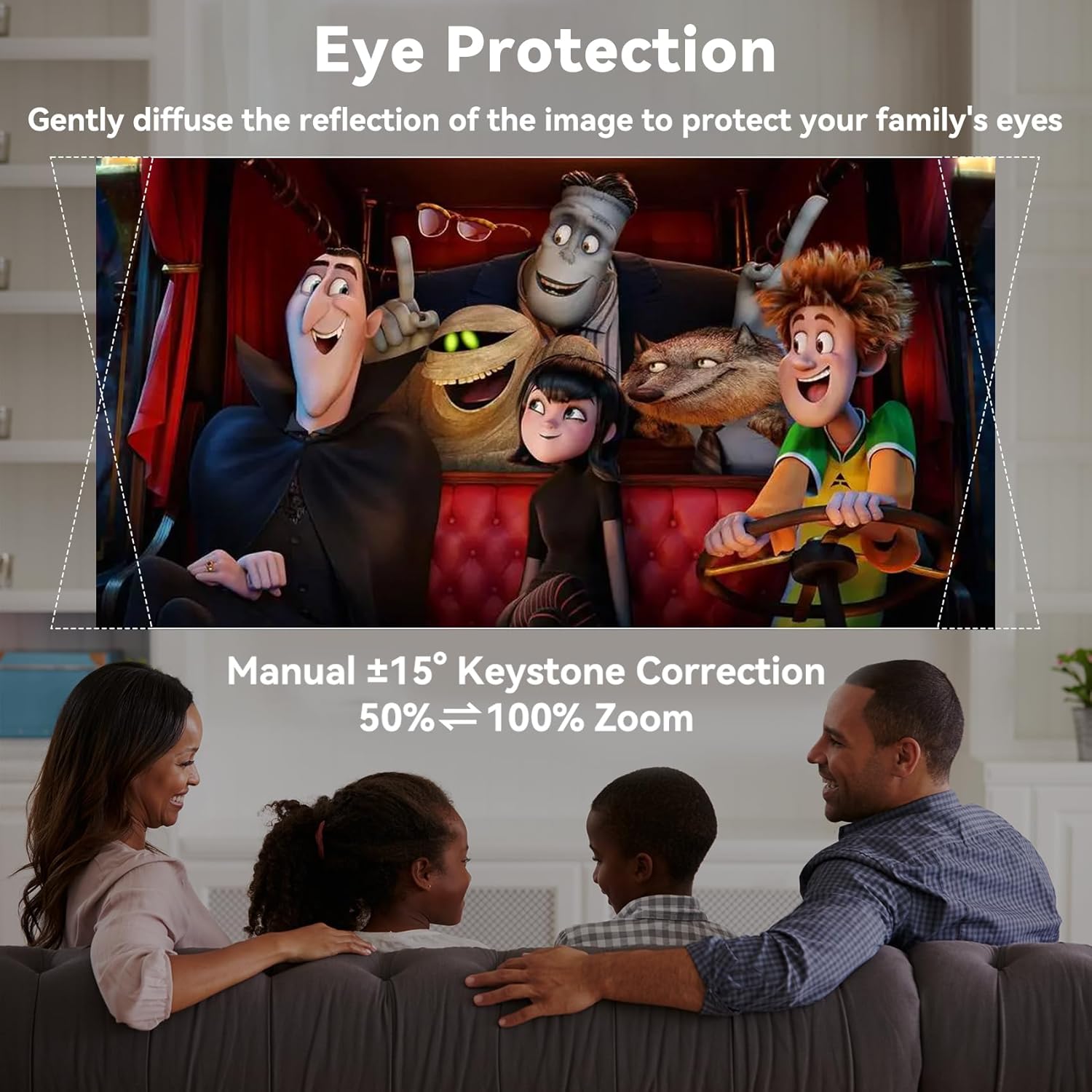
If the projected image appears trapezoidal, use the manual keystone correction knob (usually located near the lens) to adjust the image until it is rectangular. The projector supports ±15° keystone correction. Additionally, the screen size can be adjusted from 50% to 100% using the zoom function on the remote control, without needing to move the projector physically.
Image: A family is seated on a sofa, enjoying a movie projected onto a wall by the Visulapex V2 Mini Projector. Overlays indicate the projector's manual ±15° keystone correction and 50% to 100% zoom capabilities, emphasizing eye protection through diffused reflection.
4. Istruzzjonijiet Operattivi
4.1 Apparat li jgħaqqad
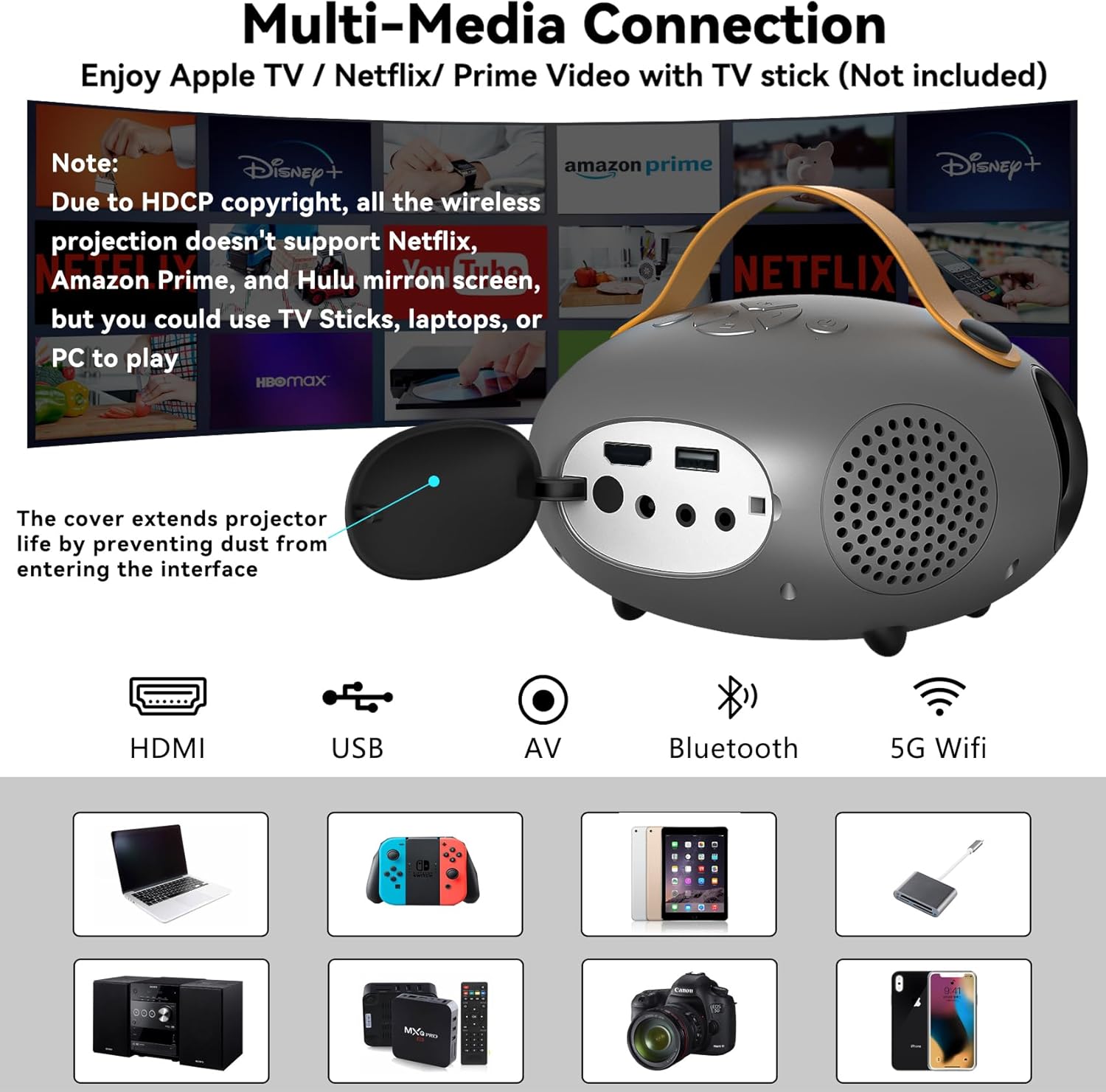
The Visulapex V2 Mini Projector offers multiple connectivity options:
HDMI: Connect devices such as TV boxes, laptops, gaming consoles (PS4, Xbox), or TV sticks using an HDMI cable.
USB: Daħħal diska USB biex tilgħab il-midja files direttament.
TA’: Use the provided RCA cable to connect older devices with AV output.
Out tal-Awdjo: Connect external speakers or headphones via the 3.5mm audio jack.
Immaġni: Close-up view of the Visulapex V2 Mini Projector's rear panel, highlighting its HDMI, USB, AV, Bluetooth, and 5G Wifi input ports. Below, icons and images of compatible devices such as laptops, gaming consoles, USB drives, speakers, PCs, TV sticks, smartphones, and cameras are displayed. A note clarifies that due to HDCP copyright, wireless projection does not support Netflix, Amazon Prime, Disney+, and Hulu, but these can be played via TV sticks, laptops, or PCs connected via HDMI.
4.2 Wireless Connection (WiFi & Bluetooth)
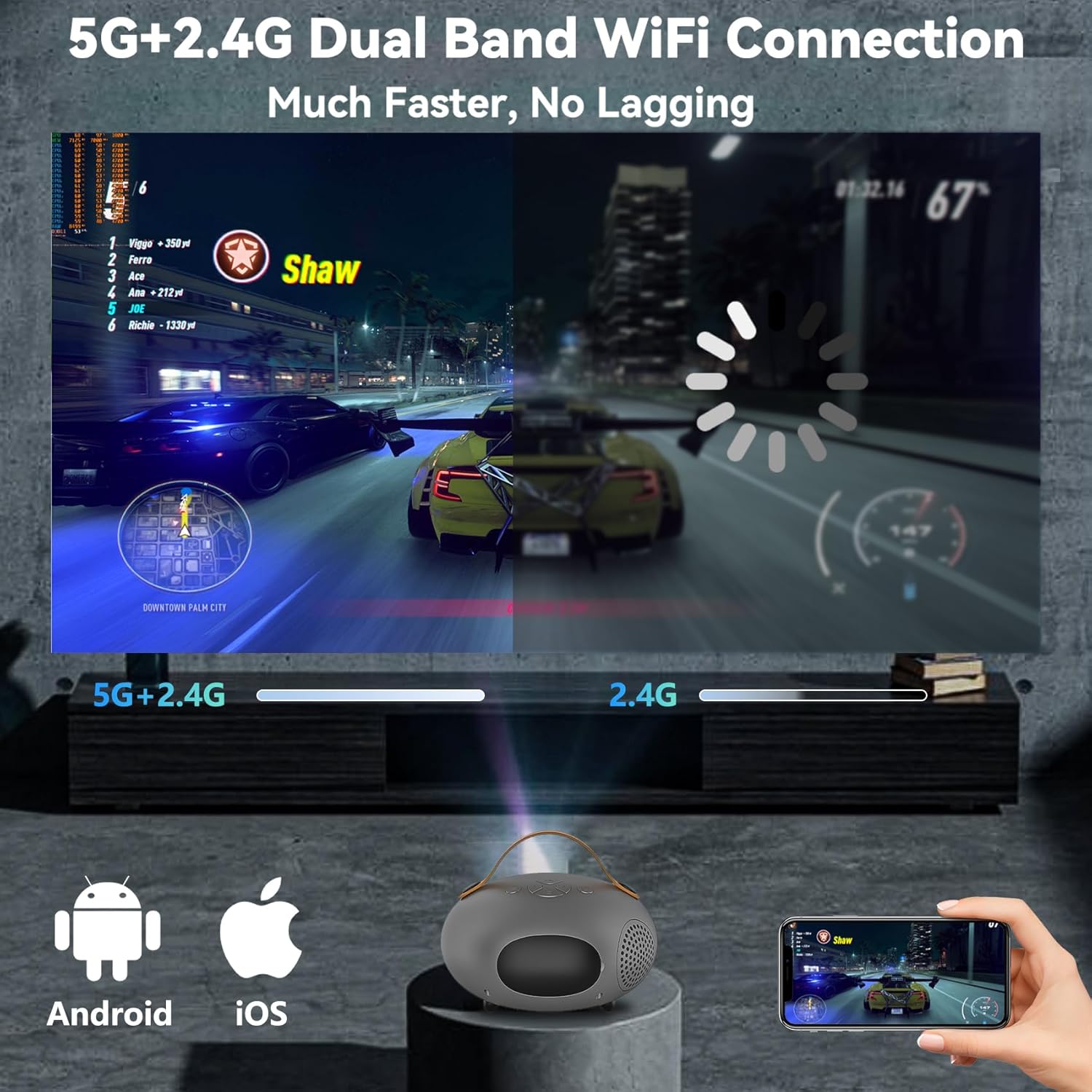
The projector supports both 5G and 2.4G WiFi for stable and fast wireless screen mirroring from iOS, Android, and Windows devices. For audio, Bluetooth 5.0 allows seamless connection to external Bluetooth headphones or speakers, enhancing your audio experience.
Image: The Visulapex V2 Mini Projector is shown projecting a racing game onto a wall, illustrating its 5G+2.4G dual-band WiFi connection. The image is split, comparing the faster, lag-free experience of 5G+2.4G with a slower 2.4G connection. Icons for Android and iOS devices are visible, indicating compatibility for screen mirroring.
Image: The Visulapex V2 Mini Projector is depicted with sound waves emanating from its sides, symbolizing its built-in HiFi stereo speaker. A Bluetooth icon is shown, along with images of a Bluetooth speaker, headphones, and earbuds, illustrating the projector's Bluetooth connectivity for external audio devices. The background shows a vibrant concert scene, suggesting an immersive audio-visual experience.
Video: This video demonstrates the Visulapex V2 Mini Projector's portability and its ability to project movies outdoors. It highlights the 5G WiFi and Bluetooth capabilities, showcasing the projector in various settings for a portable home theater experience.
4.3 Screen Mirroring (iOS/Android/PC)
To mirror your smartphone or PC screen, navigate to the screen mirroring option in the projector's menu and follow the on-screen instructions. Ensure your device and the projector are connected to the same WiFi network.
Nota Importanti:
Due to video website copyright issues (HDCP), the projector does not support direct WiFi mirroring for streaming services like Netflix, Amazon Prime, Disney+, and Hulu. To watch content from these platforms, please connect a TV stick, laptop, or PC via the HDMI port.
4.4 Aġġustament tas-Settings
The projector's menu allows for various adjustments to optimize your viewing experience. You can modify settings such as brightness, contrast, color temperature, and aspect ratio. The projector's LCD color calibration technology and 3000:1 high contrast ratio ensure a real, dynamic, and color-vibrant 1080P HD projection image quality.
5. Manutenzjoni
Manutenzjoni regolari tiżgura l-lonġevità u l-prestazzjoni ottimali tal-proġettazzjoni tiegħek.
5.1 Tindif tal-Lentijiet
Uża drapp artab u mingħajr suf, iddisinjat speċifikament għal lentijiet ottiċi, biex timsaħ bil-mod il-lenti tal-proġettazzjoni. Evita li tuża prodotti tat-tindif li joborxu jew forza eċċessiva, għax dan jista' jigrif il-lenti.
5.2 Tindif tal-Filtru tat-Trab
Periodically check and clean the dust filter to prevent overheating and maintain image quality. Refer to the specific location of the dust filter in your user manual for detailed instructions on removal and cleaning.
5.3 Lamp Ħajja
The Visulapex V2 Mini Projector features a lamp life of 60,000 hours, providing many years of use. To maximize lamp life, avoid frequent power cycles and ensure proper ventilation during operation.
Image: The Visulapex V2 Mini Projector is shown on a bedside table next to a sleeping child, illustrating its quiet operation and sleep timer function. Text highlights its 60,000 hours lamp life, indicating it can be used for over 20 years, and advanced noise reduction technology for lower noise during use.
6 Issolvi l-problemi
Jekk tiltaqa' ma' problemi bil-proġettur tiegħek, jekk jogħġbok irreferi għall-problemi u s-soluzzjonijiet komuni li ġejjin:
6.1 No Picture/Power
Kun żgur li l-adapter tal-enerġija huwa konness sew kemm mal-proġettur kif ukoll ma' sokit tal-enerġija li jaħdem.
Check if the power indicator light on the projector is on. If not, try a different outlet.
Press the power button firmly on the projector or remote control.
6.2 Immaġni Mċajpra
Aġġusta ċ-ċirku tal-fokus fuq il-lenti tal-proġettazzjoni sakemm l-immaġni tkun ċara.
Use the keystone correction feature to correct any trapezoidal distortion.
Ensure the projection distance is within the recommended range for optimal clarity.
6.3 Ebda Ħoss
Iċċekkja s-settings tal-volum kemm fuq il-proġekter kif ukoll fuq l-apparat konness.
Ensure external speakers or headphones are properly connected if used.
If using Bluetooth, ensure the device is correctly paired and connected.
Ivverifika li s-settings tal-output tal-awdjo fuq l-apparat tas-sors tiegħek huma kkonfigurati b'mod korrett.
6.4 WiFi/Bluetooth Connection Issues
Ensure the projector and your device are within range of the WiFi router or Bluetooth device.
Restart both the projector and the connecting device.
Verify the correct WiFi password is entered.
For Bluetooth, ensure the external device is in pairing mode.
6.5 Streaming Service Limitations
As noted previously, due to HDCP copyright protection, direct wireless screen mirroring of content from Netflix, Amazon Prime, Disney+, and Hulu is not supported. To view content from these services, please connect a streaming stick (e.g., Amazon Fire TV Stick, Roku), laptop, or PC to the projector via the HDMI input.
7. Speċifikazzjonijiet
Karatteristika
Dettall
Brand
VISULAPEX
Mudell
V2
Riżoluzzjoni Nattiva
1920 x 1080 (1080P HD)
Luminożità
10,000 Lumens
Proporzjon ta' Kuntrast
3000:1
Lamp Ħajja
60,000 sigħat
Daqs tal-Projezzjoni
20" sa 300"
Korrezzjoni Keystone
Manual ±15°
Funzjoni Zoom
50% - 100% (via remote)
Konnettività
HDMI, USB, AV, 3.5mm Audio, 5G WiFi, Bluetooth 5.0
Dimensjonijiet (L x W x H)
6.7 x 5.5 x 3.9 pulzieri
Piż
2.12 liri
8. Garanzija u Appoġġ
VISULAPEX is committed to providing high-quality products and excellent customer service. Your Visulapex V2 Mini Projector comes with the following assurances:
1 Month Return Policy: Enjoy peace of mind with a 1-month return window.
3 Years Replacement: In case of product defects, a replacement will be provided for up to 3 years from the purchase date.
Appoġġ għall-Klijent tul il-ħajja: Dedicated customer support is available for the lifetime of your product to assist with any queries or issues.
For technical assistance, warranty claims, or any other support needs, please contact VISULAPEX customer service through the platform where you purchased the product or visit the official VISULAPEX websit għal informazzjoni ta' kuntatt.
Image: A graphic displaying three key customer support policies: "1 Month Return", "3 Years Replacement", and "Lifetime Customer Support", each accompanied by a relevant icon. This reinforces the brand's commitment to customer satisfaction.
Dokumenti Relatati - V2
Visulapex S1 Projector User Manual This user manual provides comprehensive instructions for the Visulapex S1 projector. It details the packing list, function overview, quick start guide, various input source connections (HDMI, VGA, AV, USB, Screen Mirroring), Bluetooth speaker pairing, screen mirroring setup for iOS and Android devices, projector placement, projection distance and size, technical specifications, important attention points, warnings and precautions, and troubleshooting steps.
Manwal tal-Utent tal-Proġettur tal-Vidjo VISULAPEX Manwal komprensiv għall-utent għall-Proġettur tal-Vidjo VISULAPEX, li jagħti dettalji dwar is-setup, it-tħaddim, il-konnessjonijiet, il-mirroring tal-iskrin, u informazzjoni dwar is-sigurtà.
VISULAPEX V3 Pro Video Projector User Manual - Setup, Features, and Connectivity Comprehensive user manual for the VISULAPEX V3 Pro Video Projector. Learn about setup, remote control functions, projection settings, screen mirroring (wireless and wired), wired connections (HDMI, USB, AUX), and Bluetooth audio. Includes detailed instructions and specifications.
VISULAPEX S3 Lite LED LCD Projector: Specifications and Features Dettaljat fuqview of the VISULAPEX S3 Lite LED LCD projector, featuring 900 ANSI lumens, 10000:1 contrast, HDTV resolution, 30,000-hour LED life, and wireless connectivity options like Airplay and Miracast.