Introduzzjoni
Thank you for choosing the EMOS EMILY Rechargeable LED Desk LampDan il-manwal jipprovdi informazzjoni essenzjali għall-użu sikur u effiċjenti tal-magna l-ġdida tiegħek.amp. The EMILY lamp features a flexible gooseneck, continuous dimming, and a built-in rechargeable battery, making it ideal for various applications.
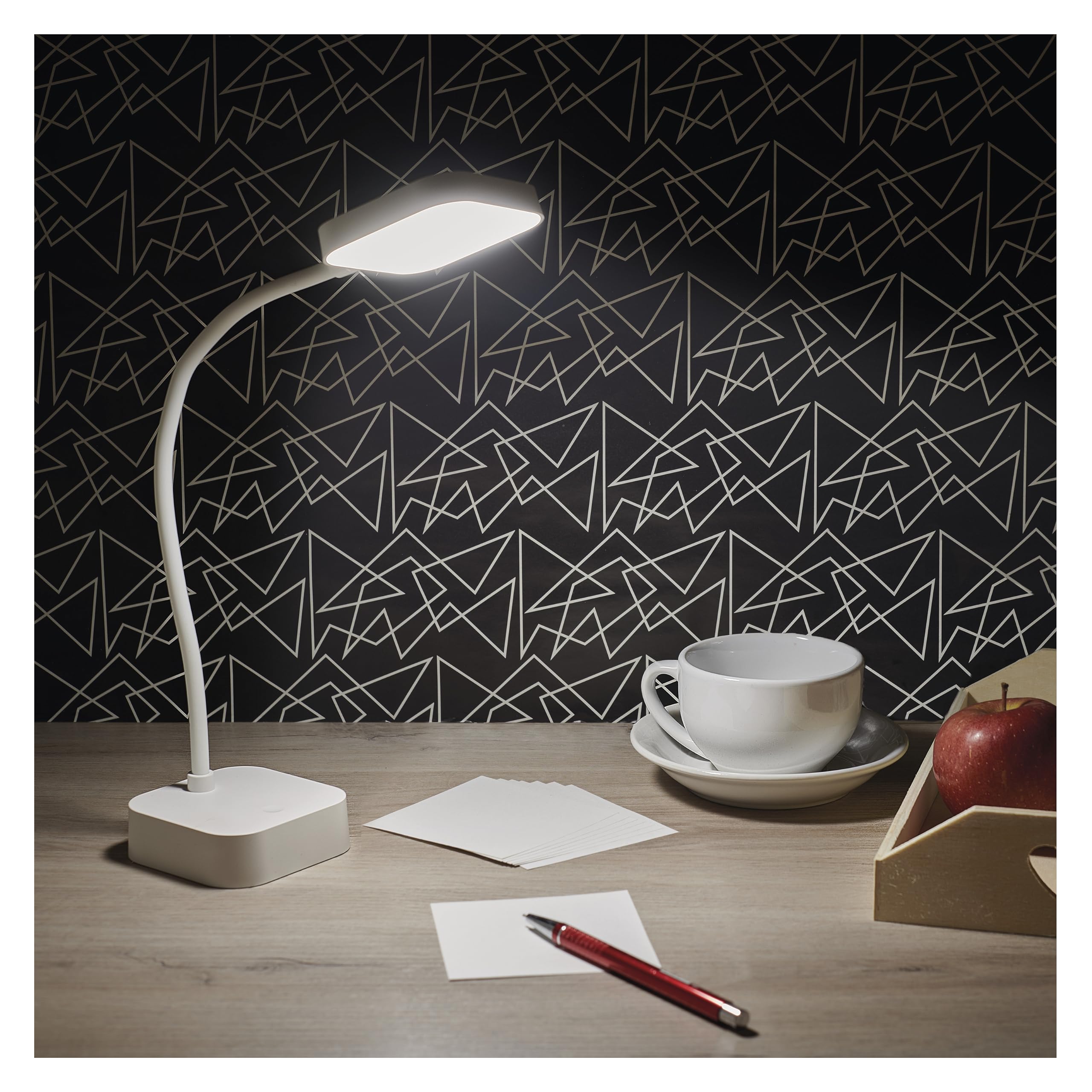
Image: The EMOS EMILY LED Desk Lamp in white, featuring a square base and lamp head connected by a flexible gooseneck.
Setup
- Spakkja l-Lamp: Neħħi b'attenzjoni l-lamp and all accessories from the packaging. Ensure all components listed in the specifications are present.
- Ħlas Inizjali: Qabel l-ewwel użu, iċċarġja kompletament l-lamp. Connect the supplied 1-meter USB charging cable to the lamp's charging port and to a suitable USB power adapter (not included). The charging indicator light will show the charging status.

Image: Close-up of the lamp's base showing the ON/OFF slide switch and the DC 5V charging port, with a charging cable being inserted.
- Attiva l-Lamp: Locate the slide switch on the back of the lamp's base. Slide it from the "OFF" position to the "ON" position to enable the lamp's functions.
Istruzzjonijiet Operattivi
- Power On/Off: Mal-lamp activated (switch in "ON" position), lightly touch the touch button located on the lamp's base to turn the light on or off.
- Aġġusta l-Luminożità (Dimming): To adjust the light intensity, press and hold the touch button. The brightness will continuously cycle between 10% and 100%. Release the button when the desired brightness is reached.
- Pożizzjonament tal-Lamp: Il-lamp features a flexible gooseneck. Bend and rotate the gooseneck to direct the light precisely where needed.

Image: Three EMOS EMILY lamps shown from different angles, highlighting the flexibility of their gooseneck arms.
Manutenzjoni
- Tindif: Skonnettja l-lamp from any power source before cleaning. Use a soft, dry cloth to wipe the lampIl-wiċċ ta'. Tużax prodotti tat-tindif jew solventi li joborxu.
- Ħażna: Jekk taħżen lamp for an extended period, ensure it is fully charged and then turn the slide switch to the "OFF" position. Store in a cool, dry place.
- Kura tal-batterija: To prolong battery life, avoid completely discharging the battery frequently. Recharge the lamp when the light output noticeably diminishes.
Issolvi l-problemi
| Problema | Kawża Possibbli | Soluzzjoni |
|---|---|---|
| Lamp ma jixgħelx. | Il-batterija hija skarikata. Is-swiċċ tal-enerġija huwa MITFI. Touch button not responding. | Iċċarġja l-lamp. Żerżaq is-swiċċ tal-enerġija għal "ON". Ensure the touch button is clean and try again. |
| Id-dawl huwa baxx jew jitteptep. | Batterija baxxa. Dimming setting is too low. | Iċċarġja mill-ġdid il-lamp bis-sħiħ. Press and hold the touch button to increase brightness. |
| Lamp ma jiċċarġjax. | USB cable or adapter faulty. Il-port tal-iċċarġjar huwa mblukkat. | Try a different USB cable and adapter. Iċċekkja l-port tal-iċċarġjar għal debris. |
Speċifikazzjonijiet
- Numru tal-Mudell: Z7627
- Ditta: EMOS
- Qawwa: 2 W
- Fluss Luminuż: Max 100 lm
- Temperatura tal-Kulur: 5000 Kelvin (Abjad Newtrali)
- Dimming: Continuous (10-100%)
- Ħajja tal-batterija: Up to 96 hours (depending on brightness setting)
- Tip ta 'batterija: 1 batterija tal-litju-jone (inkluża)
- Iċċarġjar: USB (1m cable included, adapter not included)
- Materjal: Plastik
- Dimensjonijiet tal-Prodott: 8 x 8 x 30 ċm (madwar 3.15 x 3.15 x 11.8 pulzieri)
- Piż: 340 gramma (madwar 0.75 libbra)
- Komponenti Inklużi: 1 Desk Lamp, 1 USB Charging Cable

Image: Technical drawing illustrating the dimensions of the EMOS EMILY LED Desk Lamp, including height, base diameter, and lamp daqs tar-ras.
Informazzjoni dwar Garanzija
Specific warranty details for the EMOS EMILY LED Desk Lamp may vary by region and retailer. Please refer to the warranty card included with your purchase or contact your point of sale for detailed information regarding warranty coverage and terms.
Appoġġ għall-Klijent
For further assistance, technical support, or inquiries regarding your EMOS EMILY LED Desk Lamp, please contact the retailer from whom you purchased the product. You may also visit the official EMOS websit għal informazzjoni ġenerali dwar il-prodott u riżorsi ta' appoġġ.


