1. Introduzzjoni
L-MUBVIEW PK320-Y is an indoor security camera designed for monitoring various indoor environments, including nurseries, pet areas, and general home security. It features 2K resolution video, dual-band Wi-Fi connectivity (2.4GHz and 5GHz), two-way audio communication, advanced night vision, and motion detection with automatic tracking capabilities. This manual provides instructions for setting up, operating, and maintaining your camera.

Image 1.1: MUBVIEW PK320-Y Indoor Security Camera and its mobile application interface.
2. Kontenut tal-Pakkett
Ivverifika li l-oġġetti kollha huma preżenti fil-pakkett:
- 1x MUBVIEW PK320-Y Indoor Camera (with 5.9ft USB Cable)
- 1x Adapter tal-Enerġija
- 1x Pakkett ta 'Viti
- 1x Manwal tal-Prodott
- 1x Bracket tal-Immuntar

Image 2.1: All components included in the MUBVIEW PK320-Y product package.
3. Prodott Aktarview
L-MUBVIEW PK320-Y camera features a compact dome design with a lens for video capture, integrated microphone and speaker for two-way audio, and indicators for status. It supports flexible placement options including surface, wall, and ceiling mounting.

Image 3.1: Key features and physical attributes of the MUBVIEW PK320-Y camera.

Image 3.2: Flexible placement options for the MUBVIEW PK320-Y camera.
4. Setup
Follow these steps for initial setup of your MUBVIEW PK320-Y camera:
- Niżżel l-MUBVIEW App: Fittex għal "MUBVIEW" in your smartphone's app store (compatible with Android phones) and install the application.
- Qawwa Mixgħul: Connect the camera to a power outlet using the provided USB cable and power adapter.
- Qabbad mal-Wi-Fi: Iftaħ il-MUBVIEW app and follow the on-screen instructions to connect the camera to your home Wi-Fi network. The camera supports both 2.4GHz and 5GHz Wi-Fi bands for a stable connection.
Ensure your Wi-Fi network is active and you have the correct password. The setup process is designed to be quick and straightforward.
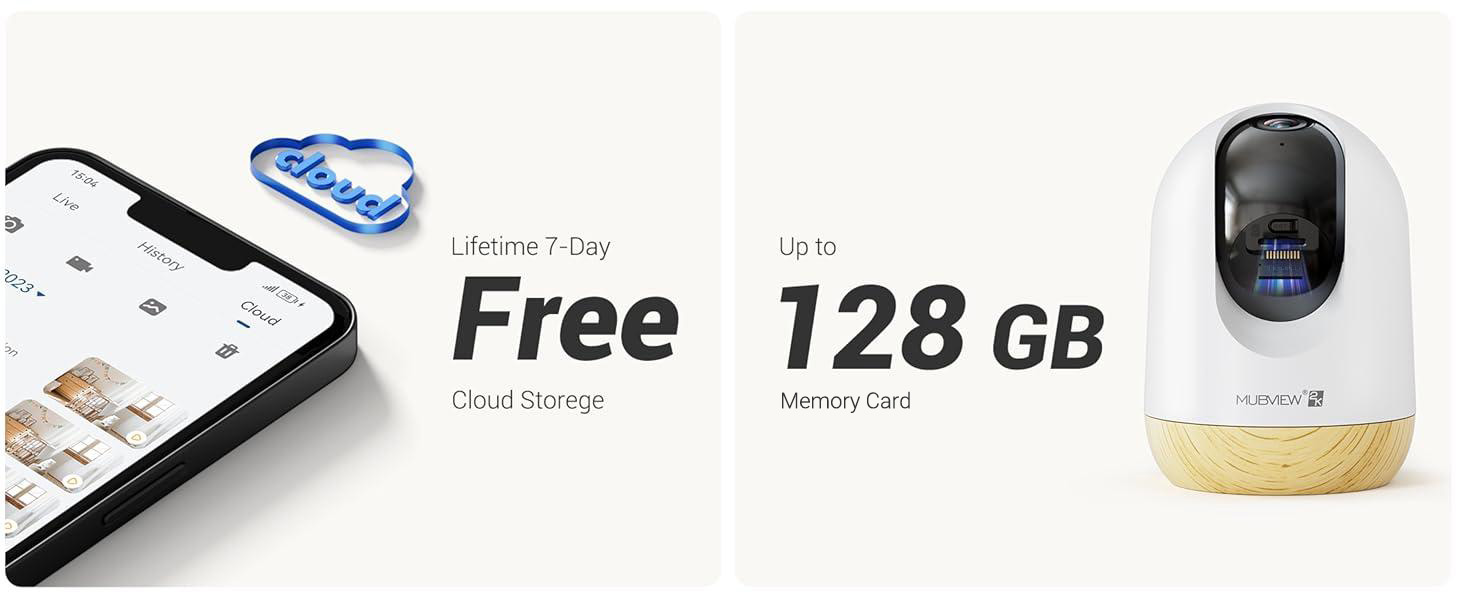
Image 4.1: Visual guide for the quick setup process.

Image 4.2: The camera supports both 2.4GHz and 5GHz dual-band Wi-Fi for enhanced connectivity.
5. Istruzzjonijiet Operattivi
5.1 App Control
L-MUBVIEW camera is primarily controlled through its dedicated mobile application. The app allows you to view foo ħajtage, access recorded events, adjust settings, and manage multiple cameras.

Image 5.1: Controlling camera functions via the mobile application.
5.2 Ħaj View u Monitoraġġ
Access the live feed from your camera anytime, anywhere through the MUBVIEW app. The camera provides 24/7 monitoring with 2K Ultra HD resolution.

Image 5.2: Continuous monitoring of your environment.

Image 5.3: Remote monitoring allows for flexibility and peace of mind.
5.3 Awdjo b'żewġ direzzjonijiet
The integrated microphone and speaker enable two-way communication. You can listen to the camera's environment and speak through the camera from your phone.

Image 5.4: Utilizing the two-way audio feature for communication.
5.4 Kontroll tal-Pan-Tilt
The camera offers a 355-degree horizontal pan and an 80-degree vertical tilt, allowing you to adjust the viewing angle remotely via the app to cover a wide area.

Image 5.5: Adjusting the camera's view to cover different areas.
5.5 Sejbien tal-Mozzjoni u Traċċar Awtomatiku
The camera detects motion and can automatically track moving objects within its field of view. You will receive alerts on your phone when motion is detected.
- Twissijiet ta 'Mozzjoni: The camera audibly alerts you when motion is detected.
- Traċċar awtomatiku: Automatically follows moving subjects, ensuring they remain in the frame.
- Żoni ta' Attività: Configure specific areas for motion detection to reduce false alerts.
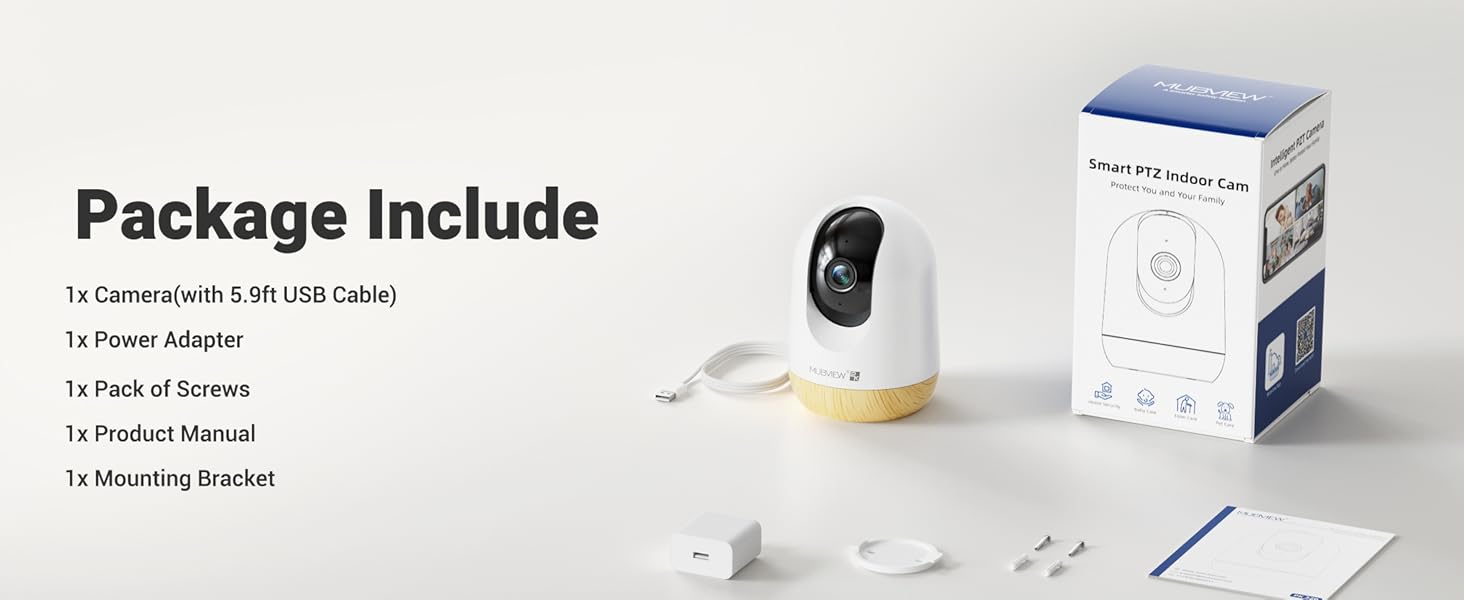
Image 5.6: Motion detection in action.
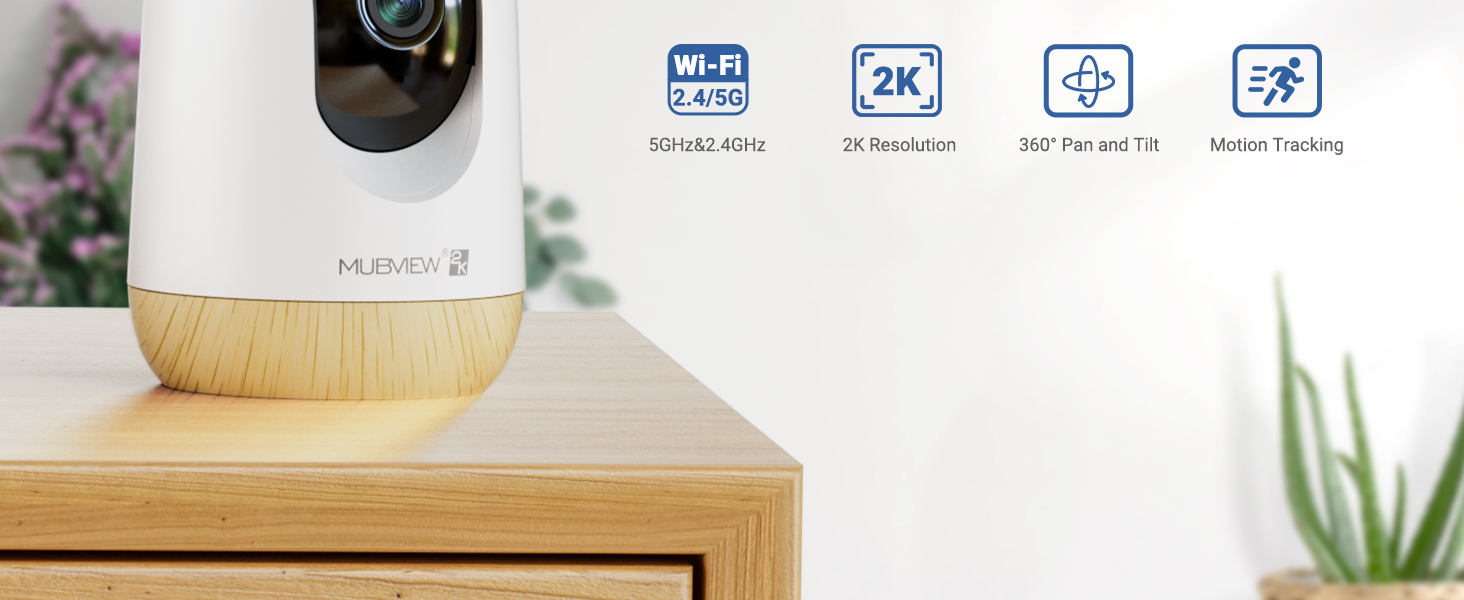
Image 5.7: The camera's auto-tracking feature following a moving subject.

Image 5.8: Configuring activity zones for targeted motion detection.
5.6 Viżjoni bil-lejl
The camera is equipped with advanced night vision technology, providing clear 2K clarity even in low-light or dark conditions up to 33 feet.

Image 5.9: Clear night vision capabilities in a dark environment.
5.7 Remote Access and Multi-Camera View
Access your camera's live feed from anywhere with an internet connection. The app also supports viewing multiple cameras simultaneously.

Image 5.10: Remote access to your camera feed.
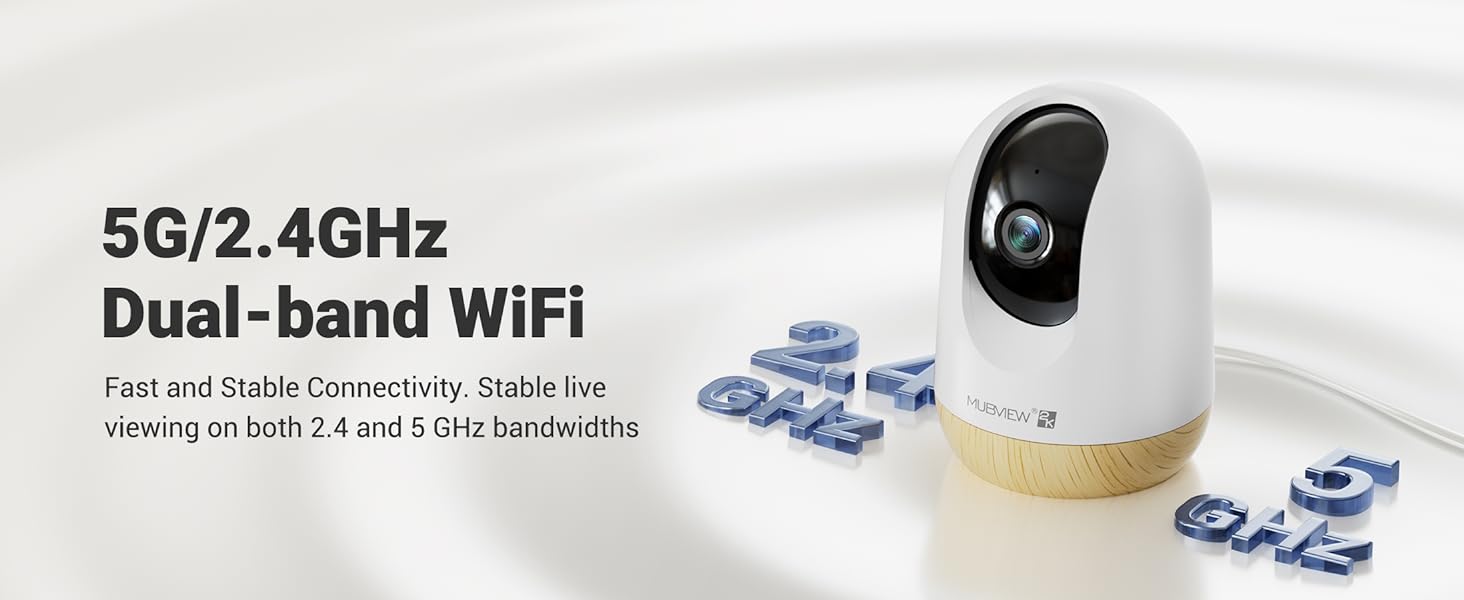
Image 5.11: Simultaneous viewing of multiple camera feeds.
5.8 Video Playback and Sharing
Review irreġistrat footage through the app's playback feature. You can also share camera access with family members or other authorized users.
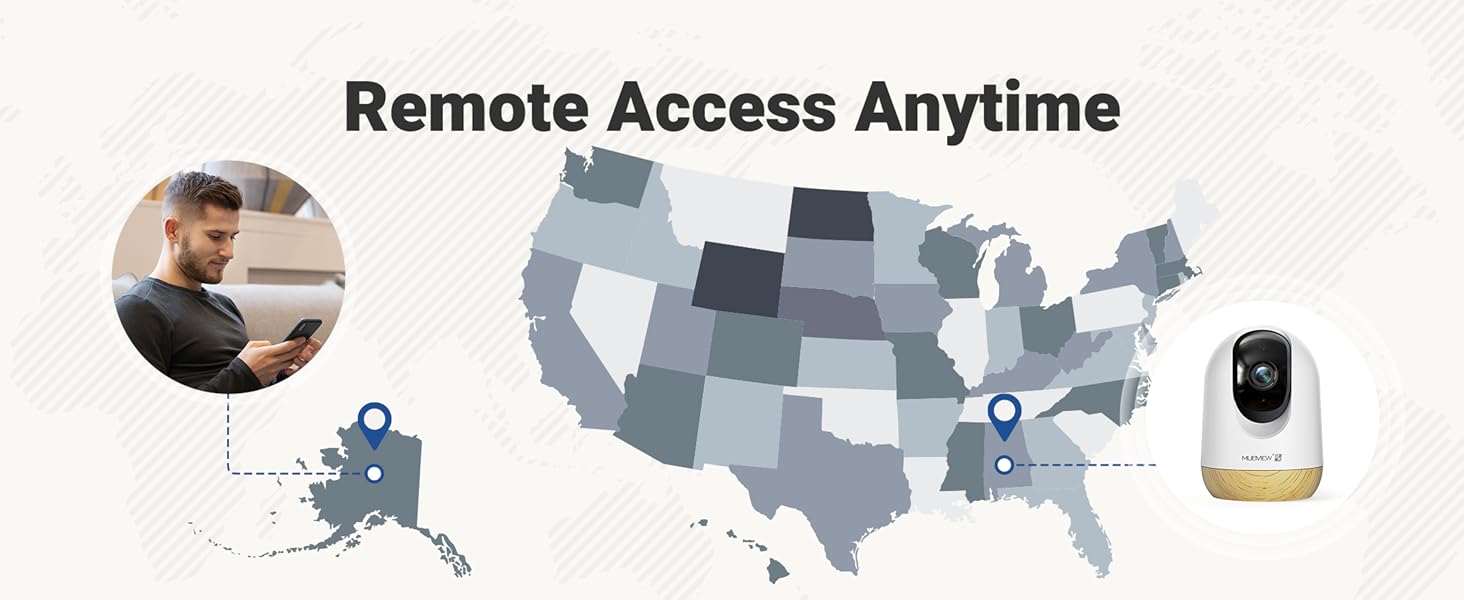
Image 5.12: Accessing and reviewing recorded video footage.

Image 5.13: Sharing camera access with multiple users.
6. Għażliet ta 'Ħażna
L-MUBVIEW PK320-Y camera offers flexible storage solutions for your video recordings:
- Ħażna tal-Kard SD: Supports local storage via an SD card (not included) with a capacity of up to 128GB.
- Ħażna Cloud: Includes a lifetime 7-day loop recording cloud storage service without requiring a subscription.

Image 6.1: Available storage options for video recordings.
7. Manutenzjoni
To ensure optimal performance and longevity of your MUBVIEW PK320-Y camera, follow these maintenance guidelines:
- Tindif: Imsaħ bil-mod il-lenti u l-korp tal-kamera b'ċarruta ratba u niexfa. Evita li tuża kimiċi ħarxa jew materjali li joborxu.
- Pjazzament: Kun żgur li l-kamera titqiegħed f'post stabbli, 'il bogħod mix-xemx diretta, sorsi ta' sħana, u umdità eċċessiva.
- Ventilazzjoni: Do not obstruct the camera's ventilation openings to prevent overheating.
- Aġġornamenti tal-Firmware: Regularly check the MUBVIEW app for available firmware updates to ensure your camera has the latest features and security enhancements.
8 Issolvi l-problemi
If you encounter issues with your MUBVIEW PK320-Y camera, refer to the following common troubleshooting steps:
- Kamera ma tikkonnettjax mal-Wi-Fi:
- Ensure your Wi-Fi network is operational and you have entered the correct password.
- Verify that the camera is within range of your Wi-Fi router.
- Confirm your router supports both 2.4GHz and 5GHz bands, and try connecting to the other band if one fails.
- Erġa' ibda r-router u l-kamera tiegħek.
- Nru Live View jew Reġistrazzjoni:
- Iċċekkja l-konnessjoni tal-internet tiegħek.
- Kun żgur li l-kamera tkun mixgħula.
- If using an SD card, ensure it is correctly inserted and formatted within the app.
- Kwistjonijiet tal-Awdjo f'żewġ direzzjonijiet:
- Iċċekkja s-settings tal-volum fuq it-telefon tiegħek u fl-app.
- Kun żgur li m'hemm l-ebda ostaklu li jimblokka l-mikrofonu jew l-ispiker tal-kamera.
- Is-Sejbien tal-Moviment Mhux Taħdim:
- Ivverifika li d-detezzjoni tal-moviment hija attivata fis-settings tal-app.
- Adjust sensitivity settings if necessary.
- Ensure activity zones are correctly configured.
- Kamera ma Tirrispondix:
- Skonnettja l-kamera mis-sors tal-enerġija, stenna 10 sekondi, u erġa' qabbadha biex terġa' tibdaha.
- Locate the reset button (usually a small pinhole) and press it for 5-10 seconds with a pin until you hear a prompt or see an indicator light change. This will restore factory settings.
For further assistance, please contact MUBVIEW appoġġ għall-klijent.
9. Speċifikazzjonijiet
| Karatteristika | Dettall |
|---|---|
| Isem tal-Mudell | PK320-Y |
| Riżoluzzjoni tal-Qbid tal-Vidjo | 3 MP (2K) |
| Teknoloġija tal-Konnettività | Wi-Fi (2.4GHz & 5GHz Doppju-faxxa) |
| Apparati Kompatibbli | Telefowns Android |
| Sors tal-Enerġija | Elettriku bil-Fili (220 Volts, 5 Watts) |
| Tip ta 'Immuntar | Surface Mount, Wall Mount, Ceiling Mount |
| ViewIng Angolu | 355 Grad (Pan), 80 Grad (Tilt) |
| Medda tal-Viżjoni Lejl | 33 Saqajn |
| Frame Rata | 15-20fps |
| Awdjo Two-Way | Iva |
| Sejbien tal-Moviment | Yes, with Auto Tracking and Audio Alerts |
| Ħażna Lokali | Supports up to 128GB SD card (not included) |
| Ħażna tas-Sħab | Lifetime 7-day loop recording (no subscription required) |
| Materjal | Acrylonitrile Butadiene Styrene (ABS) |
| Dimensjonijiet (L x W x H) | 3 x 3 x 4.33 pulzieri |
| Piż tal-oġġett | 10.9 uqija |
10. Garanzija u Appoġġ
MUBVIEW is committed to providing reliable products and customer satisfaction. For any questions or assistance, please refer to the following:
- Appoġġ għall-Klijent: MUBVIEW offers US-based phone support for after-sales service. Contact information can be found within the MUBVIEW app or on the official MUBVIEW websit.
- Appoġġ Tekniku: 24/7 professional technical support is available to assist with setup, operation, and troubleshooting.
- Ħażna Cloud: Enjoy lifetime 7-day loop recording cloud storage without a subscription.

Image 10.1: MUBVIEW's commitment to privacy and data security.
11. Informazzjoni dwar is-Sigurtà
Please read and follow these safety guidelines to prevent damage to the product or injury to yourself and others:
- Provvista tal-Enerġija: Use only the provided power adapter. Ensure the power source matches the camera's voltage rekwiżiti.
- Ġestjoni tal-Kejbil: Route power cables safely to prevent tripping hazards and keep them out of reach of children and pets.
- Ambjent: This camera is designed for indoor use only. Do not expose it to water, extreme temperatures, or high humidity.
- Pjazzament: Mount the camera securely according to the instructions. Avoid placing it in locations where it could fall or be easily knocked over.
- Tindif: Skonnettja l-enerġija qabel it-tindif.


