Introduzzjoni
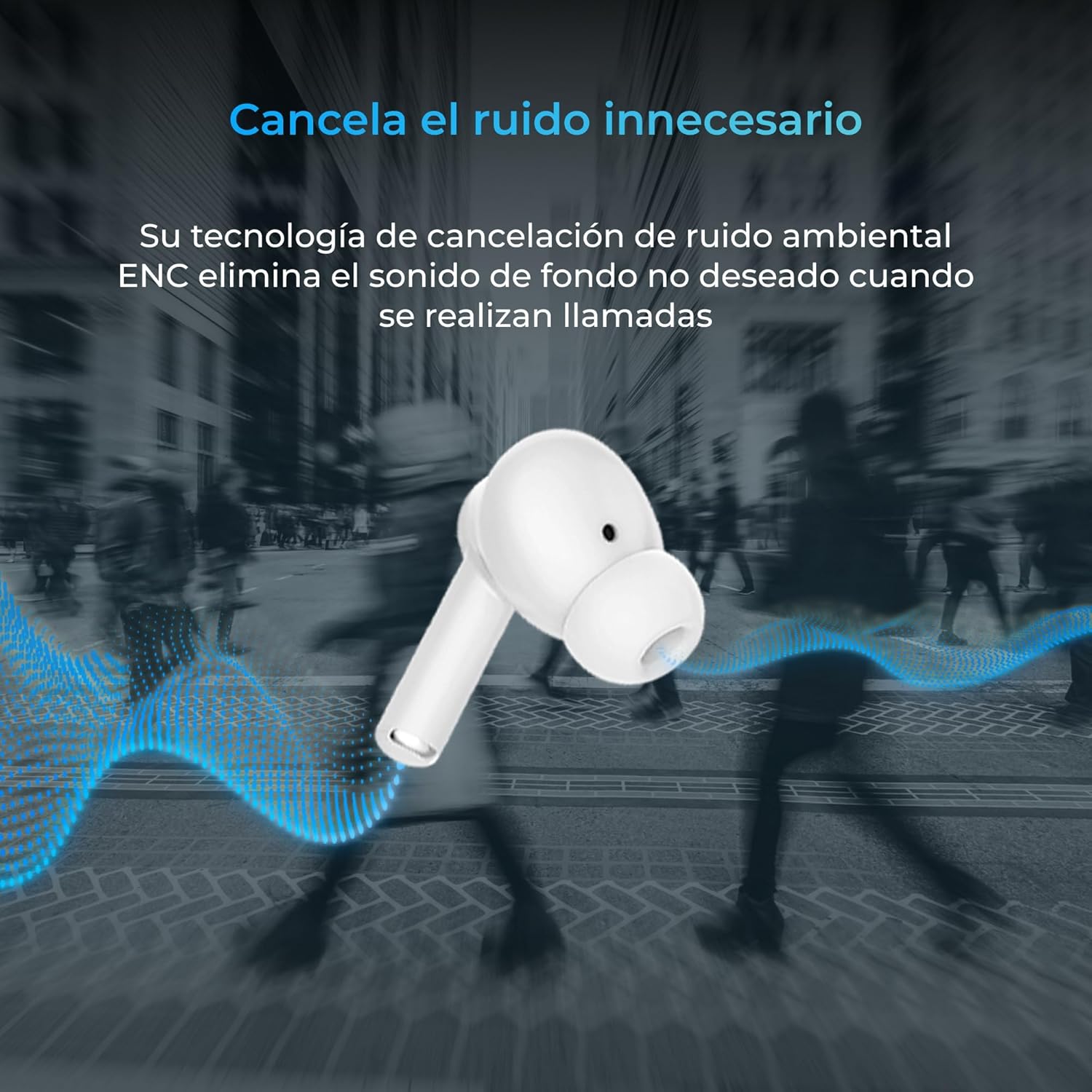
Thank you for choosing the KSIX Orion Wireless Earbuds. These earbuds are designed to provide a superior audio experience with features such as HD calls, Environmental Noise Cancellation (ENC), True Wireless Stereo (TWS), and intuitive touch controls. With up to 15 hours of total battery life and IPX4 water resistance, they are perfect for music, sports, and travel. This manual will guide you through the setup, operation, and maintenance of your new earbuds to ensure optimal performance and longevity.
Prodott Overview




Setup
1. Iċċarġjar tal-Earbuds u l-Kaxxa
Before first use, fully charge your KSIX Orion earbuds and charging case. The case and earbuds can be fully charged in approximately 1 hour. The earbuds provide up to 5 hours of playback, and the charging case provides an additional 10 hours, for a total of 15 hours of autonomy.
- Poġġi l-earbuds fil-każ tal-iċċarġjar.
- Qabbad il-kaxxa tal-iċċarġjar ma' sors tal-enerġija billi tuża kejbil USB-C kompatibbli.
- Id-dawl indikatur fuq il-kaxxa juri l-istatus tal-iċċarġjar.
2. It-tqabbil mat-Tagħmir Tiegħek
The KSIX Orion earbuds utilize Bluetooth 5.3 for a stable and uninterrupted connection.
- Ensure the earbuds are in the charging case and the case lid is open, or take them out of the case. They will automatically enter pairing mode.
- Fuq l-ismartphone, it-tablet, jew apparat ieħor li jaħdem bil-Bluetooth tiegħek, mur fis-settings tal-Bluetooth.
- Fittex għal "KSIX Orion" in the list of available devices.
- Select "KSIX Orion" to connect. Once connected, you will hear a confirmation tone, and the earbuds will be ready for use.
- If pairing fails, place the earbuds back in the case, close the lid, wait a few seconds, then open the lid and try again.
Istruzzjonijiet Operattivi
The KSIX Orion earbuds feature intuitive touch controls for easy management of music and calls.
Touch Kontrolli
| Azzjoni | Earbud tax-Xellug | Earbud tal-lemin |
|---|---|---|
| Ilgħab/Pawża Mużika | Vit wieħed | Vit wieħed |
| Kanzunetta li jmiss | Tektek triplu | Tektek triplu |
| Kanzunetta Preċedenti | Tektek doppju | Tektek doppju |
| Volum Up | Agħfas fit-tul (Lemin) | Agħfas fit-tul (Lemin) |
| Volum 'l isfel | Agħfas fit-tul (Xellug) | Agħfas fit-tul (Xellug) |
| Tweġiba/Tmiem Sejħa | Vit wieħed | Vit wieħed |
| Irrifjuta Sejħa | Pressa twila | Pressa twila |
| Attiva l-Assistent tal-Vuċi | Tektek u żomm għal 2 sekondi | Tektek u żomm għal 2 sekondi |
Assistent tal-Vuċi
The KSIX Orion earbuds are compatible with popular voice assistants such as Siri, Amazon Alexa, and Google Assistant. To activate your preferred voice assistant, use the designated touch control (tap and hold for 2 seconds). You can then issue commands for calls, music control, and more.
Manutenzjoni
Proper maintenance ensures the longevity and optimal performance of your KSIX Orion earbuds.
- Tindif: Regularly clean the earbuds, especially the ear tips and charging contacts, with a soft, dry, lint-free cloth. Do not use abrasive cleaners or solvents.
- Reżistenza għall-Ilma: The earbuds are IPX4 water resistant, meaning they are protected against splashing water from any direction. They are resistant to sweat and light rain. Do not submerge the earbuds in water or expose them to strong jets of water. Ensure the earbuds are dry before placing them back in the charging case to prevent damage.
- Ħażna: When not in use, store the earbuds in their charging case to protect them from dust and physical damage. Store in a cool, dry place away from extreme temperatures.
- Kura tal-batterija: Biex tippreserva l-ħajja tal-batterija, evita li tiċċarġja kompletament il-earbuds u l-kaxxa ta' spiss. Iċċarġjahom regolarment, anke jekk ma tkunx qed tużahom kontinwament.
Issolvi l-problemi
If you encounter issues with your KSIX Orion earbuds, try the following solutions:
| Problema | Soluzzjoni Possibbli |
|---|---|
| Earbuds ma jingħaqdux |
|
| L-ebda ħoss minn earbud wieħed jew miż-żewġ earbuds |
|
| Earbuds ma jiċċarġjawx |
|
| Poor call quality / ENC not working |
|
Speċifikazzjonijiet
| Karatteristika | Dettall |
|---|---|
| Numru tal-Mudell | BXTW09B |
| Brand | KSIX smart your tech |
| Kulur | Abjad |
| Teknoloġija tal-Konnettività | Mingħajr fili (Bluetooth 5.3) |
| Tqegħid tal-widnejn | Fil-widnejn |
| Fattur tal-Formola | Fil-widnejn |
| Insulazzjoni tal-Ħoss | Kanċellazzjoni tal-Istorbju Ambjentali (ENC) |
| Livell ta 'Reżistenza għall-Ilma | IPX4 (Reżistenti għall-ilma) |
| Ħajja tal-Batterija (Earbuds) | Sa 5 sigħat |
| Ħajja Totali tal-Batterija (bil-Kaxxa) | Sa 15 sigħat |
| Ħin tal-Iċċarġjar | Appross. 1 siegħa |
| Medda ta' Frekwenzi | 20 Hz - 20,000 Hz |
| Tip ta' Kontroll | Kontroll tal-Mess, Kontroll tal-Vuċi |
| Apparati Kompatibbli | Smartphones, tablets, laptops, desktops, smart speakers |
| Użi Rakkomandati | Calls, Music, Sport, Travel |
| Komponenti Inklużi | Każ tal-iċċarġjar bla fili |
Garanzija u Appoġġ
For detailed warranty information and customer support, please refer to the official KSIX website or contact their customer service directly. Information regarding spare parts availability and software update guarantees is not available in this manual.
Għal aktar għajnuna, jekk jogħġbok żur: www.ksix.com


