Prodott Overview
The Linkind Matter Smart Plug is designed to bring smart home automation to your devices, allowing for remote control, voice commands, and scheduled operations. It supports multiple smart home ecosystems through Matter, providing seamless integration and control.

Image: The Linkind Matter Smart Plug, a compact white device with a standard US electrical outlet on the front and a small LED indicator. It features branding for Linkind, Matter, Apple Home, Alexa, Google Home, and SmartThings compatibility.
Karatteristiċi Ewlenin
- Kompatibilità tal-Materja: Easy setup and control across certified smart home platforms like Apple Home, Alexa, Google Home, and SmartThings.
- Kontroll Lest għall-Offline: Devices communicate directly on your LAN, allowing control even without an internet connection.
- Kontroll mill-bogħod: Manage electronics from anywhere using the associated app.
- Kontroll tal-Vuċi: Hands-free operation via Apple HomeKit, Siri, Amazon Alexa, Google Assistant, and SmartThings.
- Skedar u Timer Flessibbli: Automate device power on/off to save energy.
- Karatteristiċi tas-Sigurtà: FCC certified, fire-resistant materials, 1800W 15A max capacity, short-circuit and overload protection.
- Disinn kompatt: Small form factor that does not obstruct adjacent outlets.

Image: An infographic highlighting the key features of the Linkind Smart Plug, including Matter-enabled, Simplicity, Interoperability, Reliability, Security, App Control, Timer & Schedule, Voice Control, Remote Control (Sold Separately), and Group Control. A smart plug is shown plugged into a wall outlet.
Gwida ta' Setup
Qabel Tibda
- Kun żgur li n-netwerk Wi-Fi tiegħek huwa 2.4GHz u jappoġġja IPv6. 5GHz Wi-Fi is not supported.
- A Matter-certified hub or controller (e.g., HomePod, Echo Dot, Nest, SmartThings Hub) is required for control via Apple Home, Alexa, Google Home, or SmartThings platforms.
- Alternatively, the AiDot app can be used without a separate hub.
- Update both your smart home apps and hubs to their latest versions for enhanced compatibility.
Passi Inizjali tas-Setup
- Tnedija App: Open your preferred smart home app (Apple Home, Alexa, Google Home, SmartThings, or AiDot).
- Enable Bluetooth and 2.4GHz Wi-Fi: Ensure Bluetooth is enabled on your mobile device and you are connected to a 2.4GHz Wi-Fi network.
- Pair with Smart Speaker/Hub (if applicable): Follow the app's instructions to pair the smart plug with your Matter-compatible smart speaker or hub.
- Qawwa Mixgħul: Plug the Linkind Matter Smart Plug into a wall outlet.
- Scan Matter Code: Use your app to scan the Matter QR code located on the product or its packaging. Alternatively, you may hold your iPhone near the accessory if it supports NFC pairing.
- Suċċess: Once the device is recognized and added, you can begin controlling it.
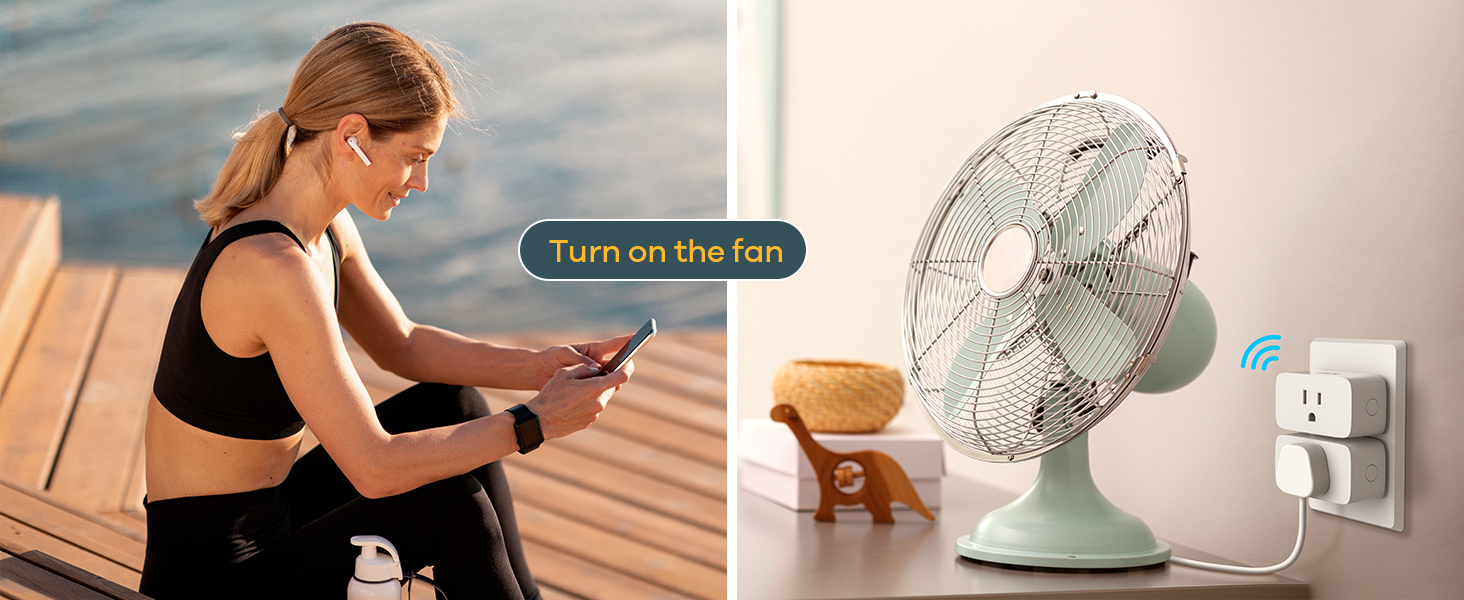
Image: A six-step visual guide demonstrating how to connect the Linkind Smart Plug, including launching the app, enabling Bluetooth and Wi-Fi, pairing with a smart speaker, powering on the plug, scanning the Matter code, and successful connection.

Image: An illustration explaining Matter hub requirements. It shows that a Matter-compatible hub (like Alexa, Google Home, Apple Home, SmartThings devices) is required for those platforms, while the AiDot app can be used without a hub. Important notes about 2.4GHz Wi-Fi and IPv6 are included.
Istruzzjonijiet Operattivi
Kontroll mill-bogħod
Once set up, you can control the smart plug from anywhere using your chosen smart home app. This allows you to turn connected devices on or off remotely, helping to manage power usage and save energy.

Image: A woman using a smartphone to remotely control a lamp plugged into a Linkind Smart Plug, illustrating the app remote control feature.
Kontroll tal-Vuċi
The Linkind Matter Smart Plug integrates with major voice assistants. Use simple voice commands to control your connected devices.
- For Apple HomeKit/Siri: Say, "Hey Siri, turn off the TV."
- For Amazon Alexa: Say, "Alexa, turn on the lamp."
- For Google Assistant: Say, "Hey Google, turn on the humidifier."

Image: A visual representation of voice control, showing speech bubbles with commands like "Hey Siri, turn off the TV" and "Hey Google, turn on the humidifier" next to a smart plug and connected devices.
Funzjonijiet ta' Skedar u Timer
Automate your devices by setting schedules and timers through the app. This feature is ideal for energy saving and convenience.
- Set devices to turn on/off at specific times (e.g., TV off at 9 PM, Lamp on at 6 PM).
- Use the timer function to automatically shut down devices after a set duration.

Image: A smartphone screen displaying an "Add Schedule" interface, with examples of scheduled actions for a TV (off at 9 PM), lamp (on at 6 PM), and humidifier (off at 7 AM), demonstrating the timer and scheduling capabilities.
Manutenzjoni u Kura
- Keep the smart plug clean by wiping it with a dry, soft cloth. Do not use liquid cleaners.
- Ensure the plug is used within its specified voltage (120 Volts) and maximum load (15A/1800W) to prevent damage.
- Evita li tesponi l-apparat għal umdità eċċessiva jew temperaturi estremi.
- Do not attempt to disassemble or repair the smart plug yourself. Contact customer support for assistance.
Issolvi l-problemi
| Problema | Kawża Possibbli | Soluzzjoni |
|---|---|---|
| L-apparat mhux qed jikkonnettja mal-Wi-Fi. | Incorrect Wi-Fi band (5GHz), weak signal, incorrect password. | Ensure you are connected to a 2.4GHz Wi-Fi network. Move the plug closer to the router. Double-check Wi-Fi password. |
| Il-kontroll tal-vuċi mhux qed jaħdem. | Incorrect voice command, hub not connected, app/hub outdated. | Use precise commands. Verify your Matter-compatible hub is properly connected. Update smart home apps and hub firmware. |
| Il-kontroll remot mhux qed jirrispondi. | Internet connection issue, device offline. | Check your home internet connection. Ensure the smart plug is powered on and within Wi-Fi range. |
| Plug is hot to the touch. | Overloaded circuit, faulty device. | Unplug the device immediately. Ensure the connected appliance does not exceed 15A/1800W. Contact customer support if the issue persists. |
For further assistance, please refer to the official Linkind support resources or contact customer service.
Speċifikazzjonijiet
- Numru tal-Mudell: LC09003256
- Input Voltage: 120 Volts
- Output Max: 15A / 1800W
- Konnettività: 2.4GHz Wi-Fi (IEEE 802.11 b/g/n), Matter
- Materjal: Copper (internal components), Fire-resistant materials (housing)
- Kulur: Abjad
- Dimensjonijiet: Madwar 3.27 x 2.52 x 1.93 pulzieri
- Ċertifikazzjonijiet: Iċċertifikat FCC

Image: A diagram illustrating the safety features and dimensions of the Linkind Smart Plug, including input 15A 120V, max output 1800W, fire-resistant 750°C, short-circuit protection, and overloaded protection, along with its compact size (2.7in x 1.5in x 1.3in).
Garanzija u Appoġġ
Linkind products typically come with a Kopertura ta' Sena warranty. For detailed warranty information, product support, or technical assistance, please visit the official Linkind websit jew ikkuntattja lis-servizz tal-konsumatur tagħhom.
Servizz tal-Klijent: Live customer service is generally available Monday-Friday, 9 AM - 5 PM PST.
Tista' ssib aktar informazzjoni u dettalji ta' kuntatt fuq Linkind Amazon Store.
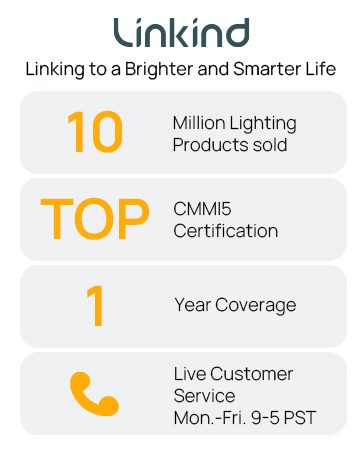
Image: A graphic highlighting Linkind's commitment, including "10 Million Lighting Products sold", "TOP CMMI5 Certification", "1 Year Coverage", and "Live Customer Service Mon.-Fri. 9-5 PST".


