1. Introduzzjoni
This manual provides essential information for the installation, operation, maintenance, and troubleshooting of your MSI SPATIUM M480 PRO PCIe 4.0 NVMe M.2 1TB Internal Solid State Drive. Please read this manual thoroughly before using the product to ensure proper functionality and to prevent damage.

Immaġni 1.1: Fuqview of the MSI SPATIUM M480 PRO 1TB NVMe M.2 SSD.
2. Kontenut tal-Pakkett
Ivverifika li l-oġġetti kollha huma preżenti fl-imballaġġ tal-prodott:
- MSI SPATIUM M480 PRO PCIe 4.0 NVMe M.2 SSD (1TB)
- Gwida ta 'Twaqqif Quick
3. Setup u Installazzjoni
The MSI SPATIUM M480 PRO is an M.2 2280 form factor SSD designed for PCIe Gen4x4 NVMe interfaces. Ensure your motherboard or device supports this standard before installation.
3.1 Prekawzjonijiet tas-Sigurtà
- Always wear an anti-static wrist strap or discharge static electricity by touching a grounded metal object before handling the SSD.
- Kun żgur li l-kompjuter tiegħek huwa mitfi u skonnettjat mill-plakka tal-ħajt.
- Refer to your motherboard's manual for specific M.2 slot locations and installation procedures.
3.2 Passi ta' Installazzjoni
- Locate an available M.2 slot on your motherboard. These slots are typically labeled and may be covered by a heatsink.
- Remove any screws or standoffs from the M.2 slot. If a standoff is present, ensure it is set for the 2280 form factor.
- Carefully insert the MSI SPATIUM M480 PRO SSD into the M.2 slot at a 30-degree angle. The gold contacts should slide smoothly into the slot.
- Gently push the SSD down until it is parallel with the motherboard.
- Secure the SSD with the screw provided with your motherboard or the M.2 slot. Do not overtighten.
- If your motherboard has an M.2 heatsink, install it over the SSD according to your motherboard's instructions.
- Agħlaq il-kaxxa tal-kompjuter tiegħek u erġa' qabbad il-kejbils kollha.
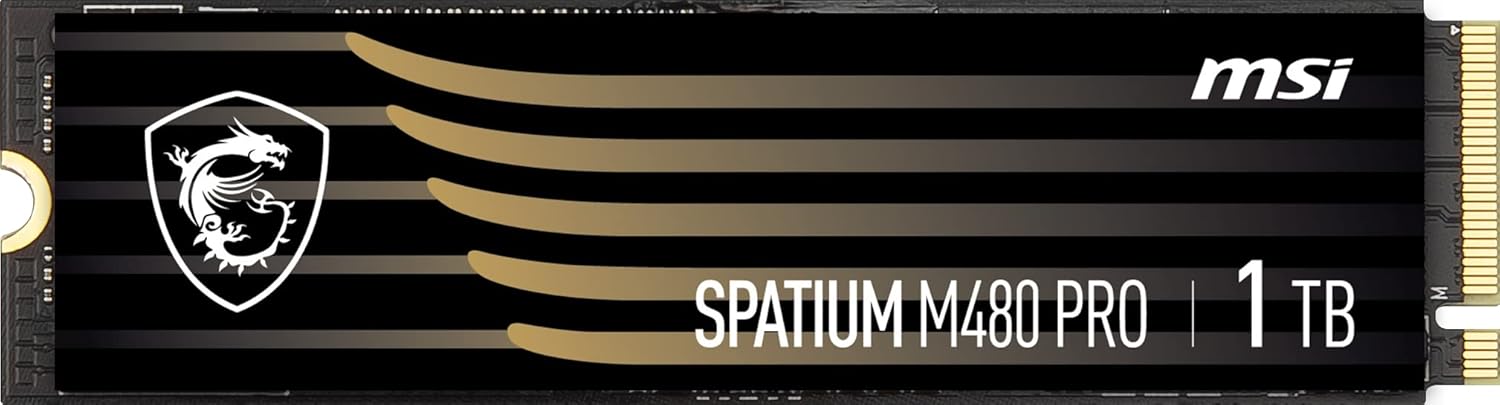
Immaġni 3.1: Mill-qrib view of the MSI SPATIUM M480 PRO SSD, highlighting the M.2 connector.
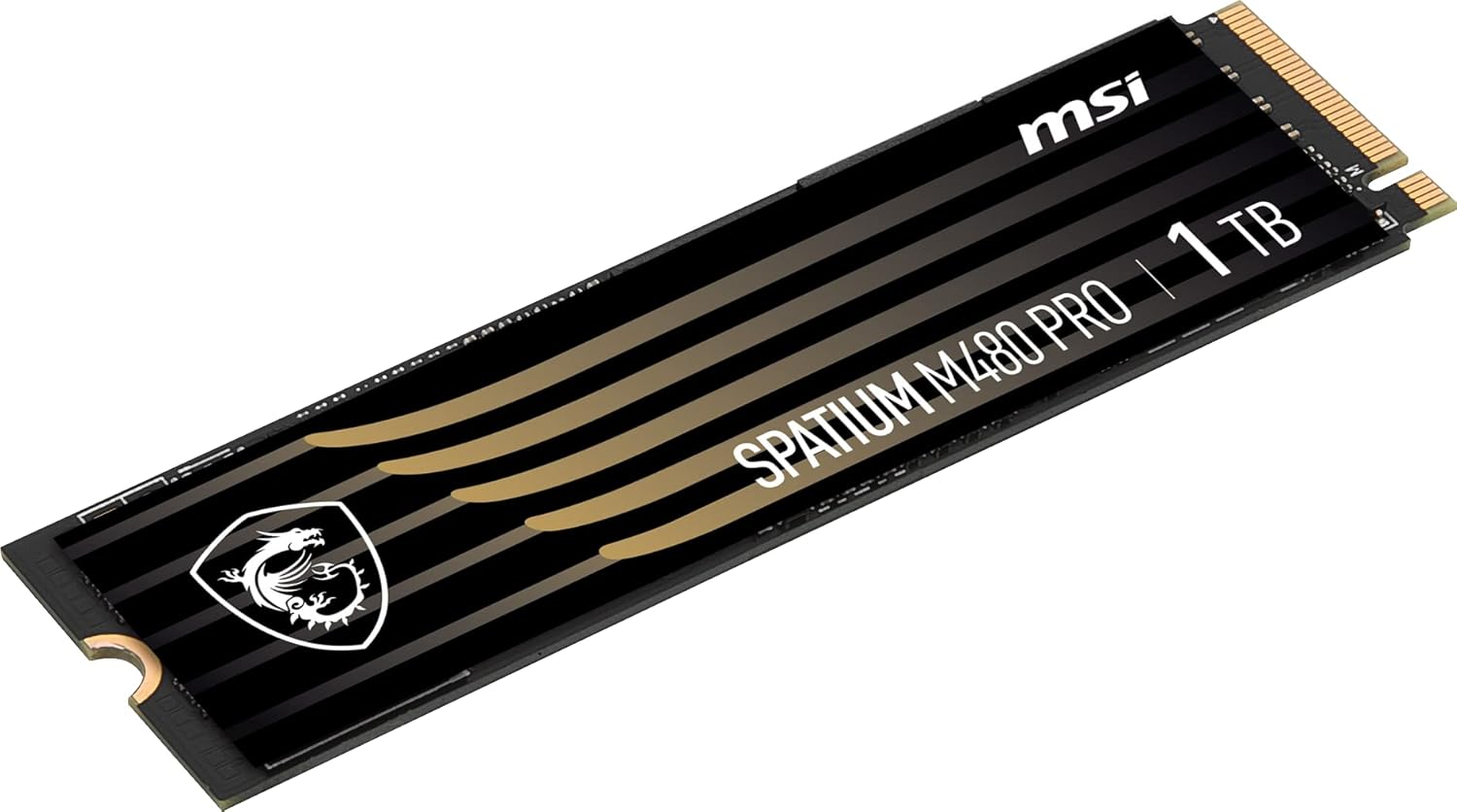
Immaġni 3.2: Angolata view of the MSI SPATIUM M480 PRO SSD, illustrating its slim M.2 2280 form factor.
4. Istruzzjonijiet Operattivi
4.1 Inizjalizzazzjoni u Formattjar tal-SSD
Wara l-installazzjoni fiżika, l-SSD jeħtieġ li jiġi inizjalizzat u fformattjat mis-sistema operattiva tiegħek qabel ma jkun jista' jintuża.
- Ibda l-kompjuter tiegħek.
- Għall-Windows: Right-click on the Start button and select "Disk Management". The new SSD should appear as "Unallocated Space". Right-click on the unallocated space, select "Initialize Disk", choose GPT (GUID Partition Table), then right-click again to create a "New Simple Volume". Follow the wizard to assign a drive letter and format the drive (NTFS is recommended for Windows).
- Għal Linux: Use disk utility tools like GParted or
fdisk/mkfscommands to partition and format the drive. - Għal macOS: Open "Disk Utility", select the new SSD, and erase/format it with an appropriate file sistema (eż., APFS jew HFS+).
4.2 NVMe Driver Installation
Modern operating systems (Windows 10/11, recent Linux distributions, macOS) typically include native NVMe drivers. Manual driver installation is usually not required. However, if you experience issues or wish to optimize performance, check the MSI support website for specific NVMe drivers for your motherboard or the SPATIUM M480 PRO.
5. Manutenzjoni
Manutenzjoni xierqa tiżgura l-lonġevità u l-prestazzjoni ottimali tal-SSD tiegħek.
- Kmand TRIM: Ensure the TRIM command is enabled in your operating system. This command helps the SSD manage data blocks efficiently, preventing performance degradation over time. Most modern operating systems enable TRIM by default for SSDs.
- Aġġornamenti tal-Firmware: Periodically check the official MSI website for firmware updates for your SPATIUM M480 PRO SSD. Firmware updates can improve performance, stability, and address potential issues. Follow MSI's instructions carefully when performing firmware updates.
- Evita l-Kapaċità Sħiħa: While SSDs perform well even when nearly full, maintaining some free space (e.g., 10-15%) can help sustain optimal write performance and extend drive lifespan.
- Monitoraġġ tat-temperatura: Monitor the SSD's temperature using system monitoring software. Excessive heat can impact performance and lifespan. Ensure adequate airflow in your PC case and consider using a motherboard's M.2 heatsink if available.
6 Issolvi l-problemi
If you encounter issues with your MSI SPATIUM M480 PRO SSD, refer to the following common troubleshooting steps:
6.1 SSD Mhux Rilevat
- Iċċekkja l-Konnessjoni Fiżika: Kun żgur li l-SSD huwa mwaħħal sew fl-islott tal-M.2 u mwaħħal sew.
- Is-Settings tal-BIOS/UEFI: Enter your system's BIOS/UEFI settings. Verify that the M.2 slot is enabled and configured for NVMe mode (if applicable). Some motherboards may require specific PCIe lane configurations.
- Kompatibbiltà tal-motherboard: Confirm your motherboard supports PCIe Gen4 NVMe M.2 SSDs.
- Ġestjoni tad-Diski (Windows): Check Disk Management to see if the drive appears as uninitialized. If so, initialize and format it as described in Section 4.1.
- Try Another Slot/System: If possible, test the SSD in a different M.2 slot or another compatible system to rule out a motherboard issue.
6.2 Prestazzjoni bil-mod
- PCIe Gen4 Compatibility: Ensure your motherboard and CPU fully support PCIe Gen4. If installed in a PCIe Gen3 slot, the SSD will operate at Gen3 speeds.
- TRIM Attivat: Verify that the TRIM command is enabled (see Section 5).
- Firmware: Check for and install the latest firmware updates (see Section 5).
- Temperatura: Monitor the SSD's temperature. High temperatures can cause thermal throttling, reducing performance.
- Riżorsi tas-Sistema: Kun żgur li s-sistema tiegħek għandha biżżejjed riżorsi ta' RAM u CPU, għax dawn jistgħu jaffettwaw il-prestazzjoni ġenerali tal-ħażna.
7. Speċifikazzjonijiet
| Karatteristika | Speċifikazzjoni |
|---|---|
| Isem tal-Mudell | SPATIUM M480 PRO |
| Kapaċità tal-Ħażna Diġitali | 1000 GB (1 TB) |
| Interface Hard Disk | NVMe |
| Teknoloġija tal-Konnettività | PCIe 4.0 |
| Fattur tal-Formola | M.2 2280 |
| Read Speed (Sequential) | Sa 7400 MB/s |
| Write Speed (Sequential) | Sa 7000 MB/s |
| NAND Flash | Flash 3D NAND |
| TBW (Terabytes Written) | Up to 3000 TBW |
| Apparati Kompatibbli | Desktop, Notebook |
| Numru tal-Mudell | S78-440L1G0-P83 |
| Dimensjonijiet tal-Oġġett (T x W x H) | 3.15"T x 0.87"W x 0.08"Ħ |
8. Informazzjoni dwar Garanzija
The MSI SPATIUM M480 PRO PCIe 4.0 NVMe M.2 1TB Internal SSD comes with a garanzija ta 'sena from the date of purchase. This warranty covers defects in materials and workmanship under normal use. For detailed warranty terms and conditions, please refer to the official MSI website or contact MSI customer support.
9. Appoġġ
For further assistance, technical support, or to download the latest drivers and firmware, please visit the official MSI support websit:
You may also contact MSI customer service directly through their websit għal mistoqsijiet speċifiċi.


