Introduzzjoni
This manual provides detailed instructions for the setup, operation, maintenance, and troubleshooting of your AGPTEK W1S 16GB MP3 Player. Please read this manual thoroughly before using the device to ensure proper functionality and to maximize your user experience.
Informazzjoni dwar is-Sigurtà
- Tesponix l-apparat għal temperaturi estremi, dawl tax-xemx dirett, jew umdità għolja.
- Evita li twaqqa’ jew tissuġġetta l-apparat għal impatti qawwija.
- Tippruvax iżarma jew isewwi l-apparat lilek innifsek. Ikkuntattja l-appoġġ tal-klijent għall-assistenza.
- Uża biss il-kejbil tal-iċċarġjar ipprovdut u adapter tal-enerġija kompatibbli.
- Żomm l-apparat 'il bogħod mill-ilma u likwidi oħra.
Apparat Matulview
The AGPTEK W1S features a 3.5-inch high-resolution touchscreen and an intuitive interface for easy navigation.

Immaġni: Quddiem u lura view of the AGPTEK W1S MP3 Player, showcasing id-disinn eleganti u l-buttuni fiżiċi tiegħu.
Karatteristiċi ewlenin:
- Skrin tattili HD ta' 3.5 pulzieri: Provides a clear display and responsive touch control.
- Sistema Operattiva Android 8.1: Ensures faster and smoother operation.
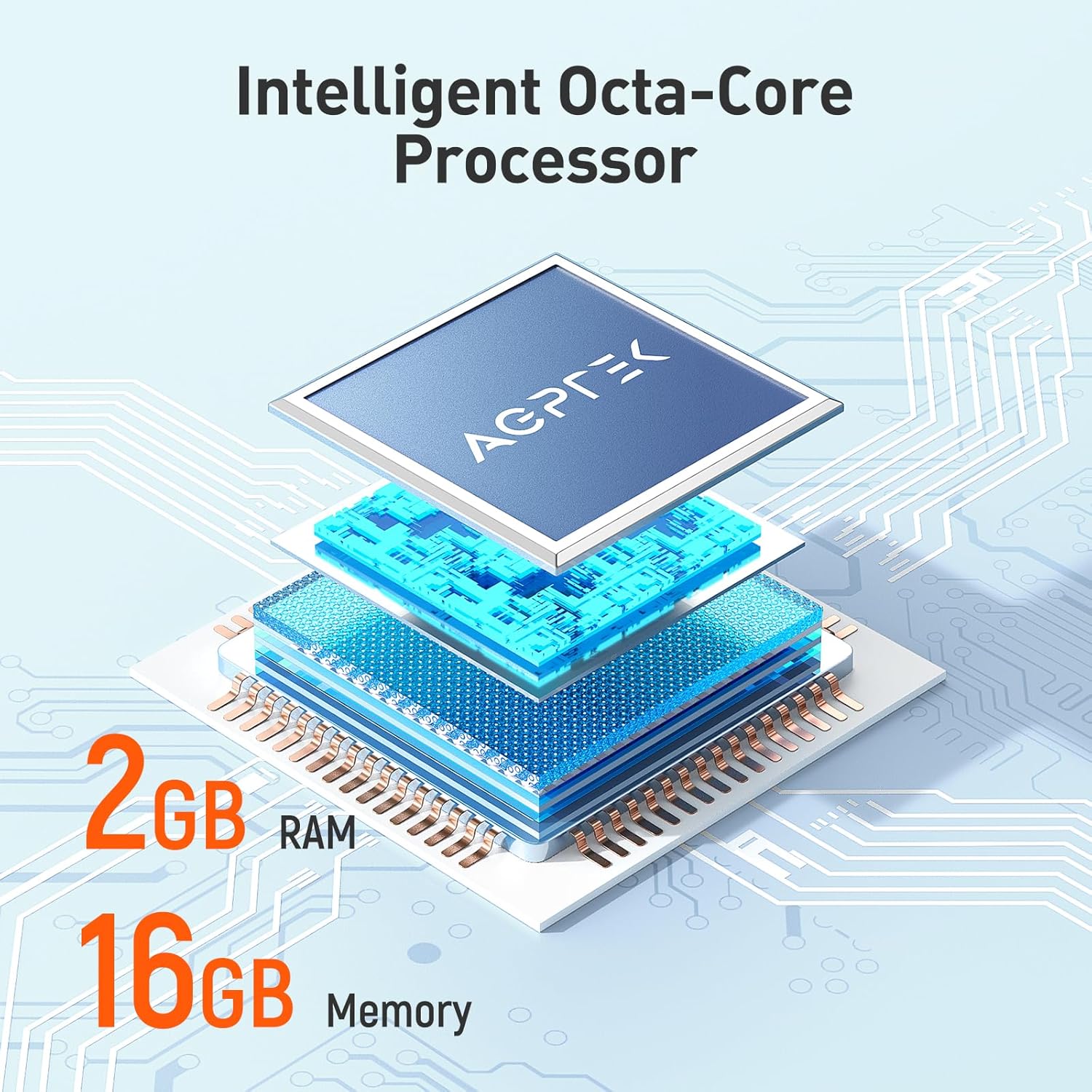
- 2GB RAM, 16GB ROM: Ample memory for system performance and internal storage.
- Ħażna espansibbli: Jappoġġja karti microSD sa 128GB.
- Bluetooth 4.0: For wireless audio connections.
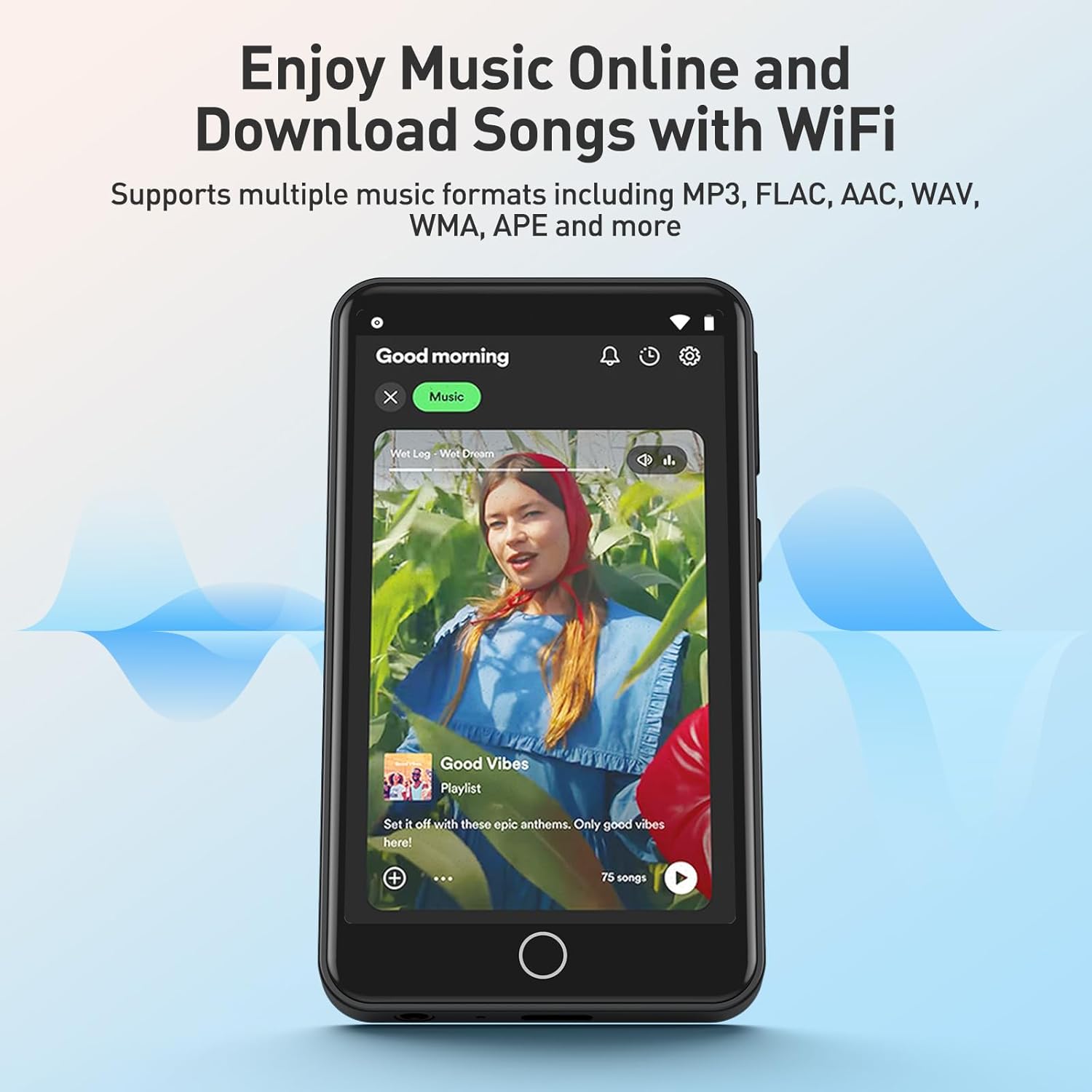
- Konnettività Wi-Fi: For online music streaming and browsing.
- Apps installati minn qabel: Includes Spotify, Deezer, Amazon Music, Audible, YouTube, Pandora, TikTok, Google Chrome, and more.
- Formati Awdjo: Supports MP3, WAV, WMA, OGG, APE, FLAC, ACC-LC, etc.
Setup
1. Iċċarġjar tal-Apparat
Before first use, fully charge your AGPTEK W1S MP3 player. Connect the device to a power source using the provided USB cable. A full charge typically takes 2 to 2.5 hours.

Immaġni: The AGPTEK W1S MP3 Player connected to a laptop via USB-C for charging, displaying a 90% battery level and indicating a 2-2.5 hour charging time.
2. Power On/Off
- Biex Tixgħel: Agħfas u żomm il-buttuna tal-qawwa sakemm l-iskrin jixgħel.
- Biex Tifi: Agħfas u żomm il-buttuna tal-qawwa, imbagħad agħżel "Itfi" mill-għażliet fuq l-iskrin.
3. Setup Inizjali
Upon first power-on, follow the on-screen prompts to select your language, connect to a Wi-Fi network, and set up basic preferences.
4. Installazzjoni ta' Karta MicroSD (Mhux obbligatorja)
The device supports microSD cards up to 128GB for expanded storage. Locate the microSD card slot on the side of the player. Gently insert the card until it clicks into place. To remove, push the card in slightly until it springs out.
5. Transferring Music and Files
- Qabbad l-MP3 player mal-kompjuter tiegħek permezz tal-kejbil USB.
- The device will appear as a removable storage drive.
- Drag and drop your music, video, or e-book files into the appropriate folders on the device or inserted microSD card.
- Oħroġ l-apparat mill-kompjuter tiegħek b'mod sigur qabel ma skonnettja l-kejbil.
Istruzzjonijiet Operattivi
1. Navigazzjoni Bażika
The AGPTEK W1S features a responsive touchscreen. Swipe left/right to navigate between screens, tap icons to open applications, and use the physical buttons for volume control and power.
2. Daqq tal-mużika
Access your music library through the pre-installed music player app. The device supports various audio formats including MP3, WAV, WMA, OGG, APE, FLAC, and ACC-LC.

Immaġni: The AGPTEK W1S MP3 Player displaying a music playback screen with album art and controls, held by a person dancing in a group, illustrating high-fidelity lossless sound quality.
3. Konnettività Bluetooth
Biex tikkonnettja ma' headphones jew speakers Bluetooth:
- Mur fuq Settings > Bluetooth.
- Ixgħel il-Bluetooth On.
- Kun żgur li l-apparat Bluetooth tiegħek jinsab fil-modalità ta' tqabbil.
- Agħżel it-tagħmir tiegħek mil-lista ta' tagħmir disponibbli biex tqabbad.
Immaġni: The AGPTEK W1S MP3 Player shown alongside a white Bluetooth speaker, black over-ear headphones, and white wireless earbuds, demonstrating its Bluetooth 4.0 connectivity for wireless audio enjoyment.
4. Wi-Fi and Pre-installed Applications
Connect to a Wi-Fi network via Settings > Wi-Fi to access online streaming services and browse the internet. The device comes with pre-installed apps like Spotify, Deezer, Amazon Music, Audible, YouTube, Pandora, TikTok, and Google Chrome.

Immaġni: The AGPTEK W1S MP3 Player screen displaying icons for various pre-installed mainstream music and media applications such as Spotify, Pandora, Amazon Music, Deezer, Audible, YouTube, FM Radio, Sound Recorder, Gallery, and Google Chrome.
Nota: Wi-Fi is primarily for browsing websites, listening to music, and watching videos online. It is not suitable for downloading and installing other applications beyond those pre-installed.
Immaġni: The AGPTEK W1S MP3 Player screen showing a music streaming interface with album art and playback controls, demonstrating the ability to enjoy music online and download songs using Wi-Fi.
5. Audible and E-books
The pre-installed Audible app allows you to enjoy audiobooks. You can also transfer and read e-books on the device's 3.5-inch HD screen.
Immaġni: The AGPTEK W1S MP3 Player's 3.5-inch HD screen displaying a high-definition video scene, emphasizing its capability to play video without lag.
Manutenzjoni
- Tindif: Uża drapp artab u niexef biex tnaddaf l-apparat. Evita prodotti tat-tindif likwidi.
- Aġġornamenti tas-Software: Periodically check for software updates in the device settings to ensure optimal performance and access to new features.
- Ġestjoni tal-Ħażna: Regularly manage your files to free up storage space. Delete unnecessary files or transfer them to a computer.
Issolvi l-problemi
| Problema | Soluzzjoni |
|---|---|
| L-apparat ma jixgħelx. | Ensure the device is fully charged. If the battery is depleted, connect it to a charger for at least 15 minutes before attempting to power on again. |
| Ma tistax tikkonnettja mal-Wi-Fi. | Check if Wi-Fi is enabled in settings. Ensure you are within range of a known Wi-Fi network and have entered the correct password. Try restarting the device and your Wi-Fi router. |
| L-apparat Bluetooth mhux qed jiġi mqabbla. | Ensure Bluetooth is enabled on both the player and the accessory. Place devices close to each other and ensure the accessory is in pairing mode. Try restarting both devices. |
| Il-karta MicroSD mhux rikonoxxuta. | Ensure the card is inserted correctly. Try reinserting it. Format the card on a computer if it's new or if issues persist (this will erase all data on the card). Ensure the card is not larger than 128GB. |
| L-apparat huwa bil-mod jew ma jirrispondix. | Close unused applications. Clear cache if possible. Restart the device. If issues persist, consider a factory reset (backup your data first). |
Speċifikazzjonijiet
| Karatteristika | Dettall |
|---|---|
| Brand | AGPTEK |
| Isem tal-Mudell | W1S |
| Numru tal-Mudell | APMPW1SB-CA |
| Kulur | Iswed |
| Daqs tal-Iskrin | 3.5 Pulzier |
| Sistema Operattiva | Android 8.1 |
| RAM | 2GB |
| Ħażna Interna (ROM) | 16GB |
| Ħażna espansibbli | Supports MicroSD up to 128GB |
| Konnettività | Bluetooth 4.0, Wi-Fi |
| Tip ta 'batterija | Lithium-polimer |
| Formati Awdjo Kompatibbli | MP3, WAV, WMA, OGG, APE, FLAC, ACC-LC |
| Apparati Kompatibbli | Headphones |

Immaġni: An exploded diagram illustrating the internal components of the AGPTEK W1S, highlighting the intelligent octa-core processor, 2GB RAM, and 16GB internal memory for fast and smooth performance.
Garanzija u Appoġġ
AGPTEK is committed to providing reliable products and excellent customer service.
- Garanzija: 2-Sena Garanzija
- Assistenza Teknika: Appoġġ Tekniku tul il-ħajja
- Servizz onlajn: Appoġġ Online 24/7
For further assistance, please refer to the official AGPTEK webis-sit jew ikkuntattja direttament lis-servizz tal-klijenti tagħhom.

Immaġni: An infographic detailing AGPTEK's customer service offerings, including a 2-year warranty, lifetime technical assistance, and 24/7 online service.


