1. Introduzzjoni
This manual provides detailed instructions for the setup, operation, maintenance, and troubleshooting of your STRONG 4GMIFI150D CAT4/4G LTE Mobile Hotspot. Please read this manual carefully before using the device to ensure optimal performance and safety.
The STRONG 4GMIFI150D is a portable 4G LTE mobile hotspot designed to provide high-speed internet access on the go. It allows you to share a 4G/3G connection with up to 32 Wi-Fi enabled devices, including tablets, mobile phones, laptops, and gaming consoles.
2. Kontenut tal-Pakkett
Ivverifika li l-oġġetti kollha huma preżenti fil-pakkett:
- 1x STRONG 4G Portable Hotspot 150D
- 1x USB cable for power supply
- 1x Gwida ta 'Installazzjoni Mgħaġġla
- 1x Safety instructions and warranty card

Image: Contents of the STRONG 4G Portable Hotspot 150D package, including the device, its retail box, a USB charging cable, a quick installation guide, and safety/warranty information.
3. Device Overview
Familiarize yourself with the physical features and display indicators of your mobile hotspot.

Immaġni: Quddiem view of the STRONG 4GMIFI150D Mobile Hotspot. It features a central display screen and a power button below it. The screen shows indicators for 4G signal, LTE Hotspot status, battery level, Wi-Fi signal, SMS reception, current time, and data usage.

Immaġni: Dettaljata view of the STRONG 4GMIFI150D's screen display, illustrating icons for 4G signal strength, battery level, SMS reception information, Wi-Fi signal level, and a section for displaying time and downloaded data.

Immaġni: Diversi views of the STRONG 4GMIFI150D Mobile Hotspot, showing its front with the display, side profiles, top, and bottom, highlighting its compact and sleek design.
4. Setup
4.1. Daħħal is-SIM Card
The STRONG 4GMIFI150D requires a 4G SIM card to establish an internet connection. Ensure the device is powered off before inserting or removing the SIM card.
- Sib l-islott tal-karta SIM fuq l-apparat.
- Carefully insert your 4G SIM card into the slot until it clicks into place. Ensure the SIM card is oriented correctly according to the diagram on the device or in the quick installation guide.
- Agħlaq l-għatu tas-slott tal-kard SIM jekk applikabbli.
4.2. Iċċarġjar tal-Apparat
Before first use, fully charge the device. The 2100 mAh battery provides up to 8 hours of intensive use.
- Connect the provided USB cable to the micro-USB port on the hotspot.
- Qabbad it-tarf l-ieħor tal-kejbil USB ma' adapter tal-enerġija USB (mhux inkluż) jew mal-port USB tal-kompjuter.
- The battery indicator on the display will show charging progress.
5. Istruzzjonijiet Operattivi
5.1. Tixgħil / Mitfi
- Biex tixgħel: Agħfas u żomm il-buttuna tal-qawwa sakemm l-iskrin jixgħel.
- Biex titfi: Agħfas u żomm il-buttuna tal-qawwa sakemm l-apparat jintefa.
5.2. Konnessjoni ta' Apparati mal-Hotspot
Once the hotspot is powered on and has established a 4G connection, you can connect your Wi-Fi enabled devices.
- Fuq l-apparat tiegħek li jaħdem bil-Wi-Fi (eż. smartphone, laptop), iftaħ is-settings tal-Wi-Fi.
- Skennja għal netwerks Wi-Fi disponibbli.
- Select the network name (SSID) of your STRONG 4GMIFI150D hotspot. The SSID and default password (WPA/WPA2) are typically found on a sticker inside the battery compartment or on the device's screen.
- Daħħal il-password tal-Wi-Fi meta tintalab.
- It-tagħmir tiegħek issa għandu jkun konness mal-internet permezz tal-hotspot.
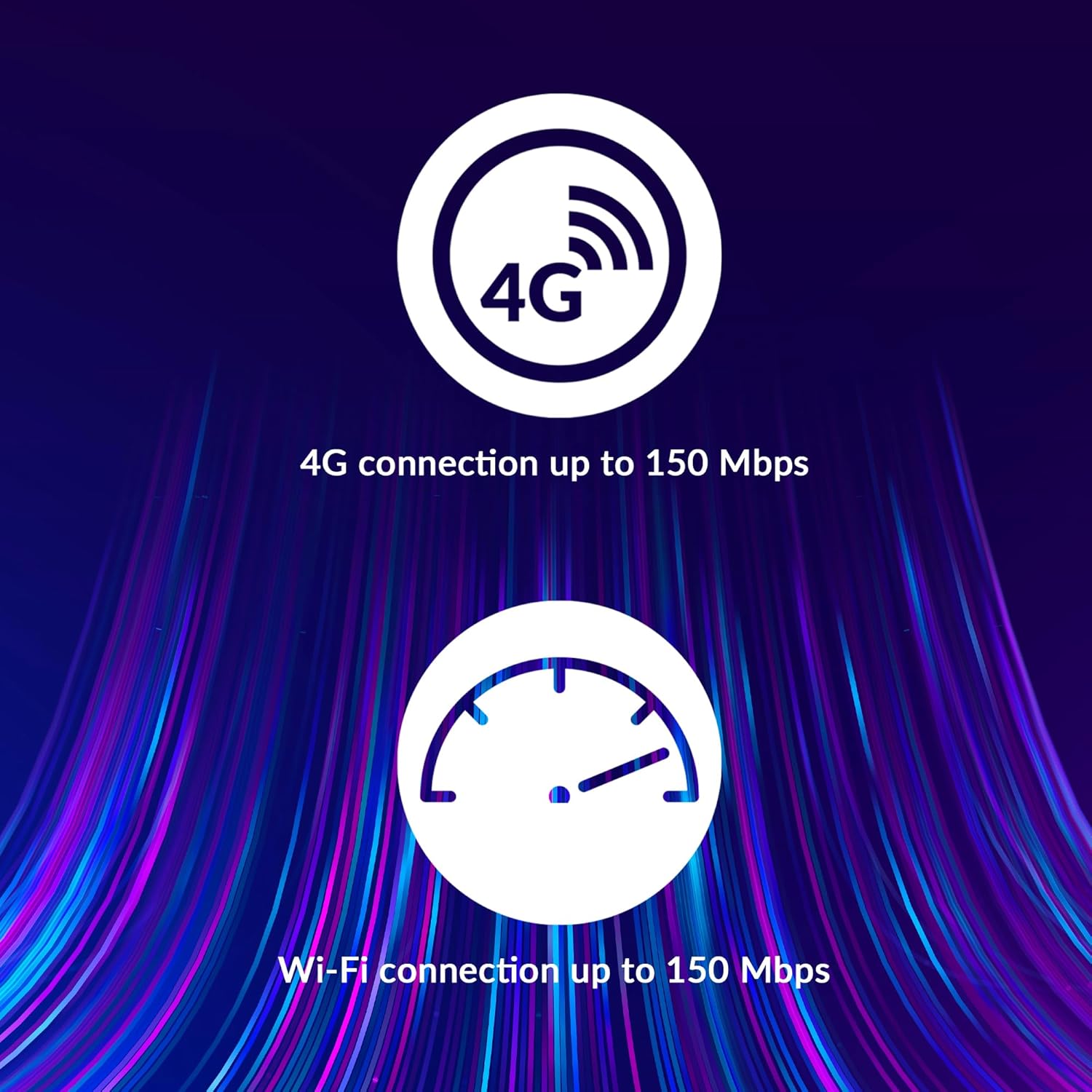
Image: A user holding the STRONG 4GMIFI150D Mobile Hotspot, demonstrating the QR code feature on its screen. This QR code can be scanned by compatible devices to quickly connect to the Wi-Fi network without manually entering the password.
For quick access, you can scan the QR code displayed on the hotspot's screen using a compatible device. This will automatically configure the Wi-Fi connection.
Example QR code content (for reference, actual values vary): WIFI:S:STRONG_XXXX_2.4GHz;T:WPA;P:XXXXXXXXXX;;
5.3. Web Interface tal-Ġestjoni
For advanced settings and monitoring, access the web interface ta 'ġestjoni:
- Qabbad it-tagħmir tiegħek man-netwerk Wi-Fi tal-hotspot.
- Iftaħ a web browser and enter the default IP address (usually 192.168.0.1 or 192.168.1.1) found in the Quick Installation Guide or on the device.
- Enter the default username and password (e.g., admin/admin).
- From here, you can manage Wi-Fi settings, security protocols (WPA/WPA2), PIN code management, and view l-istatus tal-konnessjoni.
6. Prestazzjoni
The STRONG 4GMIFI150D offers robust performance for various internet activities.
- 4G Connection Speed: Up to 150 Mbps download speed.
- Wi-Fi Connection Speed: Sa 150 Mbps.
- Appoġġ għall-Apparat: Qabbad sa 32 apparati Wi-Fi simultanjament.
- Ħajja tal-batterija: Up to 8 hours of intensive use with the 2100 mAh battery.

Image: A graphic representation highlighting the performance capabilities of the hotspot, showing a 4G connection speed of up to 150 Mbps and a Wi-Fi connection speed of up to 150 Mbps.

Image: A person working on a laptop outdoors with the STRONG 4GMIFI150D Mobile Hotspot placed on the table next to them, illustrating the device's portability and suitability for remote work or travel.
7. Manutenzjoni
7.1. Tindif
Imsaħ l-apparat b'ċarruta ratba u niexfa. Tużax prodotti tat-tindif likwidi jew aerosols.
7.2. Kura tal-batterija
- Evita li tesponi l-batterija għal temperaturi estremi.
- Charge the battery regularly, even if the device is not in use, to maintain its lifespan.
- Jekk l-apparat mhux se jintuża għal perjodu twil ta' żmien, aħżnu b'ċarġ parzjali (madwar 50%).
7.3. Aġġornamenti tal-Firmware
Iċċekkja perjodikament il-manifattur webis-sit jew tal-apparat web interface ta' ġestjoni għall-aġġornamenti tal-firmware disponibbli biex tiġi żgurata prestazzjoni u sigurtà ottimali.
8 Issolvi l-problemi
| Problema | Kawża Possibbli | Soluzzjoni |
|---|---|---|
| Ebda konnessjoni tal-internet | No SIM card inserted, incorrect APN settings, no 4G signal, data plan exhausted. | Ensure SIM card is correctly inserted. Check APN settings via web interface. Move to an area with better signal. Check data plan with your mobile operator. |
| Ma tistax tikkonnettja mal-Wi-Fi | Incorrect Wi-Fi password, hotspot is off, too many devices connected. | Verify Wi-Fi password. Ensure hotspot is powered on. Disconnect some devices if 32 devices are already connected. |
| Veloċità baxxa tal-internet | Weak 4G signal, network congestion, distance from hotspot, too many connected devices. | Relocate the hotspot for better signal. Reduce the number of connected devices. Move closer to the hotspot. |
| Apparat mhux qed jixgħel | Battery drained, faulty battery/charger. | Charge the device for at least 30 minutes. Try a different USB cable or power adapter. |
9. Speċifikazzjonijiet
| Karatteristika | Dettall |
|---|---|
| Mudell | 4GMIFI150D |
| Brand | Qawwija |
| Tip ta 'Konnettività | Wi-Fi, 4G LTE |
| Standard Wireless | 802.11b |
| Veloċità 4G | Up to 150 Mbps (Download) |
| Veloċità Wi-Fi | Sa 150 Mbps |
| Apparat Appoġġjat | Up to 32 Wi-Fi devices |
| Kapaċità tal-batterija | 2100 mAh Lithium Ion |
| Ħajja tal-batterija | Up to 8 hours (intensive use) |
| Dimensjonijiet tal-Prodott | 19 x 5.7 x 14 ċm |
| Piż tal-oġġett | 189 g |
| Sigurtà | WPA/WPA2, PIN code management |
| Sistema Operattiva | RouterOS (internal) |
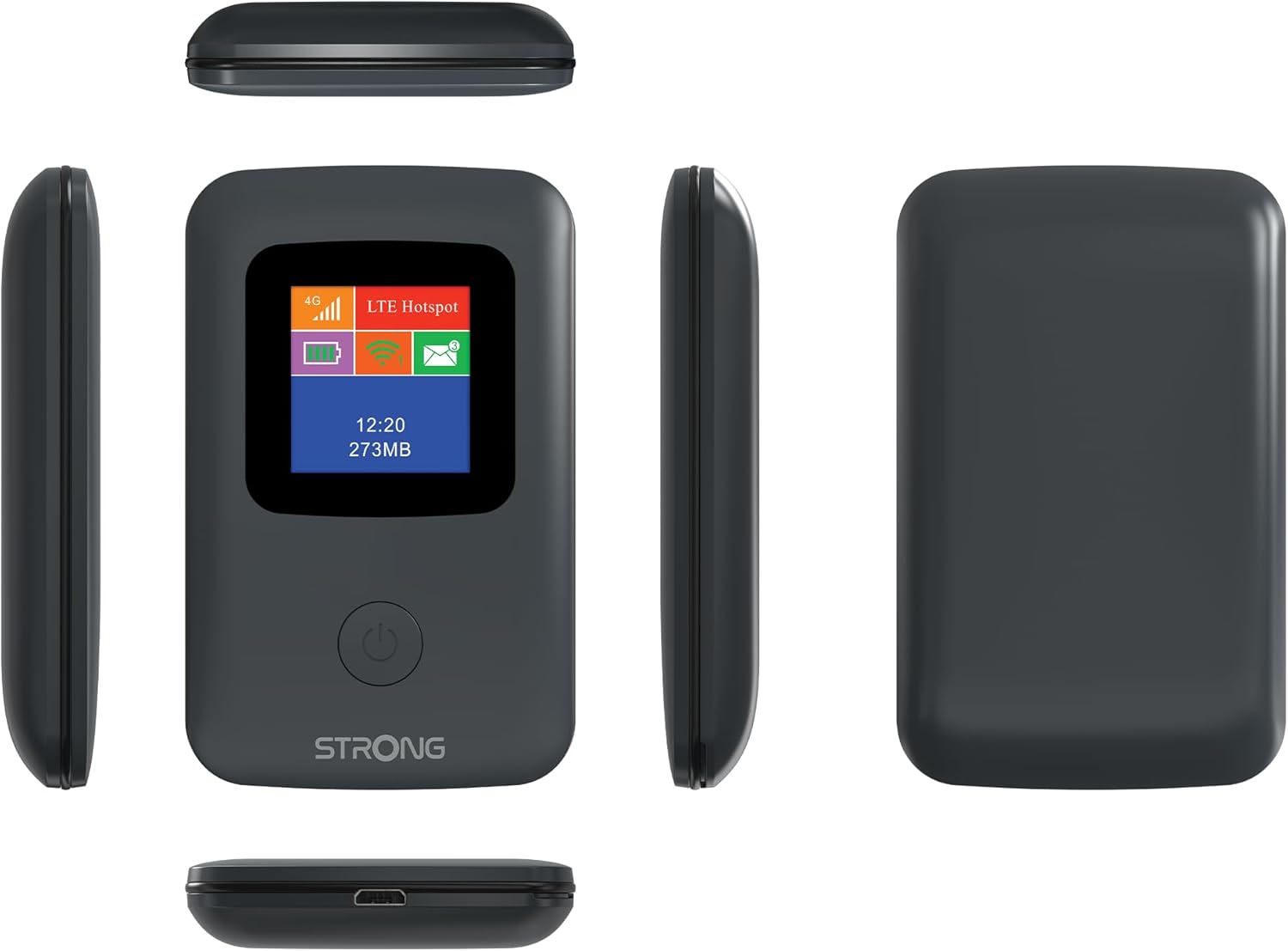
Image: A size comparison showing the STRONG 4GMIFI150D Mobile Hotspot next to a standard credit card, indicating its compact dimensions (92mm height, 58mm width) relative to a credit card (86mm height, 54mm width).
10. Garanzija u Appoġġ
This product comes with a warranty as detailed in the included warranty card. For technical support, troubleshooting assistance beyond this manual, or warranty claims, please refer to the contact information provided in your product packaging or visit the official Strong websit.
Jekk jogħġbok żomm il-prova tax-xiri tiegħek għal skopijiet ta' garanzija.
11. Informazzjoni dwar is-Sigurtà
- Tesponix l-apparat għall-ilma jew għal umdità eċċessiva.
- Evita li twaqqa’ jew tissuġġetta l-apparat għal impatti qawwija.
- Tippruvax tiżżarma jew issewwi l-apparat int stess. Irreferi għal persunal tas-servizz kwalifikat.
- Use only the provided or recommended accessories.
- Armi l-apparat u l-batterija tiegħu b'mod responsabbli skont ir-regolamenti lokali.


