Introduzzjoni
This manual provides detailed instructions for the setup, operation, maintenance, and troubleshooting of your COOPERS CP20PRO Android 15 Tablet. Please read this manual thoroughly to ensure proper use and to maximize the performance and longevity of your device. Keep this manual for future reference.
X'hemm fil-Kaxxa
Malli tiftaħ il-kaxxa, ivverifika li l-oġġetti kollha li ġejjin huma inklużi:
- COOPERS CP20PRO Android 15 Tablet
- Kawża Protettiva
- Tastiera bla fili
- Ġurdien mingħajr fili
- Stylus
- Type-C Cable (for charging and data transfer)

Image: COOPERS CP20PRO Tablet and its complete accessory kit.
Setup
1. Iċċarġjar Inizjali
Before first use, fully charge your tablet. Connect the provided Type-C cable to the tablet's charging port and the other end to a compatible USB power adapter (not included) or a computer's USB port. The charging indicator will show the charging status.

Image: Tablet charging via the unified Type-C port. A full charge typically takes 2-3 hours.
2. Power On/Off
- Biex Tixgħel: Agħfas u żomm il-buttuna tal-Power li tinsab fuq il-ġenb tat-tablet sakemm l-iskrin jixgħel.
- Biex Tifi: Agħfas u żomm il-buttuna tal-Power, imbagħad agħżel 'Power off' mill-għażliet li jidhru fuq l-iskrin.
- Biex terġa' tibda: Agħfas u żomm il-buttuna tal-Power, imbagħad agħżel 'Restart' mill-għażliet.
3. Connecting Accessories (Keyboard, Mouse, Stylus)
The COOPERS CP20PRO tablet supports Bluetooth connectivity for its wireless keyboard, mouse, and stylus.
- Ippermetti l-Bluetooth fuq it-Tablet: Mur fuq Settings > Apparati konnessi > Bluetooth and toggle Bluetooth ON.
- It-tqabbil tal-maws:
a. Turn on the switch button at the bottom of the wireless mouse.
b. The mouse will enter pairing mode (indicator light may flash).
c. On your tablet, search for available Bluetooth devices and select the mouse to pair. - Tqabbil tat-Tastiera:
a. Turn on the keyboard's power switch (usually on the side or back).
b. Press the Bluetooth connection button on the keyboard (often labeled 'Connect' or a Bluetooth icon).
c. On your tablet, search for available Bluetooth devices and select the keyboard to pair. - Pairing the Stylus: The stylus typically connects automatically when powered on and Bluetooth is active on the tablet, or it may require a similar pairing process as the mouse/keyboard if it has a dedicated Bluetooth button.
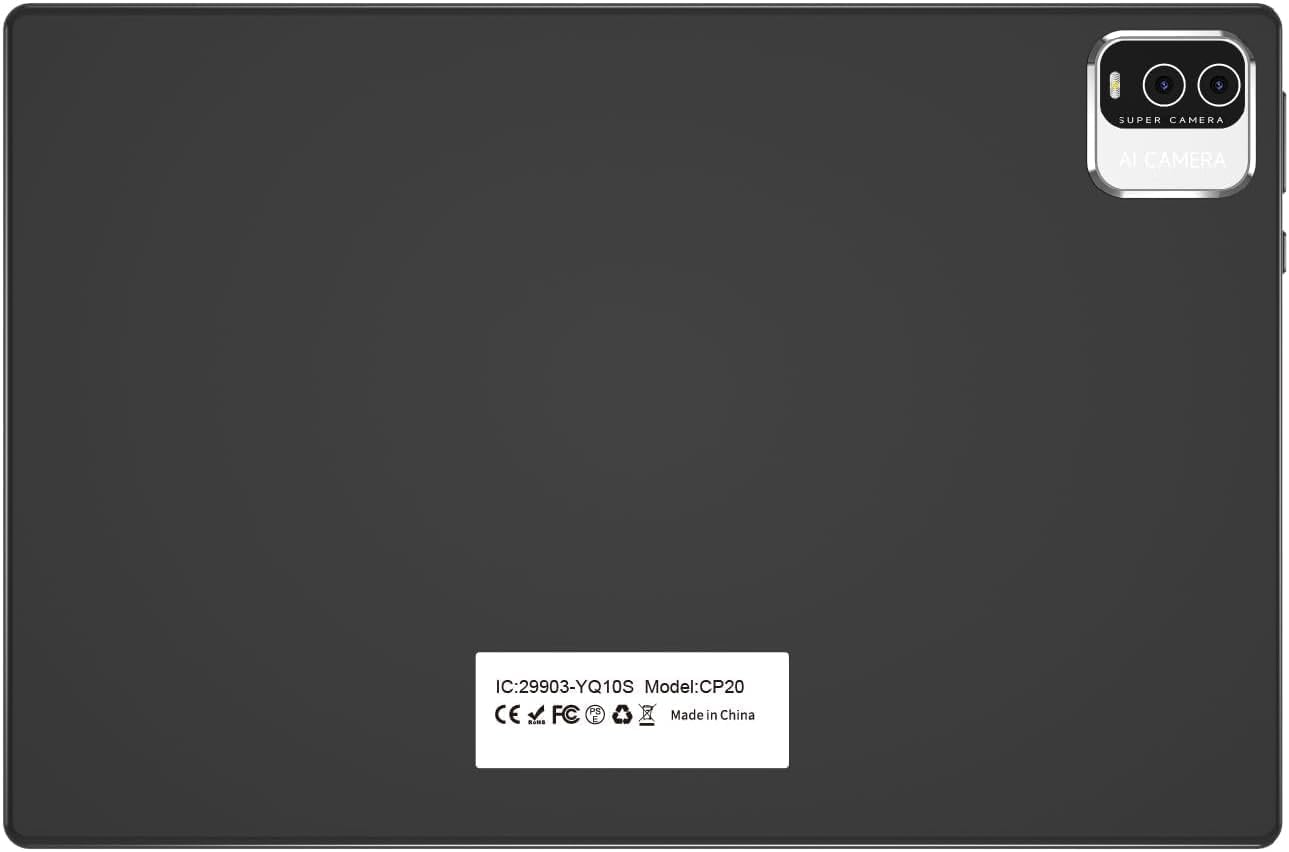
Image: Step-by-step guide for connecting the wireless mouse and keyboard via Bluetooth.
Istruzzjonijiet Operattivi
1. Sistema Operattiva Android 15
Your COOPERS CP20PRO tablet runs on the Android 15 operating system, providing a user-friendly interface and access to a wide range of applications. The tablet is GMS certified, allowing full access to the Google Play Store for downloading apps like Netflix, TikTok, Facebook, and more.

Image: Tablet interface showing GMS certified applications and Google Play Store access.
2. Wirja u Viżwali
The tablet features a 10.1-inch IPS HD display with a resolution of 1280x800 pixels. This display technology offers wide viewing angles and vibrant colors. An integrated eye protection mode helps reduce eye strain during extended use.

Image: The 10.1-inch HD screen provides clear and comfortable viewing.
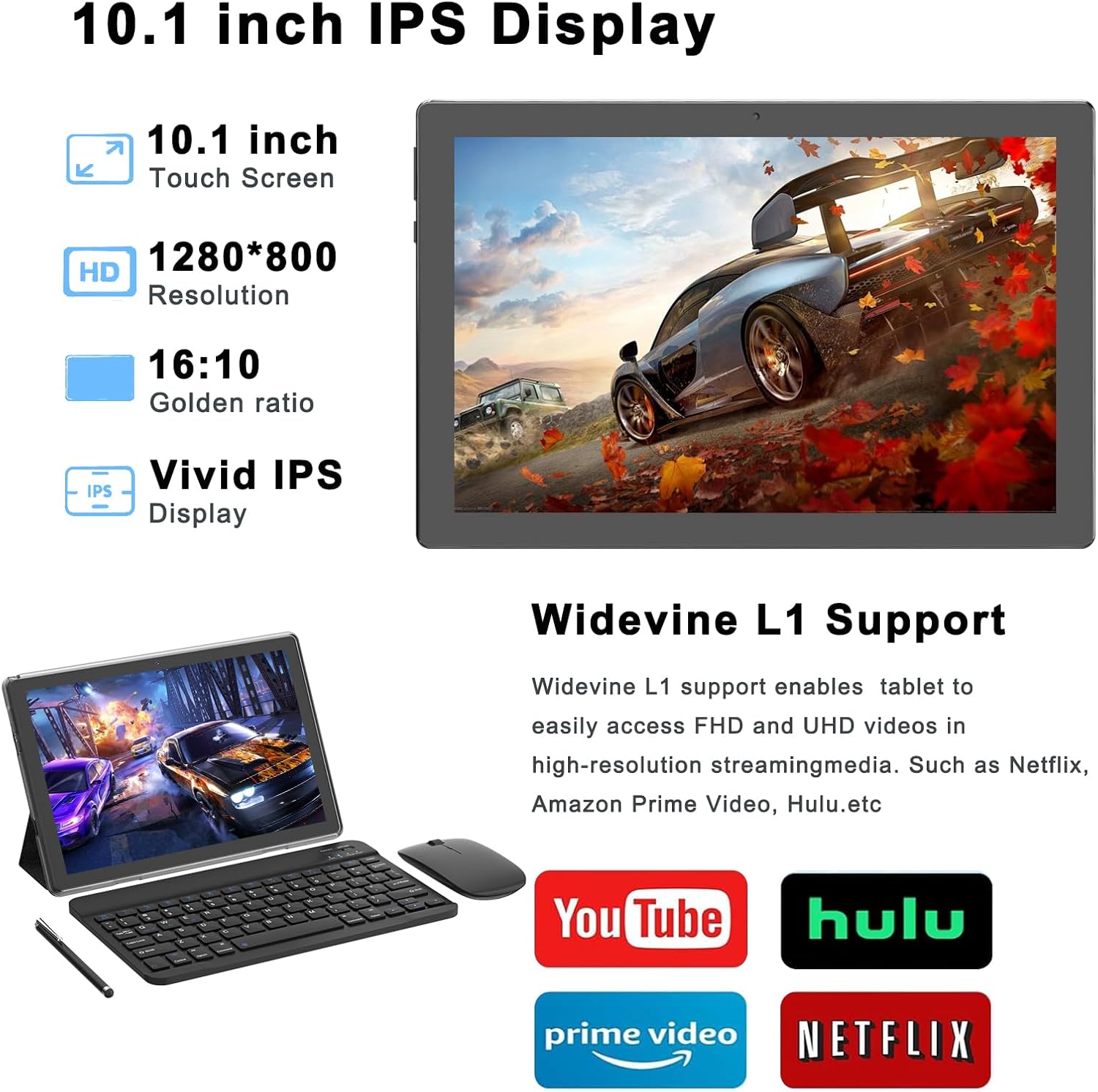
Image: The IPS display and Widevine L1 support enhance multimedia streaming.
3. Prestazzjoni u Ħażna
Equipped with a 2.0Ghz Quad-core Processor and 18GB RAM (4GB fixed, 14GB virtual), the tablet is designed for efficient multitasking and application performance. It includes 128GB of internal storage, expandable up to 2TB via a microSD card (not included), providing ample space for applications, media, and documents.
4. Konnettività
- Wi-Fi: Supports 2.4Ghz and 5Ghz Wi-Fi 6 (802.11ac) for fast and stable internet connections.
- Bluetooth: Features Bluetooth 5.0 for connecting wireless peripherals such as headphones, speakers, and the included keyboard and mouse.
5. Kameras
The tablet includes dual cameras: a 2MP front-facing camera for video calls and selfies, and an 8MP rear-facing camera for capturing photos and videos.

Image: Dual cameras allow for capturing both portraits and landscapes.
Manutenzjoni
- Tindif: Uża drapp artab u mingħajr suf biex tnaddaf l-iskrin u l-qafas tat-tablet. Evita li tuża kimiċi ħarxa jew materjali li joborxu.
- Aġġornamenti tas-Software: Iċċekkja u installa regolarment aġġornamenti tas-sistema biex tiżgura prestazzjoni u sigurtà ottimali. Mur fuq Settings > Sistema > Aġġornament tas-sistema.
- Kura tal-batterija: Biex ittawwal il-ħajja tal-batterija, evita temperaturi estremi u tħallix il-batterija tixxotta kompletament ta' spiss.
- Ġestjoni tal-Ħażna: Neħħi perjodikament bla bżonn files u apps biex iżommu spazju għall-ħażna u prestazzjoni suffiċjenti.
Issolvi l-problemi
Kwistjonijiet Komuni u Soluzzjonijiet
- Pillola ma Tixgħel: Ensure the tablet is sufficiently charged. Connect it to the charger for at least 30 minutes, then try powering it on again.
- Prestazzjoni bil-mod: Close unused applications, clear cache, or restart the tablet. Check for available system updates.
- Skonnettjar tal-Wi-Fi: Try restarting your Wi-Fi router and the tablet. Ensure you are within range of the Wi-Fi signal. If the issue persists, forget the network in Wi-Fi settings and reconnect.
- Bluetooth Accessories Not Connecting: Ensure Bluetooth is enabled on both the tablet and the accessory. Make sure the accessory is in pairing mode. Try restarting both devices.
- L-Iskrin Ma Jirrispondix: Perform a forced restart by holding the power button for approximately 10-15 seconds until the device powers off and restarts.
Speċifikazzjonijiet
| Karatteristika | Speċifikazzjoni |
|---|---|
| Isem tal-Mudell | CP20PRO |
| Sistema Operattiva | Android 15 |
| Daqs tal-Iskrin | 10.1 Pulzier |
| Riżoluzzjoni tal-Iskrin | 1280 x 800 Pixel (IPS HD) |
| Proċessur | 2.0 GHz Quad-core (MediaTek) |
| RAM | 18GB (4GB fixed + 14GB virtual) |
| Ħażna Interna | 128GB |
| Ħażna espansibbli | Up to 2TB (via microSD card, not included) |
| Kamera ta' wara | 8 MP |
| Kamera ta' Quddiem | 2 MP |
| Konnettività bla fili | Wi-Fi 6 (802.11ac) 2.4Ghz/5Ghz |
| Bluetooth | Bluetooth 5.0 |
| Ħajja tal-Batterija (Medja) | 6 Sigħat |
| Dimensjonijiet tal-Prodott | 9.5 x 0.3 x 6.5 pulzieri |
| Piż tal-oġġett | 2.44 liri |
| Kulur | Iswed |
Garanzija u Appoġġ
For warranty information and technical support, please refer to the documentation provided with your purchase or contact COOPERS customer service directly. Details for contacting support are typically available on the manufacturer's official websit jew permezz tal-bejjiegħ bl-imnut tiegħek.


