Introduzzjoni
The HOCO Y12 Ultra Smart Watch is designed to seamlessly integrate into your daily life, offering a blend of connectivity, fitness tracking, and convenience. This manual provides essential information on setting up, operating, and maintaining your smartwatch to ensure optimal performance and longevity.
With features like Bluetooth 5.3 connectivity, IP68 water resistance, heart rate monitoring, and extended battery life, the Y12 Ultra is your ideal companion for staying connected and active.
X'hemm fil-Kaxxa
Upon opening your HOCO Y12 Ultra Smart Watch package, please verify that all the following items are included:
- 1 x HOCO Y12 Ultra Smart Watch
- 1 x Manwal għall-Utent
- 1 x Cable tal-Iċċarġjar
- 1 x Karta tal-Garanzija

Image: The retail packaging of the HOCO Y12 Ultra Smart Watch, showing the watch and its contents.
Setup
1. Iċċarġjar tal-Arloġġ Intelliġenti
Before initial use, fully charge your HOCO Y12 Ultra Smart Watch. Use the provided charging cable and connect it to a standard USB power adapter (not included).
- Connect the magnetic end of the charging cable to the charging contacts on the back of the watch.
- Plug the USB-A end of the cable into a USB power source.
- The watch display will indicate charging status. A full charge typically takes approximately 1 hour.
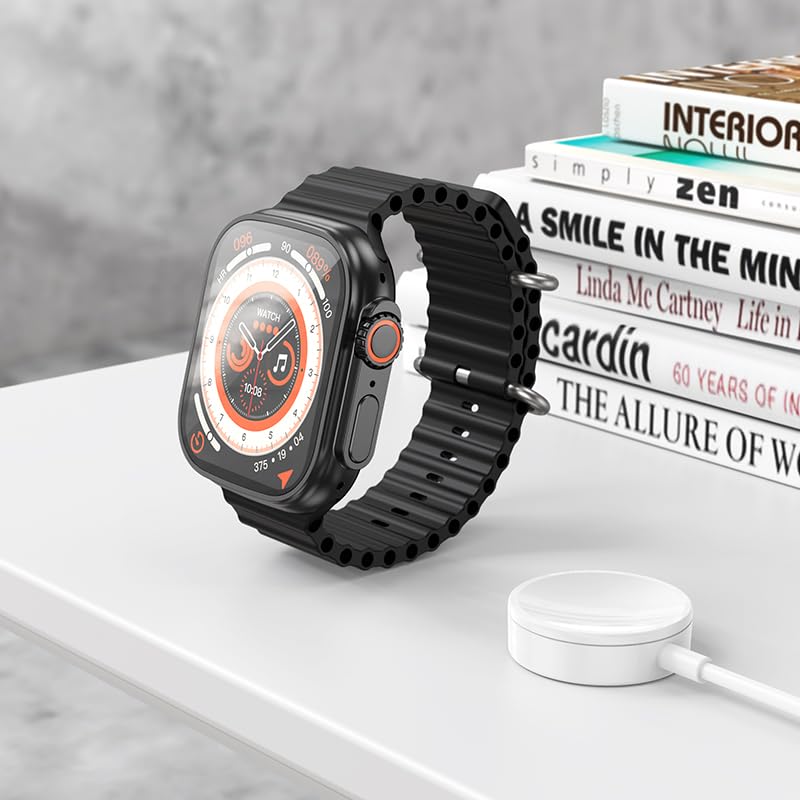
Image: The HOCO Y12 Ultra Smart Watch placed on its charging cable, illustrating the charging process.
2. It-tqabbil mat-Tagħmir Tiegħek
The HOCO Y12 Ultra Smart Watch is compatible with all Bluetooth devices, including smartphones, tablets, and laptops (iOS and Android).
- Ensure Bluetooth is enabled on both your smartphone or other compatible device.
- On your HOCO Y12 Ultra Smart Watch, navigate to the Bluetooth settings (refer to the 'Operating' section for navigation).
- On your smartphone, search for available Bluetooth devices and select "HOCO Y12 Ultra" (or similar name) from the list.
- Ikkonferma t-talba ta' tqabbil kemm fuq l-arloġġ kif ukoll fuq l-ismartphone tiegħek.
- Once paired, the watch will synchronize with your device for notifications, health data, and other features.
3. App Installation (Recommended)
For full functionality and detailed health tracking, it is recommended to install the official HOCO companion application on your smartphone. Fittex għal "HOCO Smart" or a similar app name in your device's app store (Google Play Store for Android, Apple App Store for iOS).
- Niżżel u installa l-applikazzjoni.
- Open the app and follow the on-screen instructions to connect your HOCO Y12 Ultra Smart Watch.
- This app allows you to customize watch faces, view detailed health metrics, manage notifications, and update firmware.
Tħaddim tal-Arloġġ Intelliġenti Tiegħek
Kontrolli Bażiċi u Navigazzjoni
The HOCO Y12 Ultra Smart Watch features intuitive touch controls for easy navigation.
- Touch Screen: Tektek biex tagħżel, skrolla lejn ix-xellug/lemin/'il fuq/'l isfel biex tinnaviga fil-menus u l-iskrins.
- Buttuna/Kuruna tal-Ġenb: Press to wake the screen, return to the home screen, or access the app menu. Rotate the crown (if applicable) to scroll through lists or adjust settings.
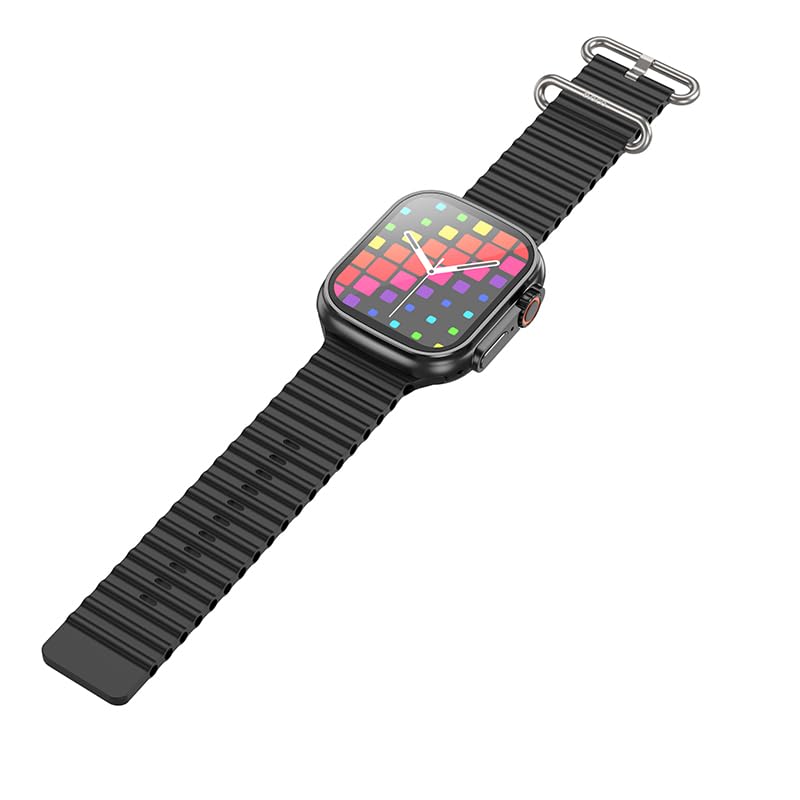
Immaġni: Naħa waħda view of the HOCO Y12 Ultra Smart Watch, highlighting the physical buttons and the design of the strap.
Karatteristiċi u Funzjonijiet Ewlenin
- Monitor tar-rata tal-qalb: The built-in sensor continuously monitors your heart rate. Access this feature from the main menu or through a dedicated widget.
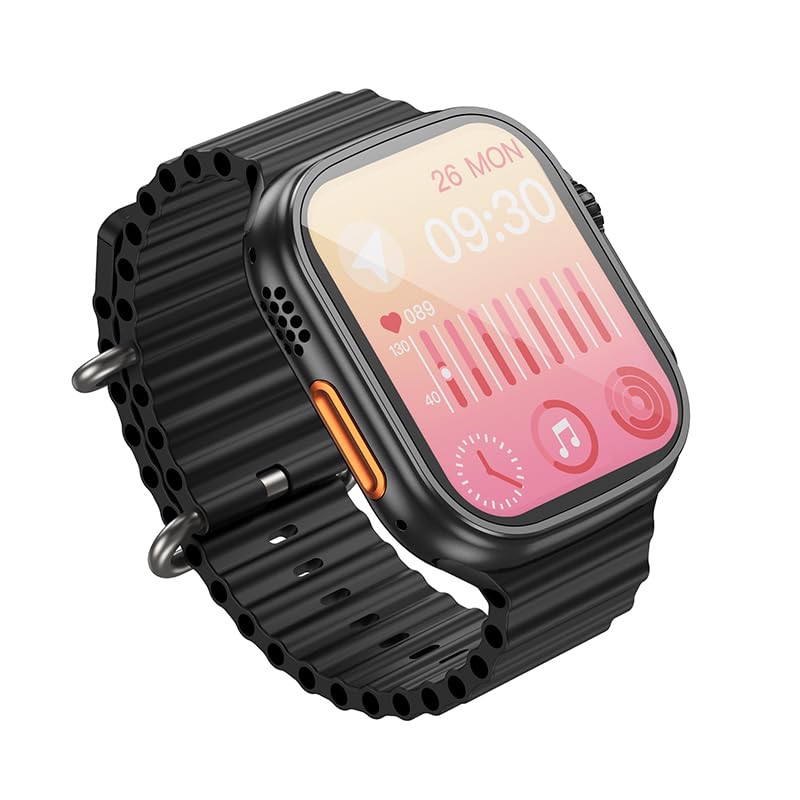
Image: The HOCO Y12 Ultra Smart Watch display showing heart rate data and other health metrics.
- Modi sportivi: Track various activities such as running, walking, cycling, and more. Select your desired sport mode before starting your workout for accurate data collection.
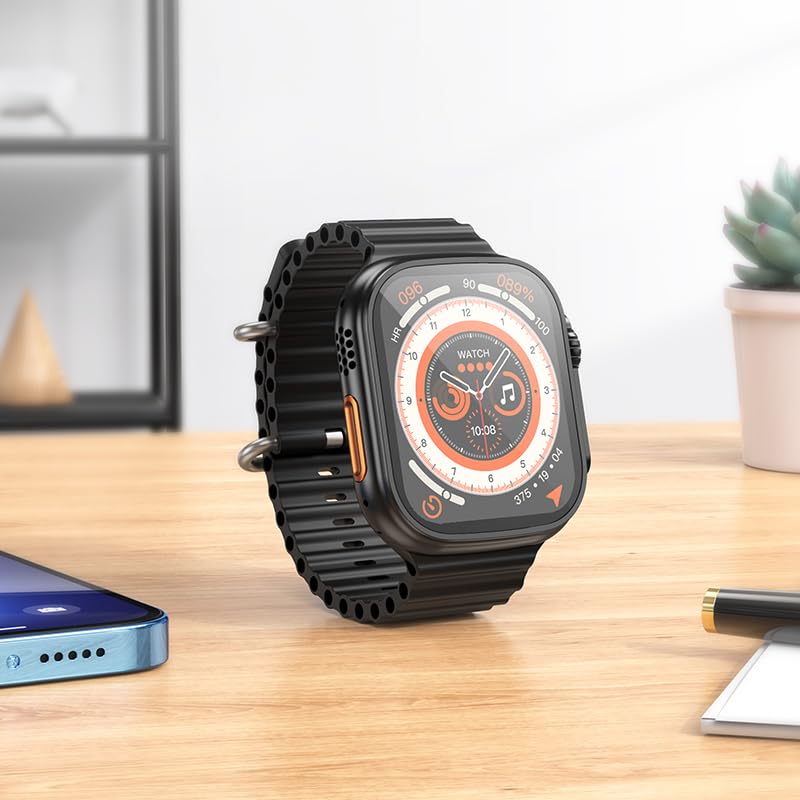
Image: The HOCO Y12 Ultra Smart Watch displaying a dynamic watch face, suitable for active use.
- Monitoraġġ tal-irqad: Ilbes l-arloġġ fis-sodda biex awtomatikament issegwi x-xejriet tal-irqad tiegħek, inkluż irqad fil-fond, irqad ħafif, u l-ħinijiet tal-qawmien. View detailed analysis in the companion app.
- Assistent tas-Saħħa Nisa: Provides tracking and reminders for menstrual cycles (requires setup in the companion app).
- Notifiki: Receive call, message, and app notifications directly on your wrist when paired with your smartphone.
- IP68 li ma jgħaddix ilma minnha: The watch is designed to be water-resistant and sweat-proof, making it suitable for daily wear and workouts. Avoid prolonged submersion in deep water or hot water.
Ħajja tal-batterija
The HOCO Y12 Ultra Smart Watch offers impressive battery performance:
- Up to 7 days of battery life with single Bluetooth usage.
- Approximately 3-4 days of battery life with dual Bluetooth usage (e.g., continuous music playback or frequent calls).
- Charging time: Approximately 1 hour for a full charge.
Manutenzjoni
Proper maintenance ensures the longevity and optimal performance of your HOCO Y12 Ultra Smart Watch.
- Tindif: Regularly wipe the watch screen and strap with a soft, dry, lint-free cloth. For stubborn smudges, slightly dampLaħlaħ id-drapp bl-ilma. Evita li tuża kimiċi ħarxa jew materjali li joborxu.
- Reżistenza għall-Ilma: While IP68 rated, it is recommended to dry the watch thoroughly after exposure to water (e.g., swimming, showering) to prevent skin irritation and ensure proper sensor function. Do not expose to hot water or steam.
- Iċċarġjar: Always use the original charging cable. Avoid overcharging the battery by disconnecting the charger once the watch is fully charged.
- Ħażna: Meta ma tkunx qed tużah għal perjodi twal, aħżen l-arloġġ f'post frisk u niexef 'il bogħod mix-xemx diretta u minn temperaturi estremi.
Issolvi l-problemi
If you encounter issues with your HOCO Y12 Ultra Smart Watch, refer to the following common troubleshooting steps:
| Problema | Soluzzjoni Possibbli |
|---|---|
| Watch ma tixgħel | Kun żgur li l-arloġġ ikun iċċarġjat kompletament. Qabbad mal-ċarġer għal mill-inqas 15 minuti. |
| Ma nistax nqabbad ma' smartphone |
|
| Notifiki ma jidhrux |
|
| Dejta dwar is-saħħa mhux preċiża |
|
Speċifikazzjonijiet
Detailed technical specifications for the HOCO Y12 Ultra Smart Watch:
| Karatteristika | Dettall |
|---|---|
| Mudell | Y12 Ultra (y12_child_B) |
| Brand | HOCO |
| Tip ta 'Wiri | AMOLED |
| Daqs tal-Iskrin | 1.96 Pulzieri (Djagonali tal-iskrin viżibbli: 2" / 5 ċm) |
| Riżoluzzjoni | 240 x 282 |
| Konnettività | Bluetooth 5.3 |
| Reżistenza għall-Ilma | IP68 (Water Resistant & Sweat Proof) |
| Kapaċità tal-batterija | 320mAh |
| Ħin tax-Xogħol | Up to 7 Days (Single Bluetooth), 3-4 Days (Dual Bluetooth) |
| Ħin tal-Iċċarġjar | Appross. 1 siegħa |
| Materjal taċ-ċinga | Silikonju |
| Apparati Kompatibbli | Laptops, Mobile Phones, Tablets, PCs, Smart TVs (iOS, Android) |
| Karatteristiċi Speċjali | Heart Rate Monitor, Sports Modes, Extended Battery Life, Blood Pressure Monitor, Daily Workout Memory, Wireless Connectivity, Female Health Assistant, Sleep Monitoring, Touch Controls |
| Piż tal-oġġett | 100 g |
| Pajjiż ta' Oriġini | Iċ-Ċina |
Garanzija u Appoġġ
Your HOCO Y12 Ultra Smart Watch comes with a warranty. Please refer to the included Warranty Card for specific terms and conditions, including warranty period and coverage details.
For technical support, product inquiries, or warranty claims, please contact HOCO customer service through the contact information provided on the Warranty Card or the official HOCO websit.
Keep your purchase receipt and Warranty Card in a safe place as proof of purchase may be required for warranty services.


