1. Introduzzjoni
This manual provides essential information for the proper installation, operation, and maintenance of your LC-Power FHD 32 inch 165Hz Curved Gaming Monitor (Model: LC-M32-FHD-165-C-A). Please read this manual thoroughly before using the product to ensure optimal performance and safety.

Figura 1.1: Quddiem view of the LC-Power 32-inch curved gaming monitor.
2. Informazzjoni dwar is-Sigurtà
Osserva l-prekawzjonijiet ta' sigurtà li ġejjin biex tevita ħsara lill-monitor u tiżgura s-sigurtà tal-utent:
- Tesponix il-monitor għax-xita, umdità, jew temperaturi estremi.
- Aċċerta ruħek li jkun hemm ventilazzjoni xierqa madwar il-monitor. Timblokkax il-fetħiet tal-ventilazzjoni.
- Uża biss l-adapter tal-enerġija li jiġi mal-monitor.
- Evita li tpoġġi oġġetti tqal fuq il-korda tad-dawl.
- Skonnettja l-kejbil tal-enerġija mis-sokit waqt maltempati bis-sajjetti jew meta ma jintużax għal perjodi twal.
- Tippruvax issewwi l-monitor int stess. Irreferi għal kull manutenzjoni f'idejn persunal kwalifikat.
3. Kontenut tal-Pakkett
Ivverifika li l-oġġetti kollha huma preżenti fil-pakkett:
- LC-Power 32 inch Curved Gaming Monitor
- Stand tal-Monitor (Bażi u Għonq)
- Adapter tal-Enerġija u Kejbil tal-Enerġija
- Cable HDMI
- Manwal għall-Utent
- Viti għall-Assemblaġġ tal-Stand
4. Setup
4.1 Armar tal-Istand
- Neħħi l-monitor bir-reqqa mill-imballaġġ tiegħu, waqt li żżommu protett fuq wiċċ artab.
- Waħħal l-għonq tal-istand mal-pannell tal-monitor billi tuża l-viti pprovduti.
- Qabbad il-bażi tal-istand mal-għonq tal-istand u waħħalha bil-viti li fadal.
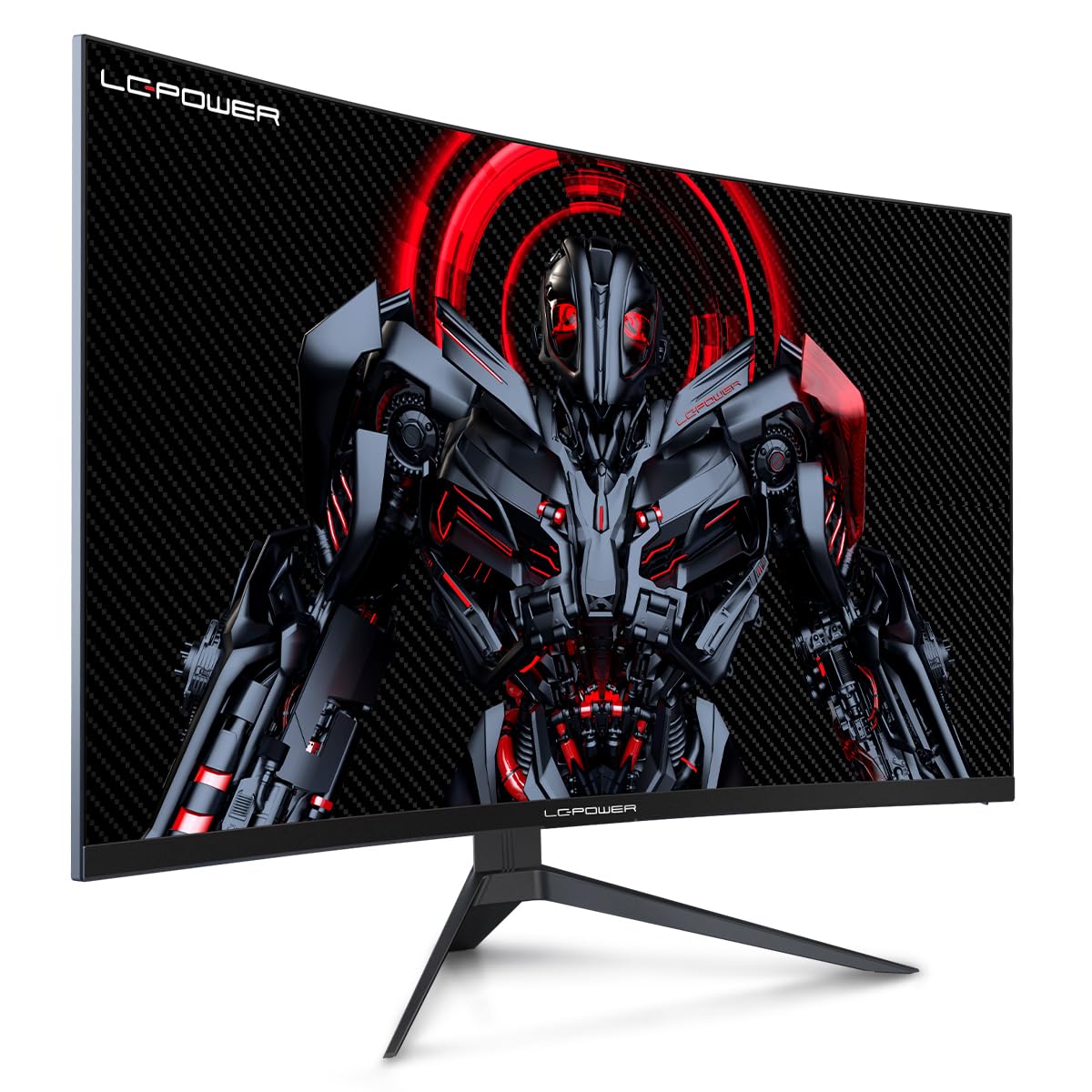
Figure 4.1: LC-Power monitor with stand assembled.
4.2 Kejbils tal-Konnessjoni
Qabbad il-kejbils meħtieġa mal-portijiet ta' wara tal-monitor:
- Qawwa: Qabbad l-adapter tal-enerġija mad-dħul tad-DC tal-monitor u mbagħad ma' sokit tal-enerġija.
- Video Input: Qabbad kejbil HDMI jew DisplayPort mill-karta grafika tal-kompjuter tiegħek mal-port korrispondenti fuq il-monitor.

Figura 4.2: Wara view of the monitor with input ports.
4.3 Immuntar VESA (Mhux obbligatorju)
The monitor supports VESA 100x100mm mounting. To use a VESA mount, remove the stand and attach the monitor to a compatible VESA bracket using appropriate screws (not included).
5. Istruzzjonijiet Operattivi
5.1 Power On/Off
Press the power button, typically located on the back or bottom of the monitor, to turn the monitor on or off. The power indicator light will illuminate when the monitor is on.
5.2 Menù tal-Wiri fuq l-Iskrin (OSD)
The OSD menu allows you to adjust various monitor settings. Use the control buttons (joystick or individual buttons) on the monitor to navigate the menu.
Issettjar Komuni tal-OSD:
- Settings tal-Istampa: Aġġusta l-luminożità, il-kuntrast, in-nitidezza, u t-temperatura tal-kulur.
- Agħżel l-Input: Ibdel manwalment bejn l-inputs HDMI u DisplayPort.
- Awdjo: Adjust volume if external speakers are connected via the monitor's audio output.
- Settings tal-Logħob: Access features like Overdrive, GamePlus (crosshair overlays), FPS/RTS modes, and Adaptive Sync.
- Issettjar tal-wiri: Adjust aspect ratio, resolution, and refresh rate. Ensure your graphics card is configured to output 1920x1080 resolution at 165Hz for optimal performance.
- Dawl Blu Baxx u Mingħajr Teptip: These features are designed to reduce eye strain during prolonged use. They can be enabled or disabled in the OSD menu.
6. Manutenzjoni
6.1 Tindif tal-Monitor
- Dejjem aqla l-monitor qabel it-tindif.
- Uża drapp ratba u mingħajr ħelu ftit dampMaħsul bl-ilma jew b'tindif tal-iskrin ħafif u mhux abrażiv.
- Tisprejjax it-tindif direttament fuq l-iskrin.
- Avoid using benzene, thinner, or ammonia-based cleaners.
6.2 Ħażna
If storing the monitor for an extended period, disconnect all cables, pack it in its original packaging, and store it in a cool, dry place away from direct sunlight.
7 Issolvi l-problemi
Irreferi għat-tabella li ġejja għal kwistjonijiet komuni u s-soluzzjonijiet tagħhom:
| Problema | Kawża Possibbli | Soluzzjoni |
|---|---|---|
| L-ebda immaġni fuq l-iskrin | Power cable disconnected; Video cable disconnected; Incorrect input selected | Check power and video cable connections; Select correct input via OSD menu |
| Image flickering | Faulty video cable; Graphics card driver issue; Refresh rate mismatch | Replace video cable; Update graphics drivers; Set refresh rate to 165Hz in OS display settings |
| Il-kuluri jidhru mhux korretti | Issettjar tal-kulur fl-OSD; Issettjar tal-karta grafika | Adjust color settings in OSD; Calibrate colors via graphics card control panel |
| Il-monitor ma jixgħelx | Power cable not connected; Power adapter faulty | Ensure power cable is securely connected; Test power outlet; Contact support if adapter is suspected faulty |
8. Speċifikazzjonijiet
Detailed technical specifications for the LC-Power LC-M32-FHD-165-C-A monitor:
| Karatteristika | Speċifikazzjoni |
|---|---|
| Brand | LC-Qawwa |
| Mudell | LC-M32-FHD-165-CA |
| Daqs tal-Iskrin | 32 Pulzier |
| Riżoluzzjoni tal-Iskrin | 1920 x 1080 (FHD 1080p) |
| Riffriskar Rata | 165 Hz |
| Ħin ta' Rispons | 1 millisekonda |
| Kurvatura | 1500R |
| Proporzjon ta' l-aspett | 16:9 |
| Teknoloġija tal-Wiri | LCD |
| ViewIng Angolu | 178 Grad |
| Interface tal-Ħardwer | HDMI, DisplayPort |
| Karatteristiċi Speċjali | Curved, Flicker-Free, Low Blue Light, GamePlus, Overdrive, FPS/RTS |
| Kompatibilità VESA | 100x100mm |
| Dimensjonijiet tal-Prodott | 14.3 x 53.8 x 40.6 ċm (L x W x H) |
| Piż tal-oġġett | 8.24 kg |
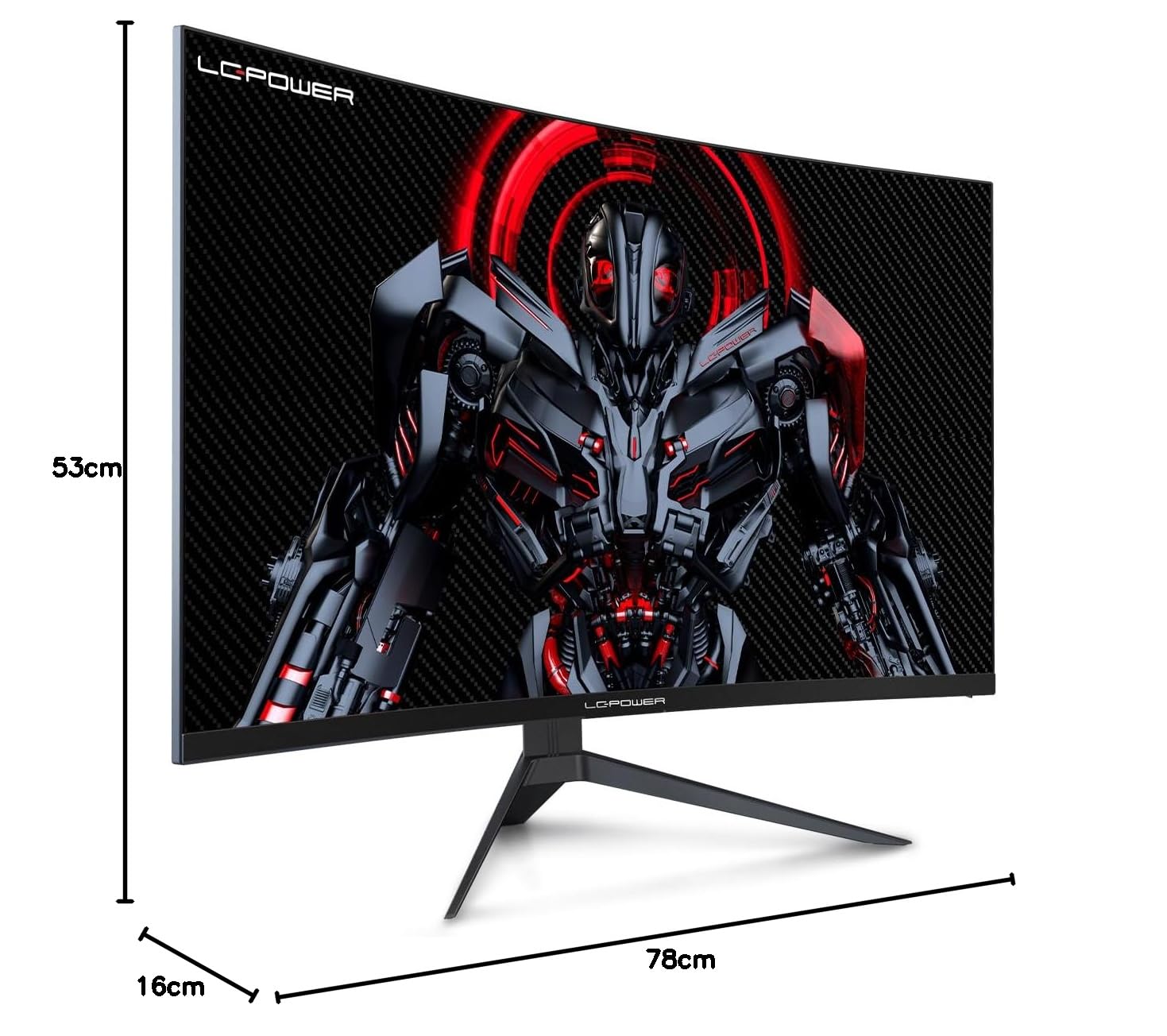
Figure 8.1: Monitor dimensions for planning installation space.
9. Garanzija u Appoġġ
LC-Power provides a three-year warranty for this product. Additionally, a twelve-month replacement service is available. For technical assistance or inquiries regarding damage, defects, or missing parts, please contact LC-Power customer support. Telephone technical support is also available.


