Introduzzjoni
The Science4you ROMI Intelligent Robot is an interactive toy designed to introduce users to robotics and STEAM principles. This manual provides detailed instructions for setting up, operating, and maintaining your ROMI robot.
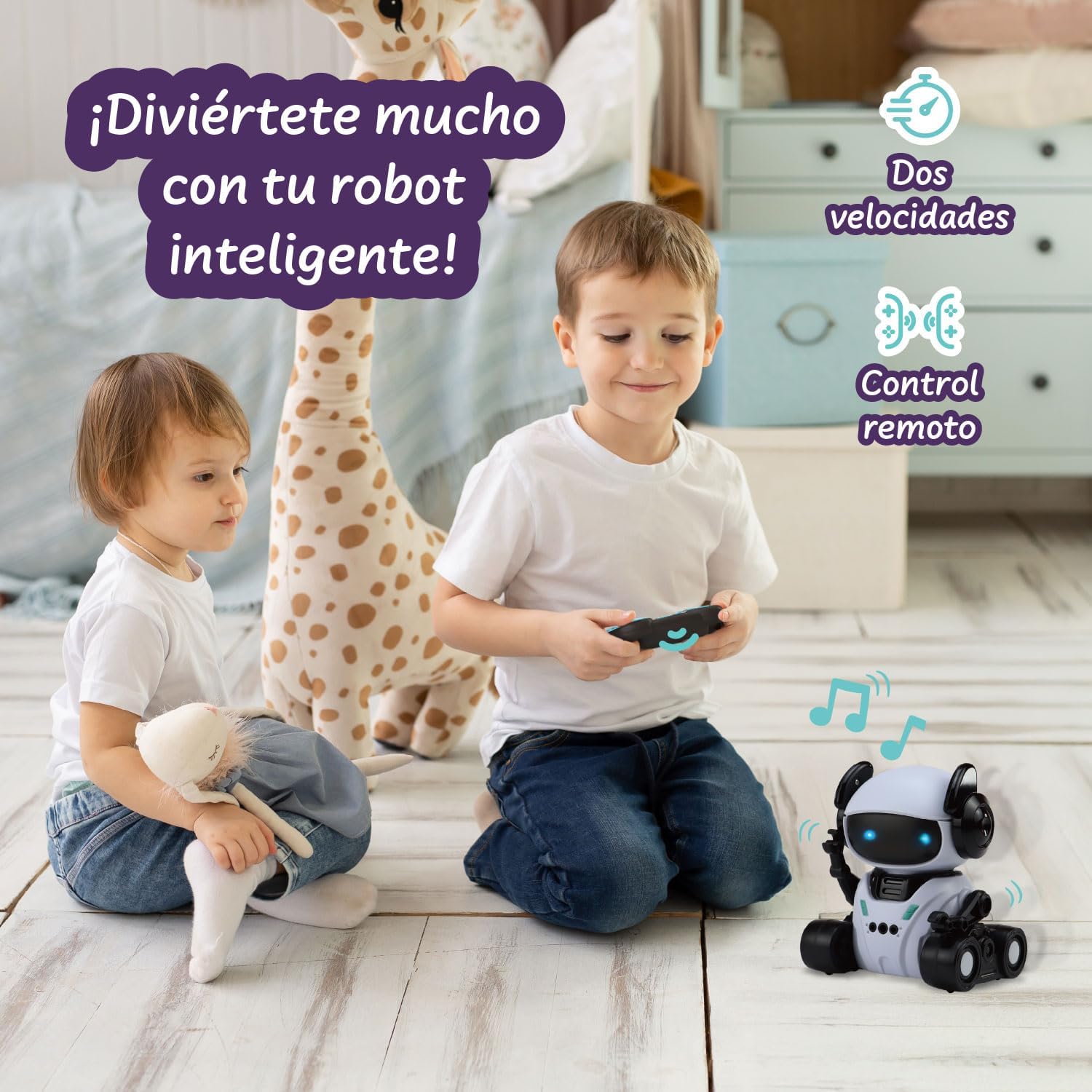
Image: The ROMI Intelligent Robot, remote control, and manual, ready for assembly and play.
X'hemm fil-Kaxxa
- ROMI Intelligent Robot
- Kontroll mill-bogħod
- Manwal ta 'Istruzzjoni (dan id-dokument)
Informazzjoni dwar is-Sigurtà
TWISSIJA:
Not recommended for use by children under 6 years of age.
- Dejjem sorvelja lit-tfal waqt il-logħob.
- Do not attempt to disassemble or modify the robot or remote control.
- Żomm 'il bogħod mill-ilma u temperaturi estremi.
- Ensure batteries are inserted correctly and dispose of them responsibly.
- Tħallatx batteriji qodma u ġodda. Tħallatx batteriji alkalini, standard (karbonju-żingu), jew rikarikabbli (nikil-kadmju).
Setup
1. Battery Installation (Robot)
- Locate the battery compartment on the underside of the ROMI robot.
- Bl-użu ta' tornavit żgħir b'ras Phillips, iftaħ l-għatu tal-kompartiment tal-batterija.
- Daħħal 3 batteriji AA (mhux inklużi), waqt li tiżgura l-polarità korretta (+/-).
- Ibdel l-għatu u waħħalha bil-kamin.
2. Installazzjoni tal-Batterija (Kontroll mill-Bogħod)
- Sib il-kompartiment tal-batterija fuq wara tal-kontroll remot.
- Bl-użu ta' tornavit żgħir b'ras Phillips, iftaħ l-għatu tal-kompartiment tal-batterija.
- Insert 2 AAA batteries (not included), ensuring correct polarity (+/-).
- Ibdel l-għatu u waħħalha bil-kamin.
3. Tixgħel
Switch the power button on the robot to the "ON" position. The robot's LED eyes will light up, indicating it is ready for operation.
Modi Operattivi
The ROMI Intelligent Robot features four interactive modes:

Immaġni: Fuqview of ROMI's four exciting modes, illustrating the remote control, hand gesture, programming, and dance functions.
1. Modalità ta 'Kontroll mill-bogħod
Use the included remote control to guide ROMI's movements.

Image: A child operating the ROMI robot with the remote control, demonstrating its two speeds and remote functionality.
Kontrolli:
- Quddiem/Lura: Use the directional buttons to move ROMI.
- Dawwar ix-Xellug/Lemin: Use the directional buttons to change ROMI's direction.
- Aġġustament tal-veloċità: The remote may have buttons to switch between two speeds.
- Mużika/Ħoss: Press the music button to play or stop melodies.
- Eye Color Change: Some buttons may cycle through LED eye colors.
2. Hand Gesture Response Mode
ROMI can respond to specific hand gestures, allowing for interactive control without the remote.
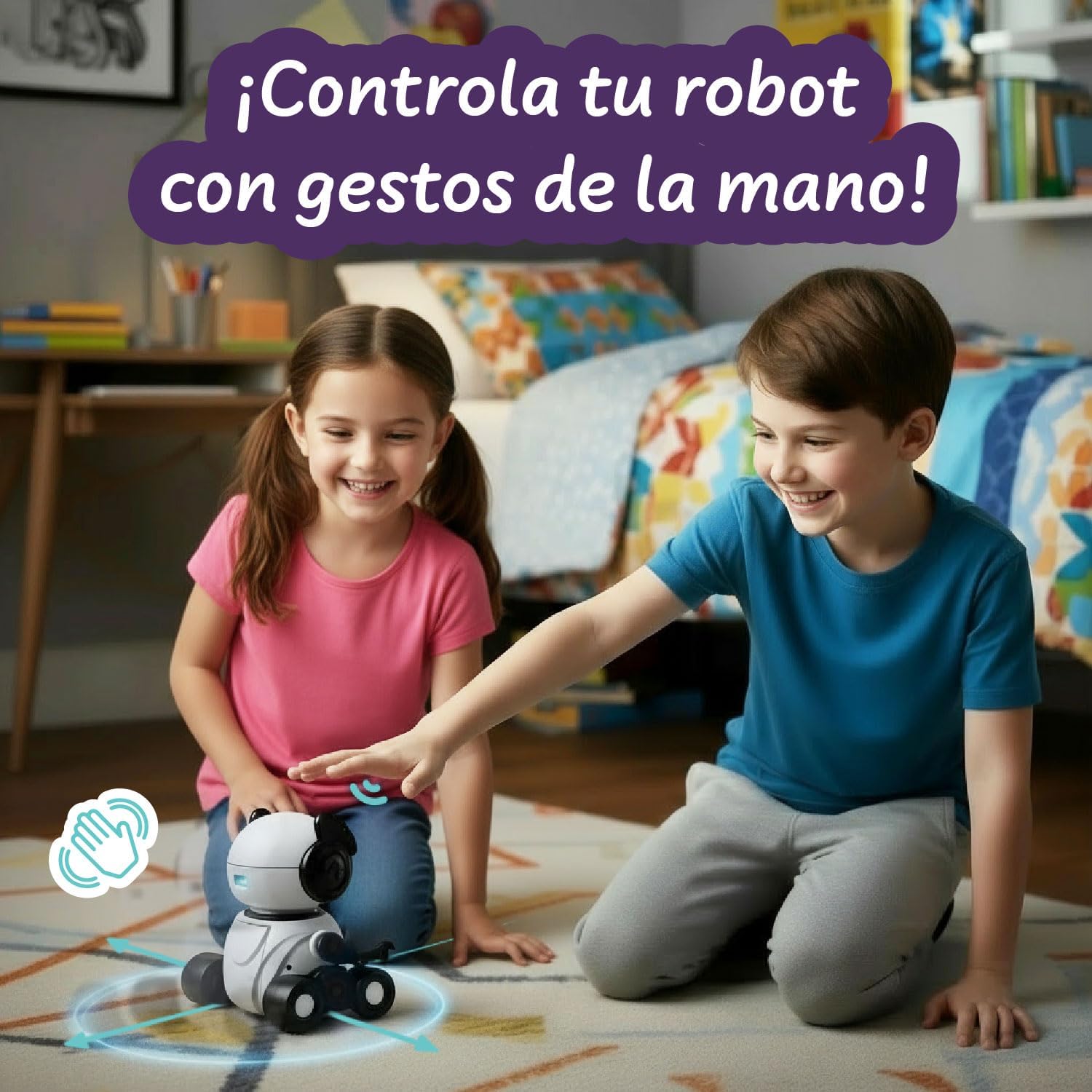
Image: A child interacting with the ROMI robot using hand gestures, showing how the robot can be controlled without the remote.
Istruzzjonijiet:
- Ensure ROMI is in Hand Gesture mode (refer to remote control or robot button for mode selection).
- Perform gestures within ROMI's sensor range (typically 10-15 cm in front of its head).
- Imxi 'l quddiem: Wave your hand forward.
- Mexxi lura: Wave your hand backward.
- Dawwar ix-Xellug/Lemin: Swipe your hand to the left or right.
3. Programmed Movement Mode
Program a sequence of movements for ROMI to execute.
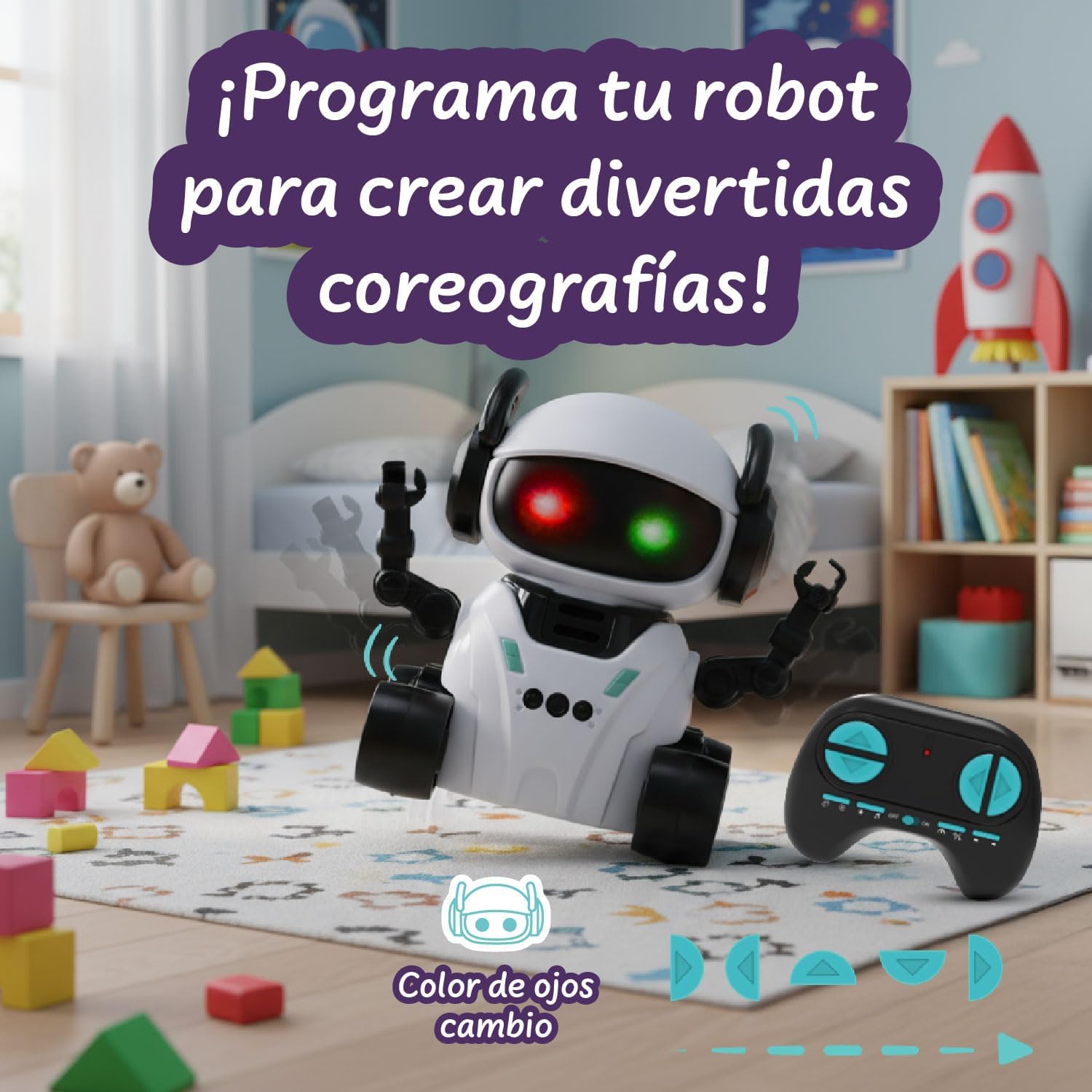
Image: The ROMI robot displaying different eye colors while demonstrating its programmed movement capabilities, allowing users to create custom choreographies.
Istruzzjonijiet:
- Enter Programmed Movement mode (usually by pressing a dedicated button on the remote).
- Press the directional buttons on the remote in the desired sequence (e.g., Forward, Turn Left, Forward).
- Press the "Execute" or "Play" button to make ROMI perform the programmed sequence.
- ROMI's LED eyes may change color during programming or execution.
4. Dance Routine Mode
ROMI can perform pre-programmed dance routines with music and light effects.
Istruzzjonijiet:
- Select Dance Routine mode (usually by pressing a dedicated dance button on the remote).
- ROMI will begin to move, play music, and flash its LED eyes in a synchronized dance.
- To stop the dance, press the dance button again or switch to another mode.
Manutenzjoni
Tindif
- Wipe the robot and remote control with a soft, dry cloth.
- Tużax kimiċi ħarxa jew tindif li joborxu.
- Evita li ddaħħal l-ilma fi kwalunkwe fetħiet.
Ħażna
- When not in use for extended periods, remove batteries from both the robot and the remote control.
- Store ROMI in a cool, dry place, away from direct sunlight.
Issolvi l-problemi
| Problema | Kawża Possibbli | Soluzzjoni |
|---|---|---|
| Robot ma jixgħelx. | Il-batteriji huma baxxi jew imdaħħla ħażin. | Replace batteries with new ones, ensuring correct polarity. Check power switch is ON. |
| Il-kontroll mill-bogħod ma jaħdimx. | Remote batteries are low or incorrectly inserted. Robot is out of range. | Replace remote batteries. Ensure robot and remote are within operating range. |
| Robot does not respond to gestures. | Not in Hand Gesture mode. Hand is too far or too close to the sensor. | Switch to Hand Gesture mode. Perform gestures within 10-15 cm of the robot's head. |
| Robot moves erratically or slowly. | Low robot batteries. Obstruction in wheels. | Replace robot batteries. Check and clear any obstructions from the wheels. |
Speċifikazzjonijiet
- Numru tal-Mudell: 90001664
- Ditta: Science4you
- Dimensjonijiet: 17.5 ċm (L) x 10 ċm (W) x 19.5 ċm (H)
- Piż: 420 g
- Materjal: Durable, non-toxic ABS Plastic
- Età Rakkomandata: 6 snin 'il fuq
- Robot Batteries: 3 batteriji AA (mhux inklużi)
- Batteriji tal-Kontroll mill-bogħod: 2 batteriji AAA (mhux inklużi)
- Lingwa: Ingliż
Garanzija u Appoġġ
For warranty information and customer support, please refer to the product packaging or visit the official Science4you websit. Żomm l-irċevuta tax-xiri tiegħek bħala prova tax-xiri.
Science4you Official Store: Visit Science4you Store on Amazon


