1. Introduzzjoni
Thank you for choosing the Baseus Bowie D05 Wireless Headphones. This manual provides detailed instructions on how to set up, operate, maintain, and troubleshoot your new headphones. Please read this manual carefully before use to ensure optimal performance and longevity of your device.
2. X'hemm fil-Kaxxa
Meta tiftaħ il-kaxxa, jekk jogħġbok kun żgur li l-oġġetti kollha li ġejjin huma preżenti:
- Headphones Wireless Baseus Bowie D05
- Kejbil għall-Iċċarġjar USB-A għal USB-C
- Cable Awdjo 3.5mm
- Manwal għall-Utent
Image: The Baseus Bowie D05 headphones shown alongside their USB-C charging cable and 3.5mm audio cable, illustrating the complete package contents.
3. Prodott Aktarview
Familiarize yourself with the various parts and controls of your Baseus Bowie D05 headphones:
- Buttuna tal-Enerġija/Multi-Funzjoni: Used for powering on/off, play/pause, answering/ending calls, and activating voice assistant.
- Buttuna 'l fuq il-volum: Increases volume, long press for next track.
- Buttuna 'l isfel fil-volum: Decreases volume, long press for previous track.
- Port tal-Iċċarġjar USB-C: Għall-iċċarġjar tal-headphones.
- Jack Awdjo 3.5mm: Għal konnessjoni bil-fili.
- Indikatur LED: Shows power, charging, and pairing status.
- Mikrofonu: Għal sejħiet u kmandi tal-vuċi.

Immaġni: Dettaljata view of the left earcup of the Baseus Bowie D05 headphones, highlighting the location of the control buttons (volume up/down, multi-function) and the charging/audio ports.
4. Setup
4.1 Iċċarġjar tal-Headphones
- Qabbad it-tarf USB-C tal-kejbil tal-iċċarġjar mal-port tal-iċċarġjar tal-headphones.
- Connect the USB-A end to a USB power adapter (5V/1A recommended) or a computer's USB port.
- The LED indicator will show red during charging and turn off or blue when fully charged.
- Ċarġ sħiħ tipikament jieħu madwar 1.5-2 sigħat.
4.2 Tqabbil tal-Bluetooth
- Kun żgur li l-headphones huma ċċarġjati kompletament.
- Press and hold the Power/Multi-function button for 3-5 seconds until the LED indicator flashes blue and red alternately, indicating pairing mode.
- Fuq l-apparat tiegħek (smartphone, tablet, kompjuter), attiva l-Bluetooth.
- Fittex għal "Baseus Bowie D05" in the list of available Bluetooth devices.
- Select "Baseus Bowie D05" to connect. Once connected, the LED indicator will flash blue slowly or turn off.
4.3 Konnessjoni bil-wajer (Mhux obbligatorja)
You can use the headphones with the included 3.5mm audio cable when the battery is low or for devices without Bluetooth connectivity.
- Ipplaggja tarf wieħed tal-kejbil tal-awdjo ta' 3.5mm fil-jack tal-awdjo ta' 3.5mm tal-headphones.
- Ipplaggja t-tarf l-ieħor fil-jack tal-output tal-awdjo tat-tagħmir tiegħek.
- Note: Controls on the headphones may not function in wired mode.
5. Istruzzjonijiet Operattivi
5.1 Power On/Off
- Qawwa Mixgħul: Agħfas u żomm il-buttuna tal-Enerġija/Multi-funzjoni għal żewġ sekondi.
- Itfi: Agħfas u żomm il-buttuna tal-Enerġija/Multi-funzjoni għal żewġ sekondi.
5.2 Daqq tal-Mużika
- Play/Pawsa: Agħfas fil-qosor il-buttuna tal-Enerġija/Multi-funzjoni.
- Volum 'il fuq: Agħfas fil-qosor il-buttuna Volume Up.
- Volum 'l isfel: Agħfas fil-qosor il-buttuna Volum 'l isfel.
- Track li jmiss: Agħfas fit-tul il-buttuna Volume Up.
- Track preċedenti: Agħfas fit-tul il-buttuna Volum 'l isfel.
5.3 Ġestjoni tas-Sejħiet
- Tweġiba/Tmiem Sejħa: Agħfas fil-qosor il-buttuna tal-Enerġija/Multi-funzjoni.
- Irrifjuta Sejħa: Agħfas fit-tul il-buttuna tal-Qawwa/Multi-funzjoni għal żewġ sekondi.
5.4 Konnessjoni bejn Apparati Multipli
The Baseus Bowie D05 headphones support simultaneous connection to two devices, allowing seamless switching between them.
- Connect the headphones to the first device via Bluetooth as described in section 4.2.
- Disconnect the headphones from the first device (do not unpair).
- Connect the headphones to the second device via Bluetooth.
- Erġa’ qabbad il-headphones mal-ewwel apparat mis-settings tal-Bluetooth tiegħu. Il-headphones issa għandhom ikunu konnessi maż-żewġ apparati.
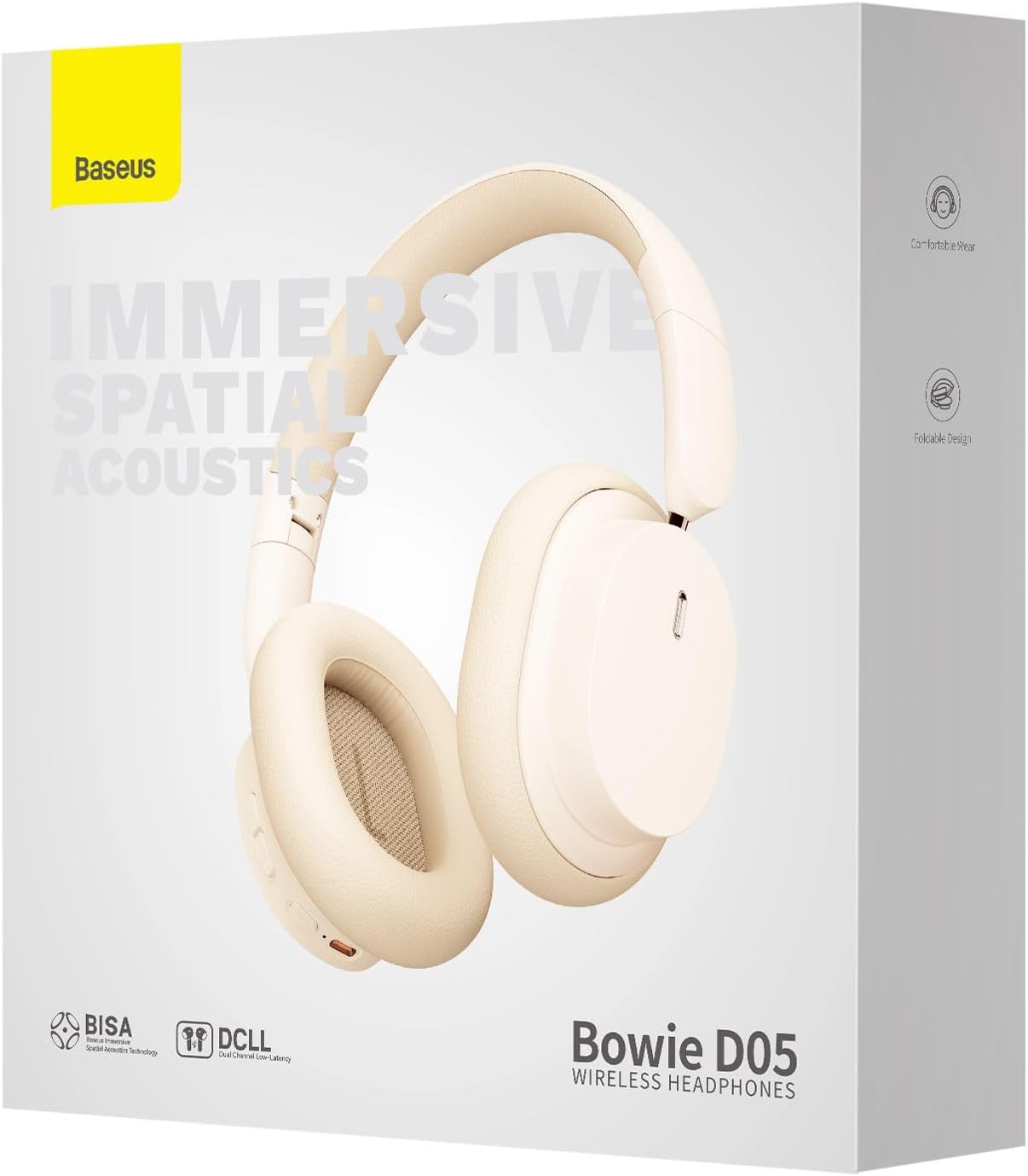
Image: The Baseus Bowie D05 headphones are depicted wirelessly connected to both a smartphone and a tablet, demonstrating their multi-device connectivity feature.
6. Manutenzjoni
Biex tiżgura l-lonġevità u l-prestazzjoni ottimali tal-headphones tiegħek, segwi dawn il-linji gwida ta' manutenzjoni:
- Tindif: Uża drapp artab, niexef u mingħajr suf biex tnaddaf il-headphones. Tużax prodotti tat-tindif li joborxu, alkoħol, jew solventi kimiċi.
- Ħażna: Meta ma tkunx qed tużahom, aħżen il-headphones f'post frisk u niexef, 'il bogħod mix-xemx diretta u minn temperaturi estremi.
- Evita l-umdità: Keep the headphones away from water and excessive humidity.
- Immaniġġja b'Kura: Evita li twaqqa’ l-headphones jew li tissottomettihom għal impatti qawwija.
7 Issolvi l-problemi
If you encounter any issues with your Baseus Bowie D05 headphones, please refer to the following common problems and solutions:
| Problema | Soluzzjoni Possibbli |
|---|---|
| Il-headphones ma jixegħlux. | Kun żgur li l-headphones huma ċċarġjati kompletament. Qabbadhom ma' sors ta' enerġija u erġa' pprova. |
| Ma tistax tqabbad mat-tagħmir. | Ensure headphones are in pairing mode (flashing blue/red). Turn off and on Bluetooth on your device. Clear previous Bluetooth connections on your device. Move headphones closer to the device. |
| L-ebda ħoss jew volum baxx. | Check headphone and device volume levels. Ensure headphones are properly connected. Try playing different audio. If using wired connection, ensure cable is fully inserted. |
| Kwalità tal-ħoss ħażina. | Move closer to your device to avoid interference. Avoid obstacles between headphones and device. Try disconnecting and reconnecting. |
| Il-headphones jiskonnettjaw ta' spiss. | Ensure headphones are fully charged. Keep within Bluetooth range (typically 10 meters). Avoid strong electromagnetic interference. |
Jekk il-problema tippersisti wara li tipprova dawn is-soluzzjonijiet, jekk jogħġbok ikkuntattja l-appoġġ għall-klijenti.
8. Speċifikazzjonijiet
Detailed technical specifications for the Baseus Bowie D05 Wireless Headphones:
- Isem tal-Mudell: NGTD020202
- Ditta: Baseus
- Teknoloġija tal-Konnettività: Wireless (Bluetooth)
- Teknoloġija tal-Komunikazzjoni mingħajr Fili: Bluetooth
- Tqegħid tal-widnejn: Fuq il-widnejn
- Fattur tal-Formola: Fuq il-widnejn
- Tip ta' Driver Awdjo: Sewwieq Dinamika
- Daqs tal-Unità tas-Sewwieq: 40mm
- Ħajja tal-batterija: Up to 70 hours of audio playback (at 70% volume)
- Port tal-Iċċarġjar: USB-C
- Awdjo Jack: 3.5 mm Jack
- Materjal: Plastik
- Piż tal-oġġett: Madwar 209-il gramma (7.37 uqija)
- Kulur: Creamy-White (as per product title, though spec says Black)
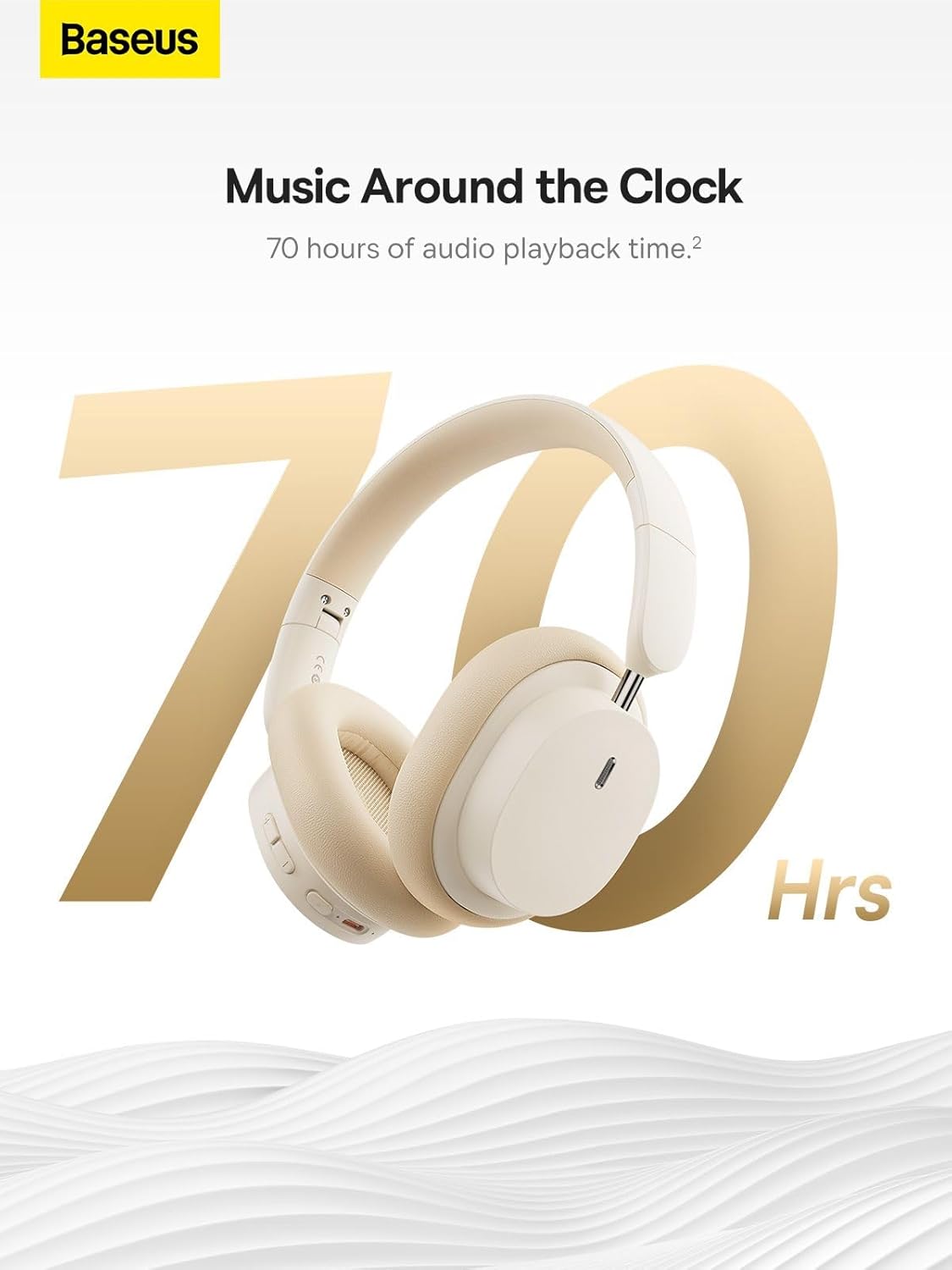
Image: The Baseus Bowie D05 headphones are featured with a prominent '70 Hrs' graphic, highlighting their extended audio playback time on a single charge.

Image: Two individuals are shown comfortably wearing the Baseus Bowie D05 headphones, emphasizing their lightweight design with the text 'Only 209g' for extended listening sessions.

Image: A visual representation of a 40mm large driver unit, illustrating its capability to deliver detailed high-end and fuller low-end audio performance.
9. Garanzija u Appoġġ
9.1 Informazzjoni dwar Garanzija
Baseus products are covered by a limited warranty from the date of purchase. Please refer to the warranty card included in your product packaging or visit the official Baseus websit għal termini u kundizzjonijiet dettaljati tal-garanzija.
9.2 Appoġġ għall-Klijent
For technical assistance, troubleshooting, or warranty claims, please contact Baseus customer support through the following channels:
- Uffiċjali Websit: Visit the Baseus official websit għal FAQs, riżorsi ta' appoġġ, u formoli ta' kuntatt.
- Appoġġ bl-Email: Irreferi għall-imballaġġ tal-prodott tiegħek jew għall-informazzjoni uffiċjali websit għall-indirizz elettroniku tal-appoġġ għall-klijenti.
- Authorized Retailer: Contact the retailer from whom you purchased the product for assistance.



