1. Introduzzjoni
This manual provides comprehensive instructions for the Angrox Replacement Remote, designed specifically for VIZIO Sound Bar systems. This remote offers 100% of the original functionality, ensuring a seamless replacement experience for your home theater audio system.
It is compatible with various VIZIO Sound Bar series, including 2.1 and 5.1 home theater sound bars, VIZIO channel sound bar systems, and VIZIO M/V/P series home audio sound systems.

Image: The Angrox Replacement Remote for VIZIO Sound Bar, showcasing id-disinn eleganti tiegħu.

Image: Visual guide illustrating the types of VIZIO sound bar systems compatible with this replacement remote, including 2.1, 5.1, channel, and M/V/P series setups.
2. Setup
2.1 Installazzjoni tal-batterija
The remote requires two (2) AAA batteries (not included). Follow these steps to install them:
- Sib il-kompartiment tal-batterija fuq wara tal-kontroll remot.
- Żerżaq l-għatu tal-batterija 'l isfel biex tiftaħha.
- Daħħal żewġ batteriji AAA, waqt li tiżgura li t-truf pożittivi (+) u negattivi (-) ikunu allinjati mal-marki ġewwa l-kompartiment.
- Żerġa l-għatu tal-batterija fil-post sakemm tikklikkja sew.

Image: Diagram showing the battery compartment and correct insertion of AAA batteries.
2.2 Konnessjoni Inizjali
This replacement remote is designed for immediate use with compatible VIZIO Sound Bar systems. No complex programming or pairing is typically required. Simply insert the batteries, and the remote should automatically connect and function with your sound bar.
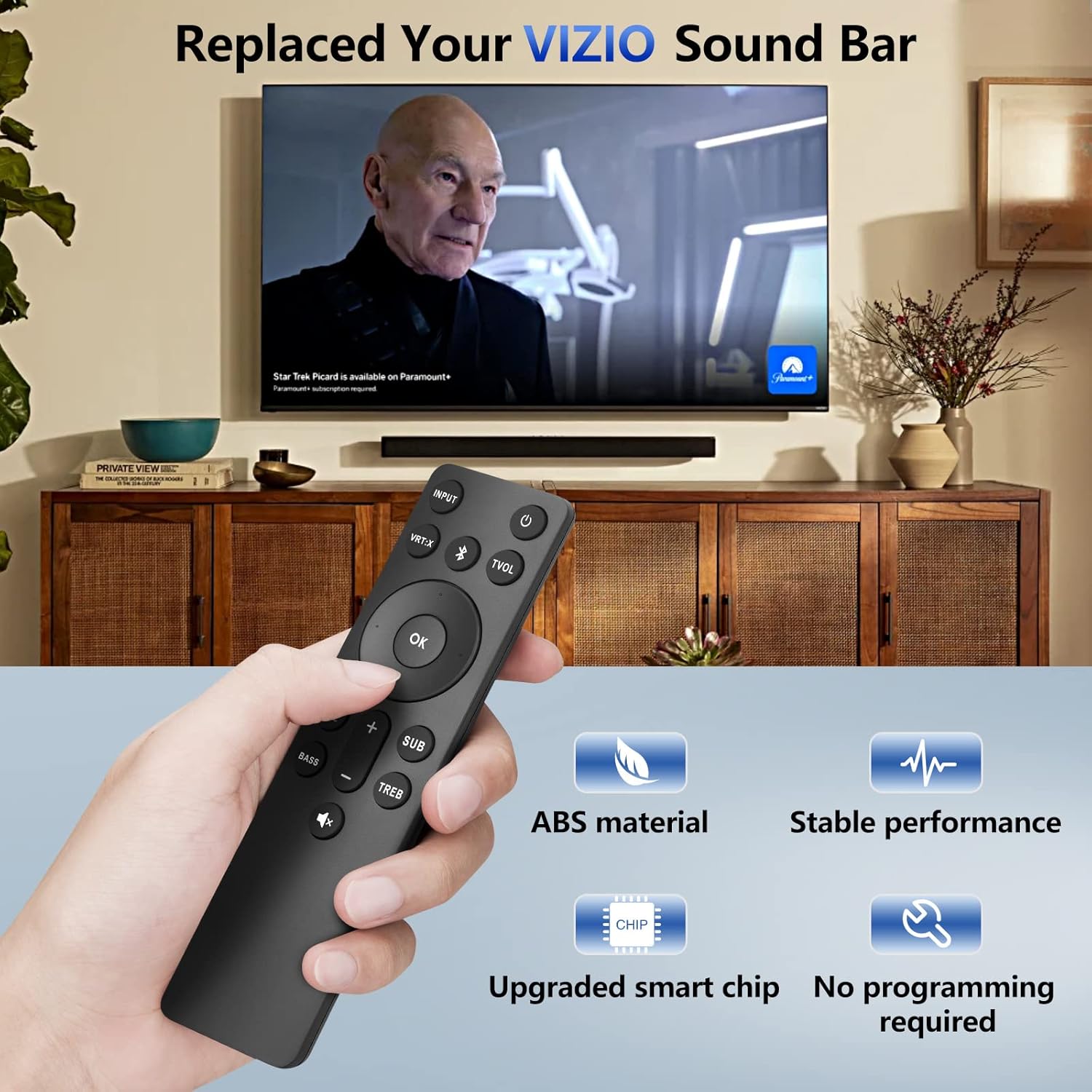
Image: A hand holding the remote, demonstrating its use with a VIZIO sound bar setup, highlighting its no-programming feature and upgraded smart chip for stable performance.
3. Istruzzjonijiet Operattivi
The Angrox Replacement Remote provides full control over your VIZIO Sound Bar's functions. Below is a detailed guide to each button and general usage tips:

Image: A detailed diagram labeling each button on the remote and describing its specific function, including input, volume, EQ, and more.
| Buttuna | Funzjoni |
|---|---|
| Qawwa (⏻) | Jixgħel jew jitfi s-sound bar. |
| INPUT | Changes the input source of the sound bar. |
| VRT:X | Turns Virtual:X surround sound on or off. |
| Bluetooth (Ⓑ) | Switches to Bluetooth mode. Long press for Pairing Mode. |
| TVOL | Turns TruVolume on or off. |
| OK | Enter/Play/Pause. Select an option, play or pause media. |
| Vleġeġ tan-Navigazzjoni (L fuq/Isfel/Xellug/Lemin) | Navigate menus, cycle through settings and options. |
| Preċedenti | Return to previous track. (Changes audio settings) |
| Li jmiss | Skip to the next track. (Changes audio settings) |
| EQ | Change equalizer settings. |
| BASS | Press to increase/decrease the bass level. |
| SUB | Press to increase/decrease the subwoofer level. (Long press to turn Night mode on/off) |
| TREB | Press to increase/decrease the treble level. |
| Volum +/- | Żid u naqqas il-volum. |
| Mute (🔇) | Mute/unmute audio. (Long press to turn LED power indicator on/off) |
3.1 Customizing Your Audio Experience
The remote allows you to fine-tune your sound experience. Use the EQ button to cycle through preset equalizer modes, and adjust BASS, TREB, u SUB levels to suit your preferences. The comfort grip design ensures ease of use while customizing your audio.
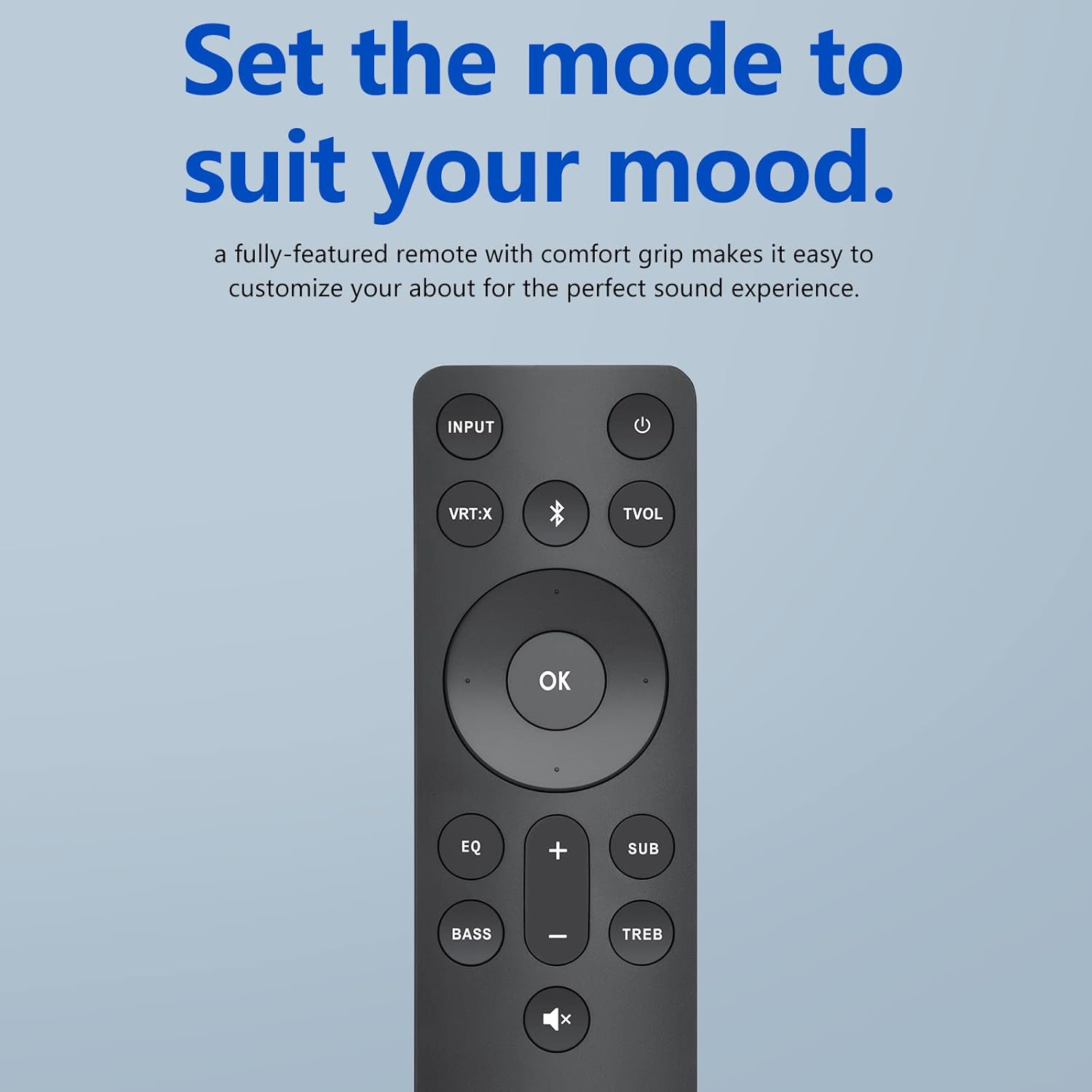
Image: The remote control displayed with the phrase "Set the mode to suit your mood," emphasizing its ability to customize audio for a perfect sound experience.
3.2 Remote Performance and Range
The remote operates using infrared (IR) technology, providing a reliable connection up to 10-12 meters (approximately 33-40 feet) from your sound bar. For optimal performance, ensure a clear line of sight between the remote and the sound bar's IR receiver. The remote boasts a fast response time of 0.5 seconds, ensuring your commands are registered quickly.

Image: Visual representation of the remote's effective operating range, indicating functionality over 40 feet.

Image: An illustration highlighting the remote's quick response time of 0.5 seconds.
3.3 Versatile Usage
The compact and ergonomic design of the remote makes it suitable for use in various environments within your home, providing convenient control from your living room, kitchen, or bedroom.
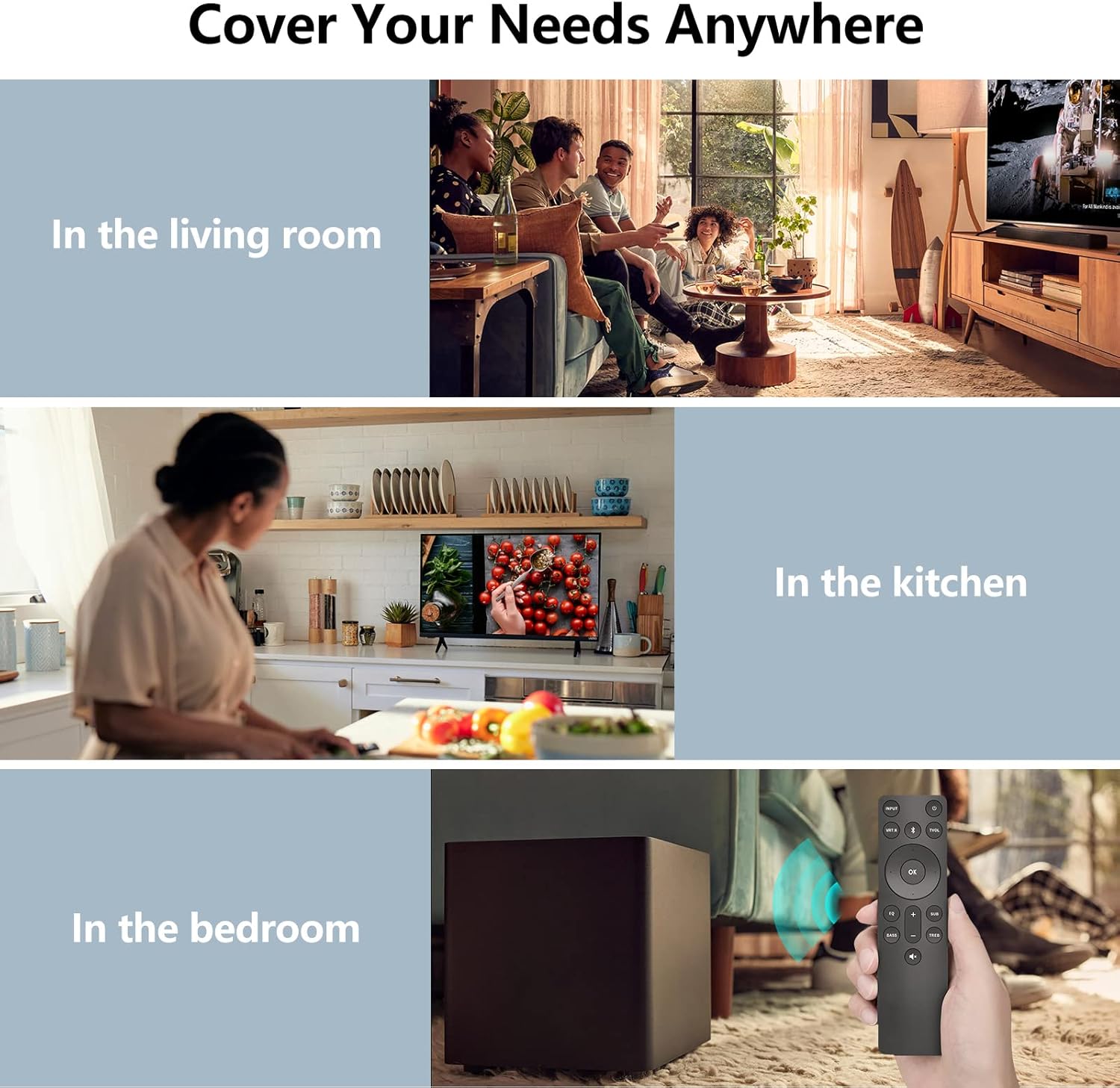
Image: Collage showing the remote being used in various settings such as a living room, kitchen, and bedroom, demonstrating its versatility.
4. Manutenzjoni
4.1 Sostituzzjoni tal-batterija
When the remote's response becomes sluggish or it stops functioning, it's time to replace the batteries. Refer to Section 2.1 for battery installation instructions.
4.2 Tindif
To clean the remote, gently wipe it with a soft, dry cloth. Avoid using liquid cleaners, aerosols, or abrasive materials, as these can damage the remote's surface or internal components.
4.3 Storage and Durability
Store the remote in a cool, dry place away from direct sunlight and extreme temperatures. If the remote will not be used for an extended period, it is recommended to remove the batteries to prevent leakage. The remote is designed to be sturdy and drop-resistant, ensuring long-term durability.

Image: An illustration highlighting the remote's sturdy and drop-resistant design, showing it can withstand impacts.
5 Issolvi l-problemi
- Remote Mhux Jirrispondi:
- Kun żgur li l-batteriji huma installati sew u mhux eżawriti. Ibdelhom jekk meħtieġ.
- Check for any obstructions between the remote and the sound bar's IR receiver.
- Ensure you are within the effective operating range (10-12 meters).
- Funzjonalità intermittenti:
- Verify that the remote is pointed directly at the sound bar.
- Avoid strong light sources (e.g., direct sunlight, bright fluorescent lights) that might interfere with the IR signal.
- Buttuni Speċifiċi Mhux Jaħdmu:
- Ensure the remote is compatible with your specific VIZIO Sound Bar model. Refer to the compatibility list in Section 1.
- If only certain buttons are unresponsive, the remote might be damaged.
If you continue to experience issues after following these steps, please contact customer support for further assistance.
6. Speċifikazzjonijiet
| Numru tal-Mudell | ND21-J |
| Dimensjonijiet (L x W x H) | 7.91 x 2.8 x 0.94 pulzieri (madwar 20.1 x 7.1 x 2.4 ċm) |
| Piż tal-oġġett | 1.44 uqija (madwar 40.8 gramma) |
| Batteriji Meħtieġa | 2 x AAA (mhux inklużi) |
| Teknoloġija | Infra-aħmar (IR) |
| Medda Operattiva | Up to 10-12 meters (33-40 feet) |
| Materjal | ABS |
| Apparati Kompatibbli | VIZIO 2.1/5.1 Home Theater Sound Bar, VIZIO channel sound bar system, VIZIO M/V/P series home audio sound system |
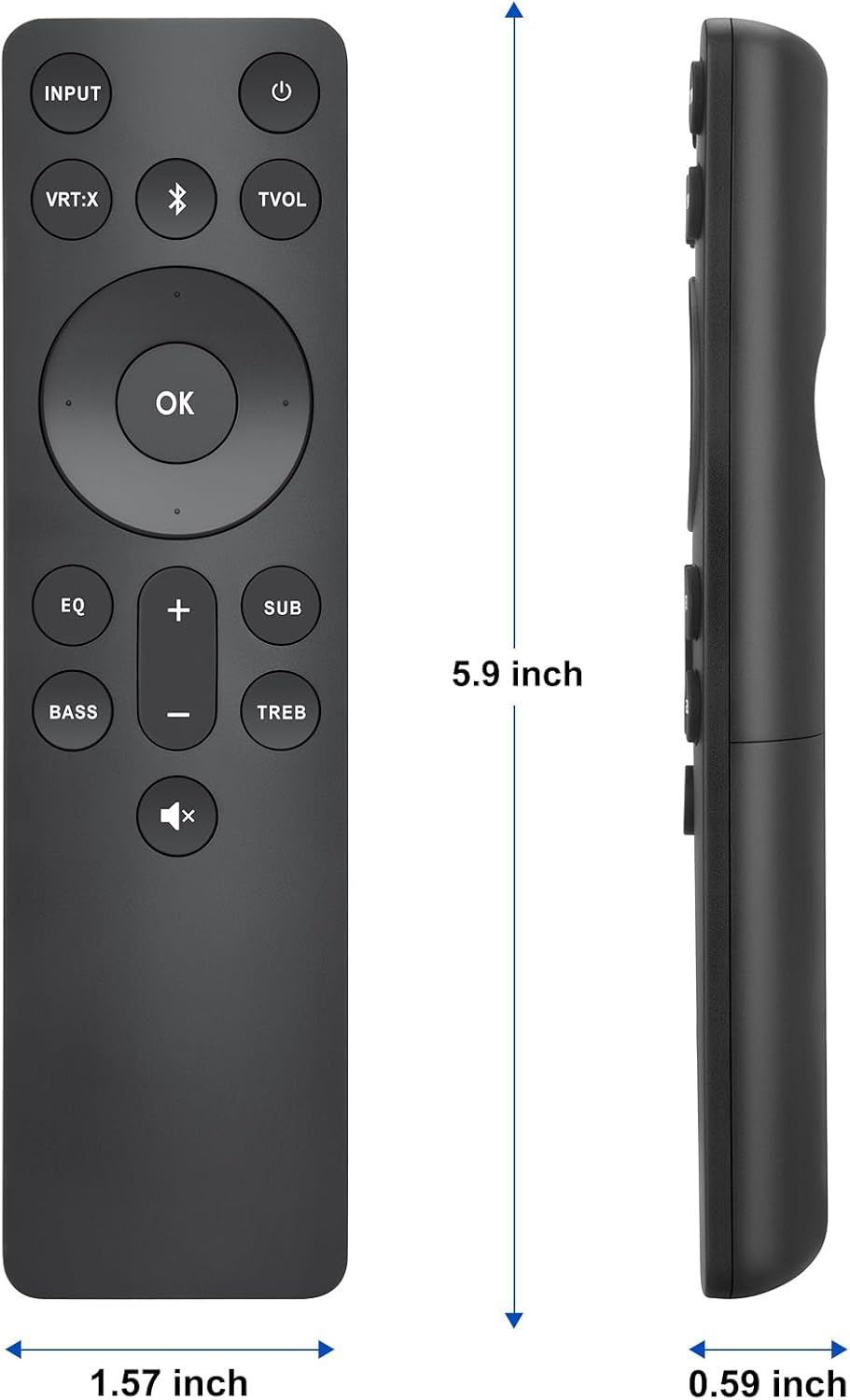
Image: Diagram illustrating the physical dimensions (length, width, thickness) of the remote control.
7. Garanzija u Appoġġ
Angrox offers a 30-day warranty return service for this product. If you encounter any issues or have questions regarding your order, please do not hesitate to contact our customer support team.
We are committed to providing excellent after-sales service and will respond to your inquiries within 12 hours on working days.
Għal appoġġ, jekk jogħġbok żur il- Angrox Store on Amazon or contact us through the platform where you made your purchase.


