1. Prodott Aktarview
The JAMJAKE Stylus Pen ID716 is designed to enhance your interaction with compatible Apple iPad models. It offers features such as tilt sensitivity, palm rejection, and pixel-level precision for a natural writing and drawing experience. The pen is constructed from durable aluminum and includes a fast-charging capability.

Image 1.1: The JAMJAKE Stylus Pen ID716, showcasing its sleek design, included replacement tips, and fast-charging capability.
2. Kompatibilità
The JAMJAKE Stylus Pen ID716 is specifically designed for Apple iPad models released from 2018 to 2025. Please verify your iPad model before use.
Mudelli Kompatibbli:
- iPad Pro 13-il pulzier (M4)
- iPad Pro 12.9 inches (3rd, 4th, 5th, 6th Gen)
- iPad Pro 11 inch (all versions)
- iPad Air (3rd, 4th, 5th, M2, M3 Gen)
- iPad (6th, 7th, 8th, 9th, 10th, 11th Gen)
- iPad Mini (5th, 6th Gen)
Apparati inkompatibbli:
Dan l-istilus huwa MHUX compatible with iPad models released before 2018, iPhone devices, Android devices, or Microsoft devices.
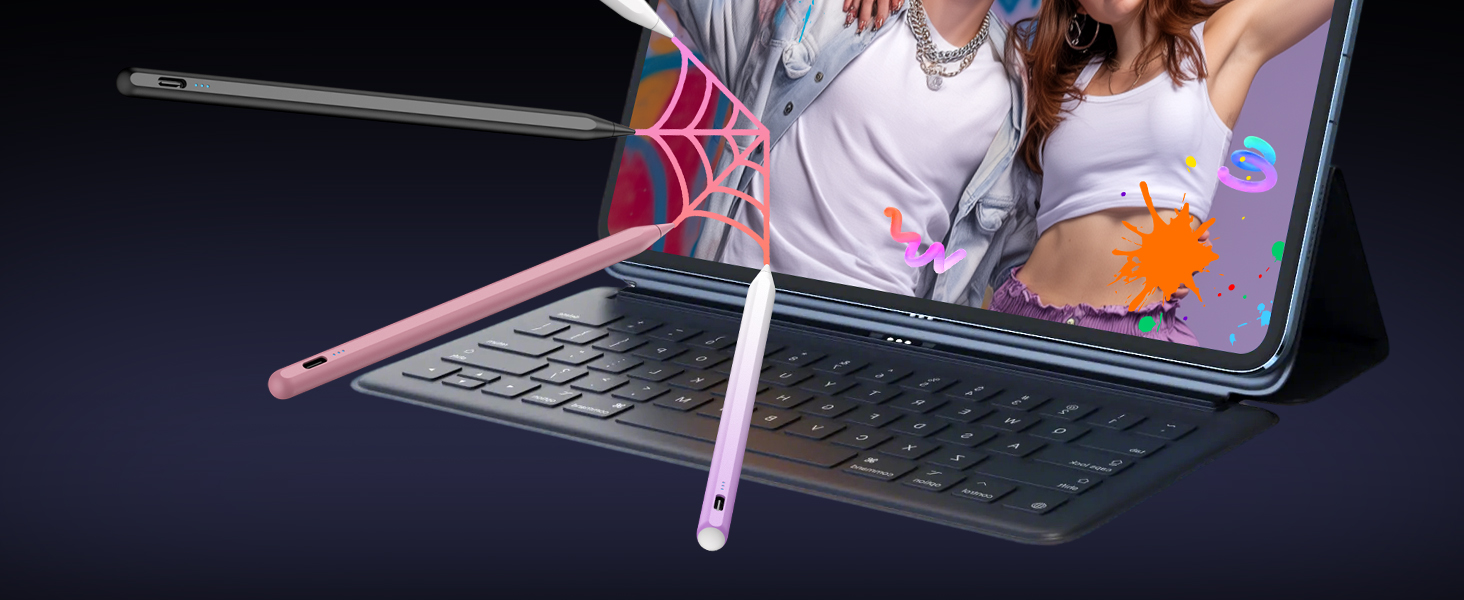
Image 2.1: Detailed compatibility chart for the JAMJAKE Stylus Pen, listing specific iPad models and their corresponding model numbers, along with incompatible devices.
3. Setup u Operazzjoni
3.1 Tixgħel/Jitfi
To power on the stylus, simply double-tap the top of the pen. Double-tap again to power it off. No Bluetooth pairing is required for basic functionality; however, ensure your iPad's Bluetooth is enabled for optimal performance.
3.2 Indikatur tal-Batterija
The stylus features three LED indicator lights to display the battery level:
- Id-dwal kollha mixgħula: 70% -100% qawwa
- Żewġ dwal mixgħula: 30% -70% qawwa
- Dawl wieħed mixgħul: 5% -30% qawwa
- One light flashing: Inqas minn 5% qawwa
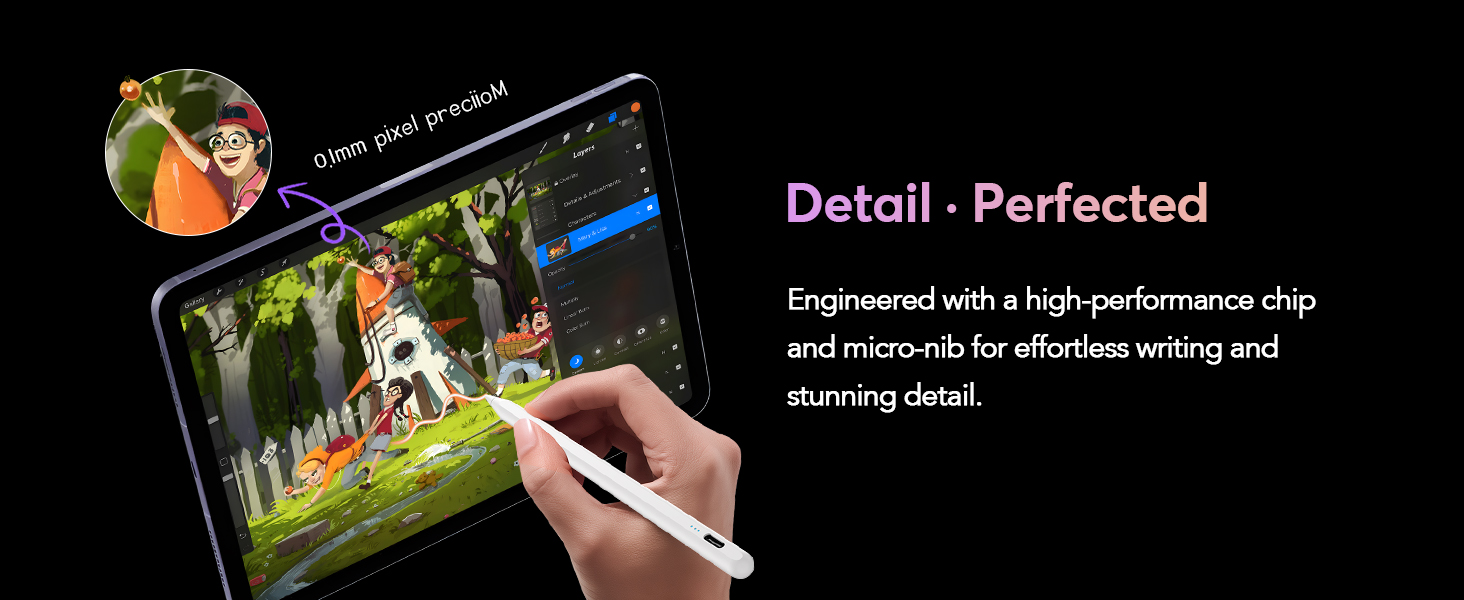
Image 3.1: Visual guide for the stylus's indicator light power display, tip replacement process, and the double-tap function for powering on/off.
3.3 Iċċarġjar veloċi
The stylus charges via a USB-C port. A full charge takes approximately 10 minutes and provides up to 10 hours of continuous use.

Image 3.2: The stylus connected to a USB-C charger, highlighting its rapid charging capability and extended battery life.
3.4 Ċaħda tal-Pala
The palm rejection feature allows you to rest your hand comfortably on the iPad screen while writing or drawing without unintended marks. This provides a natural and comfortable user experience.

Image 3.3: A user comfortably resting their hand on the iPad screen while using the stylus, illustrating the palm rejection functionality.
3.5 Sensittività għall-Inklinazzjoni
The stylus supports tilt sensitivity, allowing you to vary line thickness and shading by adjusting the angle at which the pen tip touches the screen. This feature is ideal for artistic applications and detailed drawing.

Image 3.4: The stylus demonstrating its tilt sensitivity, allowing for varied line weights and shading based on the angle of contact.
3.6 Pixel-Level Precision
Equipped with an upgraded smart chip, the stylus delivers 0.1 mm pixel-level accuracy with high responsiveness, ensuring no breakpoints or delays. This allows for precise writing of small characters and detailed drawing.
Nota: This stylus does not support pressure sensitivity.

Image 3.5: The stylus in use, demonstrating its fine 0.1mm pixel precision for detailed drawing and writing.
3.7 Assorbiment Manjetiku
The stylus can securely attach to the side of your compatible iPad for convenient storage and access.
Nota: This feature does not support wireless charging.

Image 3.6: The stylus magnetically adhering to the side of an iPad for easy storage.
4. Manutenzjoni
4.1 Tibdil tal-Ponta tal-Pinna
The stylus comes with replacement tips. To replace a tip, gently unscrew the old tip counter-clockwise and screw on a new tip clockwise until secure.
Image 4.1: Instructions for replacing the stylus tip by unscrewing and screwing in new tips.
4.2 Iċċarġjar tal-Istilus
Connect the included USB-C cable to the charging port on the stylus and to a compatible USB power source. Refer to the battery indicator lights for charging status.
5 Issolvi l-problemi
- L-istilus mhux qed jirrispondi: Ensure the stylus is charged and powered on (double-tap the top). Check that your iPad's Bluetooth is enabled.
- Inaccurate input or lag: Verify your iPad model is compatible. Ensure the pen tip is securely fastened. Restart both the stylus and your iPad.
- Ir-rifjut tal-palm mhux qed jaħdem: Confirm your iPad model supports palm rejection with third-party styluses.
- Tip wear: If the tip feels rough or less responsive, replace it with one of the included spare tips.
6. Speċifikazzjonijiet
| Karatteristika | Dettall |
|---|---|
| Numru tal-Mudell | ID716 |
| Dimensjonijiet | 7.5 x 2.2 x 0.6 pulzieri |
| Piż tal-oġġett | 3.21 uqija (91 Grammi) |
| Materjal | Aluminju |
| Tip ta 'batterija | 1 batterija tal-jone tal-litju (meħtieġa) |
| Ħin tal-Iċċarġjar | Appross. 10 minuti |
| Ħin ta 'Użu Kontinwu | Sa 10 sigħat |
| Ħajja tal-Batterija Standby | 8760 Sigħat |
| Kompatibilità | Apple iPad models 2018-2025 |
7. Garanzija u Appoġġ
7.1 Informazzjoni dwar Garanzija
The JAMJAKE Stylus Pen ID716 comes with an 18-month warranty period from the date of purchase. This warranty covers manufacturing defects and ensures hassle-free replacement or return.
7.2 Appoġġ għall-Klijent
For any inquiries, technical assistance, or warranty claims, please contact our customer support team. We offer 24/7 professional service.
- Email: support@jamjake.com


