1. Introduzzjoni
The Phomemo 241BT Thermal Label Printer is designed for efficient and high-quality label printing for various applications, including shipping, small business, and personal use. This printer utilizes advanced thermal direct technology, eliminating the need for ink or toner. It supports both wireless (Bluetooth) and wired (USB) connections, offering versatility across multiple devices and operating systems.

Image: The Phomemo 241BT printer actively printing a shipping label, surrounded by various label types and a smartphone connected via Bluetooth.

Image: The Phomemo 241BT printer demonstrating connectivity with both a laptop via USB and a smartphone via Bluetooth, highlighting its multi-system compatibility.
Il-karatteristiċi ewlenin jinkludu:
- Stampar bla linka: Advanced thermal direct technology removes the need for expensive toner or ink.
- Ħruġ b'Veloċità Għolja: Prints up to 72 sheets of 4x6 labels per minute.
- Riżoluzzjoni Għolja: 203 DPI ensures clear and precise printing.
- Konnettività versatili: Supports Bluetooth for mobile devices (iOS/Android) and USB for PC (Windows, Mac OS, Chrome OS, Linux).
- Kompatibilità Wiesgħa: Works with major shipping and sales platforms like eBay, Shopify, Amazon, Etsy, UPS, USPS, FedEx, and DHL.
- Adaptable Label Width: Accommodates labels from 1 to 4.6 inches (25.4-117mm).
2. X'hemm fil-Kaxxa
Jekk jogħġbok ivverifika li l-komponenti kollha huma preżenti fil-pakkett:
- 1 x Phomemo 241BT Label Printer
- 10 sheets of 4x6 thermal label paper
- 1 x Power Adapter u Kurdun
- 1 x Type C Adapter and USB Cable
- 1 x Gwida għall-Utent

Image: An illustration showing all items included in the Phomemo 241BT printer package.
3. Gwida ta' Setup
3.1. Konnessjoni tal-Ħardwer
- Qabbad l-Enerġija: Plug the power adapter into the printer's power port and then into a wall outlet.
- Qabbad il-USB (Mhux obbligatorju): For wired printing, connect one end of the USB cable to the printer and the other end to your computer. Use the Type C adapter if your computer requires it.
3.2. Installazzjoni tas-softwer
For Mobile Devices (iOS & Android - Wireless Bluetooth)
- Download "Labelife" App: Fittex għal "Labelife" in the Apple App Store (for iOS) or Google Play Store (for Android) and download the application.
- Ippermetti Bluetooth: Turn on Bluetooth on your mobile phone or tablet.
- Qabbad fl-App: Open the "Labelife" app and follow the in-app instructions to connect to your Phomemo 241BT printer via Bluetooth.

Image: Visual instructions for downloading the Labelife app, enabling Bluetooth, and connecting to the printer for wireless printing.
For Computers (Windows, Mac OS, Chrome OS, Linux - USB Wired)
- Niżżel is-sewwieq: Żur labelife.net/pm241 to download the appropriate driver for your operating system (Windows, Mac OS, Linux).
- Installa Driver: Follow the on-screen instructions to install the downloaded driver.
- For Chrome OS: Enter "Labelife" in the Chrome Web Store and add the extension to your Google Chrome browser.

Image: The Phomemo 241BT printer connected via USB to a laptop, illustrating compatibility with various desktop operating systems and the need for driver installation.
3.3. It-Tagħbija tat-Tikketti
The Phomemo 241BT supports thermal labels with widths ranging from 1 inch (25.4mm) to 4.6 inches (117mm). Ensure labels are loaded correctly for optimal printing.
- Iftaħ il-qoxra tal-printer.
- Insert the label roll or fan-fold labels into the label compartment, ensuring the printable side faces up.
- Aġġusta l-gwidi tat-tikketti biex jaqblu sew mal-wisa' tat-tikketti tiegħek, mingħajr ma jkunu ssikkati wisq.
- Close the printer cover. The printer will automatically detect the label size and calibrate.

Image: A visual representation of the printer's capability to handle different label widths and types, from small circular labels to standard 4x6 shipping labels.
4. Istruzzjonijiet Operattivi
4.1. Printing via USB Cable (PC)
- Ensure the printer is connected to your PC via USB and the driver is installed.
- Iftaħ id-dokument jew it-tikketta file tixtieq tipprintja fuq il-kompjuter tiegħek.
- Select "Print" from your application's menu.
- Choose the Phomemo 241BT printer from the list of available printers.
- Adjust print settings (e.g., label size, orientation) as needed in the print dialogue box.
- Click "Print" to start printing.
4.2. Printing Wirelessly (Mobile App)
- Ensure your mobile device is connected to the Phomemo 241BT via Bluetooth through the "Labelife" app.
- Within the "Labelife" app, import the file (PDF, image) you want to print.
- Select the desired label size or crop the content as necessary.
- Preview the label to ensure correct formatting.
- Tap "Print" to send the job to the printer.
4.3. Supported Platforms and Applications
The Phomemo 241BT printer is compatible with a wide range of e-commerce and shipping platforms, facilitating label creation for various services.
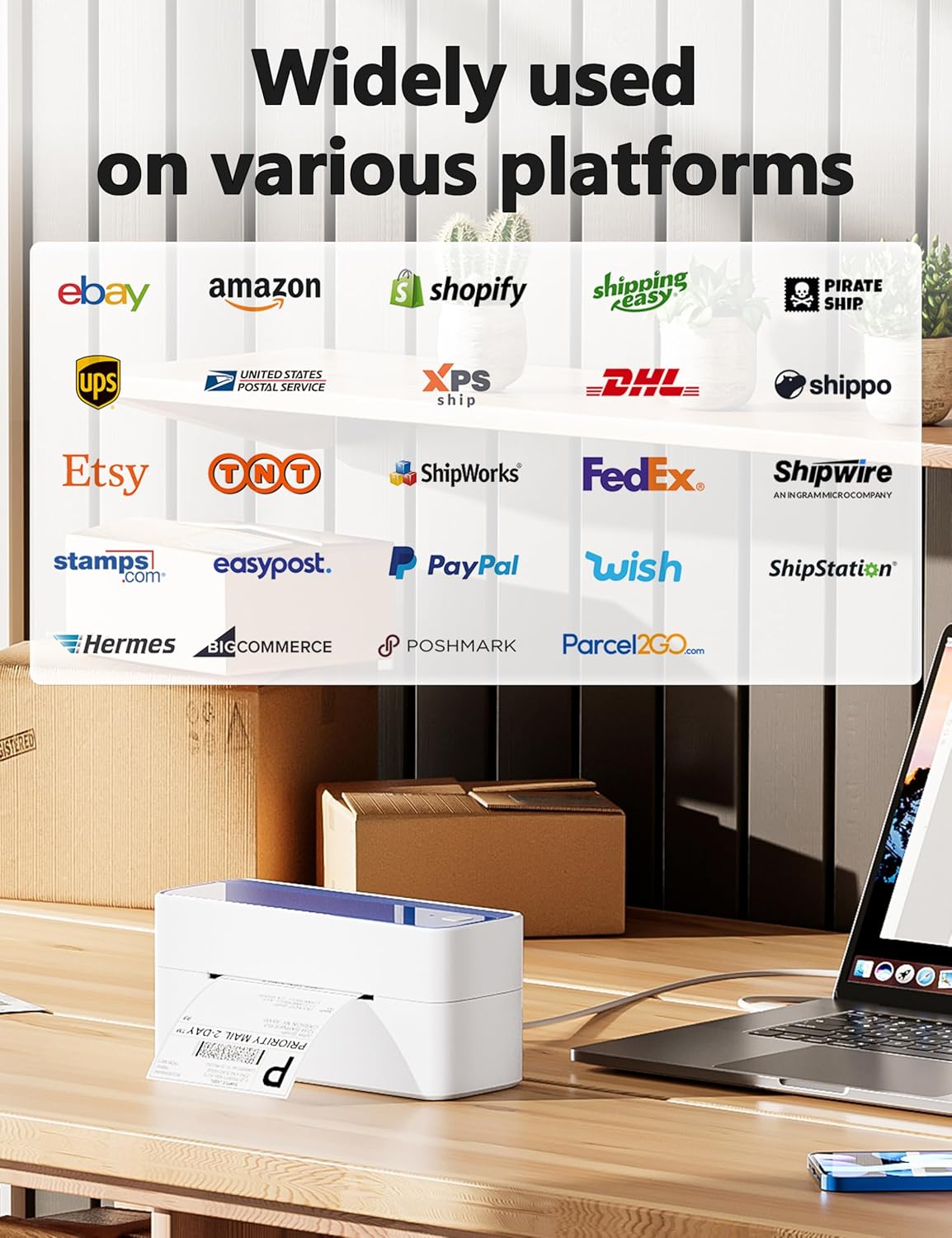
Image: A display of logos from numerous online platforms and shipping carriers that are compatible with the Phomemo 241BT label printer.
Applikazzjonijiet komuni jinkludu:
- Shipping labels for major carriers (UPS, USPS, FedEx, DHL).
- Labels for e-commerce platforms (Amazon, eBay, Shopify, Etsy, Poshmark, Temu).
- Barcode labels for inventory management.
- Product labels and notes for various business needs.

Image: Various applications of the Phomemo 241BT printer, showing labels used for shopping, logos, barcodes, and notes in different settings.
5. Manutenzjoni
Regular maintenance ensures the longevity and optimal performance of your Phomemo 241BT printer.
- Tindif tar-ras tal-istampar: Use an alcohol wipe or a specialized print head cleaning pen to gently clean the thermal print head. Ensure the printer is off and cooled down before cleaning.
- Tindif ta' barra: Imsaħ il-barra tal-istampatur b'ċarruta ratba u damp drapp. Evita li tuża kimiċi ħarxa.
- Tneħħija tat-Trab: Keep the label compartment free of dust and debris to prevent paper jams and maintain print quality.
- Ħażna: Store the printer in a cool, dry place away from direct sunlight and extreme temperatures when not in use.
6 Issolvi l-problemi
This section addresses common issues you might encounter with your Phomemo 241BT printer.
| Problema | Kawża Possibbli | Soluzzjoni |
|---|---|---|
| Ebda Qawwa | Kejbil tal-enerġija mhux imqabbad; problema fis-sokit tal-enerġija. | Ensure power cable is securely connected to printer and a working outlet. |
| Kwalità Fqira tal-Istampar | Dirty print head; incorrect label type; low resolution setting. | Clean the print head. Ensure you are using thermal labels. Check print settings for 203 DPI resolution. |
| Tikketti Mhux Qed Jitma' Korrett | Labels loaded incorrectly; label guides not adjusted; label jam. | Reload labels, ensuring they are straight and guides are snug. Clear any jammed labels. |
| Ma tistax tikkonnettja permezz tal-Bluetooth | Bluetooth not enabled; app not open; printer not discoverable. | Ensure Bluetooth is on your device. Open the "Labelife" app and follow connection steps. Restart printer and device. |
| Cannot Print via USB | Driver not installed; incorrect USB port; cable issue. | Installa s-sewwieq korrett minn labelife.net/pm241Ipprova port jew kejbil USB differenti. |
7. Speċifikazzjonijiet
| Karatteristika | Dettall |
|---|---|
| Isem tal-Mudell | 241BT |
| Teknoloġija tal-Istampar | Termali |
| Teknoloġija tal-Konnettività | Bluetooth, USB |
| Daqs Massimu tal-Midja | 4 x 6 inch (117mm width) |
| Riżoluzzjoni massima tal-istampar | 203 DPI |
| Veloċità Massima tal-Istampar (Monokromu) | 66 ppm (72 sheets of 4x6 labels per minute) |
| Apparati Kompatibbli | PC (Windows, Mac OS, Chrome OS, Linux), Smartphones (iOS, Android) |
| Dimensjonijiet tal-Prodott | 8.66 x 6.3 x 4.41 pulzieri (22 x 16 x 11.2 ċm) |
| Piż tal-oġġett | 2.84 liri (1.29 kg) |
| Metodu ta' Kontroll | App (Labelife) |
| Komponenti Inklużi | Printer, 10 sheets 4x6 thermal label paper, Power Adapter and Cord, Type C Adapter and USB Cable, User Guide |
8. Garanzija u Appoġġ
Phomemo provides a limited warranty for the 241BT Thermal Label Printer. For specific warranty terms and conditions, please refer to the official Phomemo webis-sit jew id-dokumentazzjoni inkluża mal-prodott tiegħek.
For technical support, inquiries, or assistance with your Phomemo product, please contact the professional support team:
- Telefonata: (9:00-17:00 Mon-Fri EST)
- Email: (5x24 Hours Mon-Fri EST)
- Support includes live chat, phone calls, emails, and remote desktop operation.

Image: A customer service representative, representing the available support channels for the product.


