Prodott Overview
The Dymo LetraTag LT-100H is a compact and portable label maker designed for home, office, and DIY projects. It utilizes thermal printing technology, eliminating the need for ink or toner. The device features a graphical display for previewing labels, multiple font styles, text sizing, and various formatting options. It supports easy-to-load label cassettes with an easy-peel backing for convenient application.

Figure 1: Dymo LetraTag LT-100H Label Maker and included label tapes.
Setup
1. Installazzjoni tal-batterija
Il-LetraTag LT-100H requires 4 AA batteries (not always included in all kits). To install, open the battery compartment cover located on the back of the device. Insert the batteries according to the polarity indicators (+/-) inside the compartment. Close the cover securely.
2. Label Tape Installation
The label maker uses easy-to-load Dymo LetraTag label cassettes. Open the tape compartment cover on the top of the device. Insert the label cassette with the tape facing outwards, ensuring it clicks into place. Close the cover. The kit includes one White Paper Labels (12 mm x 4 m) and one Clear Plastic Labels (12 mm x 4 m).
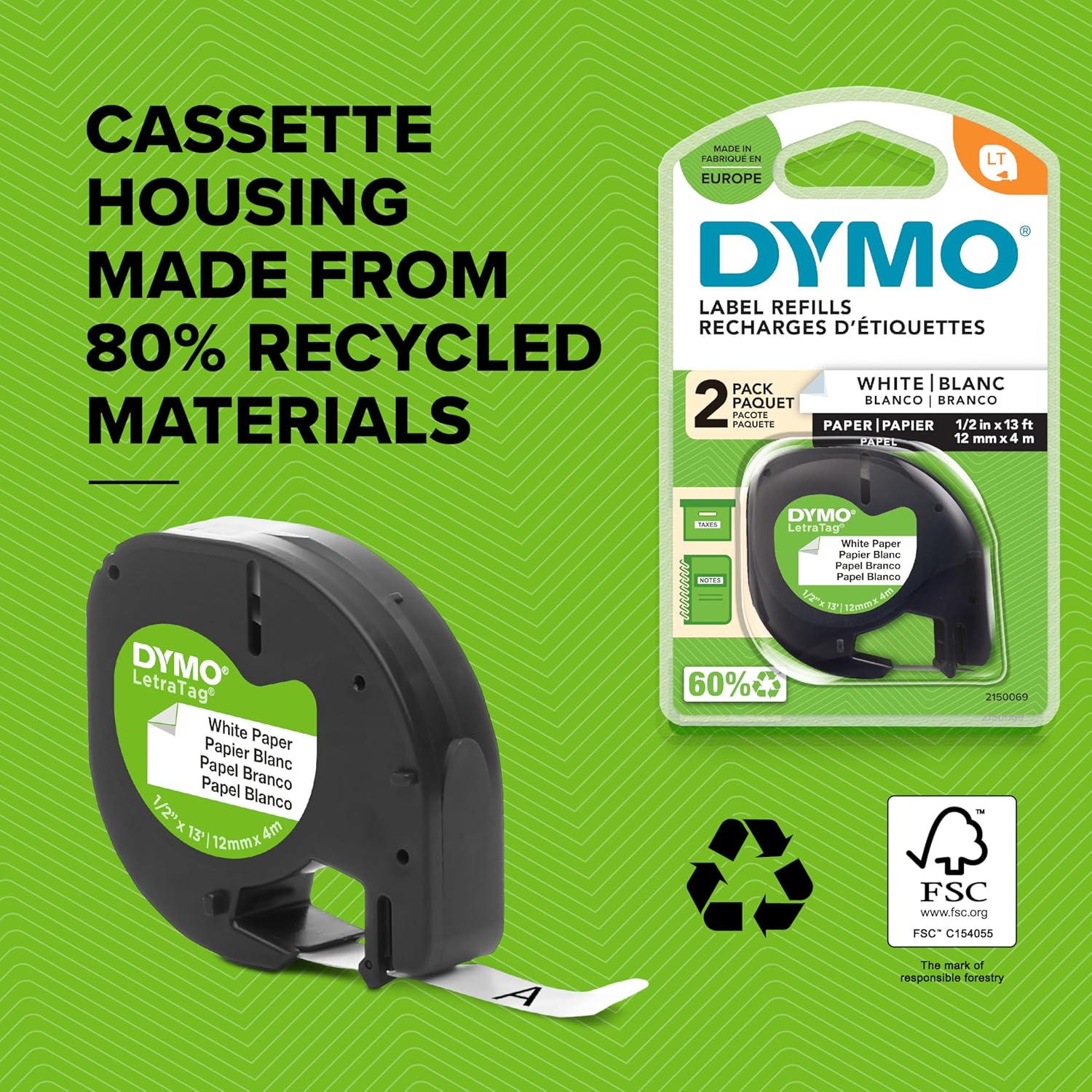
Figure 2: Dymo LetraTag label tape cassette, highlighting its recycled material housing.
Istruzzjonijiet Operattivi
1. Power On/Off
Press the red "On/Off" button located on the top left of the keypad to turn the device on or off. The device features an Automatic Off function for power saving.
2. Ittajpjar ta' Test
Use the QWERTY keyboard to type your desired text. The 13-character LCD screen will display your input.
3. Formattjar tat-Tikketti
The label maker offers various formatting options:
- Daqsijiet tat-tipa: Agħżel minn 5 daqsijiet differenti tat-tipa.
- Stili tal-Istampar: Select from 7 print styles, including bold and underlining.
- Box Styles: Apply 8 different box styles to your labels.
- Simboli: Insert from a library of 195 symbols.
- Stampar b'żewġ linji: Create labels with two lines of text for more information.
- Data St.amp: Żid data stamp to your labels.
- Għażliet tal-Lingwa: Choose from 3 language options.
Use the "Settings" and "Format" buttons along with the directional pad and "OK" button to navigate and apply these options. The graphical display allows you to preview font effects before printing.
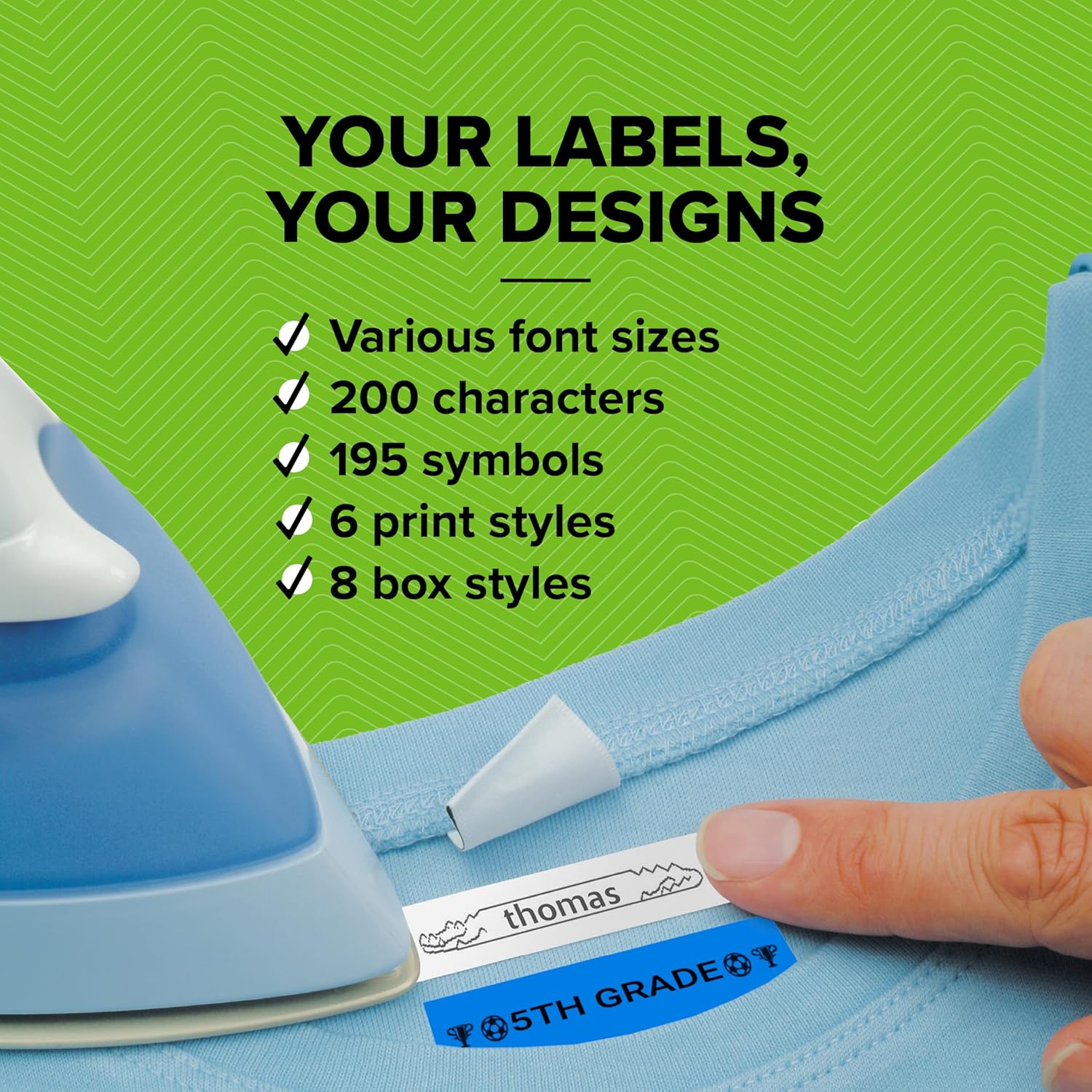
Figure 3: Customizing labels with various font and style options.
4. Stampar Tikketti
Once your label text and formatting are complete, press the "Print" button. The label will print out from the side of the device.
5. Qtugħ tat-Tikketti
After printing, use the integrated manual cutter located on the side of the device to cleanly cut the label. The easy-peel backing allows for trouble-free application.
Vidjo 1: Prodott Fuqview demonstrating basic operation including typing, printing, and cutting a label.
Manutenzjoni
The Dymo LetraTag LT-100H uses thermal printing technology, meaning it does not require ink or toner cartridges. Keep the device clean by wiping its exterior with a soft, dry cloth. Ensure the label path is free from debris to prevent printing issues.
Issolvi l-problemi
| Problema | Kawża Possibbli | Soluzzjoni |
|---|---|---|
| L-ebda enerġija/L-apparat mhux se jixgħel | Batteriji mejta jew imdaħħla ħażin. | Check battery polarity. Replace batteries if dead. |
| Kwalità fqira tal-istampar | Dirty print head or low battery. | Clean print head with a soft cloth. Replace batteries. |
| Label jam | Incorrectly loaded tape cassette or debris in path. | Open compartment, remove tape, clear debris, reinsert tape correctly. |
| Il-cutter mhux qed jaħdem | Debris obstructing the cutter mechanism. | Carefully inspect and clear any obstructions from the cutter. |
Speċifikazzjonijiet
- Ditta: DYMO
- Isem tal-Mudell: LT 100H
- Numru tal-Mudell tal-Oġġett: 2174580
- Dimensjonijiet tal-Prodott: 8.62 x 2.71 x 3.66 pulzieri
- Piż tal-oġġett: 1.1 liri
- Teknoloġija tal-Istampar: Termali
- Output tal-istampatur: Single color (Black)
- Daqs Massimu tal-Midja: 12mm x 4m
- Tip ta' wiri: LCD (13 character)
- Metodu ta' Kontroll: Imbotta Buttuna
- Sors tal-Enerġija: 4 x Batteriji AA (mhux inklużi)
- Karatteristika Speċjali: Portabbli
X'hemm fil-Kaxxa
- 1 x Dymo LetraTag LT-100H label machine
- 1 x White Paper Labels (12 mm x 4 m)
- 1 x Clear Plastic Labels (12 mm x 4 m)
Garanzija u Appoġġ
For warranty information and customer support, please refer to the documentation included with your product or visit the official DYMO websit. Żomm l-irċevuta tax-xiri tiegħek għal pretensjonijiet ta' garanzija.


