Introduzzjoni
The Cecotec Conga 8290 Power Ultra Home Genesis is an advanced robot vacuum cleaner designed to provide comprehensive floor cleaning. Featuring laser navigation, powerful suction, and a 4-in-1 cleaning system (sweeping, vacuuming, scrubbing, and mopping), it offers an efficient and autonomous cleaning solution for your home. This manual provides essential information for proper setup, operation, and maintenance to ensure optimal performance and longevity of your device.

Image: The Conga 8290 robot vacuum cleaner, its self-emptying base, and a smartphone displaying the control application, along with included accessories like a dust bag and mop cloth.
Istruzzjonijiet tas-Sigurtà
Jekk jogħġbok aqra l-istruzzjonijiet kollha tas-sigurtà bir-reqqa qabel ma tuża l-apparat. Żomm dan il-manwal għal referenza futura.
- Żgura l-qawwa voltage jaqbel mat-tikketta tal-klassifikazzjoni fuq il-bażi tal-iċċarġjar.
- Do not operate the robot in wet environments or near water sources.
- Żomm it-tfal u l-annimali domestiċi 'l bogħod mir-robot waqt l-operazzjoni.
- Do not use the robot to pick up large or sharp objects, liquids, or burning materials.
- Naddaf il-pniezel u l-filtri regolarment biex iżżomm prestazzjoni ottimali.
- Unplug the charging base before cleaning or performing maintenance.
- Only use original accessories and spare parts provided by Cecotec.
Komponenti tal-Prodott
Your Cecotec Conga 8290 Power Ultra Home Genesis package includes the following items:
- Robot Vacuum Cleaner: The main unit with integrated laser navigation system.
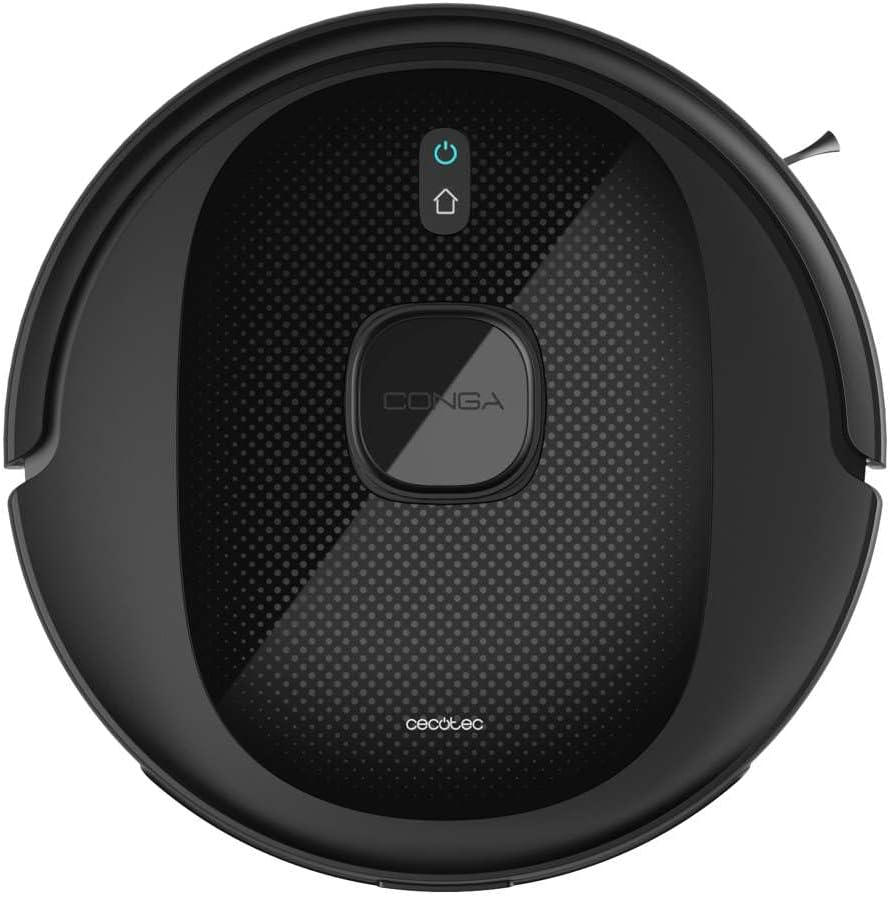
Immaġni: Minn fuq għal isfel view of the Conga 8290 robot vacuum cleaner, showing its sleek design and central control button.
- Bażi li Tbattal Waħedha: Automatically empties the robot's dustbin into a larger 3-liter bag.
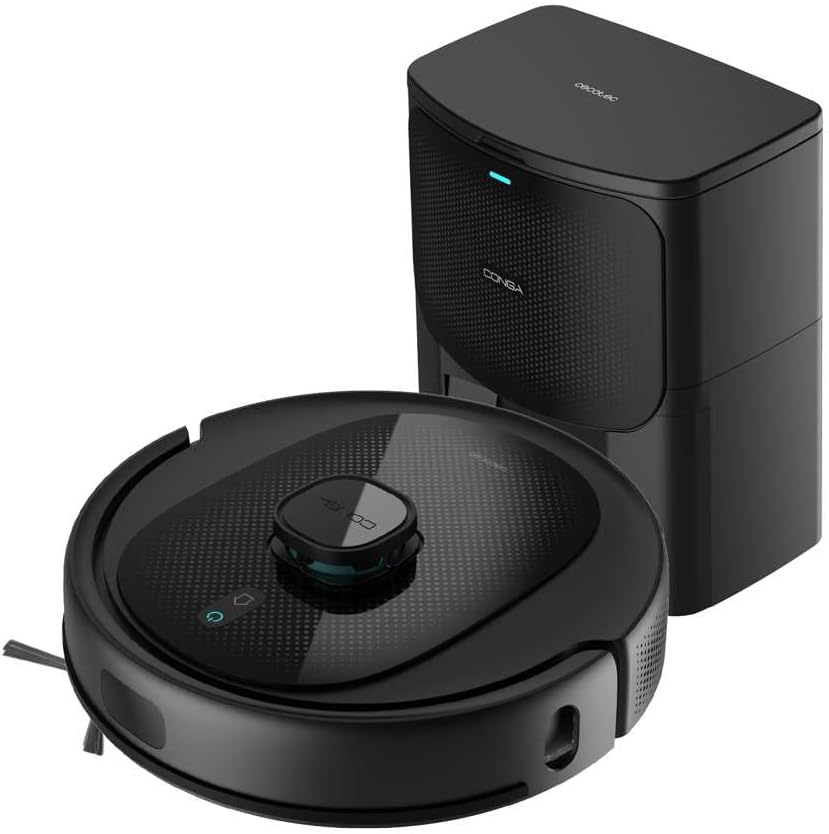
Image: The Conga 8290 robot vacuum cleaner positioned next to its self-emptying charging base.
- Multifunctional Brush: Main brush for effective cleaning on various surfaces.
- Pinzell tal-Ġenb: For cleaning edges and corners.
- Mopping Cloth: For the scrubbing and mopping function.
- Dust Bags (3L): For the self-emptying base.
- Adapter tal-Enerġija: To connect the charging base to the power outlet.
- Manwal għall-Utent: Dan id-dokument.
Setup
1. Spakkjar
Neħħi l-komponenti kollha mill-imballaġġ bir-reqqa. Żomm l-imballaġġ għal ħażna jew trasport fil-futur.
2. Tqegħid tal-Bażi tal-Iċċarġjar
Place the self-emptying charging base against a wall in an open area, ensuring at least 1 meter of clear space in front and 0.5 meters on each side. Connect the power adapter to the base and plug it into a wall outlet. Ensure there are no obstacles that could block the robot's return path.

Image: The robot vacuum cleaner approaching its self-emptying base, illustrating the automatic return feature.
3. Robot Charging
Place the robot onto the charging base. Ensure the charging contacts on the robot align with those on the base. The robot will begin charging automatically. For first use, fully charge the robot (approximately 4 hours and 40 minutes for full autonomy of 280 minutes).
4. Installazzjoni u Konnessjoni tal-App
Download the "Cecotec" app from your smartphone's app store. Follow the in-app instructions to connect your robot vacuum cleaner to your home Wi-Fi network. This will enable remote control and access to advanced features.
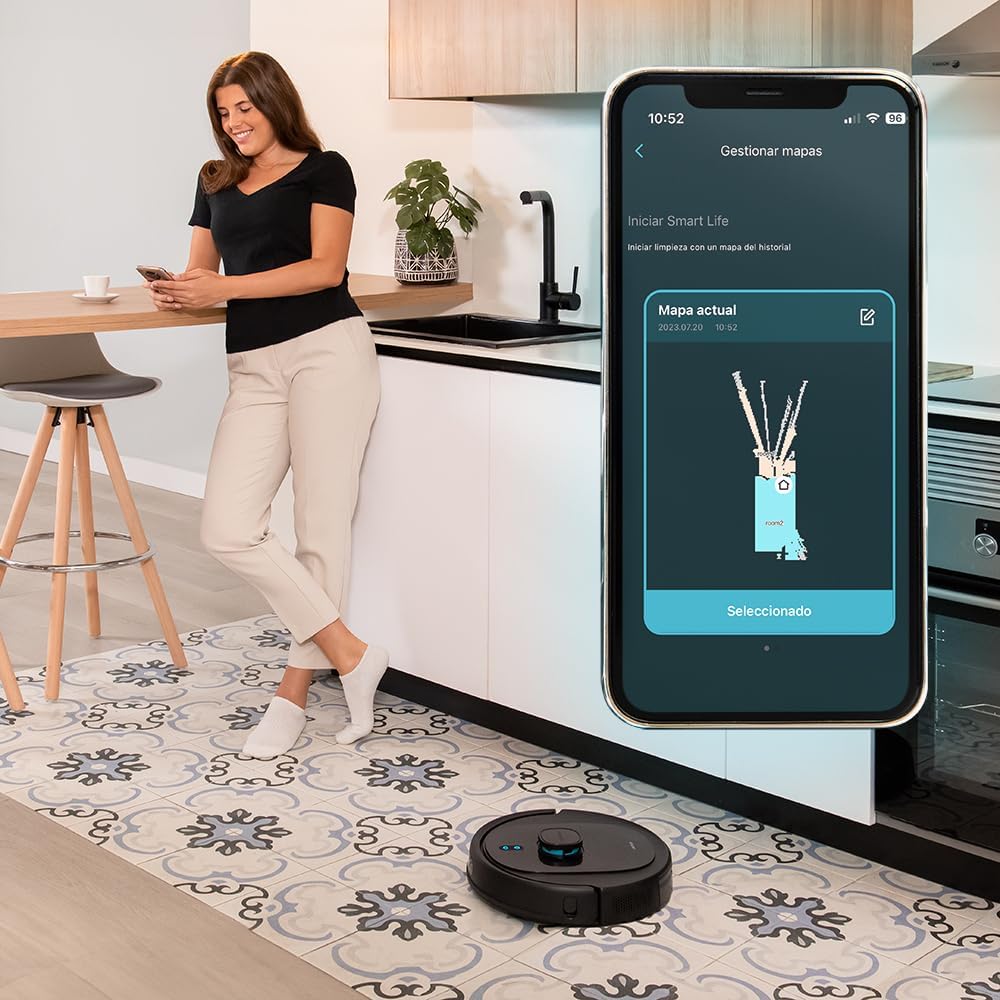
Image: A woman interacting with the Cecotec app on her smartphone, showing the robot's cleaning map and control options.
5. Immappjar Inizjali
Allow the robot to complete an initial mapping run of your home. This process uses its laser navigation system to create an accurate map, which is crucial for efficient cleaning and setting up customized cleaning plans.

Image: The robot vacuum cleaner actively mapping a room, indicated by a blue laser projection on the floor.
Istruzzjonijiet Operattivi
Modi tat-Tindif
The Conga 8290 offers 10 different cleaning modes to suit various needs. These can be selected via the mobile app.

Image: The robot vacuum cleaner with a graphic indicating its 10 available cleaning modes.
Skedar
Use the Cecotec app to set cleaning schedules for specific times and days. You can customize cleaning tasks for individual rooms or the entire house.
Żoni Ristretti
Define virtual walls or restricted zones on the app's map to prevent the robot from entering certain areas. This is useful for protecting delicate items or areas you do not wish to be cleaned.

Image: The robot vacuum cleaner demonstrating its ability to avoid a digitally defined restricted zone, shown by red lines on the floor.
Suction and Water Flow Levels
Adjust the suction power (up to 7000 Pa) and water flow for mopping through the app, allowing you to customize cleaning intensity based on floor type and dirt level.
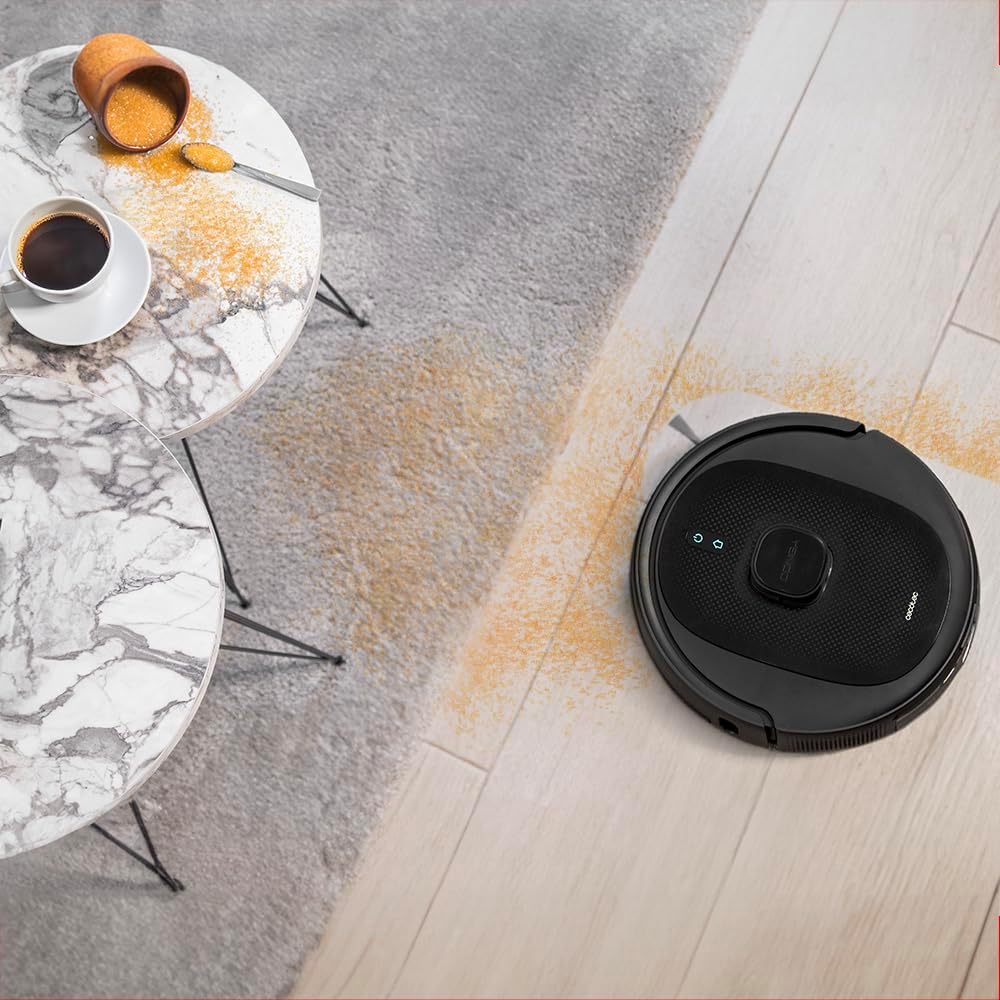
Image: The robot vacuum cleaner effectively cleaning a floor with scattered debris, highlighting its suction capability.
Using with Virtual Assistants
The robot supports virtual assistants, allowing for voice control of basic functions like starting or stopping cleaning.

Image: The robot vacuum cleaner shown alongside a virtual assistant device and a smartphone, indicating its compatibility with smart home systems.
Total Surface Function
If the robot's battery runs low during a cleaning cycle, it will automatically return to the charging base, recharge, and then resume cleaning from where it left off to complete the programmed task.

Image: The robot vacuum cleaner connecting to its self-emptying base, illustrating the "Total Surface" feature for continuous cleaning.
Manutenzjoni
Regular maintenance is crucial for the optimal performance and longevity of your robot vacuum cleaner.
Dust Bin / Self-Emptying Bag
The self-emptying base automatically transfers collected debris from the robot's internal dustbin to a 3-liter disposable bag. Check the bag indicator on the base or app. Replace the 3-liter bag approximately every 3-4 months, depending on usage and household debris levels.
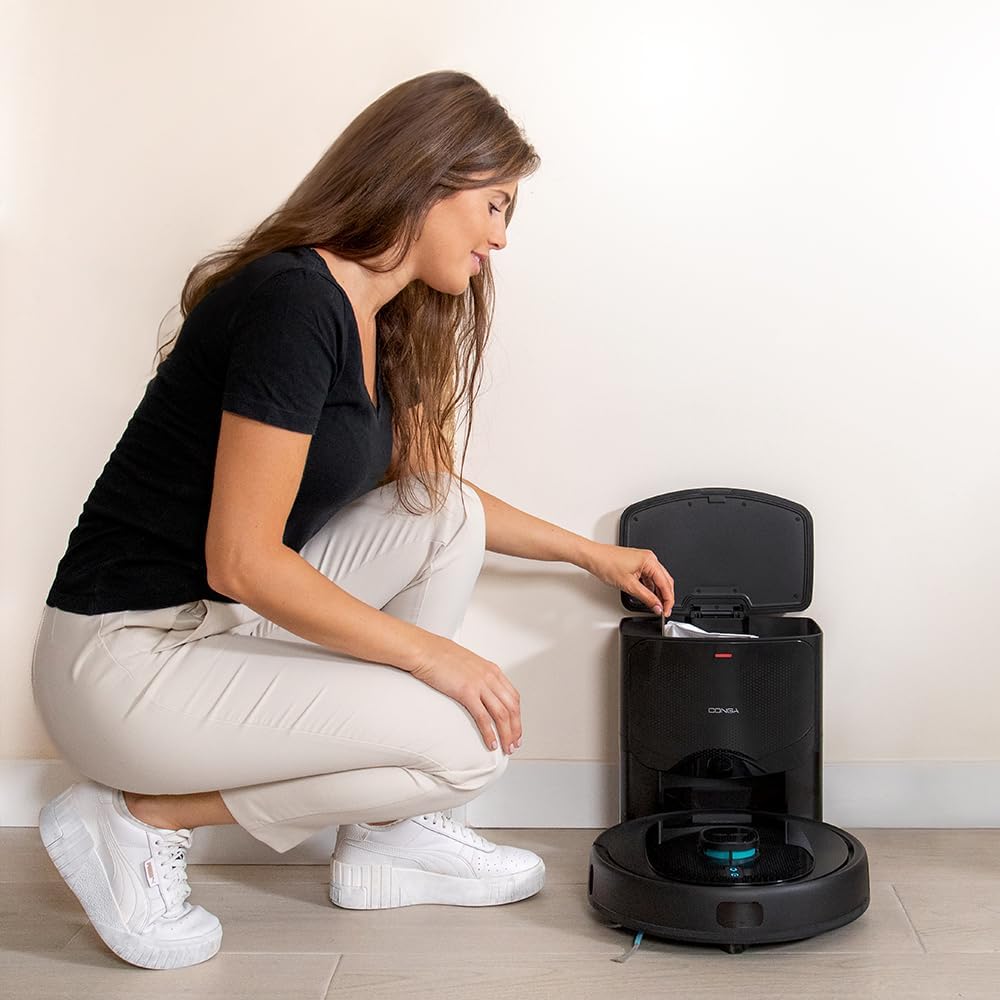
Image: A person opening the lid of the self-emptying base to access and replace the internal dust bag.

Image: A visual representation of the 3-liter dust bag used in the self-emptying station.
Pniezel
- Multifunctional Brush: Remove the main brush and clean any tangled hair or debris using the cleaning tool provided. Inspect weekly.
- Xkupilji tal-ġenb: Check for wear and tear. Clean any tangled hair. Replace if bristles are bent or damaged.
Drapp tal-Mopping
After each mopping session, remove the mopping cloth and rinse it thoroughly with water. For deeper cleaning, the cloth can be machine washed weekly.
Sensuri
Wipe the anti-drop sensors and laser navigation sensor with a clean, dry cloth periodically to ensure accurate navigation and prevent falls.
Kura tal-batterija
To prolong battery life, ensure the robot is fully charged before long periods of inactivity. If storing for an extended time, charge it fully every 3 months.
Issolvi l-problemi
| Problema | Kawża Possibbli | Soluzzjoni |
|---|---|---|
| Robot ma jixgħelx. | Batterija baxxa; swiċċ tal-enerġija mitfi. | Place robot on charging base; ensure power switch is on. |
| Robot ma jistax jikkonnettja mal-Wi-Fi. | Password tal-Wi-Fi mhux korretta; router wisq 'il bogħod; netwerk ta' 5GHz. | Ivverifika l-password; mexxi r-robot eqreb lejn ir-router; kun żgur li qed tintuża netwerk ta' 2.4GHz. |
| Prestazzjoni fqira tat-tindif. | Full dustbin/bag; tangled brushes; dirty filters. | Empty dustbin/replace bag; clean brushes; clean/replace filters. |
| Ir-robot jeħel spiss. | Ostakli; sensuri maħmuġin. | Clear obstacles; clean all sensors. |
| Self-emptying not working. | Dust bag full or not installed correctly; suction port blocked. | Replace dust bag; ensure bag is correctly seated; clear any blockages in the base's suction port. |
Speċifikazzjonijiet
| Karatteristika | Dettall |
|---|---|
| Brand | Cecotec |
| Isem tal-Mudell | Conga 8290 Power Ultra Home |
| Numru tal-Mudell | 08071 |
| Qawwa tal-ġbid | 7000 Pa |
| Ħajja tal-batterija | Sa 280 minuta (5200 mAh) |
| Tip ta' Navigazzjoni | Laser |
| Funzjonijiet tat-Tindif | Sweeping, Vacuuming, Scrubbing, Mopping (4-in-1) |
| Kapaċità tal-Borża tat-Trab (Bażi) | 3 Litri |
| Tip ta' Kontroll | App Control, Virtual Assistants |
| Number of Speeds/Modes | 10 |
| Dimensjonijiet tal-Prodott (L x W x H) | 43.5 x 41.5 x 33.5 ċm |
| Piż tal-oġġett | 4 Kilogrammi |
| Tip ta 'filtru | HEPA |
Garanzija u Appoġġ
Cecotec products are manufactured to high-quality standards. For information regarding warranty coverage, technical support, or spare parts availability, please refer to the official Cecotec website or contact their customer service directly. Spare parts are generally available for up to 10 years from the date of purchase.
Għal aktar għajnuna, jekk jogħġbok żur: www.cecotec.com


