Introduzzjoni
The Audeze Maxwell Wireless Gaming Headset is engineered to provide an immersive audio experience across multiple platforms, including PlayStation, Mac, PC, and Switch. Featuring Audeze's renowned 90mm Planar Magnetic Drivers, this headset delivers exceptional sound quality with deep bass and dynamic range. It incorporates advanced A.I. noise filtering technology for crystal-clear communication and offers extensive battery life for prolonged gaming sessions.
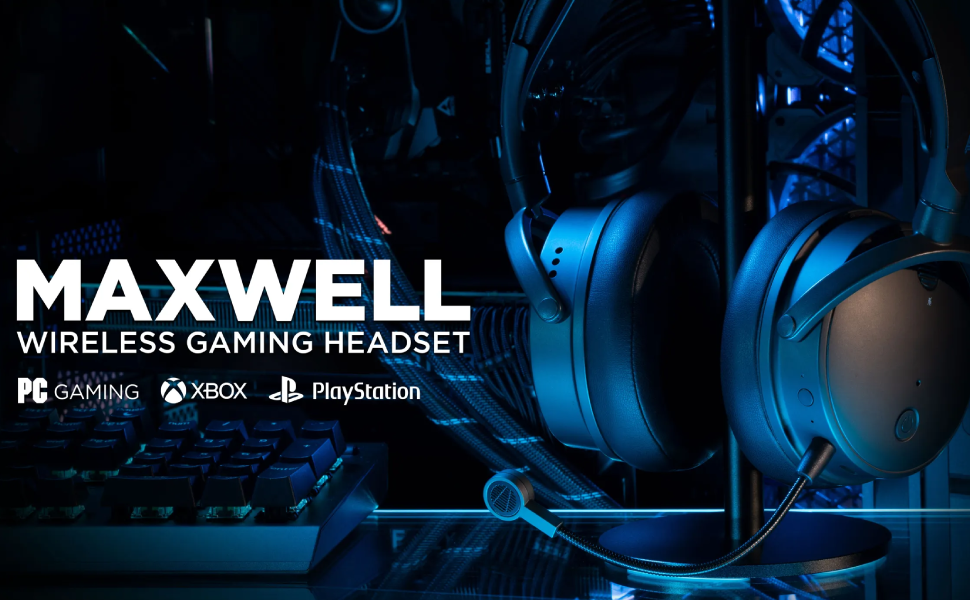
Image: Audeze Maxwell Wireless Gaming Headset banner.
Setup
Before using your Audeze Maxwell headset, ensure it is fully charged and properly connected to your desired device.
Iċċarġjar tal-Headset
The Maxwell headset boasts over 80 hours of low-latency wireless gameplay on a full charge. A quick 20-minute charge can provide a full day of gaming. Use the included USB-C cable to charge the headset.
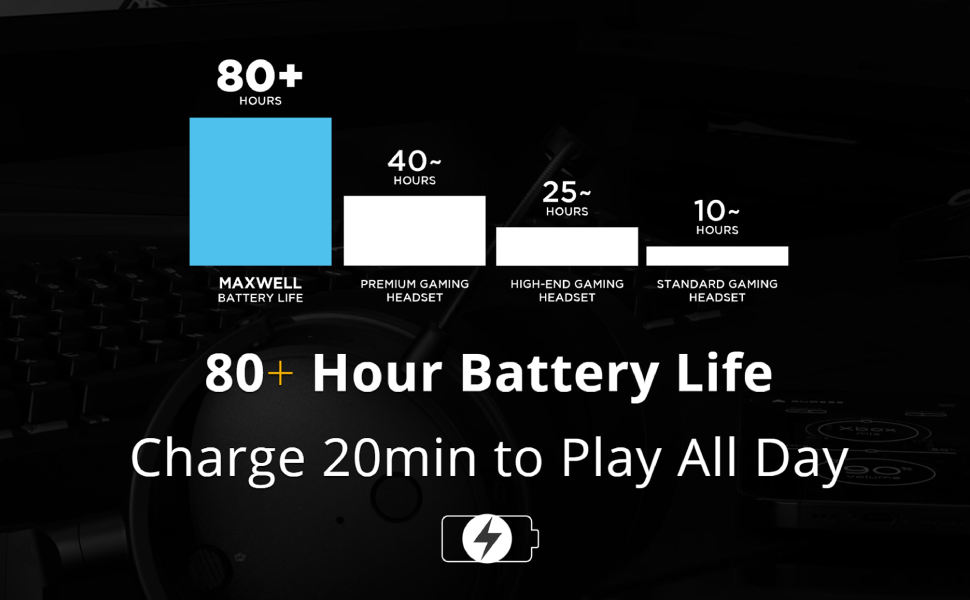
Image: Chart illustrating the Audeze Maxwell's 80+ hour battery life compared to other headsets.
Konnettività
The headset offers versatile connectivity options:
- Wireless: Utilize the included USB-C dongle for ultra-low latency wireless connection to PlayStation, PC, Mac, and Switch.
- Bluetooth: Connect wirelessly via Bluetooth to compatible devices.
- USB-C: Direct wired connection via USB-C for high-resolution audio.

Image: Graphic highlighting the ultra-low latency wireless capabilities of the headset.
Komponenti Inklużi
Your Audeze Maxwell headset package includes the following items:
- Audeze Maxwell Wireless Gaming Headset
- Mikrofonu Boom li jinqala'
- Dongle bla fili USB-C
- Cable tal-Iċċarġjar tal-USB-C
- Cable Awdjo 3.5mm

Image: The Audeze Maxwell headset displayed with its various included accessories, such as cables and the detachable microphone.
It-tħaddim tal-Headset
Familiarize yourself with the controls and features of your Audeze Maxwell headset for optimal use.

Image: The Audeze Maxwell headset resting on a PlayStation 5 console, with labels indicating key features and controls such as the multi-function button, mic mute switch, and volume controls.
Key Controls and Features
- Buttuna tal-Qawwa: Located on the earcup, press and hold to power on/off.
- Buttuna Multi-Funzjoni: Used for various controls depending on the context (e.g., play/pause, answer calls).
- Swiċċ tal-Mute tal-Mikrofonu: Toggle to mute or unmute the microphone.
- Kontroll tal-Volum tal-Headphone: Aġġusta l-volum tas-smigħ.
- Kontroll tal-Volum tal-Mikrofonu: Adjust the microphone input level.
- Boom Mic Port: Connect the detachable boom microphone here.
- On-Board Mics: The headset also features built-in microphones.
Audeze HQ App
Download the free Audeze HQ app to customize your audio experience. The app allows you to set your own equalization (EQ) profiles and access other advanced features to fine-tune the headset's performance.
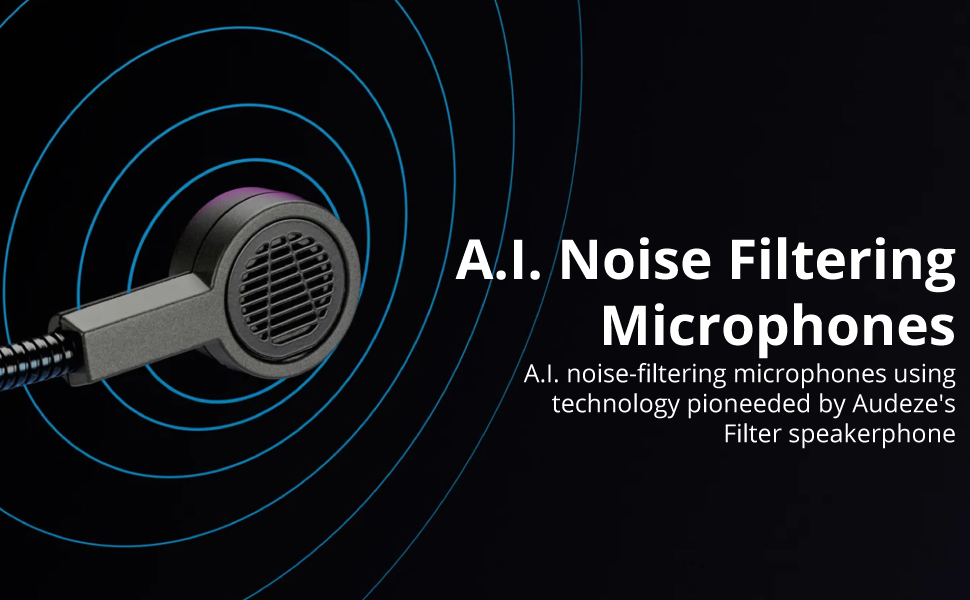
Image: Graphic illustrating the A.I. noise filtering technology used in the headset's microphones.
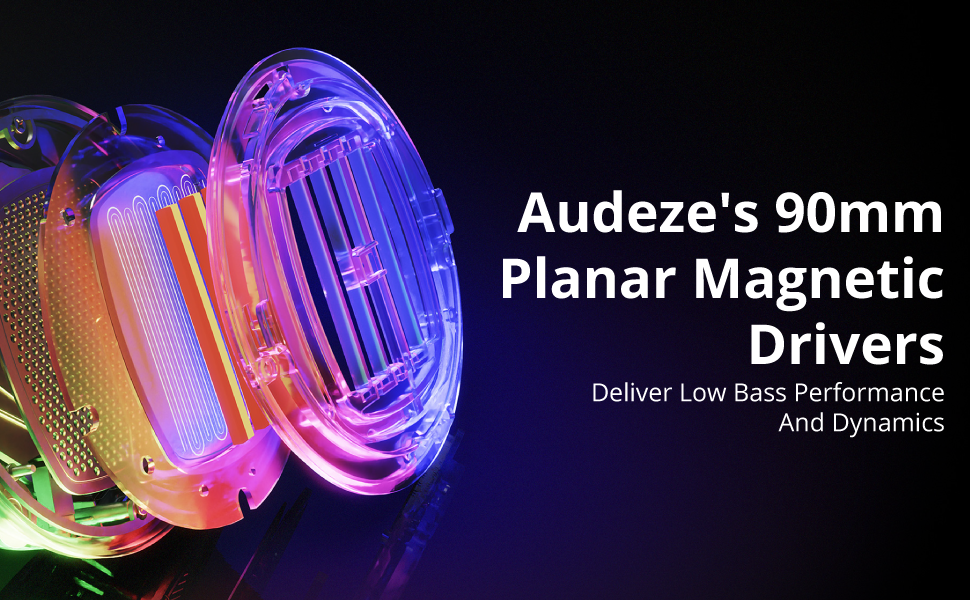
Image: Detailed graphic showcasing the internal structure of Audeze's 90mm Planar Magnetic Drivers.
Manutenzjoni
Proper care and maintenance will extend the life of your Audeze Maxwell headset.
- Tindif: Use a soft, dry cloth to wipe down the earcups and headband. Avoid abrasive cleaners or solvents.
- Earpads: The earpads are replaceable. If they become worn or damaged, contact Audeze support for replacement options.
- Ħażna: Aħżen il-headset f'post frisk u niexef 'il bogħod mix-xemx diretta u minn temperaturi estremi.
Issolvi l-problemi
If you encounter issues with your Audeze Maxwell headset, refer to the following common solutions:
- Ebda Awdjo/Kwalità tal-Awdjo Fqira:
- Kun żgur li l-headset huwa mixgħul u ċċarġjat kompletament.
- Verify the correct input/output device is selected on your computer or console.
- For PC users, significant audio improvement can often be achieved by adjusting EQ settings within the Audeze HQ app and considering software like Dolby Atmos.
- Check all cable connections if using a wired setup.
- Connectivity Issues (Wireless/Bluetooth):
- Ensure the USB-C dongle is securely plugged into a compatible port. Some Mac USB-C ports may require a USB hub for the dongle to function correctly.
- Re-pair the headset with your device if Bluetooth connection is unstable.
- Move closer to the dongle/device to reduce interference.
- Microphone Not Working/Poor Quality:
- Ensure the boom microphone is securely attached and the mic mute switch is disengaged.
- Iċċekkja s-settings tad-dħul tal-mikrofonu fuq l-apparat tiegħek.
- Verify that the A.I. noise filtering is enabled or configured correctly in the Audeze HQ app.
- Audio Crackling or Popping:
- This can sometimes occur with quiet audio or transitions between sound/no sound. Try updating headset firmware via the Audeze HQ app.
- Kun żgur li m'hemm l-ebda interferenzi qawwija mingħajr fili fil-qrib.
- Audeze HQ App Issues:
- If the app shows the headset as disconnected or with 0% battery, try restarting the app and ensuring the headset is connected and powered on.
- Kun żgur li l-app hija aġġornata għall-aħħar verżjoni.
Speċifikazzjonijiet
| Karatteristika | Dettall |
|---|---|
| Isem tal-Mudell | Maxwell for Playstation, PC, Mac, and Switch |
| Teknoloġija tal-Konnettività | Wireless, Bluetooth, USB-C |
| Teknoloġija tal-Komunikazzjoni mingħajr Fili | Bluetooth 5.1 |
| Tip ta' Sewwieq Awdjo | Sewwieq Manjetiku Planari |
| Daqs tas-Sewwieq tal-Awdjo | 90 Millimetru |
| Medda ta' Frekwenzi | 10Hz - 50kHz |
| Ħajja tal-batterija | 80 Sigħat |
| Ħin tal-Iċċarġjar | 2.5 Hours (for a full charge) |
| Kontroll tal-Ħoss | Active Noise Cancellation (via A.I. filtering) |
| Headphones Jack | 3.5 mm Jack |
| Piż tal-oġġett | 490 gramma (1.08 libbra) |
| Materjal | Plastik |
| Kulur | Griż Skur |
| Apparati Kompatibbli | Playstation, PC, Mac, Switch |
| Impedenza | 70 Ohm |
| UPC | 819343014793 |
Garanzija u Appoġġ
For detailed warranty information, technical support, or service inquiries, please visit the official Audeze webis-sit jew ikkuntattja l-appoġġ għall-klijenti tagħhom direttament. Żomm il-prova tax-xiri tiegħek għal talbiet ta' garanzija.
Audeze Official Websit: www.audeze.com


