Introduzzjoni
Welcome to your new AZATOM Classic V1 DAB/DAB+ FM Digital Radio. This manual provides detailed instructions for setting up, operating, and maintaining your device. Please read it thoroughly to ensure optimal performance and longevity of your radio.
Informazzjoni Importanti dwar is-Sigurtà
Jekk jogħġbok żomm dan il-manwal għal referenza futura.
- Tesponix l-unità għax-xita jew l-umdità.
- Tiżżarmax l-unità. Irreferi kull manutenzjoni lil persunal kwalifikat.
- Evita temperaturi estremi.
- Tiżgura ventilazzjoni xierqa.
- Uża biss l-adapter tal-enerġija jew il-batteriji speċifikati.
For detailed safety guidelines, refer to the full safety leaflet included with your product.
Karatteristiċi Ewlenin
- DAB/DAB+ u Radju FM: Aċċessa firxa wiesgħa ta' stazzjonijiet tar-radju diġitali u analogi.
- Konnettività Bluetooth 5.0: Ixxandar l-awdjo mingħajr fili minn apparati kompatibbli.
- Funzjoni ta' Allarm Doppju: Set two independent alarms with customizable sources.
- Colour LCD Display: Clear and intuitive display for station information, time, and settings.
- Battery and Mains Power: Flexible power options for portable or home use.
- Input AUX: Connect external audio sources via a 3.5mm jack.
- Ħruġ tal-headphones: Private listening experience.
- 60 Presets: Store up to 60 favorite stations (40 DAB, 20 FM).
- Timer ta 'l-Irqad: Automatically turn off the radio after a set period.

Immaġni: Quddiem view of the AZATOM Classic V1 radio, showcasing its black and silver design with a leather-look handle and front speaker grille.
Setup
Tixgħel
The AZATOM Classic V1 can be powered using the included mains adapter or four Type C batteries (not included).
Enerġija tal-Mejns
- Connect the mains adapter to the DCV input port on the back of the radio.
- Ipplaggja l-adapter f'socket tal-ħajt.
- Agħfas u żomm il- QAWWA button on the top panel to turn on the radio.
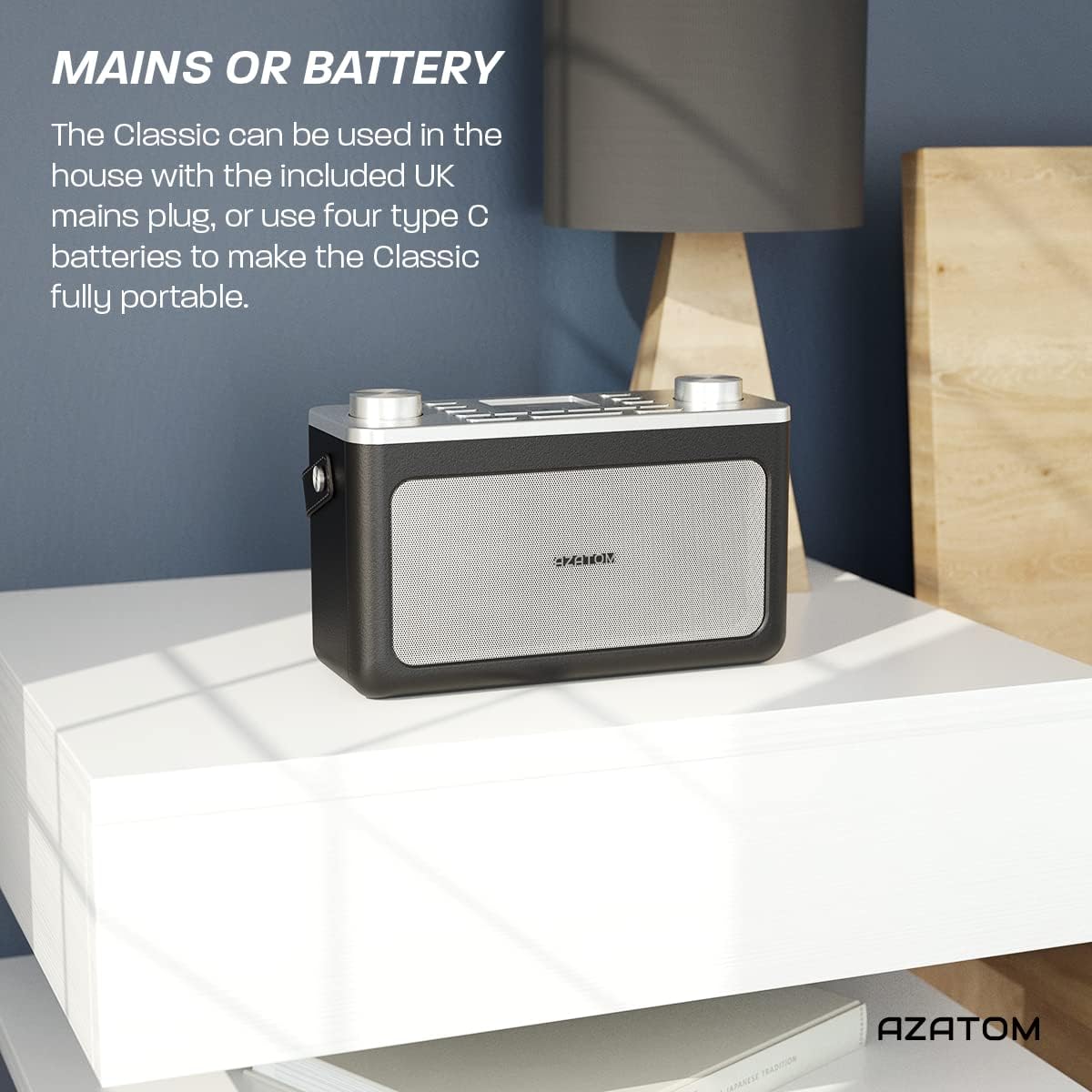
Image: The AZATOM Classic V1 radio on a white surface, illustrating its portability and dual power options (mains or battery).
Qawwa tal-Batterija
- Iftaħ l-għatu tal-kompartiment tal-batterija fuq wara tar-radju.
- Insert four Type C batteries, ensuring correct polarity (+/-).
- Agħlaq l-għatu tal-kompartiment tal-batterija sew.
- Agħfas u żomm il- QAWWA button on the top panel to turn on the radio.

Immaġni: Wara view of the AZATOM Classic V1 radio, highlighting the DCV input, AUX IN, USB CHARGE ports, and the two battery compartment covers.
Initial Scan (DAB/DAB+)
Upon first power-on, the radio will automatically perform a full scan for DAB/DAB+ stations. This may take a few minutes.
Ladarba l-iskennjar ikun lest, ir-radju se jissettja fuq l-ewwel stazzjon disponibbli.
If no stations are found, ensure the telescopic antenna is fully extended and reposition the radio, then perform a manual scan (see "Operating DAB/DAB+ Radio").
Istruzzjonijiet Operattivi

Immaġni: Minn fuq għal isfel view of the AZATOM Classic V1 radio, showing the control panel with buttons for power, mode, presets, volume, and tuning/enter knobs, along with the color LCD display.
Kontrolli Bażiċi
- Buttuna POWER: Press and hold to turn on/off. Press briefly to switch between standby and active mode.
- Buttuna MODE: Press to cycle through DAB, FM, Bluetooth, and AUX modes.
- Buttuna tal-VOLUM: Rotate left to decrease volume, right to increase volume.
- ENTER/TUNE Knob: Rotate to navigate menus or tune stations. Press to confirm selections.
- Buttuni PRESET (1-4): Aċċessa malajr l-istazzjonijiet favoriti maħżuna.
- PRESET Button (Long Press): Access the full list of stored presets.
- Buttuna MENU: Aċċessa s-settings tas-sistema u l-għażliet speċifiċi għall-modalità.
- Buttuna SNOOZE/DIMMER: Snooze active alarm or adjust display brightness.
- Buttuna SLEEP: Activate/deactivate sleep timer.
- SKIP Buttons (<< / >>): Navigate tracks in Bluetooth mode or stations in radio mode.

Image: The AZATOM Classic V1 radio displaying the time and alarm settings on its color LCD, emphasizing its alarm and sleep timer functionalities.
Modalità tar-Radju DAB/DAB+
- Agħfas il- MODALITÀ sakemm jidher "DAB Radio" fuq id-displej.
- If a full scan hasn't been performed, the radio may initiate one.
- Dawwar il- ENTER/TUNE pum biex tfittex l-istazzjonijiet disponibbli.
- Agħfas il- ENTER/TUNE il-pum biex tagħżel stazzjon.
- Ħażna ta 'Presets:
- Intuna l-istazzjon mixtieq.
- Agħfas u żomm waħda mill- Issettjat minn qabel buttons (1-4) until "Preset Stored" appears.
- To store beyond preset 4, press and hold the Issettjat minn qabel button (not 1-4) and rotate the ENTER/TUNE knob to select a preset number (5-40), then press ENTER/TUNE biex tikkonferma.
- Filwaqt li jfakkru l-Presets:
- Agħfas fil-qosor wieħed mill- Issettjat minn qabel buttons (1-4) to recall.
- To recall presets 5-40, briefly press the Issettjat minn qabel button (not 1-4), rotate the ENTER/TUNE knob to select the preset, then press ENTER/TUNE.
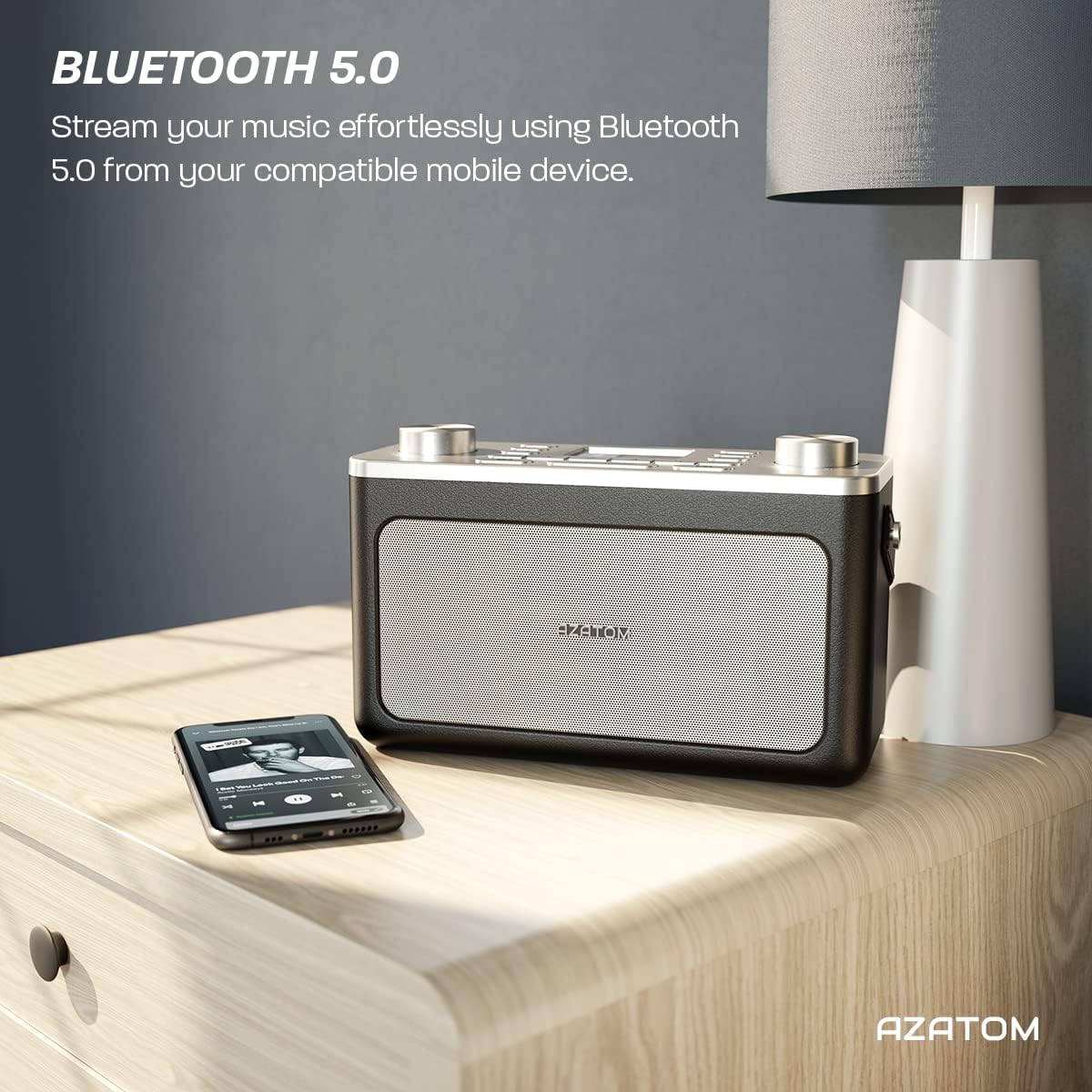
Image: The AZATOM Classic V1 radio on a kitchen counter, highlighting its ability to store and recall pre-set stations for quick access.
Modalità tar-Radju FM
- Agħfas il- MODALITÀ sakemm jidher "FM Radio" fuq id-displej.
- Skanjar Awtomatiku: Agħfas u żomm il- ENTER/TUNE knob to automatically scan for the next available station.
- Intunazzjoni manwali: Dawwar il- ENTER/TUNE pum biex taġġusta l-frekwenza manwalment.
- Ħażna ta 'Presets: (Same as DAB/DAB+ but for FM stations, up to 20 presets).
- Filwaqt li jfakkru l-Presets: (Same as DAB/DAB+).
Modalità Bluetooth
- Agħfas il- MODALITÀ sakemm jidher "Bluetooth" fuq id-displej. Ir-radju jidħol fil-modalità ta' tqabbil, indikat minn ikona Bluetooth li tteptep.
- On your mobile device, enable Bluetooth and search for "AZATOM Classic V1".
- Select "AZATOM Classic V1" to pair. Once connected, the Bluetooth icon will stop flashing.
- Play audio from your device. Use the radio's SKIP buttons (<< / >>) to control tracks and the VOLUM pum biex taġġusta l-volum.

Image: The AZATOM Classic V1 radio on a bedside table next to a smartphone, demonstrating its Bluetooth 5.0 capability for wireless music streaming.
Mod ta 'Input AUX
- Qabbad apparat awdjo estern (eż., MP3 player) mal- KAJN IN port on the back of the radio using a 3.5mm audio cable (not included).
- Agħfas il- MODALITÀ button until "AUX Input" appears on the display.
- Play audio from your external device. Adjust volume using the radio's VOLUM knob and the external device's volume control.
Immaġni: Wara view of the AZATOM Classic V1 radio, highlighting the DCV input, AUX IN, USB CHARGE ports, and the two battery compartment covers.
Arloġġ ta' allarm
- Agħfas il- MENU buttuna.
- Dawwar il- ENTER/TUNE knob to select "Alarm" and press ENTER/TUNE.
- Agħżel "Allarm 1" jew "Allarm 2".
- Configure alarm time, duration, source (Buzzer, DAB, FM), and frequency (Daily, Once, Weekdays, Weekends).
- Kun żgur li l-allarm huwa ssettjat għal "Mixgħul".
Meta tinstema' allarm, agħfas SNOOZE / DIMMER to snooze for 9 minutes, or press QAWWA biex itfi l-allarm.
Sleep Timer
- Agħfas il- L-IRQAD Agħfas il-buttuna ripetutament biex tgħaddi mill-għażliet tat-tajmer tal-irqad (eż., 15, 30, 45, 60, 90 minuta, Mitfi).
- Ir-radju jintefa awtomatikament wara t-tul ta' żmien magħżul.
Manutenzjoni
Tindif
Imsaħ ir-radju b'ċarruta ratba u niexfa. Tużax prodotti tat-tindif jew solventi li joborxu.
Sostituzzjoni tal-batterija
If using battery power, replace all four Type C batteries when the low battery indicator appears on the display or when performance degrades.
Ħażna
Jekk taħżen ir-radju għal perjodu twil ta’ żmien, neħħi l-batteriji biex tevita t-tnixxija. Aħżen f’post frisk u niexef.
Issolvi l-problemi
- Ebda Qawwa:
- Check if the mains adapter is securely connected and the wall socket is active.
- Jekk tuża batteriji, kun żgur li huma mdaħħla sew u ma jkunux eżawriti.
- Agħfas u żomm il- QAWWA buttuna għal ftit sekondi.
- Poor DAB/FM Reception:
- Estendi kompletament l-antenna teleskopika.
- Reposition the radio to a location with better signal strength, away from other electronic devices that may cause interference.
- Perform a full scan for stations.
- Kwistjonijiet ta' Tqabbil tal-Bluetooth:
- Ensure the radio is in Bluetooth mode and "AZATOM Classic V1" is visible on your device.
- Make sure no other device is currently connected to the radio.
- Try restarting both the radio and your Bluetooth device.
- Ebda Ħsejjes:
- Check the volume level on both the radio and any connected external devices (in AUX/Bluetooth mode).
- Ensure headphones are not connected if you expect sound from the speaker.
- Allarm ma Ddoqq:
- Verify that the alarm is set to "On" and the time is correct.
- Iċċekkja l-issettjar tal-volum tal-allarm.
- Ensure the radio is not completely powered off (it should be in standby mode for alarms to function).
Speċifikazzjonijiet
- Mudell: Classic V1
- Ditta: AZATOM
- Frekwenzi tar-radju: DAB/DAB+, FM
- Verżjoni Bluetooth: 5.0
- Presets: 60 (40 DAB, 20 FM)
- Input ta' Enerġija: Mains adapter (included), 4 x Type C batteries (not included)
- Konnettività: AUX In (3.5mm), Headphone Out (3.5mm), USB Charge Port
- Wiri: LCD tal-kulur
- UPC: 632793245407
- Użi Rakkomandati: Music, News, Sports Broadcasts

Image: Angled top view of the AZATOM Classic V1 radio, featuring its control panel and display, with a "3 Year Warranty" badge overlaid, indicating product reliability.
Garanzija u Appoġġ
The AZATOM Classic V1 comes with a 3-year warranty from the date of purchase. Please retain your proof of purchase for warranty claims.
For technical support, warranty inquiries, or further assistance, please visit the official AZATOM website or contact their customer service department. Contact details can typically be found on the product packaging or the AZATOM websit.


