1. Introduzzjoni
This manual provides instructions for the MOFII Wireless Keyboard and Mouse Combo, designed for use with various computer systems. This combo features a retro-style keyboard with round keycaps and a compact USB mouse, both operating on a 2.4GHz wireless connection. It is compatible with Windows operating systems and offers an ergonomic design for comfortable use.
2. Kontenut tal-Pakkett
- MOFII Wireless Keyboard
- MOFII Wireless Mouse
- Riċevitur Nano USB ta' 2.4GHz
- Manwal għall-Utent
3. Istruzzjonijiet ta' Setup
- Installa Batteriji: Open the battery compartments on both the keyboard and the mouse. Insert the required batteries (typically AA for keyboard, AAA for mouse, not included) ensuring correct polarity.
- Qabbad ir-Riċevitur USB: Locate an available USB port on your computer (PC, Laptop, Smart TV). Insert the 2.4GHz USB Nano Receiver into the USB port.
- Apparat ta' Qawwa: Turn on the keyboard and mouse using their respective power switches. The devices should automatically connect to the receiver.
- Konnessjoni tat-Test: Verify functionality by typing on the keyboard and moving/clicking the mouse. If the devices do not respond, ensure batteries are correctly installed and the receiver is securely plugged in.

4. Istruzzjonijiet Operattivi
4.1 Użu tat-Tastiera
- Ittajpjar: The keyboard features a standard QWERTY layout with round keycaps for a comfortable typing experience.
- Ċwievet tal-Funzjoni (F1-F12): These keys often have secondary functions (hotkeys) when pressed in combination with the 'Fn' key. Refer to the keycap legends for specific functions such as media control, volume adjustment, and more.
- Tastiera numerika: A dedicated numeric keypad is included for efficient data entry.

4.2 Użu tal-Maws
- Moviment: Mexxi l-maws fuq wiċċ ċatt biex tikkontrolla l-cursor fuq l-iskrin tiegħek.
- tikklikkja: Uża l-buttuni tax-xellug u tal-lemin għall-klikks primarji u sekondarji.
- Scroll Wheel: The scroll wheel allows for easy navigation through documents and web paġni.
5. Karatteristiċi Speċjali
- Konnessjoni bla fili 2.4GHz: Provides a stable and dropout-free connection up to 33 feet (10 meters).
- Retro Design with Round Keycaps: Offers a unique aesthetic and comfortable typing feel.
- Disinn Ergonomiku: The keyboard features foldable stands to adjust the typing angle, promoting wrist comfort.
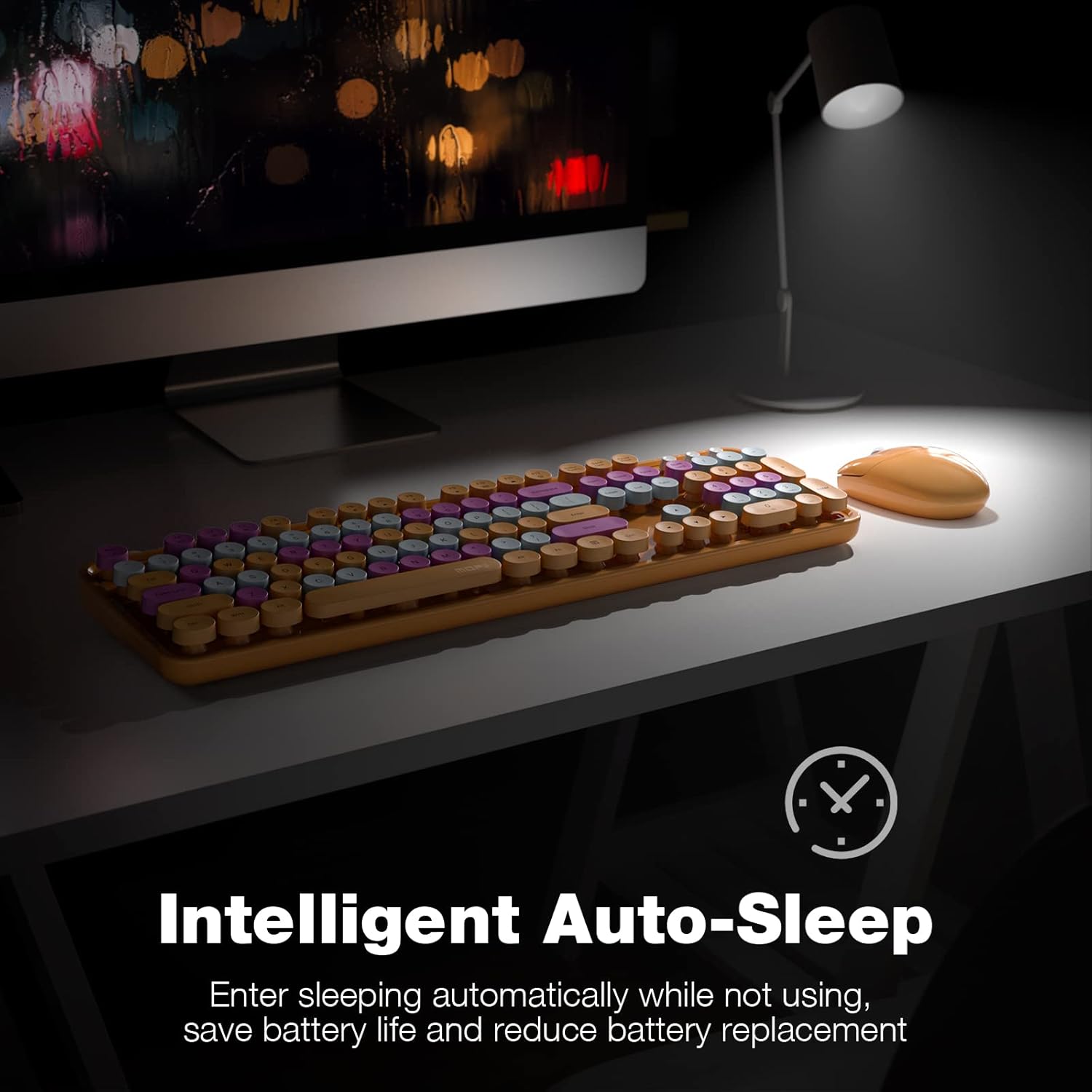
- Intelligent Auto-Sleep: Both the keyboard and mouse enter sleep mode after 5 minutes of inactivity to conserve battery life. Press any key or move the mouse to wake them up.
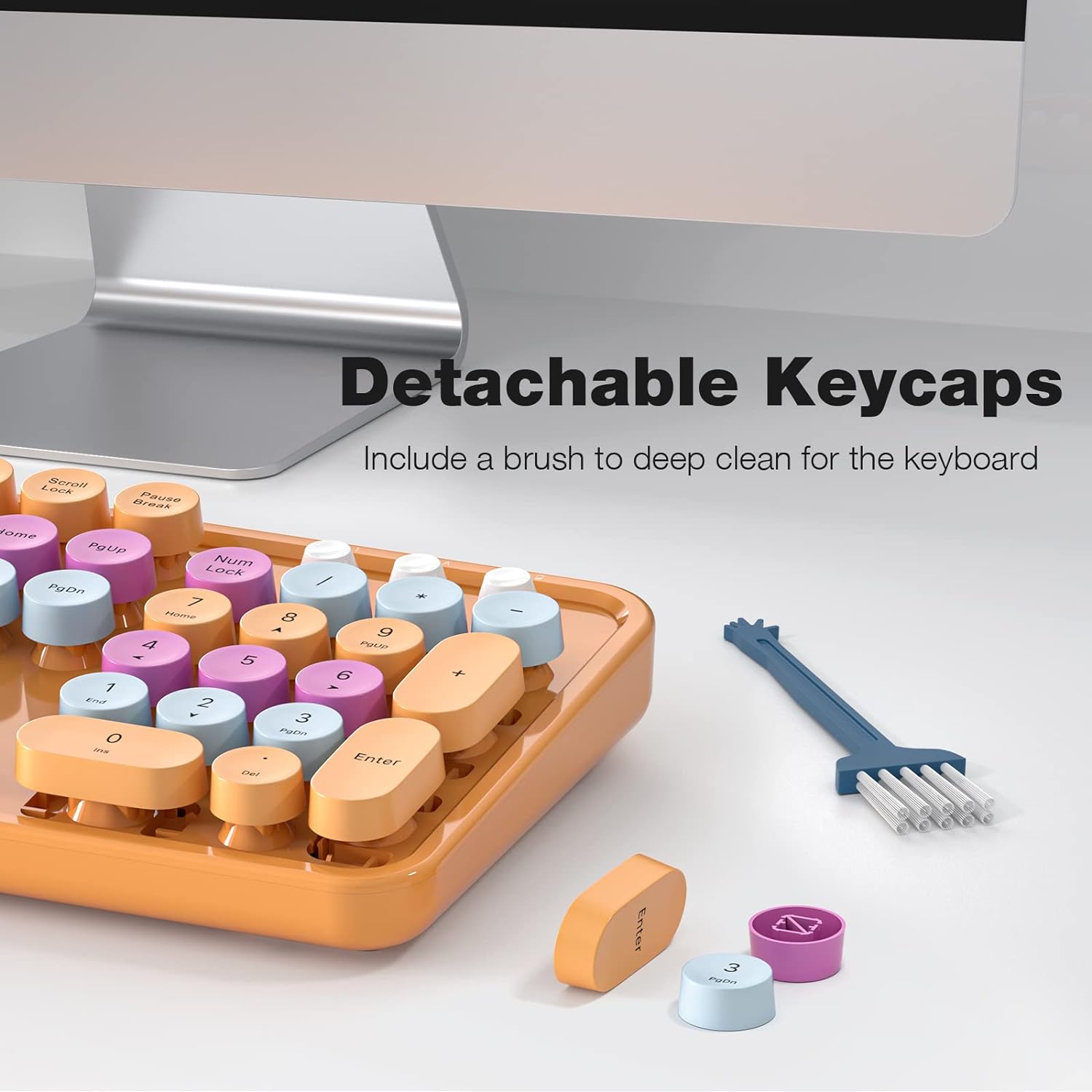
- Ċwievet li jinqalgħu: Facilitates easy cleaning and maintenance of the keyboard.

6. Manutenzjoni
- Tindif: Use a soft, dry cloth to clean the surface of the keyboard and mouse. For deeper cleaning, remove the keycaps and use a small brush or compressed air to clear debris.
- Sostituzzjoni tal-batterija: Replace batteries when performance degrades. Ensure to use the correct battery type and dispose of old batteries responsibly.
- Ħażna: Aħżen l-apparati f'post frisk u niexef 'il bogħod mix-xemx diretta u minn temperaturi estremi meta ma jkunux qed jintużaw għal perjodi twal.
7 Issolvi l-problemi
| Ħruġ | Soluzzjoni |
|---|---|
| Apparati mhux qed jikkonnettjaw | 1. Ensure batteries are correctly installed and charged. 2. Verify the USB receiver is securely plugged into a working USB port. 3. Try plugging the receiver into a different USB port. 4. Power cycle both the keyboard and mouse. |
| Konnessjoni dewmien jew intermittenti | 1. Move the devices closer to the USB receiver. 2. Avoid placing the receiver near other wireless devices (e.g., Wi-Fi routers, cordless phones) that may cause interference. 3. Ensure no large metal objects are between the devices and the receiver. |
| Keys sticking or unresponsive | 1. Clean under the keycaps to remove any debris. 2. Ensure keycaps are properly seated. |
| Mouse cursor erratic | 1. Clean the optical sensor on the bottom of the mouse. 2. Use the mouse on a clean, non-reflective surface. |
8. Speċifikazzjonijiet
- Ditta: MOFII
- Mudell: B0BJP7WNCL
- Kulur: Orange Colorful
- Teknoloġija tal-Konnettività: Wireless 2.4GHz
- Apparati Kompatibbli: PC, Laptop, Smart TV (Windows 7, 8, 10, XP/Vista). Not compatible with Apple systems.
- Keyboard Special Feature: Ergonomic, Round Keycaps
- Piż tal-oġġett: 1.94 liri
- Dimensjonijiet tal-pakkett: 17.8 x 5.47 x 2.91 pulzieri

9. Garanzija u Appoġġ
For warranty information, technical support, or service inquiries, please refer to the contact information provided on the product packaging or visit the official MOFII websit. Żomm l-irċevuta tax-xiri tiegħek għal pretensjonijiet ta' garanzija.


