1. Introduzzjoni
This manual provides essential information for setting up, operating, and maintaining your Aiwa Smart TV 50-inch 4K Android TV. Please read it thoroughly before using your television to ensure proper function and safety. This television features a 4K Ultra HD display, HDR10 technology for enhanced colors, Dolby Audio for immersive sound, and the Android TV operating system for access to a wide range of applications.
2. Kontenut tal-Pakkett
Iċċekkja li l-oġġetti kollha li ġejjin huma inklużi fil-pakkett tiegħek:
- 1x LCD Television Unit
- 2x Pedestals (TV Stands)
- 1x Kejbil tal-Enerġija
- 1x Kontroll mill-bogħod
- 2x Batteriji AAA (għall-kontroll remot)
- 6x Screws (for pedestal assembly)
- 1x Manwal tal-Istruzzjonijiet (dan id-dokument)
3. Setup
3.1. Attaching the Pedestals
- Poġġi l-iskrin tat-TV b'attenzjoni 'l isfel fuq wiċċ artab u ċatt biex tevita l-ħsara.
- Align each pedestal with the corresponding slots on the bottom of the TV.
- Secure each pedestal using the provided screws. Ensure they are tightened firmly.
3.2. Mezzi ta 'Konnessjoni
Your Aiwa Smart TV features multiple connection ports conveniently located on a single lateral side for easy access.

Immaġni: Ġenb view of the Aiwa Smart TV highlighting the various input and output ports, including HDMI, USB, and network connections, all located on one side for convenience.
- Portijiet HDMI (x3): Qabbad apparati esterni bħal Blu-ray players, consoles tal-logħob, jew set-top boxes.
- Portijiet USB (x2): Qabbad apparati tal-ħażna USB għad-daqq tal-midja jew aġġornamenti tas-softwer.
- Port Ethernet (LAN): Għal konnessjoni tal-internet bil-fili.
- AV In/Out: Għall-konnessjoni ta' tagħmir awdjo/vidjo eqdem.
- Out Ottiku Awdjo: Għall-konnessjoni ma' sistemi tal-ħoss esterni.
- Antenna tat-TV: Qabbad l-antenna tiegħek għal xandiriet bl-ajru.
- Wi-Fi: Għal konnettività tal-internet mingħajr fili.
- Bluetooth: For connecting wireless audio devices like speakers or headphones.
3.3. L-Ewwel Tixgħel u l-Konfigurazzjoni
- Qabbad il-kejbil tal-enerġija mat-TV u mbagħad ma’ sokit tal-enerġija.
- Agħfas il-buttuna tal-qawwa fuq il-kontroll remot jew fuq it-TV.
- Follow the on-screen instructions to complete the initial setup, including language selection, network connection (Wi-Fi or Ethernet), and Google account login for Android TV features.
4. Istruzzjonijiet Operattivi
4.1. Android TV Features
Your Aiwa Smart TV runs on Android TV, providing access to a vast ecosystem of applications and services.

Image: The Android TV interface showing popular streaming applications available for download and use.
- Skrin tad-dar: Navigate through recommended content, installed apps, and settings.
- Google Play Store: Download and install over 10,000 applications, including streaming services, games, and utilities.
- Servizzi ta' Streaming: Access popular platforms like Netflix, Prime Video, YouTube, Disney+, and more (subscriptions may be required).
4.2. Kontroll tal-Vuċi
The included remote control features voice command capabilities, allowing you to control your TV and search for content using your voice.

Image: The remote control for the Aiwa Smart TV, highlighting its voice command button and 'Ok Google' integration.
- Press the dedicated voice assistant button on your remote.
- Speak clearly into the remote to search for movies, TV shows, news, weather, or control TV functions.
4.3. Chromecast Inkorporat
Easily cast content from your smartphone, tablet, or computer directly to your TV screen.

Image: A user casting content from a smartphone to the Aiwa Smart TV using the Chromecast built-in feature.
- Ensure your mobile device or computer is connected to the same Wi-Fi network as your TV.
- Open a Chromecast-enabled app (e.g., YouTube, Netflix) on your device.
- Tektek l-ikona Cast (ġeneralment rettangolu b'simbolu tal-Wi-Fi) and select your Aiwa TV.
4.4. Issettjar tal-Immaġni u l-Ħoss
Ottimizza tiegħek viewing and listening experience with advanced picture and sound technologies.

Image: A visual comparison demonstrating the enhanced color and contrast provided by HDR10 technology.
- 4K Ultra HD: Experience stunning clarity with over 8 million pixels, offering four times the resolution of Full HD.
- HDR10: High Dynamic Range technology enhances colors and contrasts for more lifelike images.
- Blue Protect: This technology filters harmful blue light, reducing eye strain and providing greater comfort during extended viewing.

Image: The Blue Protect feature illustrated, showing how it safeguards your vision by filtering blue light.

Image: The Dolby Audio feature depicted with sound waves, indicating an immersive surround sound experience.
- Dolby Audio: Enjoy a cinematic sound experience with optimized audio across all your devices, ensuring you don't miss any detail.
5. Manutenzjoni
To ensure the longevity and optimal performance of your Aiwa Smart TV, follow these maintenance guidelines:
- Tindif tal-Iskrin: Imsaħ l-iskrin bil-mod b'ċarruta ratba, niexfa u mingħajr suf. Għal marki persistenti, nixxef ftit.ampLaħlaħ id-drapp bl-ilma jew b'soluzzjoni għat-tindif tal-iskrin iddisinjata speċifikament għall-elettronika. Tisprejjax likwidu direttament fuq l-iskrin.
- Tindif tal-ġisem: Use a soft, dry cloth to wipe the TV's frame and back. Avoid abrasive cleaners or solvents.
- Ventilazzjoni: Kun żgur li l-fetħiet tal-ventilazzjoni tat-TV mhumiex imblukkati biex tevita li jisħon iżżejjed.
- Itfi: Skonnettja t-TV mill-plagg tal-elettriku waqt maltempati jew meta se jitħalla waħdu għal perjodi twal.
6 Issolvi l-problemi
Jekk tiltaqa' ma' problemi bit-TV tiegħek, irreferi għall-problemi u s-soluzzjonijiet komuni li ġejjin:
| Problema | Soluzzjoni Possibbli |
|---|---|
| Ebda qawwa | Iċċekkja jekk il-kejbil tal-enerġija huwiex imqabbad sew kemm mat-TV kif ukoll mas-sokit tal-enerġija. Kun żgur li s-sokit jaħdem sew. |
| L-ebda stampa, iżda l-ħoss huwa preżenti | Iċċekkja li s-sors tad-dħul korrett huwa magħżul. Iċċekkja l-konnessjonijiet tal-kejbil ma' apparati esterni. |
| L-ebda ħoss, iżda l-istampa hija preżenti | Iċċekkja l-livell tal-volum u kun żgur li t-TV mhuwiex siekta. Ivverifika l-konnessjonijiet tal-kejbil tal-awdjo jekk qed tuża kelliema esterni. |
| Il-kontroll mill-bogħod ma jaħdimx | Ibdel il-batteriji fir-remote control. Kun żgur li m'hemm l-ebda ostaklu bejn ir-remote u s-sensor IR tat-TV. |
| Kwistjonijiet ta 'konnessjoni Wi-Fi | Restart your router and the TV. Ensure the Wi-Fi password is entered correctly. Move the TV closer to the router if possible. |
Jekk il-problema tippersisti wara li tipprova dawn is-soluzzjonijiet, jekk jogħġbok ikkuntattja l-appoġġ għall-klijenti.
7. Speċifikazzjonijiet
Detailed technical specifications for the Aiwa Smart TV 50-inch (Model AWS-TV-50-BL-02-A):
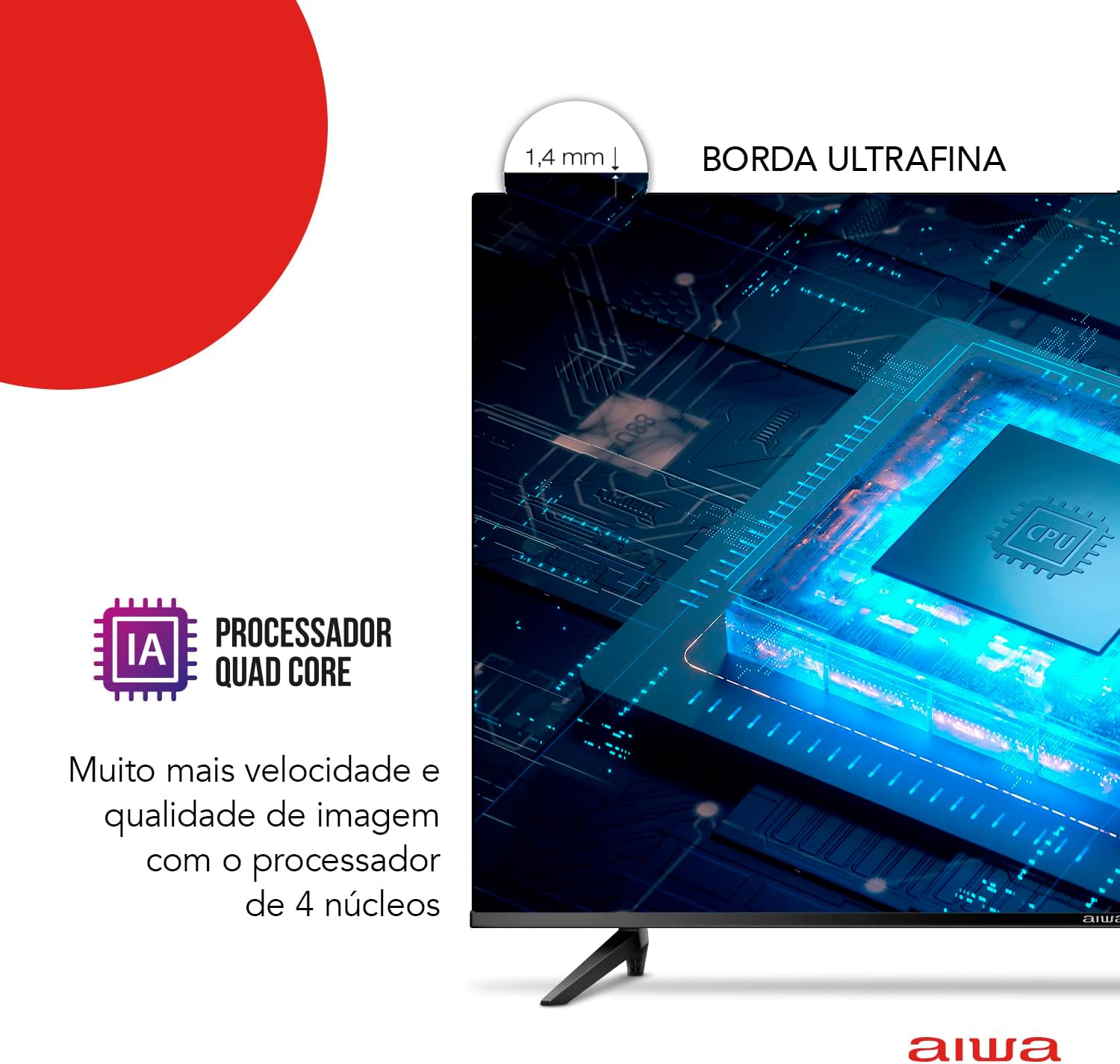
Image: Physical dimensions of the Aiwa Smart TV 50-inch, including width, height, and depth.
- Ditta: Aiwa
- Mudell: AWS-TV-50-BL-02-A
- Daqs tal-iskrin: 50 Pulzier
- Teknoloġija tal-Wiri: LED, Pannell VA
- Riżoluzzjoni: 3840 x 2160 Pixels (4K Ultra HD)
- Rata ta' Aġġornar: 60 Hz
- Proporzjon tal-aspett: 16:9
- Proporzjon ta' Kuntrast: 4000:1
- Sistema Operattiva: Android TV
- Proċessur: Quad Core with Artificial Intelligence
- Karatteristiċi Speċjali: HDR10, Dolby Audio, Blue Protect, Chromecast Built-in, Voice Control
- Konnettività: 3x HDMI, 2x USB, Ethernet, Wi-Fi, Bluetooth
- Formati Awdjo Appoġġjati: AC3/EAC3/AC4/DTS/DOLBY DIGITAL/DOLBY DIGITAL PLUS
- Voltage: 110-220 Volt (Bivolt)
- Sors tal-Enerġija: Qawwa Elettrika
- Piż tal-Prodott: 12.2 Kilogrammi
- Dimensjonijiet tal-Prodott (bl-istand): 111.3 ċm (W) x 70.1 ċm (H) x 22.8 ċm (D)
- Kulur: Iswed
8. Garanzija u Appoġġ
Your Aiwa Smart TV 50-inch (Model AWS-TV-50-BL-02-A) comes with a Garanzija ta' 12-il xahar mill-manifattur mid-data tax-xiri. Din il-garanzija tkopri difetti fil-manifattura taħt użu normali.
For warranty claims, technical support, or service inquiries, please refer to the contact information provided with your purchase documentation or visit the official Aiwa support websit.


