Introduzzjoni
This manual provides comprehensive instructions for the installation, operation, and maintenance of your Caliber RMD805BT Car Radio Infotainment System. Please read this manual thoroughly before using the product to ensure proper operation and to prevent damage.
Informazzjoni dwar is-Sigurtà
Dejjem osserva l-prekawzjonijiet ta' sigurtà li ġejjin biex tevita korriment jew ħsara lill-unità:
- Tħaddimx l-unità b'mod li jtelliflek mis-sewqan. Dejjem agħti prijorità lis-sigurtà fit-triq.
- Ensure proper wiring and connections to prevent electrical shorts or fire hazards. Consult a professional for installation if unsure.
- Tesponix l-unità għal temperaturi estremi, dawl tax-xemx dirett għal perjodi twal, jew umdità eċċessiva.
- Uża biss is-sorsi tal-enerġija u l-aċċessorji speċifikati.
- Tippruvax tiżżarma jew timmodifika l-unità. Irreferi kull servizz lil persunal kwalifikat.
Kontenut tal-Pakkett
Ivverifika li l-oġġetti kollha huma preżenti fil-pakkett:
- Caliber RMD805BT Car Radio Unit
- Power/Speaker Wiring Harness (ISO connector)
- Kontroll mill-bogħod
- Ħardwer tal-Immuntar
- Manwal għall-Utent (dan id-dokument)
Prodott Overview




Setup
Installazzjoni
The Caliber RMD805BT is designed for 2 DIN standard openings. Professional installation is recommended. Refer to Figure 3 for rear connections.
- Immuntar: Secure the unit into the vehicle's 2 DIN opening using the provided mounting brackets and screws.
- Wiring: Connect the main power/speaker harness (ISO connector) to the vehicle's existing wiring. Ensure correct polarity for all connections.
- Antenna: Connect the vehicle's FM antenna to the unit's antenna input.
- Konnessjonijiet Fakultattivi:
- Subwoofer/Ampaktar ħaj: Connect external subwoofer or amplifier via the RCA output connectors.
- Kamera ta' wara: Connect a compatible rear-view camera to the dedicated video input for automatic display when reversing.
- External Audio/Video: Use the auxiliary RCA inputs for other external audio/video sources.
- Kontroll Finali: Before fully securing the unit, perform a quick power-on test to ensure basic functionality.
Power-On Inizjali
After installation, turn on your vehicle's ignition. The unit should power on automatically or by pressing the power button. The touchscreen will display the main menu.
Operazzjoni
Funzjonijiet Bażiċi
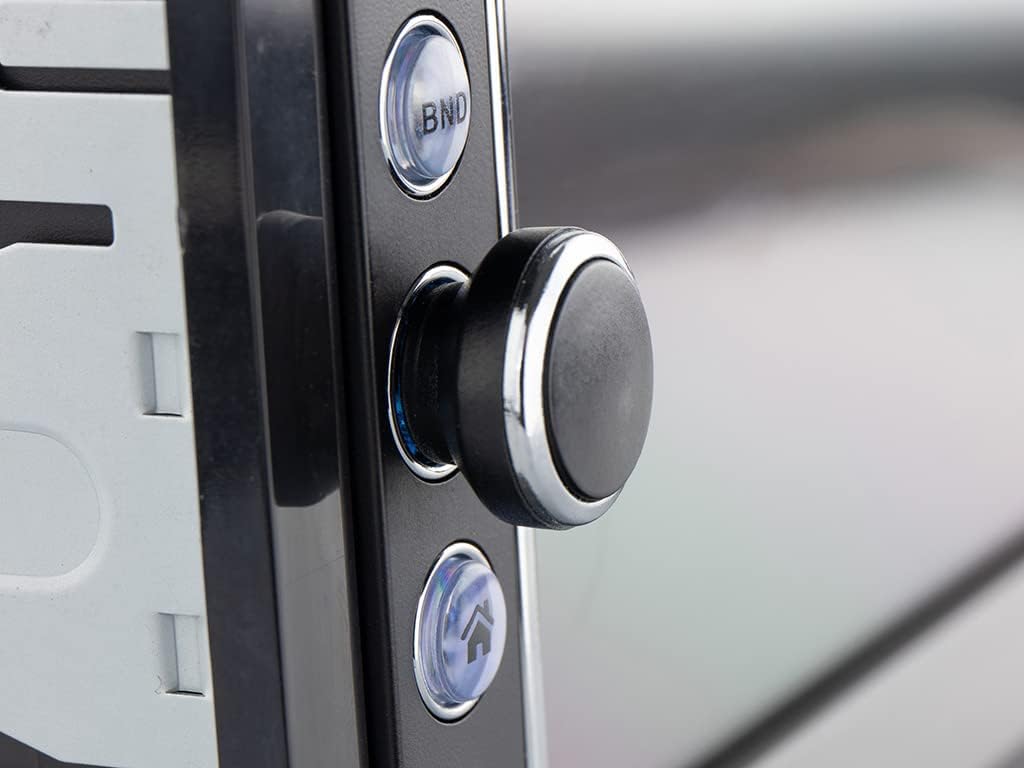
- Power On/Off: Press the power button (usually the rotary knob) to turn the unit on or off.
- Kontroll tal-Volum: Dawwar il-pum biex taġġusta l-volum.
- Għażla tas-Sors: Tap the 'Mode' icon on the touchscreen or press the 'MODE' button on the remote to cycle through available sources (FM, Bluetooth, USB, SD, AV-IN).
Radio Operation (FM/RDS-EON)
- Irfinar: In FM mode, use the touchscreen controls to manually tune or auto-scan for stations.
- Presets: Save your favorite stations to preset buttons for quick access.
- RDS-EON: The unit supports RDS-EON, displaying station information, program type, and traffic announcements (TA) when available.
Konnettività Bluetooth
- Tqabbil: Enable Bluetooth on your smartphone. On the RMD805BT, select the Bluetooth source. Fittex għal 'RMD805BT' on your phone and pair.
- Sejħat mingħajr idejn: Once paired, you can make and receive calls directly through the unit. Use the touchscreen or remote control buttons to answer, end, or reject calls.
- Streaming tal-Awdjo (A2DP): Stream music from your smartphone to the car radio. Control playback (play/pause, skip tracks) using the unit's controls or the remote.
Mirrorlink Functionality
The RMD805BT supports Mirrorlink for limited iOS and Android devices. This feature allows you to mirror your smartphone's screen onto the unit's display and control it via the touchscreen.
- Konnessjoni: Connect your smartphone to the unit via USB.
- Attivazzjoni: Follow the on-screen prompts on both the unit and your smartphone to activate Mirrorlink.
- Kontroll: Once active, your phone's screen will appear on the RMD805BT, and you can interact with your phone's apps directly from the unit's touchscreen.
Daqq USB/SD
The unit supports media playback from USB sticks and SD cards (up to 32 GB).
- Daħħal il-Midja: Insert a USB stick into the USB port or an SD card into the SD card slot.
- Formati appoġġjati: The unit can play MP3 and WMA audio files, and display MPEG4, DivX video files, u immaġni JPEG files.
- Navigazzjoni: Use the touchscreen to browse folders and select files għall-plejbek.
Touchscreen and Remote Control
The 6.2-inch touchscreen provides intuitive control. Alternatively, use the included remote control for convenient operation from a distance.
Manutenzjoni
- Tindif: Use a soft, dry cloth to clean the unit's surface and touchscreen. For stubborn marks, slightly dampLaħlaħ id-drapp bl-ilma. Evita prodotti tat-tindif jew solventi li joborxu.
- Kura Ġenerali: Ensure the unit is not exposed to extreme temperatures or direct sunlight for extended periods. Keep USB and SD card slots free of dust and debris.
Issolvi l-problemi
If you encounter issues with your Caliber RMD805BT, refer to the following common problems and solutions:
| Problema | Kawża Possibbli | Soluzzjoni |
|---|---|---|
| Ebda qawwa | Wajers mhux korretti; Fjus maħruq; Ignition tal-vettura mitfija | Check power connections; Replace fuse; Turn on vehicle ignition |
| L-ebda ħoss | Volum baxx wisq; Mute attivat; Wajers tal-ispiker mhux korretti | Increase volume; Deactivate mute; Check speaker connections |
| Il-Bluetooth mhux qed jgħaqqad | Bluetooth not enabled on phone/unit; Unit not in pairing mode; Device already paired to another unit | Ensure Bluetooth is on; Put unit in pairing mode; Disconnect from other devices |
| Il-USB/SD mhux qed jilgħab | Mhux appoġġjat file format; Corrupted media; Media not inserted correctly | Iċċekkja file formats; Try different media; Reinsert USB/SD card |
| Touchscreen ma jirrispondix | Temporary software glitch; Screen calibration issue | Restart the unit (turn off/on vehicle ignition); If persistent, consult support |
Speċifikazzjonijiet
| Karatteristika | Dettall |
|---|---|
| Brand | Kalibru |
| Numru tal-Mudell | RMD805BT |
| Kulur | Iswed |
| Teknoloġija tal-Konnettività | Bluetooth, USB |
| Tip ta' Kontrollur | Touchscreen |
| Karatteristika Speċjali | Sejħiet mingħajr idejn |
| Apparati Kompatibbli | Kelliem, Smartphone |
| Tip ta' Konnettur | USB Tip A |
| Modalità tal-Ħruġ tal-Awdjo | Stereo, Surround |
| Surround Sound Channel Konfigurazzjoni | 2.0 |
| Kodifikazzjoni tal-vidjo | MPEG4, DivX |
| Kapaċità Massima tal-USB/SD | 32 GB |
| Qawwa tal-Ħruġ | 4 x 75 W |
| Batterija (għar-remote) | 1 CR2032 (required) |
Informazzjoni dwar Garanzija
The Caliber RMD805BT comes with a 1-year spare parts availability guarantee from the date of purchase. For specific warranty terms and conditions, please refer to the warranty card included with your product or contact Caliber customer support.
Appoġġ
For further assistance, technical support, or service inquiries, please contact Caliber customer support through their official website or the contact information provided in your product packaging. When contacting support, please have your product model number (RMD805BT) and purchase details ready.


