Introduzzjoni
This manual provides detailed instructions for the Parsonver LW45 Smart Watch. Please read this guide thoroughly to understand the watch's functions, setup, and maintenance, ensuring optimal performance and longevity of your device.
Kontenut tal-Pakkett
Malli tiftaħ il-pakkett, ivverifika li l-oġġetti kollha huma preżenti:
- Parsonver LW45 Smart Watch
- Iċċarġjar Cable
- Manwal għall-Utent
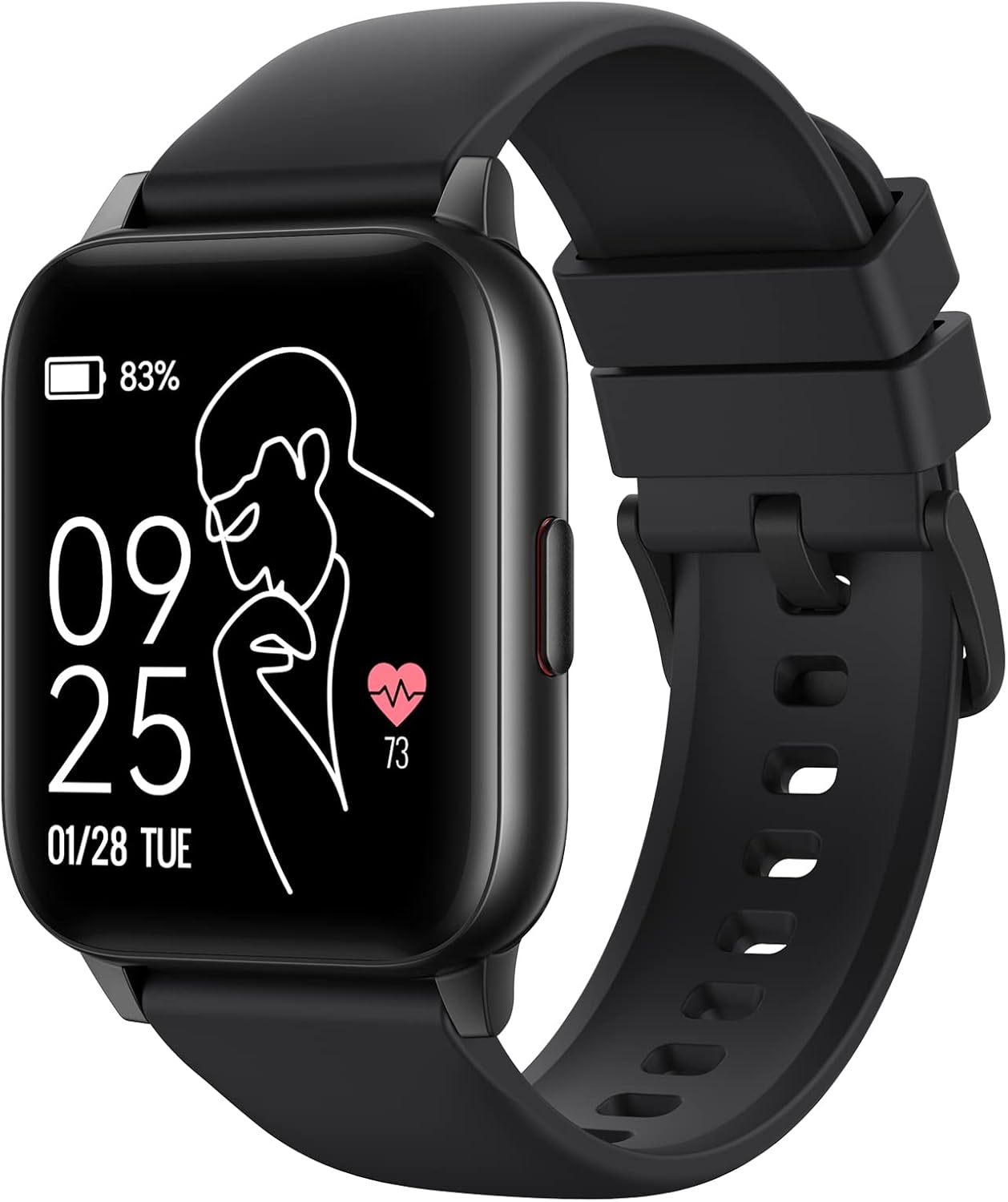
Image: The Parsonver LW45 Smart Watch, black model, displaying time and health metrics.
Gwida ta' Setup
1. Iċċarġjar tal-Apparat
Before initial use, fully charge the smart watch. Connect the charging cable to the charging port on the back of the watch and to a USB power source. The watch display will indicate charging status.
2. Installazzjoni u Tqabbil tal-App
- Download the official Parsonver app from your smartphone's app store (compatible with iOS 10.0/Android 5.0 or above).
- Kun żgur li l-Bluetooth huwa attivat fuq l-ismartphone tiegħek.
- Iftaħ l-app u segwi l-istruzzjonijiet fuq l-iskrin biex toħloq kont jew tidħol.
- Select "Add Device" or similar option within the app to search for your LW45 Smart Watch.
- Ikkonferma t-talba ta' tqabbil kemm fuq l-ismartphone tiegħek kif ukoll fuq l-arloġġ.
Nota: The watch connects via Bluetooth 5.0. Maintain proximity between the watch and your smartphone for a stable connection.

Image: A smartphone displaying the Parsonver app, illustrating the device connection process.
Istruzzjonijiet Operattivi
Navigazzjoni Bażika
- Touch Screen: Skrolla lejn ix-xellug/lemin, 'il fuq/'l isfel biex tinnaviga l-menus u taċċessa l-karatteristiċi. Tektek biex tagħżel.
- Buttuna tal-ġenb: Agħfas biex terġa' lura għall-iskrin ewlieni jew biex tqajjem l-apparat.
Modi sportivi
The LW45 Smart Watch features 16 default sports modes. Over 100 additional sports modes can be customized and added via the companion app. These include activities such as walking, running, cycling, swimming, yoga, and strength training.
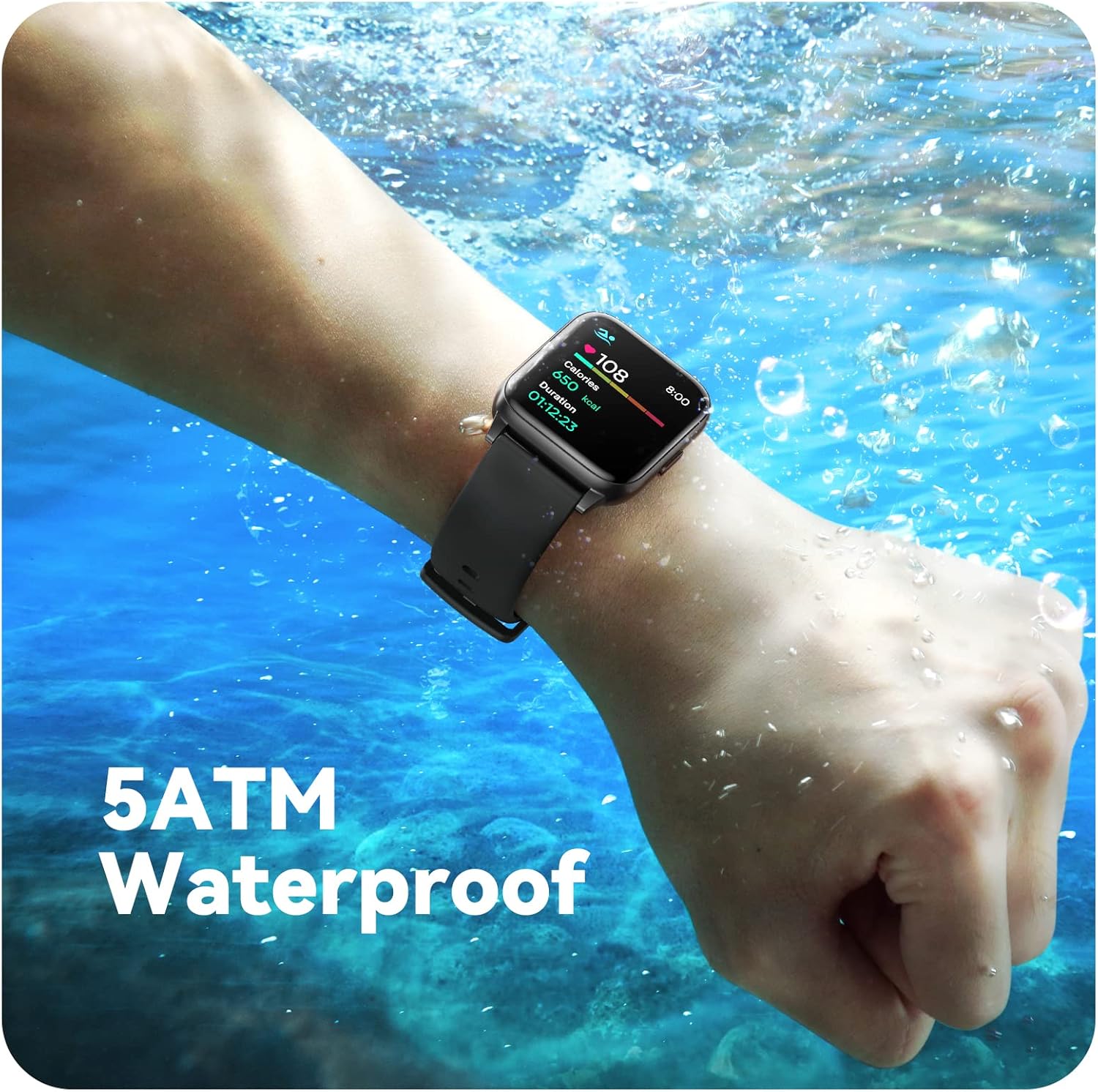
Image: A person engaged in soccer, wearing the smart watch, demonstrating its use during sports activities.

Image: A smartphone screen displaying a wide selection of sports modes within the Parsonver application.
Monitoraġġ tas-Saħħa
- Monitoraġġ tar-Rata tal-Qalb: Provides 24/7 real-time heart rate data.
- Monitoraġġ tal-Ossiġnu tad-Demm: Ikejjel il-livelli tal-ossiġnu fid-demm.
- Traċċar tal-irqad: Automatically monitors sleep patterns, including deep sleep, light sleep, and awake times (from 9:00 PM to 12:00 PM the next day).
- Hydration and Sedentary Alerts: The watch can provide reminders for hydration and prolonged inactivity.
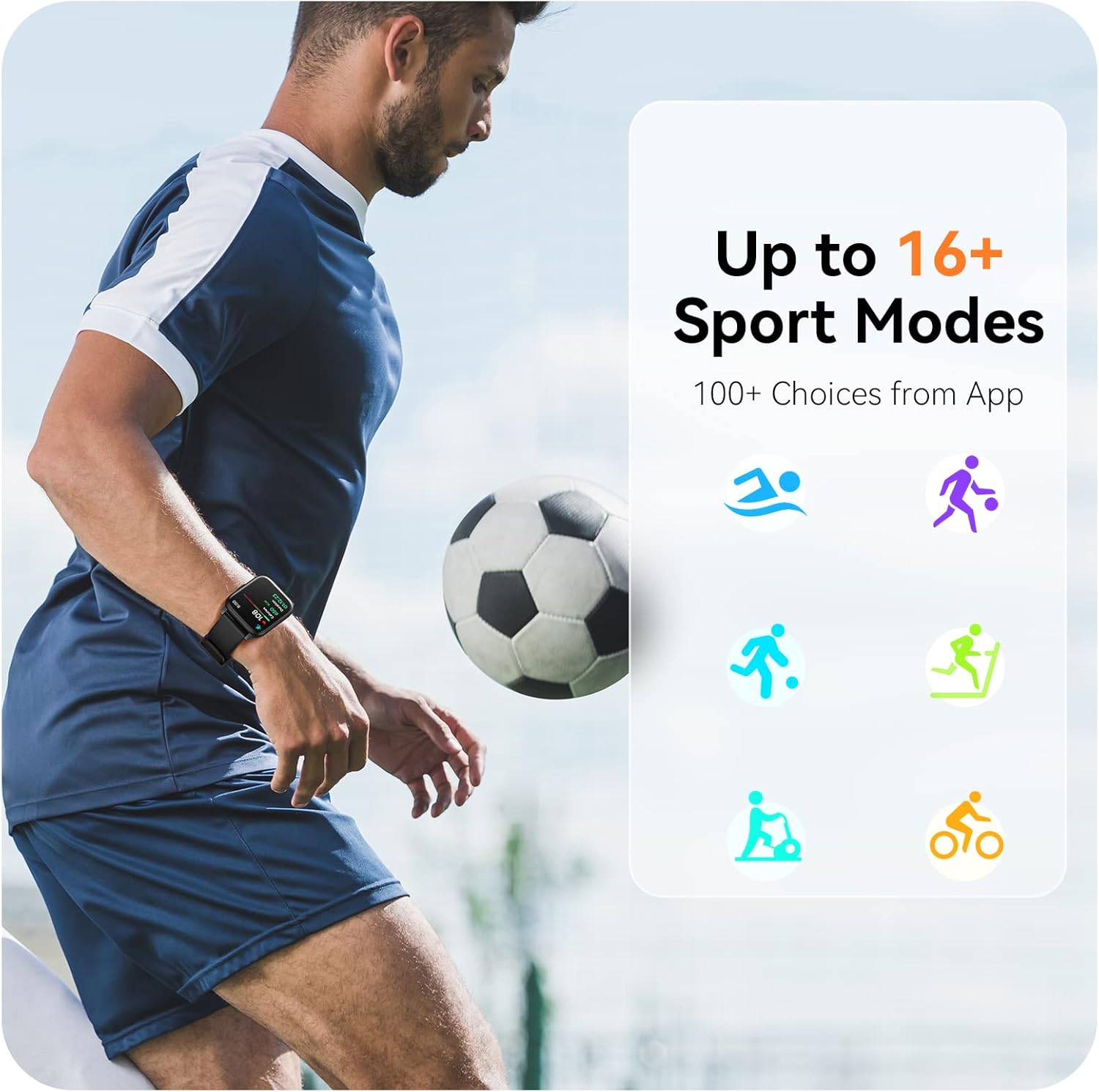
Image: A man running, with the smart watch on his wrist showing real-time fitness data.

Image: A person sleeping, with the smart watch tracking sleep and displaying data on a connected phone.
Notifiki
Receive notifications for incoming calls, SMS messages, emails, and alerts from social media applications (WhatsApp, LinkedIn, Instagram, Twitter) when connected to your smartphone. You can reject calls directly from the watch, but cannot answer or reply to messages.
Image: The smart watch screen showing icons for different types of notifications.
Funzjonijiet Addizzjonali
The 1.69-inch high-definition touch screen provides access to various features:
- Tbassir tat-temp
- Arloġġ ta' allarm
- Timer u stopwatch
- Kontroll mill-bogħod tal-kamera
- Kontroll tal-plejbek tal-mużika
Image: The smart watch screen showing a weather forecast display.
Personalizzazzjoni
Personalize your watch experience:
- Uċuħ tal-Għassa: Choose from a variety of pre-installed watch faces or download more via the app.
- Sfondi Personalizzati: Set your own photos as watch face backgrounds through the app.
- Time and Unit Formats: Adjust time display (12/24 hour) and measurement units (Metric/Imperial, Celsius/Fahrenheit) in the app settings.
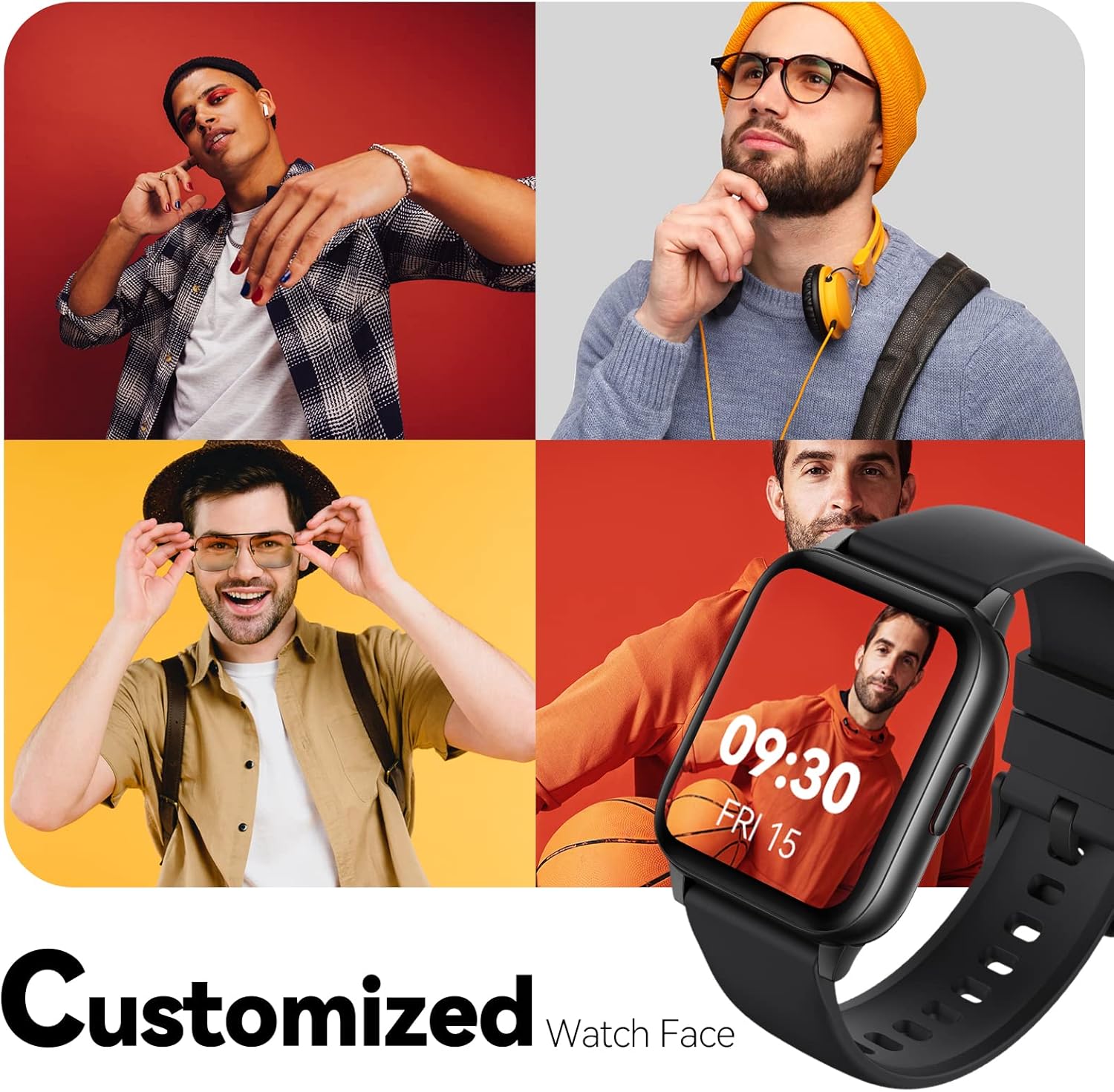
Image: Multiple watch face designs shown on the smart watch, highlighting customization.

Image: A visual guide demonstrating how to adjust time formats, units, and customize watch faces via the companion app.
Reżistenza għall-Ilma
The Parsonver LW45 Smart Watch is rated 5ATM waterproof, meaning it is water-resistant up to 50 meters. This allows for use during swimming, showering, and in various weather conditions like rain or snow. Important: Do not press any buttons while the watch is submerged in water.

Image: The smart watch submerged in water, illustrating its 5ATM waterproof capability.
Manutenzjoni
- Tindif: Regularly clean the watch and strap with a soft, dry cloth. For stubborn dirt, use a slightly damp drapp u sapun ħafif, imbagħad laħlaħ u nixxef sewwa.
- Kuntatti tal-Iċċarġjar: Żomm il-kuntatti tal-iċċarġjar fuq wara tal-arloġġ nodfa u ħielsa minn debris biex tiżgura ċċarġjar xieraq.
- Ħażna: Aħżen l-arloġġ f'post frisk u niexef meta ma jkunx qed jintuża.
- Evita kimiċi: Tesponix l-arloġġ għal kimiċi qawwija, solventi, jew deterġenti, għax dawn jistgħu jagħmlu ħsara lill-materjali.
Issolvi l-problemi
| Ħruġ | Soluzzjoni Possibbli |
|---|---|
| L-arloġġ mhux qed jixgħel jew jiċċarġja | Ensure the charging cable is securely connected to both the watch and a working USB power source. Clean the charging contacts. Try a different USB port or adapter. |
| Ma tistax tqabbad ma' smartphone | Ensure Bluetooth is enabled on your phone. Restart both the watch and phone. Make sure the watch is within Bluetooth range. Check if other Bluetooth devices are interfering. Uninstall previous watch apps if present. |
| Notifiki mhux riċevuti | Verify that notification permissions are enabled for the Parsonver app in your phone's settings. Ensure the watch is connected via Bluetooth. Check app settings for specific notification toggles. |
| Inaccurate step count or sleep data | Ensure the watch is worn snugly on your wrist. Calibrate the watch through the app if available. Note that some activities (like driving) might register as steps. Sleep tracking is active from 9:00 PM to 12:00 PM the next day. |
Speċifikazzjonijiet
| Karatteristika | Dettall |
|---|---|
| Isem tal-Mudell | LW45 |
| Daqs tal-Iskrin | 1.69 Pulzier |
| Reżistenza għall-Ilma | 5ATM (sa 50 metru) |
| Piż | 40 Gramm |
| Kompatibilità tas-Sistema Operattiva | iOS 10.0/Android 5.0 or above |
| Konnettività | Bluetooth 5.0 |
| Kapaċità tal-batterija | 300 Milliamp Sigħat |
| Kapaċità tal-Ħżin tal-Memorja | 128 MB |
| GPS | Permezz ta’ Smartphone |
| Komponenti Inklużi | Smart Watch |
Appoġġ u Garanzija
For technical assistance or warranty inquiries, please contact Parsonver customer service. Refer to the product packaging or the official Parsonver webis-sit għall-aktar informazzjoni ta' kuntatt aġġornata.
Email tas-Servizz tal-Klijent: support@parsonver.com

Image: The official Parsonver brand logo.
Image: A graphic indicating 24/7 online customer support availability.
Informazzjoni Importanti dwar is-Sigurtà
- Tippruvax tiżżarma jew timmodifika l-arloġġ.
- Keep the watch away from extreme temperatures.
- Consult a medical professional before starting any new exercise regimen, especially if you have pre-existing health conditions. The health monitoring features are for informational purposes and not for medical diagnosis.
- Armi l-apparat u l-batterija tiegħu skont ir-regolamenti lokali.


