1. Introduzzjoni
Grazzi tax-xiriasing the Finlux FLU5535ANDROID 55-inch 4K Ultra HD Android Smart TV. This manual provides essential information for setting up, operating, and maintaining your new television. Please read this manual thoroughly before using the product and keep it for future reference.
Informazzjoni Importanti dwar is-Sigurtà
Always follow basic safety precautions when using this television to reduce the risk of fire, electric shock, and injury to persons. Do not expose the TV to rain or moisture. Do not open the cabinet. Refer all servicing to qualified personnel.
- Żgura ventilazzjoni xierqa madwar it-TV.
- Timblokkax il-fetħiet tal-ventilazzjoni b'oġġetti bħal gazzetti, tvalji tal-mejda, jew purtieri.
- Tpoġġix it-TV fuq karrettun, stand, tripod, bracket, jew mejda mhux stabbli.
- Skonnettja t-TV waqt maltempati bis-sajjetti jew meta ma tużahx għal perjodi twal.
- Keep small components and batteries out of reach of children.
2. X'hemm fil-Kaxxa
Upon unpacking your Finlux FLU5535ANDROID TV, please ensure all the following items are present:
- Finlux FLU5535ANDROID 55-inch 4K Ultra HD Android Smart TV
- Kontroll mill-bogħod bil-batteriji
- Kejbil tal-Enerġija
- Stand (if applicable, for tabletop placement)
- Manwal għall-Utent (dan id-dokument)
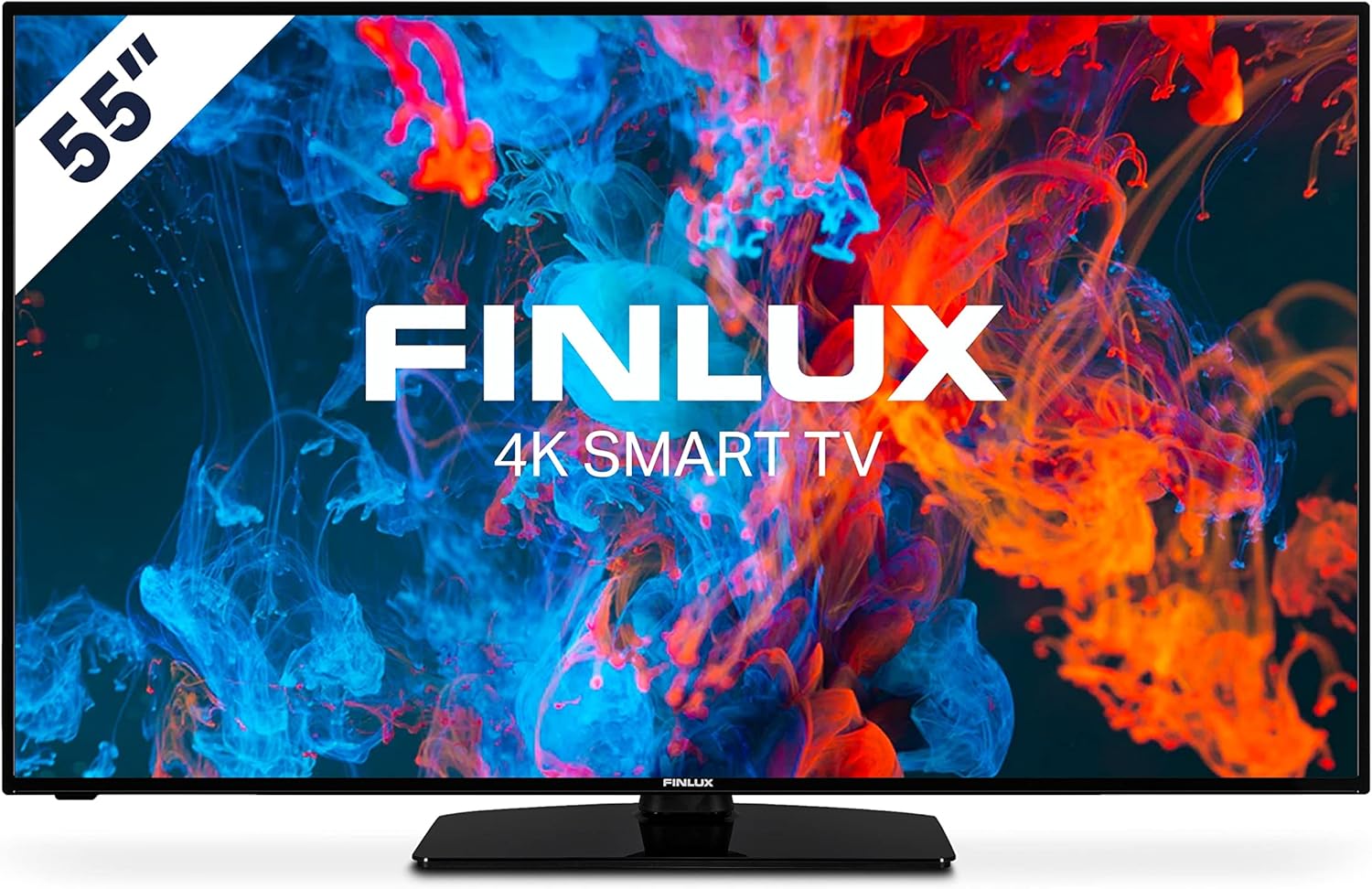
Immaġni: Quddiem view of the Finlux FLU5535ANDROID 55-inch 4K Ultra HD Android Smart TV, showcasing its slim bezel and central stand.
3. Setup
3.1 Pożizzjonament Fiżiku
The Finlux FLU5535ANDROID TV features a practical size and a slim screen, making it easy to place in various rooms. Its flat back and thin screen design allow for easy wall mounting or placement against a wall.
- Poġġiment fuq il-mejda: Attach the provided stand securely to the TV following the instructions in the separate quick start guide. Place the TV on a stable, level surface.
- Immuntar tal-ħajt: If you plan to wall mount the TV, ensure you use a VESA-compatible wall mount (not included) and follow the wall mount manufacturer's instructions.
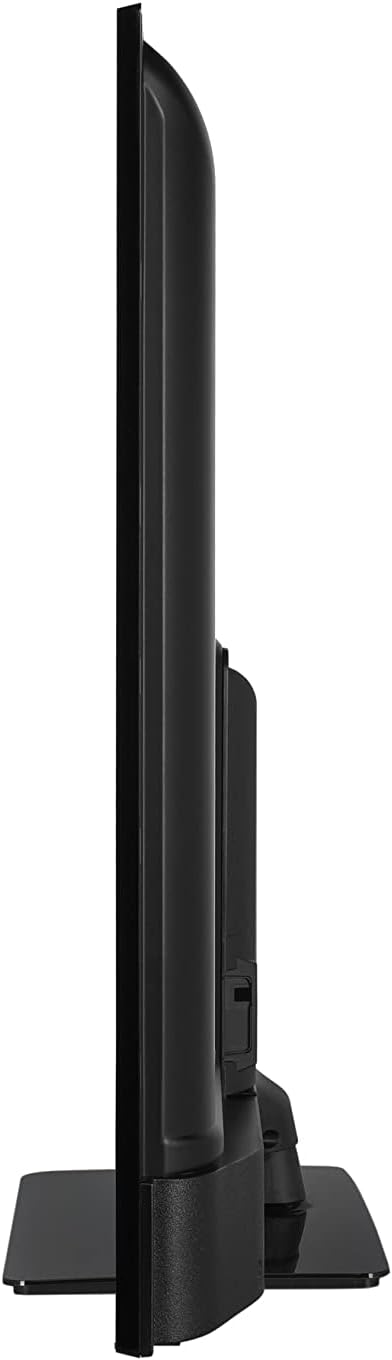
Immaġni: Side profile view of the Finlux FLU5535ANDROID TV, highlighting its slim design.
3.2 Kejbils tal-Konnessjoni
Connect the power cable to the TV's power input and then to a wall outlet. Connect your external devices such as set-top boxes, gaming consoles, or Blu-ray players to the appropriate ports on the TV.

Immaġni: Wara view of the Finlux FLU5535ANDROID TV, displaying the arrangement of its input ports including HDMI and USB.
- HDMI: Connect high-definition devices using HDMI cables. This TV features 4 HDMI ports.
- USB: Connect USB storage devices for media playback or PVR functionality. This TV has 2 USB ports.
- Antenna/Kejbil: Connect your antenna or cable TV input for broadcast channels.
- Ethernet: Għal konnessjoni stabbli tal-internet bil-fili.
3.3 L-Ewwel Xgħel u l-Wizard tas-Setup
After connecting all necessary cables, plug the TV into a power outlet and press the power button on the remote control or the TV itself. The TV will guide you through the initial setup process, including language selection, network connection, and channel scanning.
4. Tħaddem it-TV tiegħek
4.1 Kontroll mill-bogħod fuqview
The provided remote control allows you to navigate the TV's features and menus. Insert the included batteries into the remote control before use.

Image: The Finlux TV remote control, featuring dedicated buttons for quick access to popular streaming services like Netflix and YouTube, along with standard navigation and number keys.
- Buttuna tal-Qawwa: Ixgħel jew jitfi t-TV.
- Buttuni tan-Numru: Għall-għażla diretta tal-kanal.
- Tastiera tan-Navigazzjoni ('Il fuq/'l isfel/Xellug/Lemin/OK): To navigate menus and confirm selections.
- Volum 'il fuq/Niżżel: Jaġġusta l-livell tal-volum.
- Kanal 'l fuq/'l isfel: Jibdel il-kanali tat-TV.
- Buttuni ta' Netflix/YouTube: Aċċess dirett għal dawn l-applikazzjonijiet ta' streaming.
- Buttuna tal-menu: Jiftaħ il-menù prinċipali tas-settings.
- Buttuna tal-Ħruġ: Joħroġ mill-menù jew mill-applikazzjoni kurrenti.
4.2 Android Smart TV Features
This TV runs on the Android operating system, providing access to a wide range of applications and smart features. Popular applications like Netflix, YouTube, and Prime Video are pre-configured for your convenience.
- Servizzi ta' Streaming: Enjoy movies and series in high quality from Netflix, YouTube, Prime Video, and Spotify.
- Google Play Store: Niżżel apps, logħob, u kontenut addizzjonali mill-Google Play Store.
- Chromecast inkorporat: Easily cast content from your smartphone or other compatible devices directly to your TV.
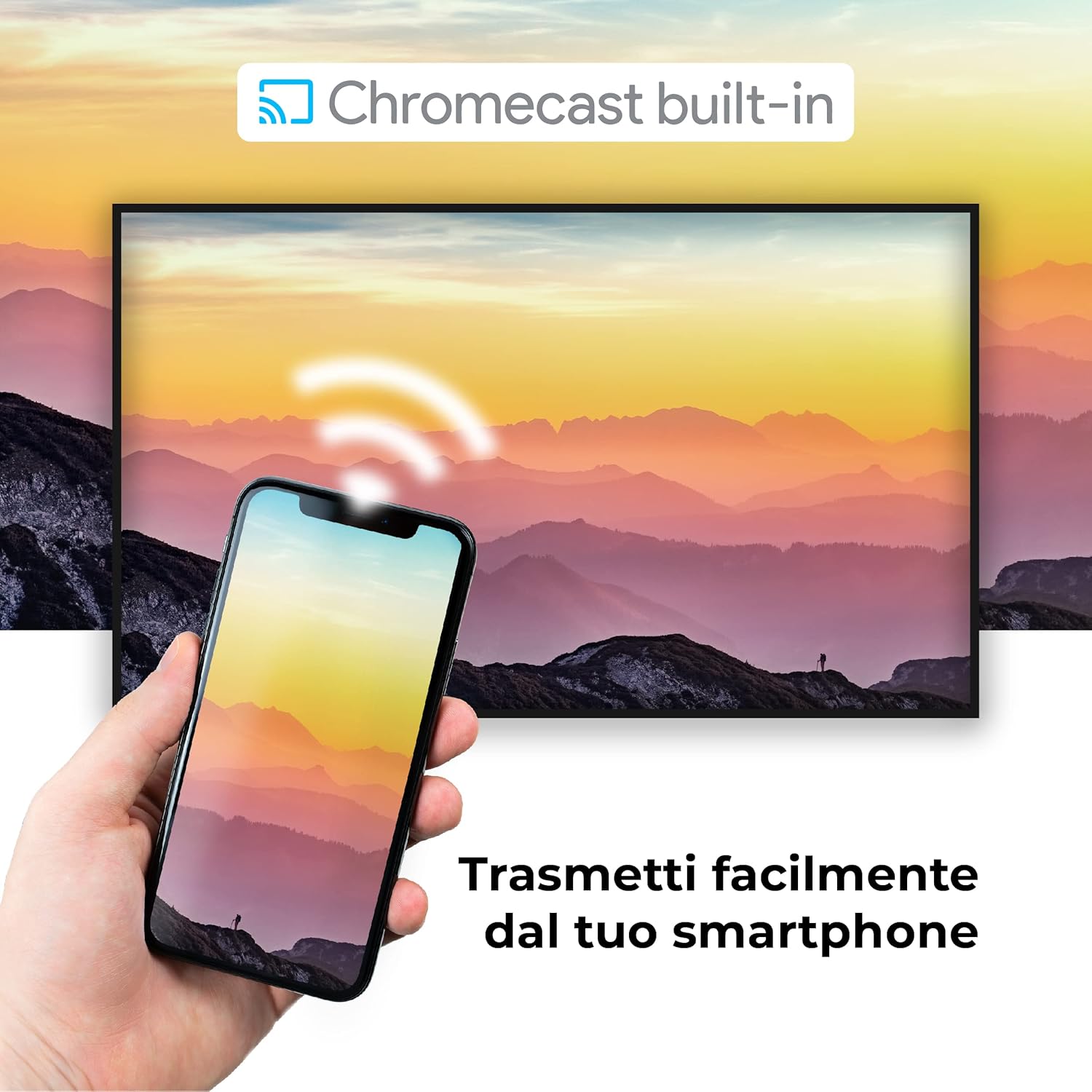
Image: A visual representation of the Chromecast built-in feature, demonstrating how content can be easily streamed from a smartphone to the Finlux TV.
4.3 USB Media Player and PVR
The TV supports USB multimedia playback, allowing you to view photos, play music, or watch videos directly from a USB storage device. It also features PVR (Personal Video Recorder) readiness, enabling you to record TV programs to a connected USB drive.
5. Konnessjonijiet
Your Finlux TV offers a variety of connection options for external devices:
- Portijiet HDMI (x4): Għall-konnessjoni ta' apparati ta' definizzjoni għolja bħal Blu-ray players, consoles tal-logħob, u set-top boxes.
- Portijiet USB (x2): For connecting USB storage devices (e.g., flash drives, external hard drives) for media playback or PVR functionality.
- Bluetooth: Għal konnessjoni mingħajr fili ma' apparati awdjo kompatibbli bħal headphones jew soundbars.
- Wi-Fi: Wi-Fi integrat għal aċċess għall-internet mingħajr fili u karatteristiċi tat-TV Smart.
- Ethernet (LAN): Għal konnessjoni stabbli tal-internet bil-fili.
- Input ta' l-antenna: For connecting an aerial for digital terrestrial television (DVB-T, DVB-T2).
- Input tas-Satellita: For connecting a satellite dish (DVB-S, DVB-S2).
- Output Ottiku Awdjo Diġitali: For connecting to a soundbar or home theater system for high-quality audio.
6. Manutenzjoni
6.1 Tindif tat-TV
To ensure the longevity and optimal performance of your TV, regular cleaning is recommended:
- Skrin: Imsaħ l-iskrin bil-mod b'ċarruta ratba u mingħajr suf. Għal marki persistenti, dampNaddaf id-drapp ftit bl-ilma jew b'prodott speċjalizzat għat-tindif tal-iskrin. Qatt ma tisprejja t-tindif direttament fuq l-iskrin.
- Kabinett: Uża drapp artab u niexef biex timsaħ il-kabinett tat-TV. Evita li tuża prodotti tat-tindif jew solventi li joborxu.
- Qabel it-Tindif: Dejjem aqla’ t-TV mill-plagg tal-elettriku qabel ma tnaddaf.
6.2 Kura Ġenerali
- Evita li tpoġġi t-TV fid-dawl tax-xemx dirett jew ħdejn sorsi ta’ sħana.
- Tesponix it-TV għal temperaturi jew umdità estremi.
- Protect the TV from dust by regularly dusting its surface.
- Tpoġġix oġġetti tqal fuq it-TV.
7 Issolvi l-problemi
If you encounter issues with your TV, refer to the following common problems and solutions before contacting support:
| Problema | Kawża / Soluzzjoni Possibbli |
|---|---|
| Ebda Qawwa | Ensure the power cable is securely plugged into the TV and the wall outlet. Check if the power outlet is working. Try pressing the power button on the TV itself. |
| Ebda Stampa / Ebda Ħoss | Check the input source (HDMI, AV, TV) is correctly selected. Ensure external devices are powered on and connected properly. For sound, check volume levels and mute settings. |
| Kwalità Fqira tal-Istampa | Check antenna/cable connection. Adjust picture settings (brightness, contrast, sharpness) in the TV menu. Ensure the source content is high quality. |
| Il-Kontroll Remot Mhux Jaħdem | Iċċekkja u ibdel il-batteriji. Kun żgur li m'hemm l-ebda ostaklu bejn ir-remote u s-senser IR tat-TV. |
| Ma nistax nikkonnettja mal-Wi-Fi | Ensure Wi-Fi is enabled on the TV. Check your router is working and within range. Re-enter the Wi-Fi password. Try restarting both the TV and the router. |
| L-Applikazzjonijiet tat-TV Intelliġenti Mhux qed Jitgħabbew | Check your internet connection. Try restarting the TV. Ensure the app is updated to the latest version. Clear app cache if available in settings. |
8. Speċifikazzjonijiet
Below are the key technical specifications for the Finlux FLU5535ANDROID TV:
| Karatteristika | Dettall |
|---|---|
| Brand | Finlux |
| Numru tal-Mudell | FLU5535ANDROID |
| Daqs tal-Iskrin | 55 Pulzier (140 ċm) |
| Teknoloġija tal-Wiri | LED |
| Riżoluzzjoni | 4K Ultra HD (3840 x 2160) |
| Riffriskar Rata | 100 Hz (with integrated technology, base 50 Hz) |
| Sistema Operattiva | Android |
| Konnettività | Bluetooth, HDMI, USB, Wi-Fi, Ethernet |
| Portijiet HDMI | 4 |
| Portijiet USB | 2 |
| Karatteristiċi Speċjali | Flat Design, Android Smart TV, Chromecast Built-in, PVR Ready |
| Servizzi tal-Internet Appoġġjati | Netflix, YouTube, Prime Video, Spotify |
| Komponenti Inklużi | Power cable, Standard, TV |

Image: EU Energy Label for the Finlux FLU5535ANDROID TV, indicating its energy efficiency class G and power consumption details. For more details, visit the official EPREL database: Informazzjoni dwar il-Prodott tal-EPREL
9. Garanzija u Appoġġ
Finlux products are designed for reliability and performance. This product comes with a standard manufacturer's warranty. Please refer to the warranty card included with your product for specific terms and conditions.
For technical support, troubleshooting assistance beyond this manual, or warranty claims, please contact Finlux customer service. Contact information can typically be found on the manufacturer's official webis-sit jew fuq l-imballaġġ tal-prodott.
Note: Information regarding spare parts availability is not provided. Software updates are not guaranteed beyond a certain period.


