Introduzzjoni
This manual provides detailed instructions for the setup, operation, and maintenance of your Green Touch RK3368 Industrial Android 5.1 TV Box. Please read this manual carefully before using the device to ensure proper functionality and longevity.
The Green Touch RK3368 is an industrial-grade Android TV Box designed for robust performance, featuring a Rockchip RK3368 Octa-core Cortex-A53 CPU, 1GB RAM, and 16GB ROM. It supports 4K HD display output and offers versatile connectivity options including 2.4GHz WiFi and Bluetooth.
Prodott Overview
Familiarize yourself with the components of your Green Touch RK3368 Industrial Android TV Box.
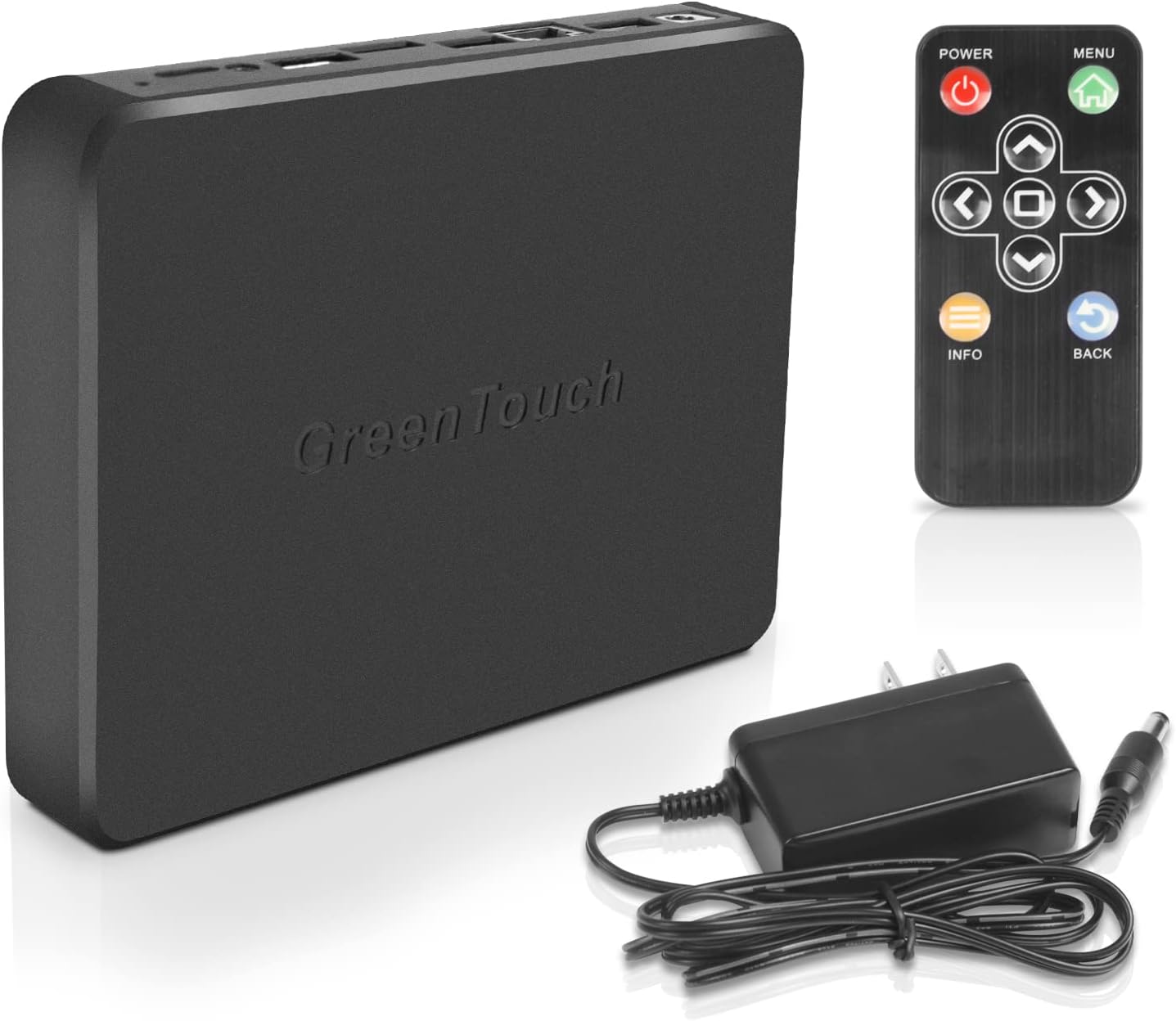
Figura 1: Green Touch RK3368 Industrial Android TV Box, including the main unit, IR remote control, and power adapter.

Figura 2: Fuq u ġenb view of the Green Touch RK3368 TV Box, highlighting the various ports and indicators. From left to right on the side: DC12V/1A power input, two USB 2.0 ports, Network RJ45 port, TF card interface, SIM card slot, HDMI port, Audio output, and OTG (MicroUSB) port. The top view shows the LED indicator and IR receiver.
Setup
Follow these steps to set up your Green Touch RK3368 Industrial Android TV Box:
-
Qabbad ma' Display:
Connect the TV Box to a monitor or TV using an HDMI cable. Ensure the display is set to the correct HDMI input.
-
Qawwa Mixgħul:
Connect the provided power adapter to the DC12V/1A port on the TV Box and then plug it into a power outlet. The front indicator light will illuminate, and the device will automatically power on.
-
Qabbad mal-Internet:
You can connect to the internet via:
- Wi-Fi: Navigate to the network settings on the device, select your Wi-Fi network, and enter the password. The device supports 2.4GHz Wi-Fi.
- Ethernet: Connect an Ethernet cable from your router to the Network RJ45 port on the TV Box.
-
Peripheral Connection (Optional):
Connect USB devices such as a mouse, keyboard, or external storage to the USB 2.0 ports. The built-in Bluetooth allows for wireless connection of compatible devices.
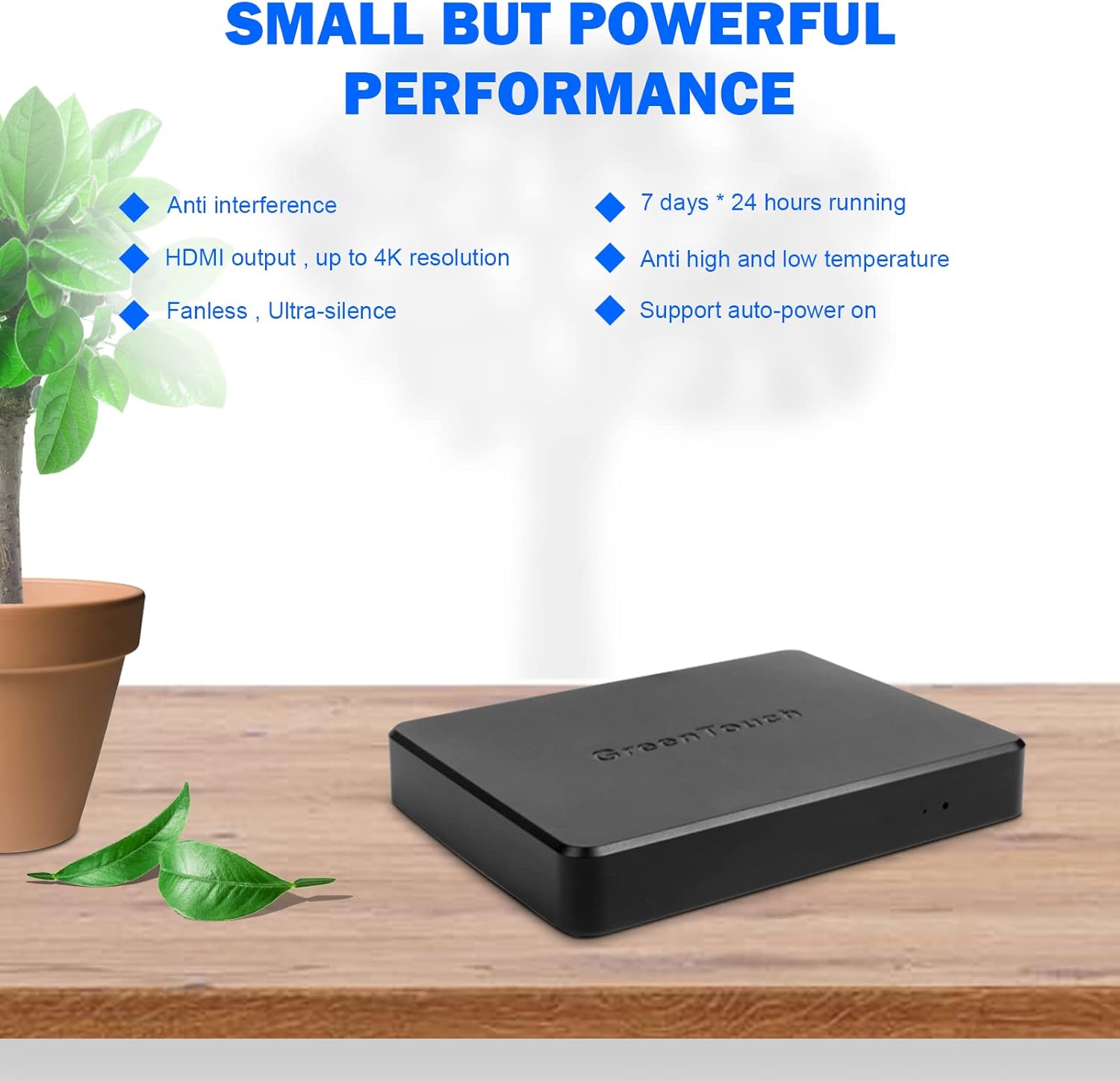
Figura 3: Visual guide for connecting the Green Touch RK3368 TV Box to a display and the internet.
Istruzzjonijiet Operattivi
The Green Touch RK3368 operates on Android 5.1, providing a familiar interface for navigation and application usage.
Funzjonijiet tal-Kontroll mill-bogħod:
Use the provided IR remote control to navigate the Android interface. Key buttons include:
- Qawwa: Ixgħel jew jitfi l-apparat.
- Menu: Aċċessa menus sensittivi għall-kuntest.
- Vleġeġ tan-Navigazzjoni ('il fuq, 'l isfel, xellug, lemin): Moves cursor or selection.
- OK/Daħħal: Jikkonferma l-għażla.
- Dahar: Terġa' lura għall-iskrin ta' qabel.
- Informazzjoni: Juri informazzjoni dwar il-kontenut kurrenti.

Figura 4: The IR remote control for the Green Touch RK3368 TV Box, showing its various buttons for navigation and control.
Navigazzjoni Bażika:
- Skrin tad-dar: The main interface where you can access installed applications and settings.
- Applikazzjonijiet: Access all installed apps from the app drawer.
- Settings: Configure network, display, sound, and other system settings.
Daqq tal-Midja:
The device supports 4K HD output via HDMI, making it suitable for high-resolution media playback. You can play media from local storage (USB drives, TF cards) or stream content over the internet.
Manutenzjoni
To ensure optimal performance and longevity of your Green Touch RK3368 TV Box, follow these maintenance guidelines:
- Tindif: Uża drapp artab u niexef biex tnaddaf il-barra tal-apparat. Tużax prodotti tat-tindif likwidi jew aerosols.
- Ventilazzjoni: Ensure the device is placed in a well-ventilated area to prevent overheating. The low-noise cooling fan design aids in heat dissipation.
- Aġġornamenti tas-Software: Periodically check for system updates to ensure you have the latest features and security patches.
- Ġestjoni tal-Ħażna: Neħħi l-cache regolarment u dawk bla bżonn files to maintain optimal performance, especially with 16GB ROM. Consider using a TF card for expanded storage if needed.
- Itfi sew: Always power off the device using the remote control or system menu before disconnecting power.
Issolvi l-problemi
If you encounter issues with your Green Touch RK3368 TV Box, refer to the following common problems and solutions:
| Problema | Kawża Possibbli | Soluzzjoni |
|---|---|---|
| Ebda Qawwa | L-adapter tal-enerġija mhux imqabbad jew difettuż. | Kun żgur li l-adapter tal-enerġija huwa konness sew mat-tagħmir u ma' sokit tal-enerġija li jaħdem. Ipprova sokit ieħor. |
| Ebda Display | Incorrect HDMI connection or display input. | Check HDMI cable connection. Ensure your TV/monitor is set to the correct HDMI input source. |
| Ebda Konnessjoni tal-Internet | Incorrect Wi-Fi password, weak signal, or Ethernet cable issue. | Verify Wi-Fi password. Move closer to the router. Check Ethernet cable connection and router status. |
| Kontroll Remot Mhux Jirrispondi | Low battery or IR sensor blocked. | Replace batteries in the remote. Ensure no obstructions between the remote and the TV Box's IR receiver. |
| Prestazzjoni Bil-mod | Too many applications running, low storage, or overheating. | Close unused applications. Clear cache. Check for sufficient ventilation. Consider a factory reset if issues persist (backup data first). |
Speċifikazzjonijiet
| Karatteristika | Dettall |
|---|---|
| Mudell | RK3368 |
| Sistema Operattiva | Android 5.1 |
| Proċessur | Rockchip RK3368, Eight-core Cortex-A53 CPU (up to 1.5 GHz) |
| GPU | PowerVR G6110 |
| RAM | 1GB |
| ROM | 16GB |
| Konnettività | 2.4GHz WiFi, 10/100M Ethernet, Bluetooth |
| Portijiet | 2 x USB 2.0, 1 x Gigabit RJ45 LAN, 1 x HDMI, TF Card Slot, SIM Card Slot, Audio Out, OTG (MicroUSB), DC12V/1A Power Input |
| Output tal-vidjo | HDMI 4K |
| Dimensjonijiet (L x W x H) | 6.38" x 4.88" x 0.98" |

Figura 5: The compact dimensions of the Green Touch RK3368 TV Box, illustrating its portability.
Garanzija u Appoġġ
GreenTouch provides comprehensive support for its products.
Garanzija:
This product comes with a 12-month quality assurance warranty from the date of purchase. This warranty covers manufacturing defects and malfunctions under normal use. It does not cover damage caused by misuse, accidents, unauthorized modifications, or natural disasters.
Appoġġ għall-Klijent:
For technical support, troubleshooting assistance, or warranty claims, please contact GreenTouch customer service. We offer 24/7 customer service to address any questions or concerns you may have.
Please refer to the official GreenTouch webis-sit jew id-dokumentazzjoni tax-xiri tiegħek għall-aktar informazzjoni ta' kuntatt aġġornata.


