1. Introduzzjoni
The CUBOT King Kong 7 is a rugged smartphone designed for durability and performance in challenging environments. It features IP68/IP69K water, dust, and shock resistance, an Android 11 operating system, a powerful Octa-Core processor, and a high-resolution camera system. This manual provides essential information for setting up, operating, maintaining, and troubleshooting your device.

Immaġni: Fuqview of CUBOT King Kong 7 key features including ruggedness, processor, operating system, camera, memory, battery, and connectivity options.
2. Kontenut tal-Pakkett
Please check the package contents upon unboxing your CUBOT King Kong 7 smartphone. If any items are missing or damaged, contact your retailer.
- CUBOT King Kong 7 Smartphone
- Adapter tal-Enerġija
- Kejbil USB (Tip-Ċ)
- Għodda Ejector SIM
- Protettur tal-Iskrin (imwaħħal minn qabel jew fil-kaxxa)
- Gwida Quick Start
- Karta ta' Garanzija
3. Layout tal-Apparat
Iffamiljarizza ruħek mal-komponenti fiżiċi tas-CUBOT King Kong 7 tiegħek.
- Quddiem: 6.36-inch FHD+ Display, 32MP Front Camera, Earpiece, Sensors.
- Wara: 64MP Main Camera, 16MP Wide-Angle Camera, 5MP Macro Camera, LED Flash, Fingerprint Sensor.
- Ġnub: Power Button, Volume Up/Down Buttons, SIM/SD Card Tray, USB Type-C Port.
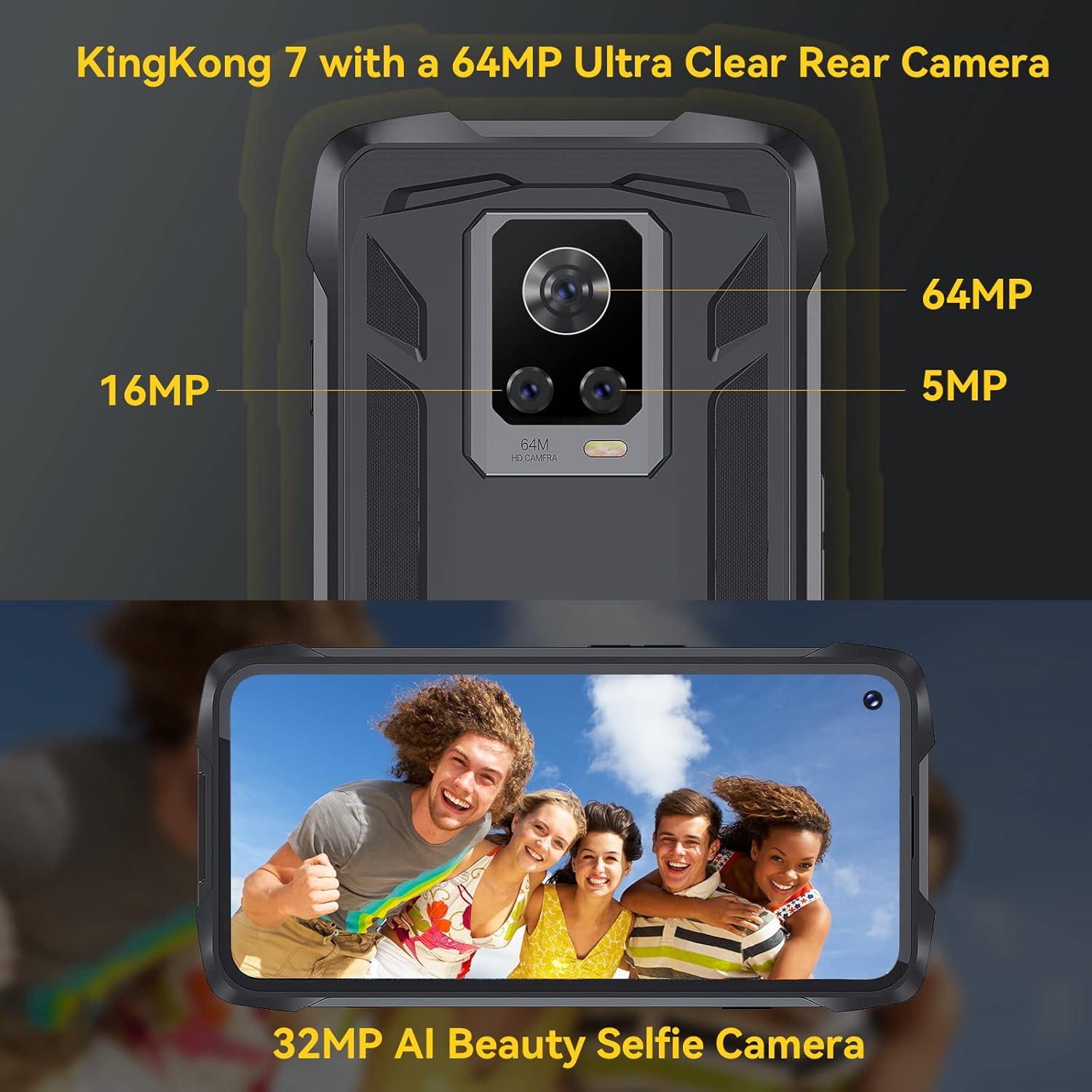
Immaġni: Wara view of the CUBOT King Kong 7, highlighting the camera array and fingerprint sensor placement.
4. Setup
4.1 Installing SIM and SD Cards
- Locate the SIM/SD card tray on the side of the device.
- Daħħal l-għodda tal-ejecter tas-SIM fit-toqba ż-żgħira ħdejn it-trej u agħfas bil-mod sakemm it-trej joħroġ 'il barra.
- Place your Nano-SIM card(s) and/or microSD card (up to 256GB) into the designated slots on the tray, ensuring correct orientation.
- Imbotta t-trej lura fit-telefon bir-reqqa sakemm tikklikkja f'postu.
4.2 Tixgħel/Jitfi
- Biex Tixgħel: Agħfas u żomm il-buttuna tal-Qawwa sakemm jidher il-logo CUBOT.
- Biex Tifi: Press and hold the Power button until the power options appear on the screen, then select "Power off."
4.3 Setup Inizjali
Malli tixgħelha għall-ewwel darba, segwi l-istruzzjonijiet fuq l-iskrin biex:
- Agħżel il-lingwa tiegħek.
- Qabbad ma 'netwerk Wi-Fi.
- Issettja l-kont tal-Google tiegħek.
- Configure screen lock (PIN, pattern, password, fingerprint, Face ID).
5. Tħaddim tat-Tagħmir Tiegħek
5.1 Android 11 Basics
Your CUBOT King Kong 7 runs on Android 11, offering an intuitive user experience. Navigate using gestures or on-screen buttons. Swipe down from the top for notifications and quick settings.
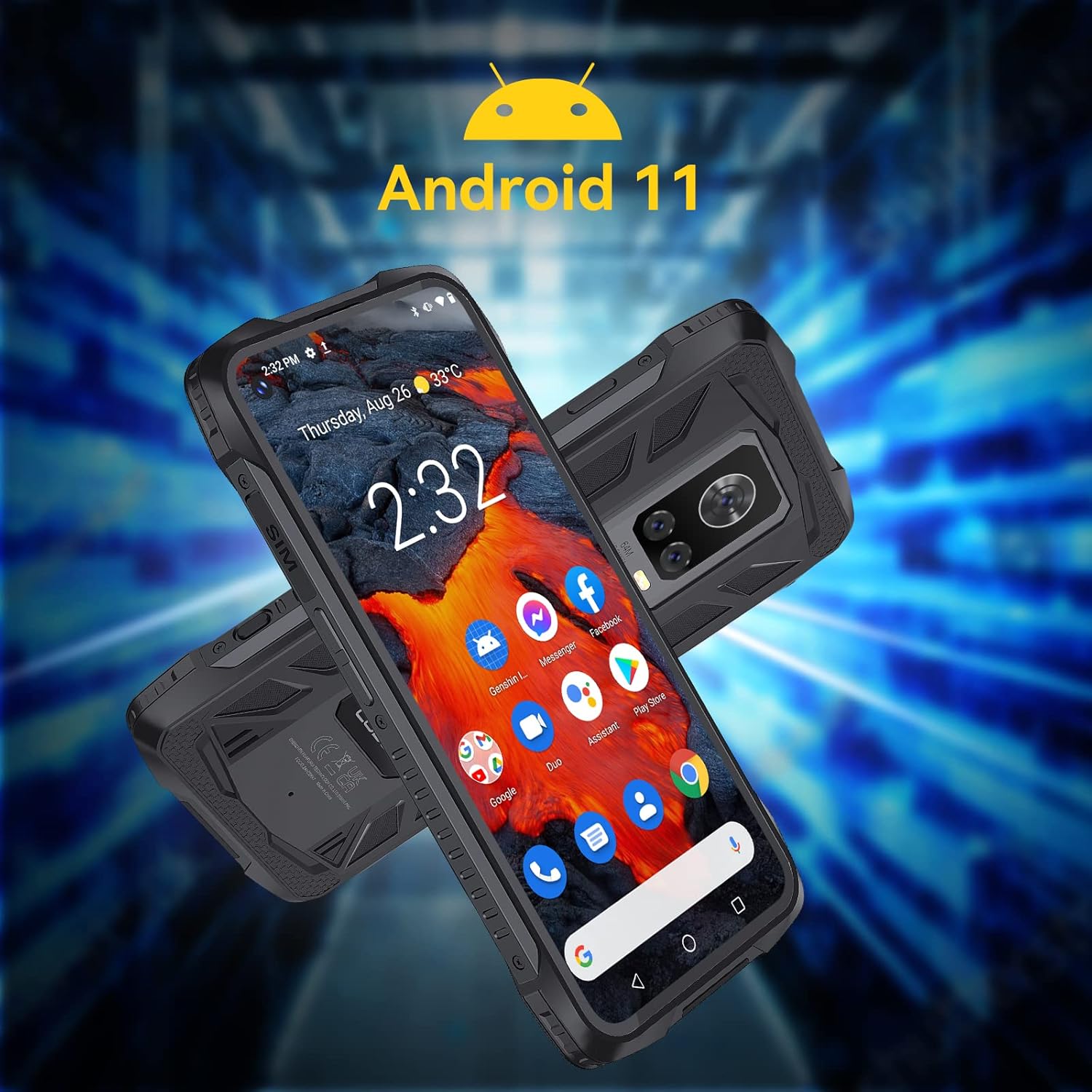
Image: The CUBOT King Kong 7 running Android 11, showing the user interface and pre-installed applications.
5.2 Sejħiet u Messaġġi
- Tagħmel Sejħiet: Iftaħ l-app tat-Telefon, daħħal in-numru, u tektek l-ikona tas-sejħa.
- Tibgħat Messaġġi: Iftaħ l-app tal-Messaġġi, tektek biex tibda konverżazzjoni ġdida, daħħal ir-riċevitur u l-messaġġ tiegħek.
5.3 Użu tal-Kamera
The King Kong 7 features a versatile camera system:
- Kamera Prinċipali ta' 64MP: Għal ritratti b'riżoluzzjoni għolja.
- 16MP Wide-Angle Lens: Capture broader scenes.
- Lenti Makro ta' 5MP: Għal ritratti dettaljati mill-qrib.
- Kamera ta' Quddiem ta' 32MP: Għal selfies u sejħiet bil-vidjo.
- Modalità Super bil-Lejl: Enhance photos in low-light conditions.

Immaġni: Dettaljata view of the King Kong 7's AI Triple Camera system, illustrating the different lens capabilities.
5.4 Konnettività
- Wi-Fi: Qabbad ma' netwerks mingħajr fili għal aċċess għall-internet.
- 4G LTE: Utilize cellular data for internet on the go (Dual SIM support).
- Bluetooth 4.2: Connect to wireless headphones, speakers, and other devices.
- NFC: Għal ħlasijiet mingħajr kuntatt u tqabbil rapidu ma' apparati kompatibbli.
5.5 Karatteristiċi tas-Sigurtà
- Face ID: Unlock your phone using facial recognition.
- Sensor tal-marki tas-swaba': Unlock your phone quickly and securely using the side-mounted fingerprint sensor.

Image: Visual representation of NFC, Face ID, and Dual Nano SIM capabilities.
5.6 Navigazzjoni
The device supports multiple global navigation satellite systems for accurate positioning:
- GPS
- GLONASS
- BEIDOU
6. Manutenzjoni
6.1 Tindif tal-Apparat Tiegħek
To maintain the rugged features and appearance of your phone:
- Imsaħ l-iskrin u l-korp b'ċarruta ratba, damp drapp.
- Evita li tuża kimiċi ħarxa jew materjali li joborxu.
- Kun żgur li l-għotjien tal-portijiet kollha huma magħluqin sew qabel ma tesponi t-telefon għall-ilma jew għat-trab.
6.2 Kura tal-Batterija
The CUBOT King Kong 7 is equipped with a 5000mAh battery. To prolong battery life:
- Evita temperaturi estremi.
- Uża l-ċarġer u l-kejbil oriġinali.
- Tneħħix il-batterija kompletament ta' spiss.
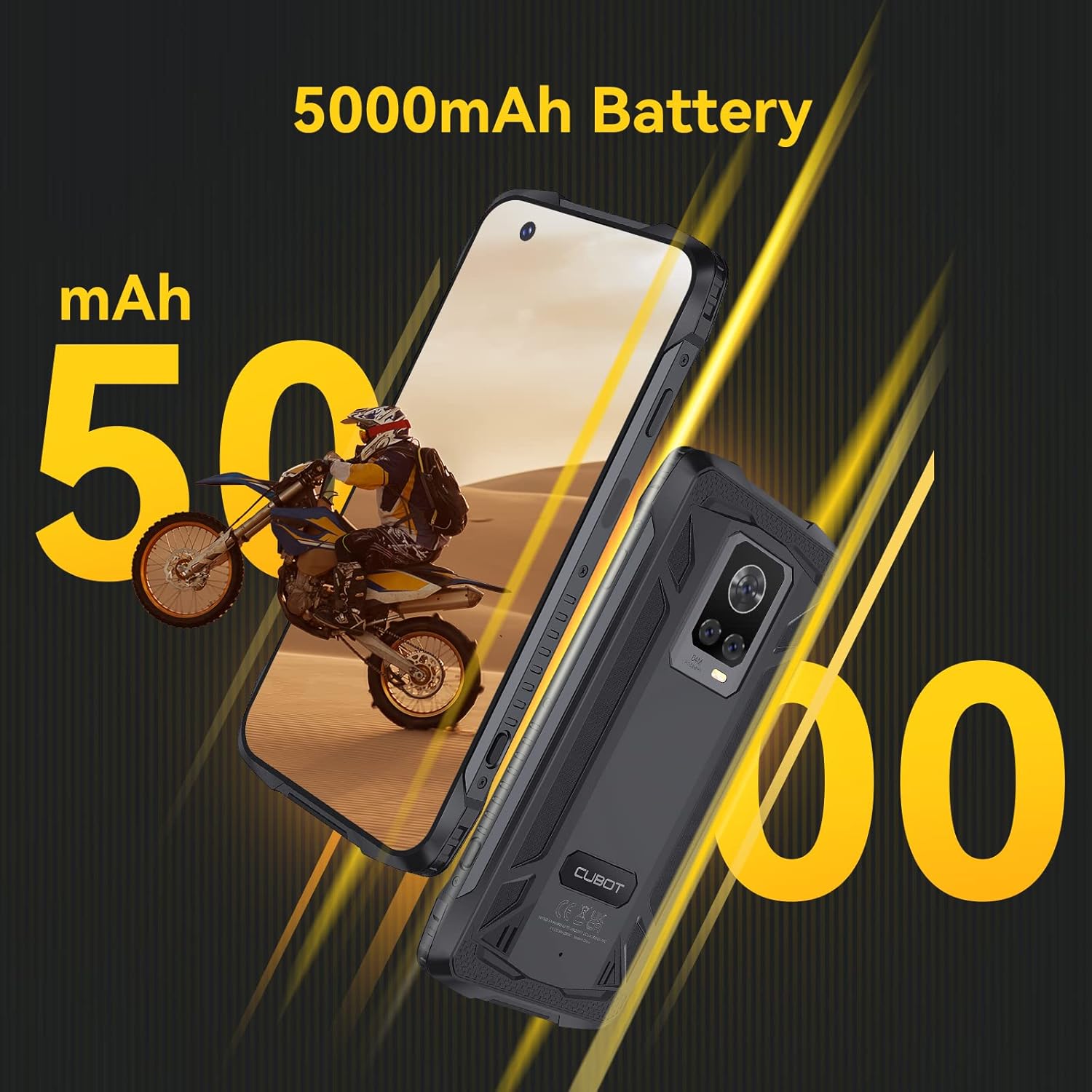
Image: The CUBOT King Kong 7 highlighting its 5000mAh battery capacity.
6.3 Aġġornamenti tas-Software
Iċċekkja u installa aġġornamenti tas-softwer regolarment biex tiżgura prestazzjoni ottimali, sigurtà, u aċċess għal karatteristiċi ġodda. Mur fuq Settings > Sistema > Aġġornament tas-sistema.
7 Issolvi l-problemi
Din it-taqsima tindirizza kwistjonijiet komuni li tista’ tiltaqa’ magħhom.
| Problema | Soluzzjoni |
|---|---|
| L-apparat ma jixgħelx | Kun żgur li l-batterija hija ċċarġjata. Qabbad mal-ċarġer għal mill-inqas 10 minuti, imbagħad erġa' pprova ixgħelha. |
| Sinjal tan-netwerk fqir | Iċċekkja l-inserzjoni tas-SIM card. Mur f'żona b'kopertura tan-netwerk aħjar. Erġa' ibda l-apparat. |
| L-apps jiġġarraf jew jiffriża | Clear the app's cache (Settings > Apps > [App Name] > Storage > Clear cache). Restart the device. Update the app. |
| Is-senser tal-marki tas-swaba' mhux qed jaħdem | Ensure your finger and the sensor are clean and dry. Re-register your fingerprints in Settings > Security. |
| Water/Dust ingress | Ensure all port covers are properly sealed. If water has entered, power off immediately and seek professional service. |
8. Speċifikazzjonijiet
Key technical specifications for the CUBOT King Kong 7.
| Karatteristika | Dettall |
|---|---|
| Isem tal-Mudell | Ir-Re Kong 7 |
| Sistema Operattiva | Android 11.0 |
| Proċessur | P60 Octa-Core Processor |
| RAM | 8 GB |
| Ħażna Interna | 256 GB (espandibbli sa 256GB permezz ta' karta TF) |
| Wiri | 6.36 Inches FHD+ (1080 x 2300) |
| Kamera ta' wara | 64MP Main + 16MP Wide-Angle + 5MP Macro |
| Kamera ta' Quddiem | 32MP |
| Kapaċità tal-batterija | 5000 mAh |
| Konnettività | 4G SIM Doppju, Wi-Fi, Bluetooth 4.2, NFC |
| Navigazzjoni | GPS, GLONASS, BEIDOU |
| Sigurtà | Face ID, Side Fingerprint Sensor |
| Tħarbit | IP68 & IP69K Waterproof, Dustproof, Shockproof |
| Dimensjonijiet | 6.56 x 3.29 x 0.55 pulzieri |
| Piż | 6 uqija |
| Awdjo Jack | L-ebda jack tal-headphones |
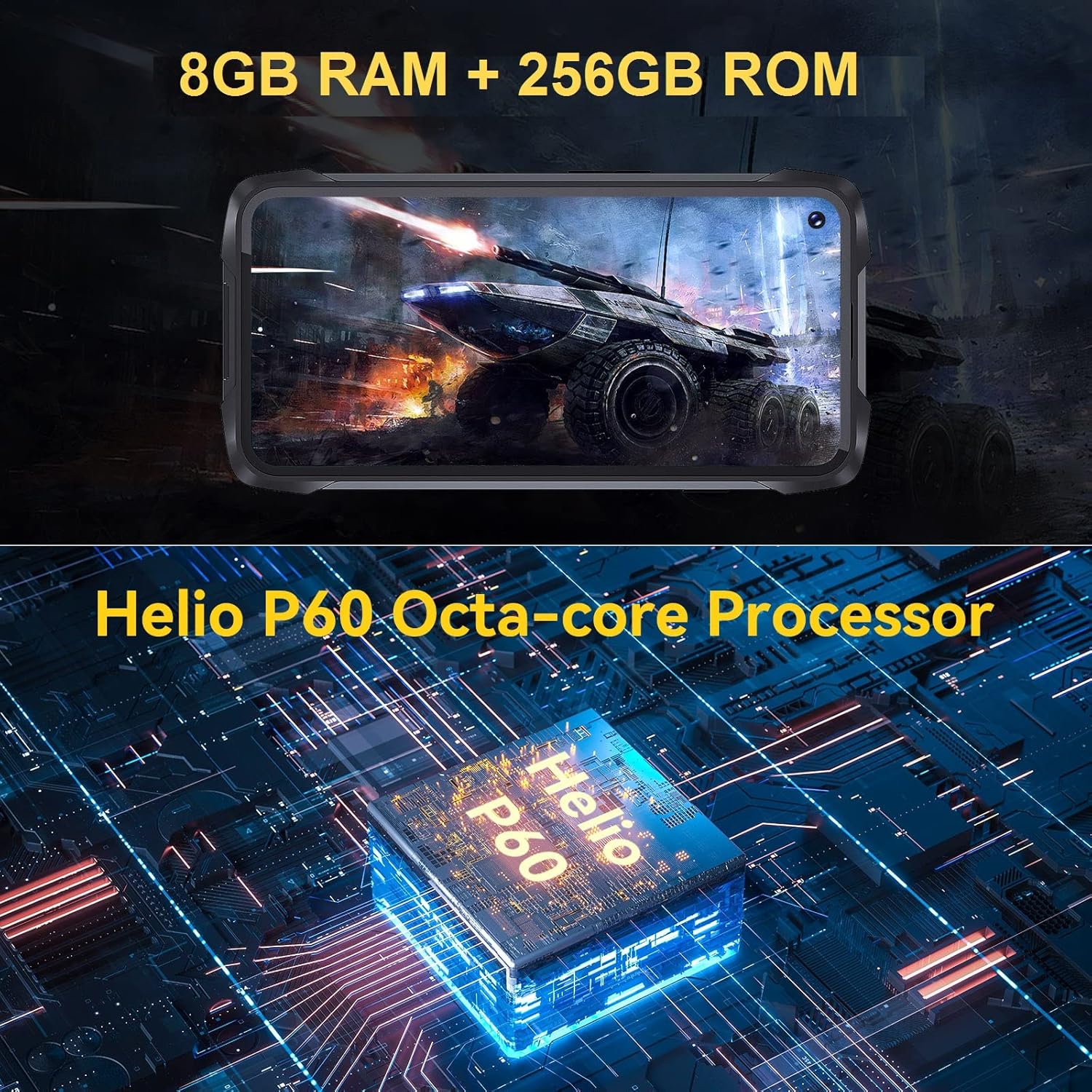
Image: Visual representation of the King Kong 7's powerful Helio P60 Octa-core Processor and memory configuration (8GB RAM + 256GB ROM).
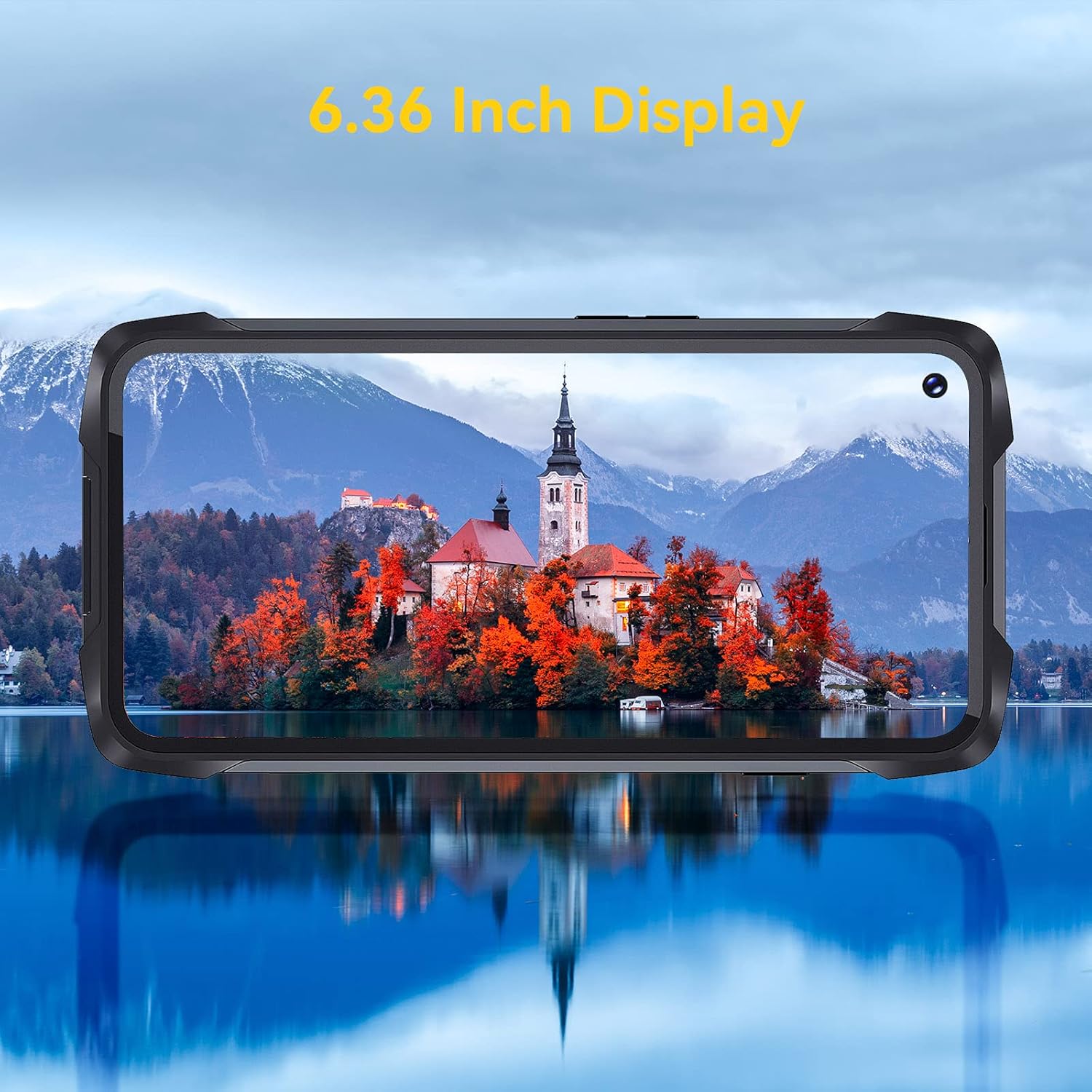
Image: The 6.36-inch display of the CUBOT King Kong 7 showcasiniċ-ċarezza viżwali tagħha.
9. Informazzjoni dwar is-Sigurtà
Jekk jogħġbok aqra l-linji gwida tas-sigurtà li ġejjin bir-reqqa biex tiżgura użu sikur u xieraq tat-tagħmir tiegħek:
- Tippruvax tiżżarma jew timmodifika l-apparat.
- Uża biss ċarġers u aċċessorji approvati.
- Evita li tesponi l-apparat għal temperaturi estremi jew dawl tax-xemx dirett għal perjodi twal.
- Żomm l-apparat 'il bogħod minn apparati mediċi u pacemakers.
- Armi l-apparat u l-batterija tiegħu b'mod responsabbli skont ir-regolamenti lokali.
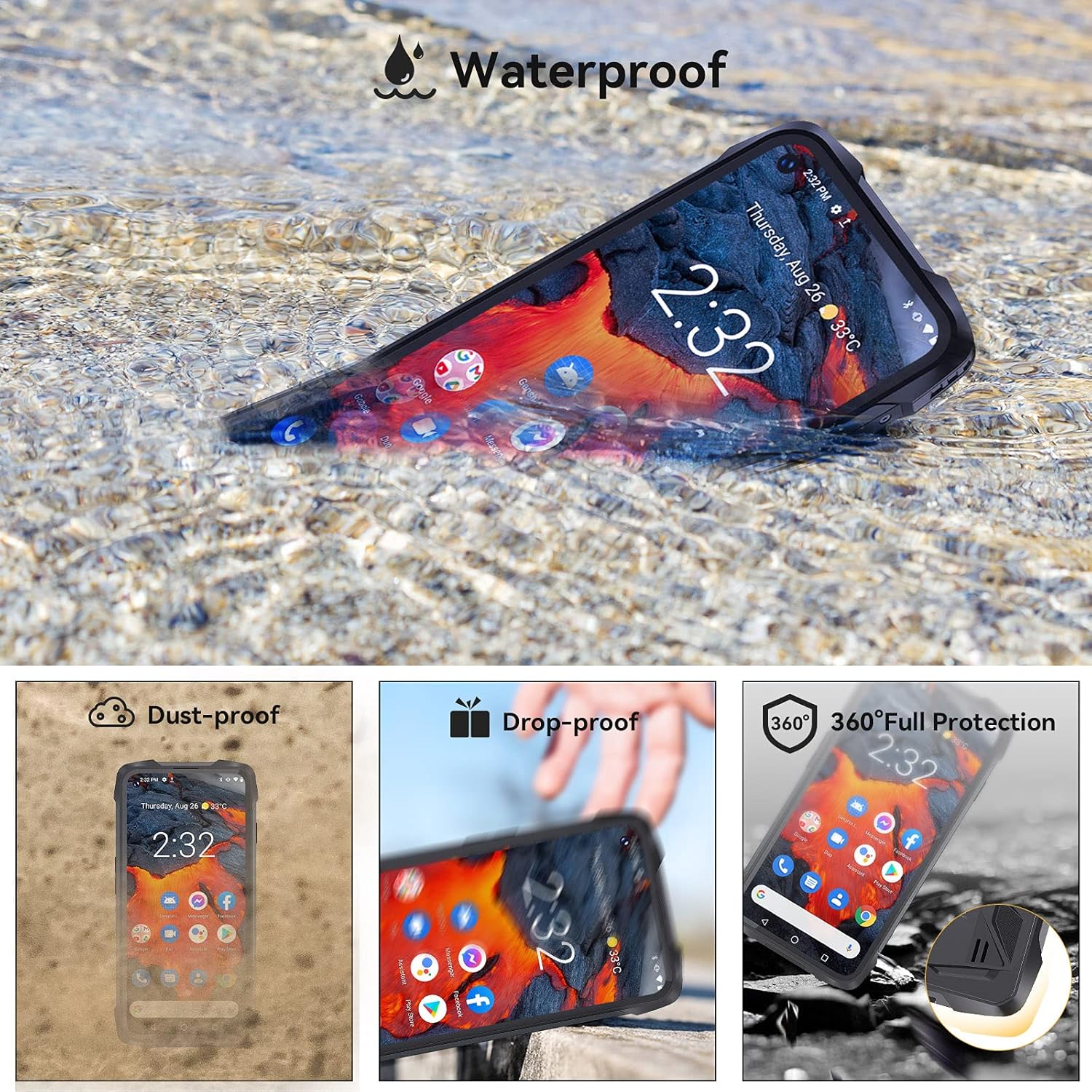
Image: The CUBOT King Kong 7 demonstrating its waterproof capability, alongside icons indicating its dust-proof, drop-proof, and overall rugged protection.
10. Garanzija u Appoġġ
Your CUBOT King Kong 7 is covered by a limited warranty. Please refer to the warranty card included in your package for specific terms and conditions. For technical support, software updates, or further assistance, please visit the official CUBOT webis-sit jew ikkuntattja lill-bejjiegħ lokali tiegħek.


