1. Introduzzjoni
Grazzi tax-xiriasing the Deeyaple 3D LED Digital Alarm Desk Clock. This versatile clock combines modern design with essential functionalities, making it a perfect addition to any room. Please read this manual carefully to ensure proper use and maintenance of your new clock.
Karatteristiċi ewlenin:
- Easy-to-read 3D LED display with adjustable brightness.
- Remote control and on-device button settings for convenience.
- Multifunctional display: 12/24 hour mode, date, temperature.
- Arloġġ ta 'allarm b'funzjoni snooze.
- Automatic and manual brightness adjustment.
- Adattat kemm għall-immuntar tal-ħajt kif ukoll għall-użu fuq il-mejda.
2. Kontenut tal-Pakkett
Jekk jogħġbok iċċekkja l-pakkett għall-oġġetti li ġejjin:
- Deeyaple 3D LED Digital Alarm Clock (White)
- Kontroll mill-bogħod
- USB Power Cable (approx. 3 meters long)
- Stand li jista 'jinqala'
- Wall Mounting Kits (3 hooks)
- Manwal għall-Utent

Image: The Deeyaple 3D LED Digital Alarm Clock, showing the main unit, remote control, and USB power cable.
3. Prodott Aktarview
Wiri ta' Quddiem:
The large 3D LED digits clearly display time, date, and temperature. The brightness can be adjusted to suit your environment.

Image: The 3D LED clock displaying time, positioned on a bedside table in a dimly lit room.
Back Panel and Remote Control:
The clock features control buttons on the back for basic settings and comes with a remote control for convenient operation from a distance.

Immaġni: Wara view of the clock, highlighting the control buttons and keyhole slots for wall mounting.
4. Setup
4.1 Konnessjoni tal-Enerġija:
Connect the provided USB power cable to the clock's power input port and plug the other end into a standard USB power adapter (not included) or a USB port on a computer/power bank. The clock will power on automatically.
4.2 Placement Options:
- Użu fuq il-mejda: Attach the detachable stand to the bottom of the clock for stable placement on any flat surface.
- Immuntar tal-ħajt: Use the three keyhole slots on the back of the clock with appropriate screws (not included) to mount it securely on a wall. Ensure the wall can support the clock's weight and that the power cable can reach a power source.
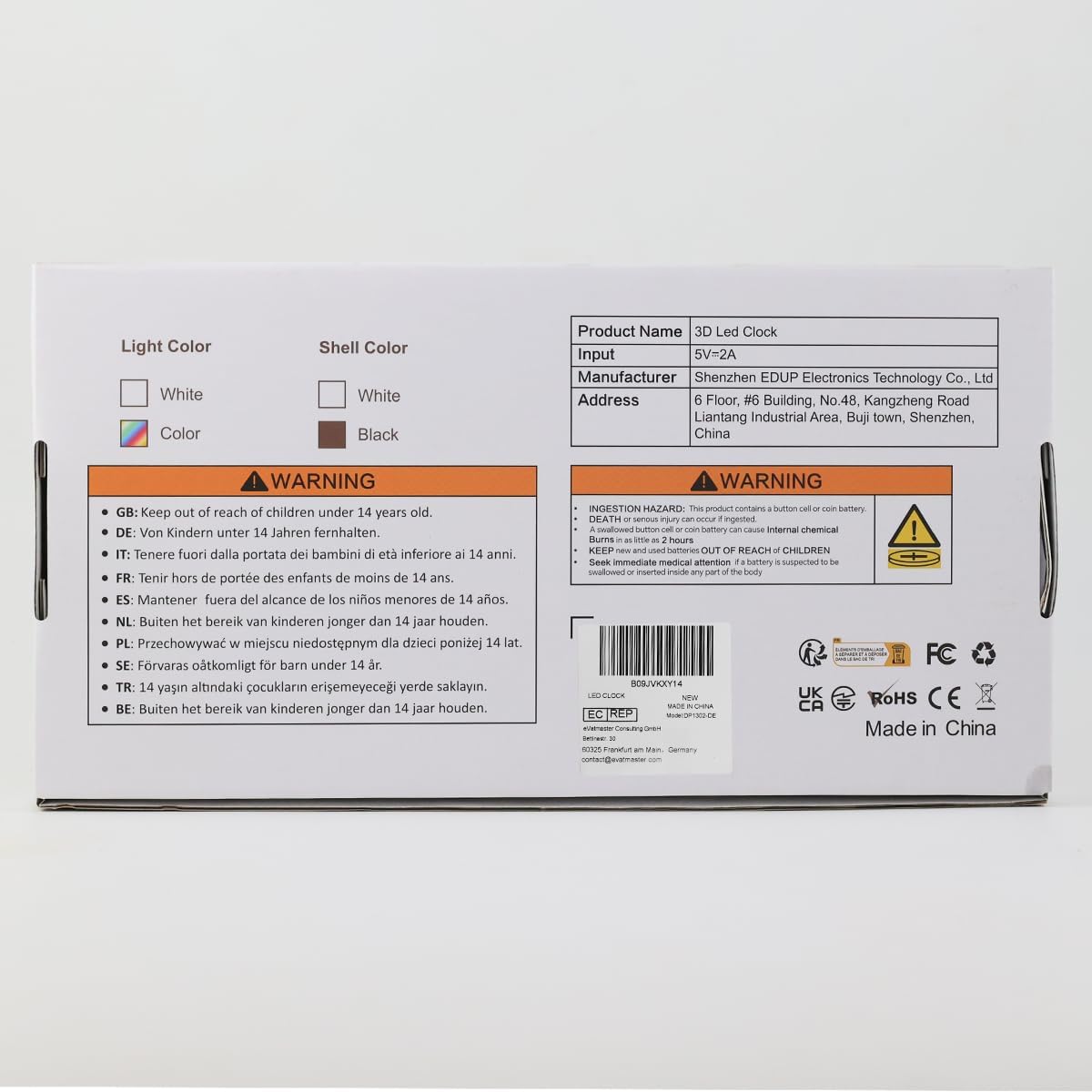
Image: The product packaging illustrating both wall-mounted and tabletop display options for the clock.
5. Istruzzjonijiet Operattivi
5.1 Issettjar tal-Ħin u d-Data:
Use the remote control or the buttons on the back of the clock to set the current time and date. Refer to the remote control's labels for specific buttons like "CLOCK" or "TIME".
- Press the "CLOCK" button on the remote to enter time setting mode.
- Use the Up/Down arrows to adjust hours and minutes.
- Press "CLOCK" again to confirm and move to date setting.
- Adjust year, month, and day using the Up/Down arrows.
- Press "CLOCK" to exit setting mode.
5.2 12/24 Hour Format:
Toggle between 12-hour and 24-hour display formats using the dedicated button on the remote control (often labeled "12/24H").
5.3 Alarm and Snooze Function:
The clock includes an alarm function with a snooze option.
- Issettjar ta' Allarm: Press the "ALARM" button on the remote. Use Up/Down arrows to set the alarm time. Press "ALARM" again to confirm.
- Attivazzjoni ta' Snooze: When the alarm sounds, press the "SNOOZE" button on the remote or any button on the back of the clock to activate snooze. The alarm will sound again after a set interval.
- Diżattivazzjoni tal-Allarm: To turn off the alarm completely, press the "ALARM" button repeatedly until the alarm icon disappears from the display.

Image: The clock displaying an alarm time and a separate image showing the snooze function activated.
5.4 Brightness Control:
The clock offers multiple brightness levels and an automatic dimming feature.
- Aġġustament manwali: Use the "BRIGHT" button on the remote to cycle through 3 brightness levels (High, Medium, Low) and an OFF state.
- Dimming Awtomatiku: The clock can automatically adjust its brightness based on ambient light conditions. This feature ensures optimal visibility during the day and reduces brightness for comfortable viewing bil-lejl.

Image: Illustration of the clock displaying time at three different brightness levels, from brightest to dimmest.
5.5 Temperature and Date Display:
The clock can cycle through time, date, and temperature displays. Use the "TEMP" button on the remote to switch between these modes or activate the loop display.

Image: The clock demonstrating its loop display mode, showing transitions between time, date, and temperature readings.
6. Manutenzjoni
- Naddaf il-wiċċ tal-arloġġ b'ċarruta ratba u niexfa. Tużax prodotti tat-tindif jew solventi li joborxu.
- Keep the clock away from direct sunlight, high temperatures, and high humidity.
- Ensure the USB cable is not kinked or damaged.
- If the clock is unplugged, it has a memory function to retain time settings, powered by the included Lithium Ion batteries.
7 Issolvi l-problemi
| Problema | Kawża Possibbli | Soluzzjoni |
|---|---|---|
| L-arloġġ ma jixgħelx. | L-ebda provvista tal-enerġija jew kejbil difettuż. | Ensure the USB cable is securely connected and the power adapter is working. Try a different USB port or adapter. |
| Id-displej huwa qawwi wisq/mhux ċar. | L-issettjar tal-luminożità jeħtieġ aġġustament. | Press the "BRIGHT" button on the remote to cycle through brightness levels. Check if automatic dimming is enabled. |
| Il-Ħin/Data mhumiex korretti. | Not set correctly or power interruption. | Follow instructions in Section 5.1 to reset time and date. The clock has memory function, but a prolonged power outage might require re-setting. |
| L-allarm ma jdoqqx. | L-allarm mhux issettjat jew il-volum huwa baxx wisq. | Ensure the alarm is activated and set to the correct time. Check for any mute settings (though the product description mentions "mute", it's likely for button sounds, not alarm). |
| Clock flickering or acting erratically. | Power instability or internal issue. | Try unplugging and re-plugging the clock. If the issue persists, contact customer support. |
8. Speċifikazzjonijiet
| Karatteristika | Dettall |
|---|---|
| Brand | Deeyaple |
| Numru tal-Mudell | CK-LED1302 |
| Kulur | Abjad |
| Tip ta 'Wiri | Digital (3D LED) |
| Dimensjonijiet tal-Prodott | 9.84"W x 3.54"Għ |
| Piż tal-oġġett | 8.8 uqija |
| Sors tal-Enerġija | Corded Electric (USB) |
| Karatteristiċi Speċjali | Adjustable Brightness, 3D Floating Display, Auto Dimmable, Snooze, Calendar Display, Temperature Display |
| Tip ta 'Immuntar | Wall Mount, Mejda |
| Batteriji | 2 Lithium Ion batteries (included for memory function) |
9. Garanzija u Appoġġ
Deeyaple is committed to providing quality products. For any questions, concerns, or technical support regarding your 3D LED Digital Alarm Desk Clock, please contact our customer service team through the retailer's platform where you purchased the product or visit the official Deeyaple store online.
Please retain your purchase receipt for warranty purposes. Specific warranty details may vary by region and retailer.
Deeyaple Official Store: Visit Deeyaple Store on Amazon


