1. Introduzzjoni
The Apple 67W USB-C Power Adapter is designed to provide fast and efficient charging for compatible USB-C devices, including MacBook Pro, MacBook Air, iPhone, and iPad models. This manual provides important information regarding the proper setup, operation, maintenance, and safety of your power adapter.
2. Kontenut tal-Pakkett
Iċċekkja li l-pakkett tiegħek fih l-oġġett li ġej:
- Apple 67W USB-C Power Adapter
Note: A USB-C charging cable is sold separately and is required for use with this power adapter.
3. Karatteristiċi
- Fast, Efficient Charging: Delivers 67 watts of power for rapid charging.
- Kompatibilità Universali tal-USB-C: Works with a wide range of USB-C enabled devices.
- Recommended Pairing: Ideal for 13-inch MacBook Pro (2016 and later) and 14-inch MacBook Pro with Apple M1 Pro chip (8-core CPU).
- Fast-Charging for MacBook Air: Enables 0 to 50 percent charge in approximately 30 minutes with MacBook Air M2 chip models.
- Disinn kompatt: Lightweight and portable for use at home, office, or while traveling.
4. Informazzjoni dwar is-Sigurtà
Read all safety information below before using the power adapter to avoid injury or damage to your device.
- Sigurtà Elettrika:
- Use only with compatible power outlets (120 Volts AC).
- Do not use the adapter if it is damaged, frayed, or has exposed wires.
- Avoid using in wet environments or near liquids.
- Tippruvax tiżżarma jew timmodifika l-adapter.
- Sħana: The power adapter may become warm during normal operation. Ensure adequate ventilation and do not cover it.
- Tfal: Keep the power adapter and cables out of reach of children.
- Konnessjoni xierqa: Ensure the adapter is fully inserted into the power outlet and the USB-C cable is securely connected to both the adapter and your device.
5. Setup
- Ħoll l-Adapter: Carefully remove the Apple 67W USB-C Power Adapter from its packaging.
- Qabbad il-Kejbil USB-C: Obtain a compatible USB-C charging cable (sold separately). Connect one end of the USB-C cable to the USB-C port on the power adapter.
- Ipplaggja l-Power Outlet: Extend the prongs on the power adapter and plug it firmly into a standard electrical wall outlet (120V).
- Qabbad mal-Apparat: Connect the other end of the USB-C cable to the charging port on your compatible device (e.g., MacBook, iPhone, iPad).
The device should indicate that it is charging. If not, ensure all connections are secure and the power outlet is active.

Image: Apple 67W USB-C Power Adapter with its foldable prongs extended.
6. Istruzzjonijiet Operattivi
Once connected, the Apple 67W USB-C Power Adapter will automatically begin charging your device. The charging speed will depend on your device's battery level and its power management system.
- Iċċarġjar veloċi: For devices that support fast charging, such as the MacBook Air with M2 chip, the adapter can charge the battery from 0% to 50% in approximately 30 minutes.
- Prestazzjoni ottimali: For best results, use the adapter with Apple-recommended USB-C charging cables.
- Skonnettjar: To disconnect, first unplug the USB-C cable from your device, then unplug the adapter from the wall outlet.
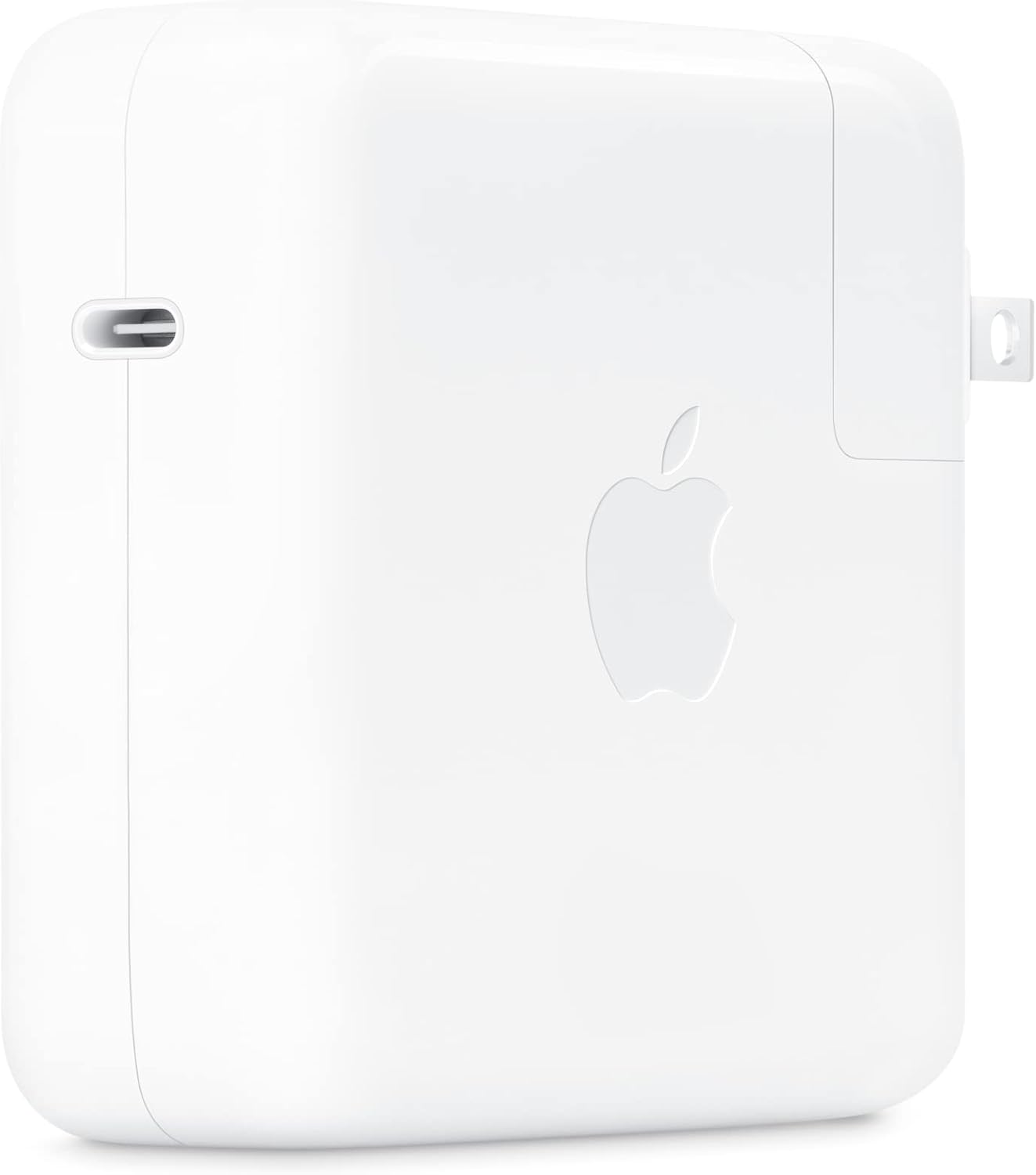
Immaġni: Ġenb view of the Apple 67W USB-C Power Adapter, highlighting the USB-C port.
7. Manutenzjoni
- Tindif: Disconnect the adapter from power before cleaning. Use a soft, dry, lint-free cloth. Do not use liquid cleaners or aerosols.
- Ħażna: Aħżen l-adapter f'post frisk u niexef meta ma tkunx qed tużah. Evita temperaturi estremi.
- Kura tal-Cable: Avoid bending or crimping the charging cable excessively, as this can damage the internal wires.
8 Issolvi l-problemi
| Problema | Soluzzjoni |
|---|---|
| Apparat mhux jiċċarġja. |
|
| Iċċarġjar bil-mod. |
|
| L-adapter iħoss jaħraq. |
|
9. Speċifikazzjonijiet
| Numru tal-Mudell | MKU63AM/A |
| Wattage | 67W |
| Input Voltage | 120 Volts |
| Tip ta' Konnettur | USB Tip-Ċ |
| Portijiet USB totali | 1 |
| Dimensjonijiet tal-Prodott | 4.21 x 4.21 x 1.28 pulzieri |
| Piż tal-oġġett | 8.8 uqija |
| Apparati Kompatibbli | Phone, tablet, computer (e.g., iPhone 15/16 series, MacBook Pro, MacBook Air, iPad) |
| Karatteristiċi Speċjali | Iċċarġjar Mgħaġġel, Disinn Ħafif, Plagg li Jinġibed 'il Quddiem, Faċli għall-Ivvjaġġar |
10. Garanzija u Appoġġ
The Apple 67W USB-C Power Adapter typically comes with a garanzija limitata ta 'sena mid-data tax-xiri. Din il-garanzija tkopri difetti fil-manifattura taħt użu normali.
For detailed warranty terms, technical support, or service, please visit the official Apple Support webis-sit jew ikkuntattja lis-servizz tal-klijenti ta' Apple direttament. Żomm il-prova tax-xiri tiegħek għal talbiet ta' garanzija.
Appoġġ tat-tuffieħ Websit: support.apple.com


