1. Introduzzjoni
This manual provides essential information for setting up, operating, maintaining, and troubleshooting your Google Pixel 6 Pro smartphone. The Pixel 6 Pro is a powerful 5G Android device featuring the custom Google Tensor processor, an advanced camera system, and enhanced security features, designed to deliver a smart and fast mobile experience.
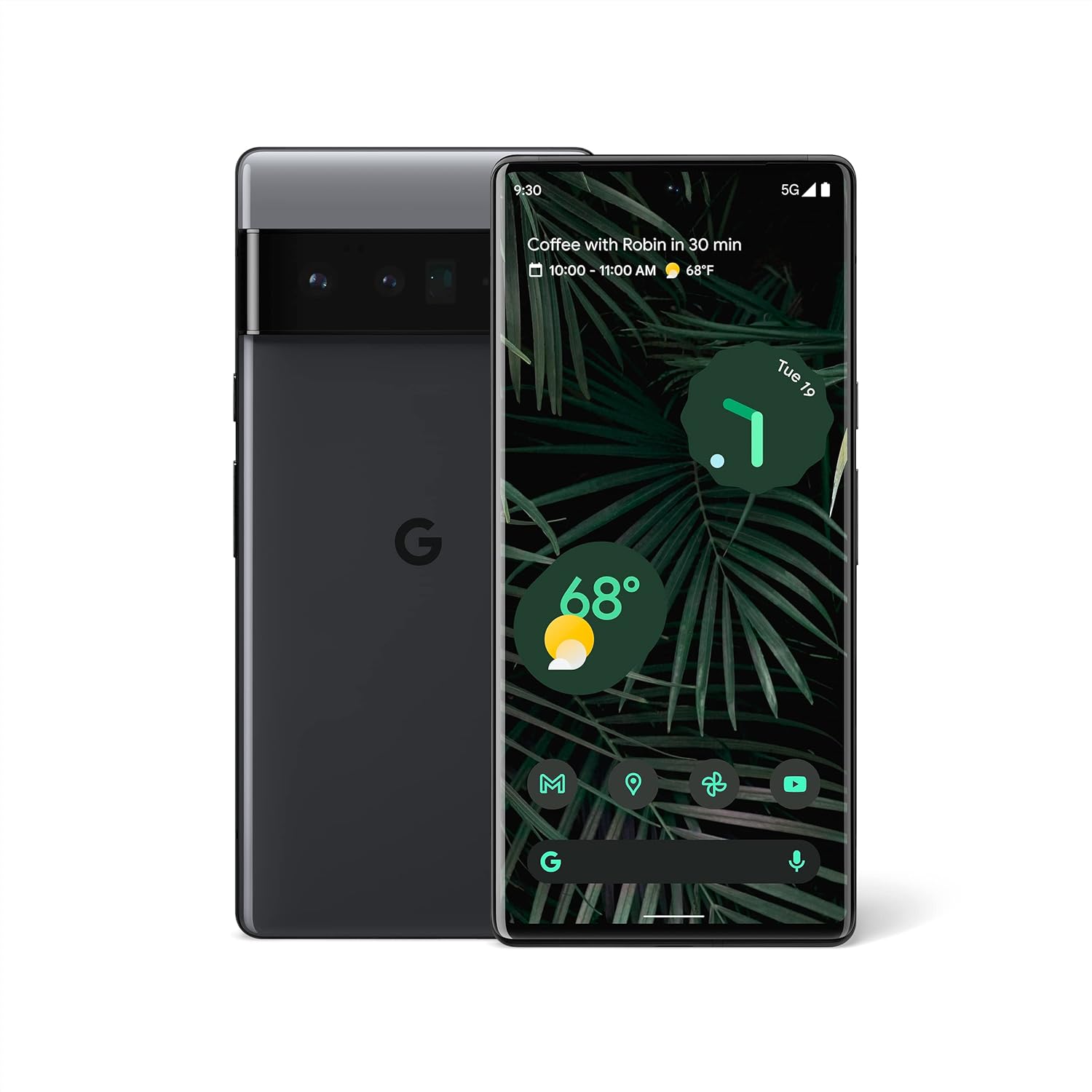
Figura 1.1: Quddiem u wara view of the Google Pixel 6 Pro in Stormy Black. The front displays the home screen with time, weather, and app icons, while the back shows the distinctive camera bar and Google logo.
2. Gwida ta' Setup
2.1 Tneħħija tal-kaxxa u Spezzjoni Inizjali
Malli tiftaħ il-pakkett, kun żgur li l-komponenti kollha huma preżenti:
- Google Pixel 6 Pro Cell Phone
- USB-C għal USB-C Cable
Spezzjona l-apparat għal kwalunkwe ħsara fiżika qabel ma tipproċedi.
2.2 Id-Daħħal tas-SIM Card
- Locate the SIM card tray on the side of your Pixel 6 Pro.
- Insert the SIM ejector tool (or a small paperclip) into the small hole on the tray and push gently until the tray pops out.
- Place your Nano-SIM card into the tray with the gold contacts facing down and the notched corner aligned.
- Imbotta t-trej lura fl-islott bir-reqqa sakemm jikklikkja f'postu.
2.3 Ixgħel u Konfigurazzjoni Inizjali
- Press and hold the Power button (located on the right side) until the Google logo appears on the screen.
- Segwi l-istruzzjonijiet fuq l-iskrin biex tagħżel il-lingwa tiegħek, tikkonnettja ma' netwerk Wi-Fi, u idħol bil-Kont Google tiegħek.
- Int se tiġi ggwidat biex tissettja karatteristiċi ta' sigurtà bħall-ftuħ tal-marki tas-swaba' u l-illokkjar tal-iskrin.
2.4 Transferring Data from Your Old Phone
The Pixel 6 Pro offers a seamless way to transfer your messages, contacts, photos, and other data from your previous device during the initial setup process. Use the provided USB-C cable and follow the on-screen instructions.

Figure 2.1: A Google Pixel 6 Pro connected via USB-C cable to another smartphone, illustrating the data transfer process. The Pixel's screen shows options to copy messages, contacts, photos, and other data.
3. Operating Your Pixel 6 Pro
3.1 Karatteristiċi tal-Wiri
The Pixel 6 Pro features a 6.7-inch LTPO QHD+ Smooth Display with a resolution of 1080 x 2340 pixels and a 120Hz refresh rate for fluid scrolling and responsiveness. The display is protected by Corning Gorilla Glass Victus for enhanced durability.
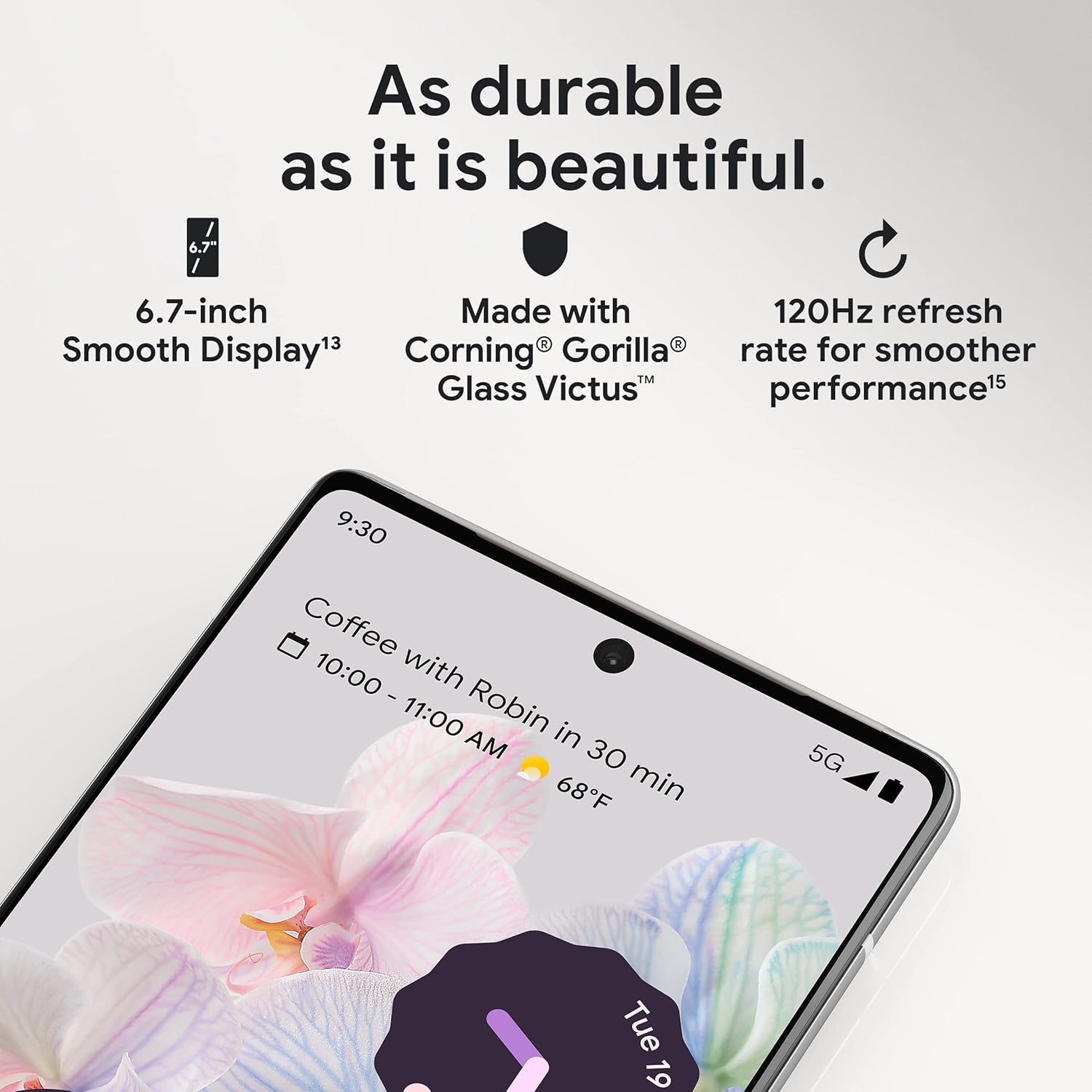
Figura 3.1: Close-up view of the Pixel 6 Pro's display, highlighting its durability with Corning Gorilla Glass Victus and the smooth performance enabled by its 120Hz refresh rate.
3.2 Sistema tal-Kamera
The Pixel 6 Pro is equipped with an advanced camera system:
- 50 MP Wide Camera: Captures 150% more light for detailed photos.
- Kamera tat-Telephoto ta' 48 MP: Offers 4x optical zoom for distant subjects.
- 12 MP Ultrawide Camera: For expansive landscape and group shots.
- Kamera ta' quddiem: Għal selfies u sejħiet bil-vidjo ta’ kwalità għolja.
Il-karatteristiċi ewlenin tal-kamera jinkludu:
- Gomma Maġika: Ineħħi oġġetti jew nies mhux mixtieqa mir-ritratti tiegħek.
- Modalità ta' Moviment: Creates dynamic long-exposure shots.
- Modalità Ritratt: Artfully blurs backgrounds for professional-looking portraits.

Figura 3.2: Intern view of the Pixel 6 Pro's camera array, detailing the 50 MP wide camera, 48 MP telephoto camera with 4x optical zoom, and 12 MP ultrawide camera.

Figure 3.3: Visual demonstrations of the Pixel 6 Pro's advanced camera tools: Magic Eraser removing background elements, Motion Mode capturing light trails, and Portrait Mode creating a blurred background effect.
3.3 Prestazzjoni
The Pixel 6 Pro is powered by the custom-built Google Tensor processor, which provides a significant boost in performance compared to previous Pixel models. This chip enables advanced on-device AI capabilities and contributes to maximum battery efficiency.
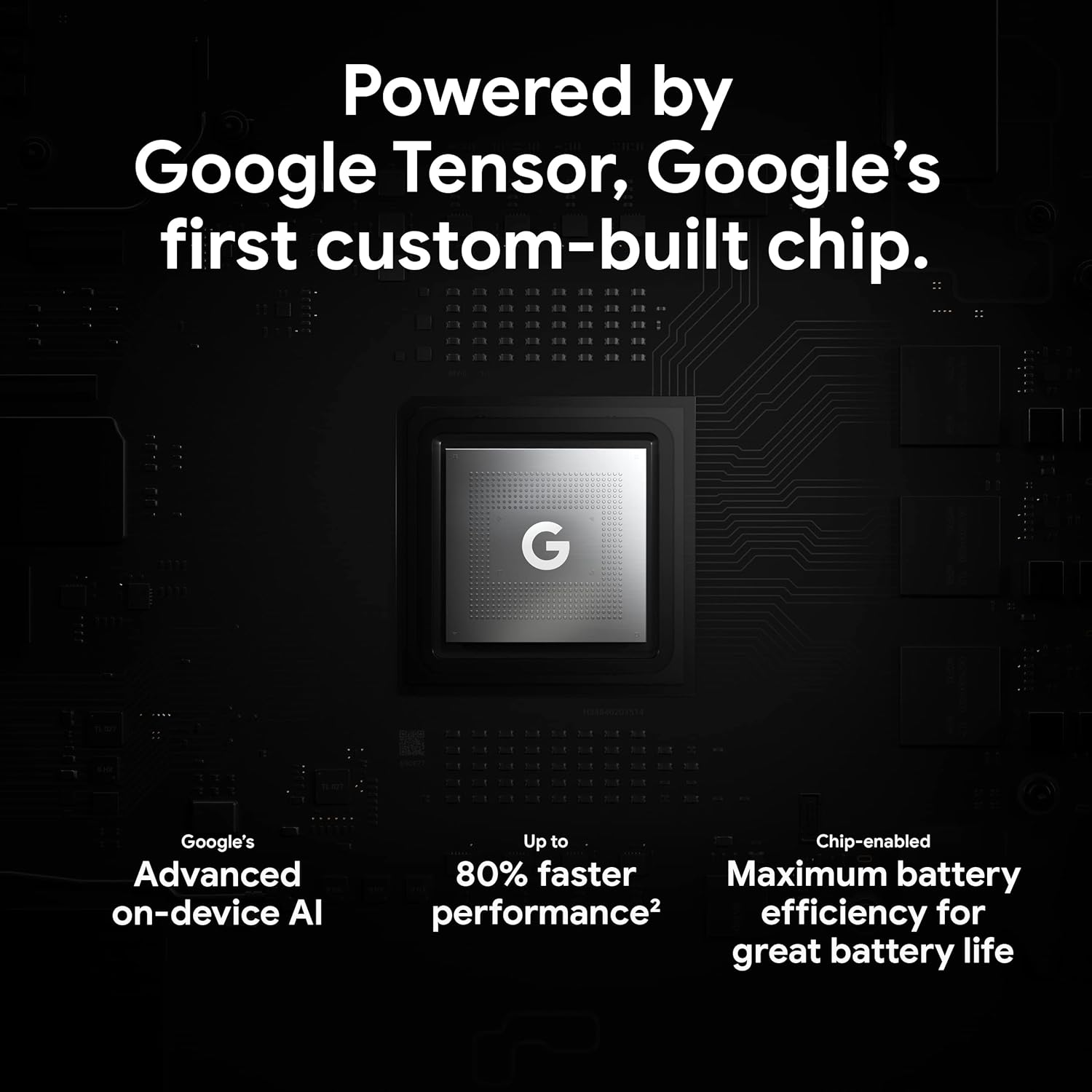
Figure 3.4: An illustration of the Google Tensor chip, highlighting its role in providing advanced on-device AI and up to 80% faster performance for improved battery efficiency.
3.4 Karatteristiċi tas-Sigurtà
Your Pixel 6 Pro is built with robust security:
- Titan M2™ chip: Provides next-generation hardware security.
- Aġġornamenti tas-Sigurtà: Guaranteed 5 years of security updates to protect against threats.
- IP68 Water and Dust Protection: Offers resistance against water and dust ingress.
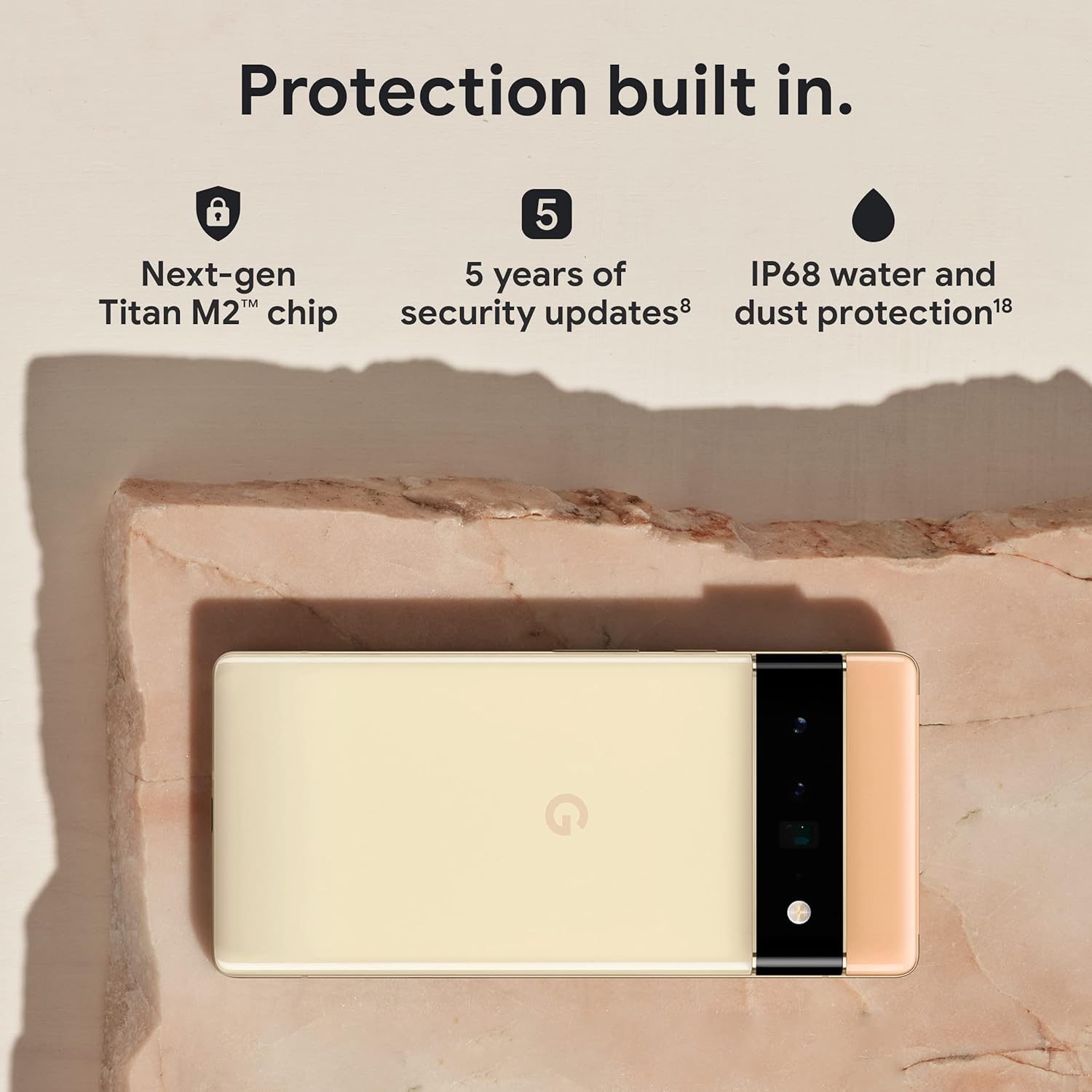
Figure 3.5: The Pixel 6 Pro shown alongside icons representing its built-in security features: the Titan M2 chip, 5 years of security updates, and IP68 water and dust protection.
3.5 Batterija u Iċċarġjar
The device is equipped with a large 5003 mAh battery. It supports fast wired charging (with a compatible 30W USB-C charger, sold separately) and adapts to your usage patterns to save power for frequently used applications, extending battery life beyond 24 hours.

Figura 3.6: Overhead view of a person using the Pixel 6 Pro, with icons illustrating the phone's battery capabilities: super-fast charging, power saving for frequently used apps, and extended battery life.
3.6 Softwer u Interfaċċja tal-Utent
The Pixel 6 Pro runs on the Android 12 operating system, offering a modern and intuitive user interface. It includes features like Material You for personalized themes and enhanced privacy controls.
3.7 Translation Capabilities
The device comes with Google Translate pre-installed, allowing you to translate private chats, messages, and live video captions in up to 55 languages directly on your phone.
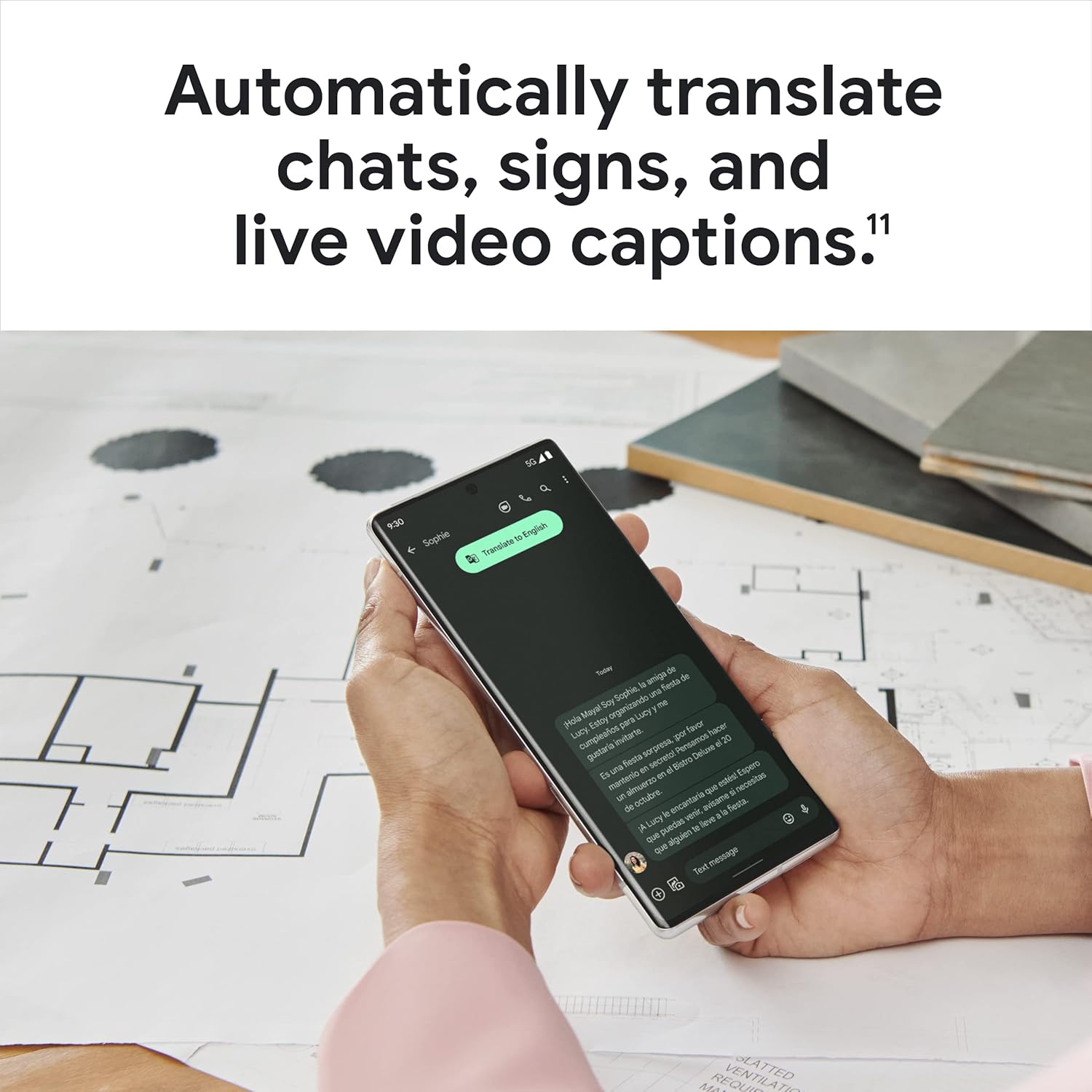
Figure 3.7: A user holding the Pixel 6 Pro, which displays a live translation of text on its screen, demonstrating the device's automatic translation capabilities for chats, signs, and live video captions.
3.8 Konnettività
The Pixel 6 Pro supports various connectivity options for seamless integration with other devices and services:
- USB: Għall-iċċarġjar u t-trasferiment tad-dejta.
- Wi-Fi: Għal aċċess għall-internet mingħajr fili.
- Bluetooth: Għall-konnessjoni ta' aċċessorji mingħajr fili.
- NFC: Għal ħlasijiet mingħajr kuntatt u tqabbil veloċi.
4. Manutenzjoni
4.1 Kura Ġenerali
- Keep your device away from extreme temperatures, direct sunlight, and excessive moisture.
- Avoid dropping the phone or exposing it to strong impacts.
- Use a screen protector and a protective case to minimize damage from drops and scratches.
4.2 Tindif tal-Apparat Tiegħek
To clean your Pixel 6 Pro:
- Itfi l-apparat qabel it-tindif.
- Use a soft, lint-free cloth (e.g., microfiber cloth) to gently wipe the screen and body.
- Għal tbajja' iebsa, ftit dampLaħlaħ id-drapp bl-ilma jew b'prodott tat-tindif tal-iskrin iddisinjat speċifikament għall-elettronika. Evita kimiċi ħarxa jew materjali li joborxu.
4.3 Aġġornamenti tas-Software
Regularly check for and install software updates. These updates often include performance improvements, new features, and critical security patches that keep your device running optimally and securely.
5 Issolvi l-problemi
5.1 L-Apparat Mhux Qed Jinxtegħel
- Iċċekkja l-batterija: Ensure the battery is charged. Connect the phone to a charger for at least 15-30 minutes.
- Forza mill-ġdid: Agħfas u żomm il-buttuna Power għal madwar 30 sekondi.
- Check Charger/Cable: Try a different charger and USB-C cable to rule out faulty accessories.
5.2 Kwistjonijiet ta' Konnettività tan-Netwerk
- Erġa' ibda t-Telefon: A simple restart can often resolve temporary network glitches.
- Aqleb il-Modalità Ajruplan: Turn Airplane Mode on for a few seconds, then turn it off.
- Iċċekkja SIM Card: Kun żgur li l-SIM card tkun imdaħħla sew.
- Irrisettja l-issettjar tan-Netwerk: Go to Settings > System > Reset options > Reset Wi-Fi, mobile & Bluetooth. Note: This will erase saved Wi-Fi passwords.
5.3 L-Applikazzjonijiet Jikkraxxjaw jew Jiffriżaw
- Force Close App: Swipe up from the bottom of the screen, find the problematic app, and swipe it away to close.
- Clear Cache/Data: Go to Settings > Apps > See all apps, select the app, then Storage & cache > Clear cache. If the issue persists, try Clear storage (this will delete app data).
- Aġġorna l-App: Kun żgur li l-app hija aġġornata għall-aħħar verżjoni tagħha mill-Google Play Store.
- Erġa' ibda t-Telefon: A full device restart can often resolve app-related issues.
5.4 Il-Batterija Tixxotta Malajr
- Identify Usage: Go to Settings > Battery > Battery usage to see which apps are consuming the most power.
- Aġġusta l-Luminożità tal-Iskrin: Lower screen brightness or enable adaptive brightness.
- Disable Unused Features: Turn off Wi-Fi, Bluetooth, GPS, or NFC when not in use.
- Aġġornament tal-App tal-Isfond: Limit apps running in the background.
6. Speċifikazzjonijiet
| Karatteristika | Speċifikazzjoni |
|---|---|
| Dimensjonijiet tal-Prodott | 6.45 x 2.98 x 0.35 pulzieri |
| Piż tal-oġġett | 7.4 uqija |
| Numru tal-Mudell tal-Oġġett | GA03149 |
| Sistema Operattiva | Android 12.0 |
| RAM | 12 GB |
| Kapaċità tal-Ħżin tal-Memorja | 128 GB |
| Daqs tal-Iskrin | 6.7 Pulzier |
| Riżoluzzjoni | 1080 x 2340 |
| Riffriskar Rata | 120 Hz |
| Kapaċità tal-batterija | 5003 mAh |
| Ħin tat-Taħdit bit-Telefon | 25.5 Sigħat |
| Ħin tal-Iċċarġjar | 119 minuta (b'ċarġer kompatibbli ta' 30W) |
| Teknoloġiji ta' Komunikazzjoni mingħajr Fili | Bluetooth, NFC, Wi-Fi |
| Teknoloġiji tal-Konnettività | Bluetooth, NFC, USB, Wi-Fi |
| Karatteristiċi Speċjali | High-Refresh-Rate Screen, Wireless Charging, Fast Charging, Powerful Camera System with Magic Eraser and Deblurring, Custom Google Tensor Processor |
| Kulur | Stormy Black |
| X'hemm fil-kaxxa | Cell Phone, USB Cable |
7. Garanzija u Appoġġ
For detailed warranty information and customer support, please refer to the official Google support website or the warranty card included with your purchase. Google provides comprehensive support resources, including FAQs, troubleshooting guides, and contact options for technical assistance.
Visit the official Google Support page: support.google.com/pixelphone


