Introduzzjoni
This manual provides detailed instructions for the Jabra Elite 2 True Wireless In-Ear Bluetooth Earbuds. It covers product setup, operation, maintenance, and troubleshooting to ensure optimal performance and user experience. Please read this manual carefully before using your earbuds.
X'hemm fil-Kaxxa
The Jabra Elite 2 package includes the following components:
- Jabra Elite 2 True Wireless Earbuds
- Kawża tal-Iċċarġjar
- Cable tal-Iċċarġjar tal-USB-C
- EarGels (three sizes: Small, Medium, Large)
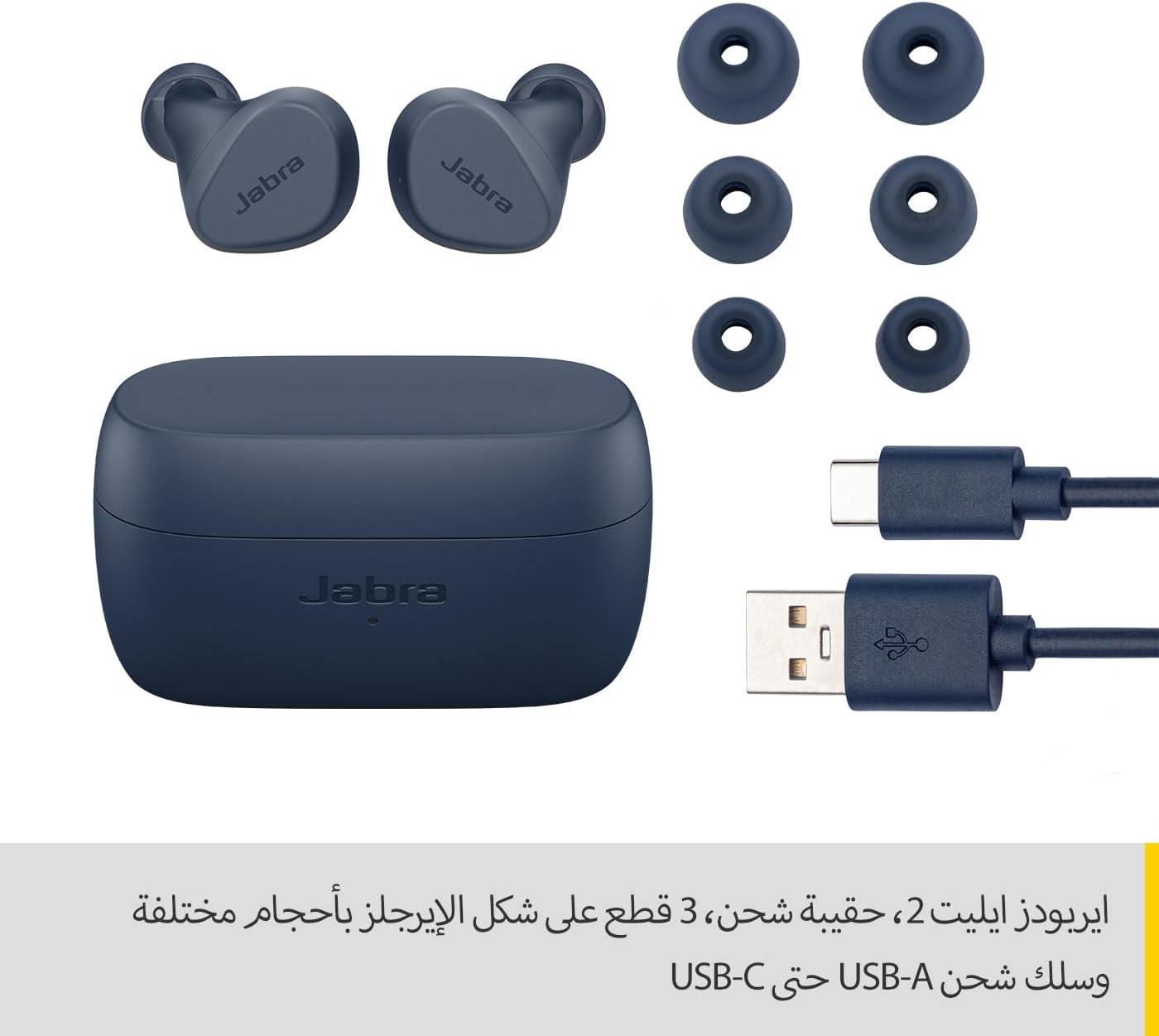
Image: Jabra Elite 2 earbuds, charging case, three sizes of EarGels, and USB-A to USB-C charging cable.
Setup
1. Iċċarġjar tal-Earbuds u l-Kaxxa
Before first use, fully charge the earbuds and the charging case. Place the earbuds into the charging case and connect the USB-C cable to the charging port on the case and a power source.
- Il-earbuds jipprovdu sa 7 sigħat ta’ ħin ta’ smigħ b’ċarġ wieħed.
- The charging case extends the total battery life to up to 21 hours.

Image: Jabra Elite 2 earbuds inside their charging case, ready for charging.
2. Tqabbil ma' Apparat Bluetooth
- Kun żgur li l-earbuds huma ċċarġjati u fil-kaxxa tal-iċċarġjar.
- Iftaħ il-kaxxa tal-iċċarġjar. Il-earbuds jidħlu awtomatikament fil-modalità ta' tqabbil.
- Fuq l-ismartphone tiegħek jew apparat ieħor li jaħdem bil-Bluetooth, mur fis-settings tal-Bluetooth.
- Select 'Jabra Elite 2' from the list of available devices.
- Ladarba jkun konness, se tinstema' twissija bil-vuċi biex tikkonferma li l-akkoppjar sar b'suċċess.
3. It-twaħħil tal-Earbuds
For optimal sound quality and comfort, choose the correct size of EarGels. Insert the earbuds into your ears and rotate them slightly to ensure a secure and comfortable fit.
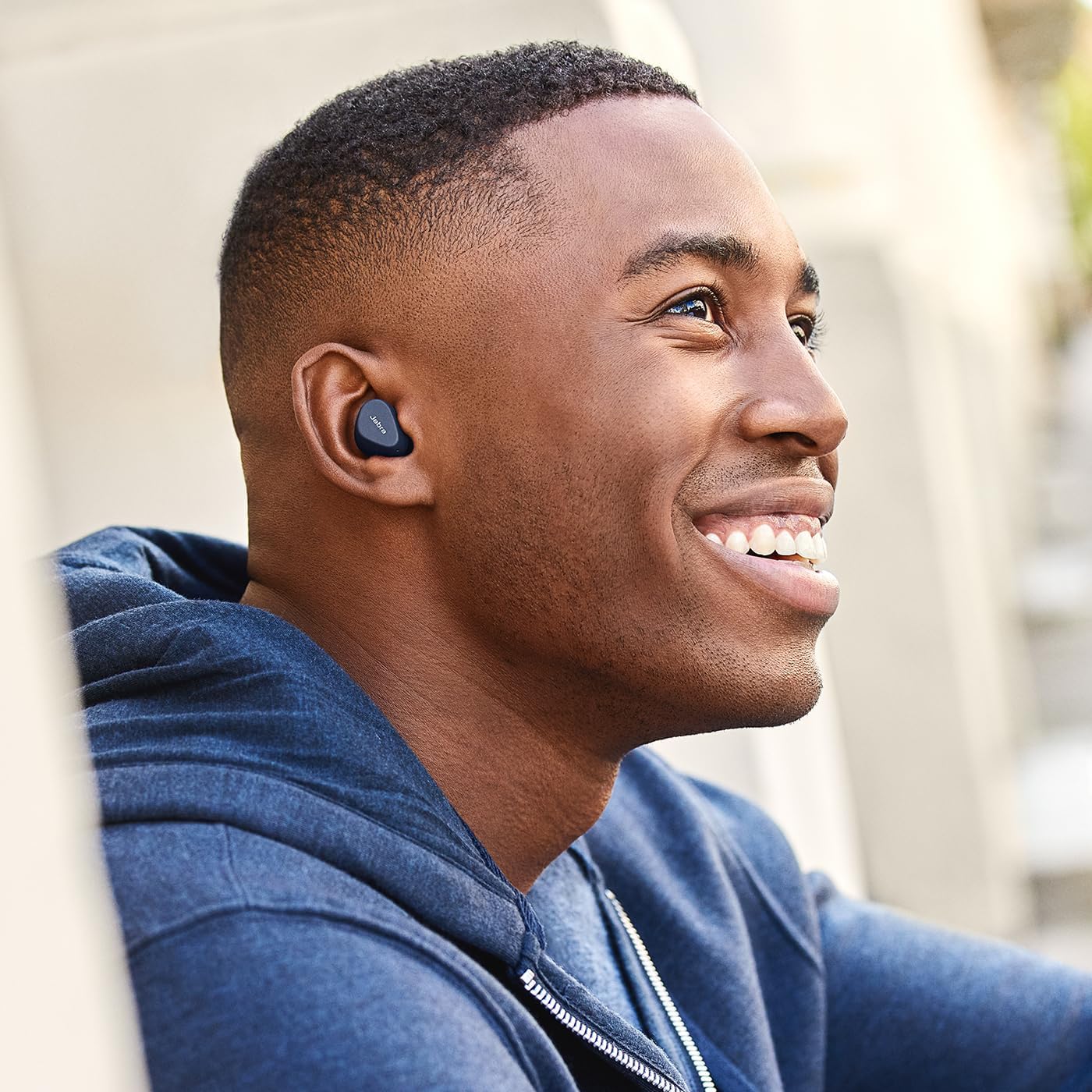
Image: A man wearing Jabra Elite 2 earbuds, demonstrating a proper fit.

Image: A woman wearing Jabra Elite 2 earbuds, demonstrating a proper fit.
Istruzzjonijiet Operattivi
The Jabra Elite 2 earbuds feature intuitive controls for managing audio and calls.
Music and Call Controls
| Azzjoni | Earbud tax-Xellug | Earbud tal-lemin |
|---|---|---|
| Ilgħab/Pawża Mużika | Stampa waħda | Stampa waħda |
| Tweġiba/Tmiem Sejħa | Stampa waħda | Stampa waħda |
| Irrifjuta Sejħa | Istampa doppja | Istampa doppja |
| Track li jmiss | Istampa doppja | N/A |
| Track Preċedenti | Stampa tripla | N/A |
| Activate Voice Assistant (Alexa for Android) | N/A | Stampa tripla |

Image: Close-up of Jabra Elite 2 earbuds, highlighting the control surface.
Manutenzjoni
Proper maintenance ensures the longevity and performance of your Jabra Elite 2 earbuds.
Tindif
- Naddaf il-earbuds u l-kaxxa tal-iċċarġjar regolarment b'ċarruta ratba, niexfa u mingħajr suf.
- Remove EarGels and clean them with mild soap and water, then dry thoroughly before reattaching.
- Evita li tuża kimiċi ħarxa jew materjali li joborxu.
Reżistenza għall-Ilma
The Jabra Elite 2 earbuds are rated IP55 for resistance against dust and water splashes. This means they are protected against low-pressure water jets from any direction, making them suitable for use during light rain or workouts. They are not designed for submersion in water.

Image: A man wearing Jabra Elite 2 earbuds under an umbrella, illustrating their water resistance.
Ħażna
Meta ma tkunx qed tużahom, aħżen il-earbuds fil-kaxxa tal-iċċarġjar tagħhom biex tipproteġihom u żżommhom iċċarġjati.
Issolvi l-problemi
If you encounter issues with your Jabra Elite 2 earbuds, refer to the following common solutions:
- Ebda Ħoss/Volum Baxx: Ensure earbuds are properly seated in your ears, volume is turned up on both earbuds and connected device, and EarGels are the correct size.
- Kwistjonijiet ta' Tqabbil: Make sure Bluetooth is enabled on your device and the earbuds are in pairing mode. Try unpairing and re-pairing the earbuds.
- Konnessjoni intermittenti: Keep your device close to the earbuds. Avoid environments with strong Wi-Fi or other wireless interference.
- Earbuds Mhux Jiċċarġjaw: Kun żgur li l-kejbil tal-iċċarġjar huwa konness sew u li l-kaxxa tal-iċċarġjar għandha l-enerġija. Naddaf il-kuntatti tal-iċċarġjar kemm fuq il-earbuds kif ukoll fuq il-kaxxa.
- Kwistjonijiet tal-Mikrofonu: Ensure the microphones are not obstructed. Check the audio input settings on your connected device. The Elite 2 features 2 microphones for clear calls.
For further assistance, visit the official Jabra support websit.
Speċifikazzjonijiet
| Karatteristika | Dettall |
|---|---|
| Isem tal-Mudell | Jabra Elite 2 |
| Numru tal-Mudell | 100-91400003-60 |
| Teknoloġija tal-Konnettività | Wireless (Bluetooth) |
| Ħajja tal-Batterija tal-Earbud | Sa 7 sigħat |
| Ħajja Totali tal-Batterija (bil-kaxxa) | Sa 21 sigħat |
| Mikrofoni | 2 mikrofoni integrati |
| Kontroll tal-Ħoss | Iżolament tal-Istorbju |
| Klassifikazzjoni tar-Reżistenza għall-Ilma | IP55 (Rain, Dust, Water Resistant) |
| Użi Rakkomandati | Listening to audio (music, podcasts), phone calls, sports, fitness, travel |
| Apparati Kompatibbli | Apparat ppermettiet Bluetooth |
| Tip ta' Kontroll | Media/Volume Control, Remote Control |
| Komponenti Inklużi | Protective case, USB-C cable, EarGels |
| Kulur | Navy |
Garanzija u Appoġġ
Informazzjoni dwar Garanzija
The Jabra Elite 2 earbuds come with a garanzija ta 'sena. Product registration is required to activate the full warranty period. Please refer to the warranty card included in your package or visit the official Jabra websit għal termini u kundizzjonijiet dettaljati.
Appoġġ għall-Klijent
For technical support, frequently asked questions, or to register your product, please visit the official Jabra support page:
You may also find additional resources and software updates on the Jabra websit.


