1. Introduzzjoni
This manual provides essential information for the installation, operation, and maintenance of your WiZ Smart LED Imageo Spotlight. Please read these instructions carefully before use and retain them for future reference.

Image 1.1: WiZ Smart LED Imageo Spotlight and its packaging.
2. Prodott Aktarview
The WiZ Smart LED Imageo Spotlight is a versatile lighting solution designed to enhance your home environment. It features adjustable white and colored light, dimming capabilities, and smart control options.
Karatteristiċi ewlenin:
- Adjustable white light (warm to cool) and millions of colors.
- Dimmable light output.
- SpaceSense Technology for motion detection without additional sensors.
- Voice control compatibility with Alexa, Apple HomeKit, and Google Home.
- Installazzjoni faċli plug-and-play.

Image 2.1: Product dimensions of the WiZ Smart LED Imageo Spotlight.
3. Setup
3.1 Disimballaġġ
Carefully remove all components from the packaging. Ensure all parts listed in the 'Included Components' section are present and undamaged.
3.2 Installazzjoni
- Immuntar: Install the spotlight fixture in your desired location. This product is designed for easy DIY installation.
- Konnessjoni tal-Enerġija: Connect the spotlight to a power source.
3.3 Connecting to WiZ App
To unlock the full smart features of your Imageo Spotlight, connect it to the WiZ app.
- Niżżel l-App WiZ: Download the WiZ app from your device's app store (available for iOS and Android).
- Oħloq Kont: Open the app and follow the on-screen instructions to create a WiZ account or log in if you already have one.
- Żid Apparat: In the app, select 'Add Device' and follow the prompts to connect your Imageo Spotlight to your home Wi-Fi network. Ensure your Wi-Fi network is 2.4GHz.

Image 3.1: The WiZ app allows for easy control and configuration of your smart lights.
4. Istruzzjonijiet Operattivi
4.1 Basic Light Control
Once connected to the WiZ app, you can control your spotlight:
- Mixgħul/Mitfi: Ixgħel jew jitfi d-dawl.
- Luminożità: Adjust the light intensity using the dimmer slider.
- Dawl abjad: Select from a range of warm to cool white tones.
- Kulur: Choose from millions of colors to create your desired ambiance.

Image 4.1: The spotlight can display a wide spectrum of colors.
4.2 SpaceSense Technology
The Imageo Spotlight features SpaceSense technology, which detects movement within the room without requiring additional external motion sensors. This allows the lights to turn on automatically when you enter a room and off when you leave.
- Attivazzjoni: Enable SpaceSense in the WiZ app settings for your spotlight.
- Aġġustament tas-Sensittività: Adjust the sensitivity of motion detection to suit your environment and preferences.

Image 4.2: SpaceSense technology automatically illuminates the room upon detecting movement.
4.3 Kontroll tal-Vuċi
Integrate your WiZ Smart LED Imageo Spotlight with popular voice assistants for hands-free control.
- Pjattaformi Appoġġjati: Alexa, Apple HomeKit, Google Home.
- Setup: Follow the instructions within the respective voice assistant app to link your WiZ account.
- Kmandi: Use voice commands such as "Alexa, turn on the living room light" or "Hey Google, set the spotlight to blue."
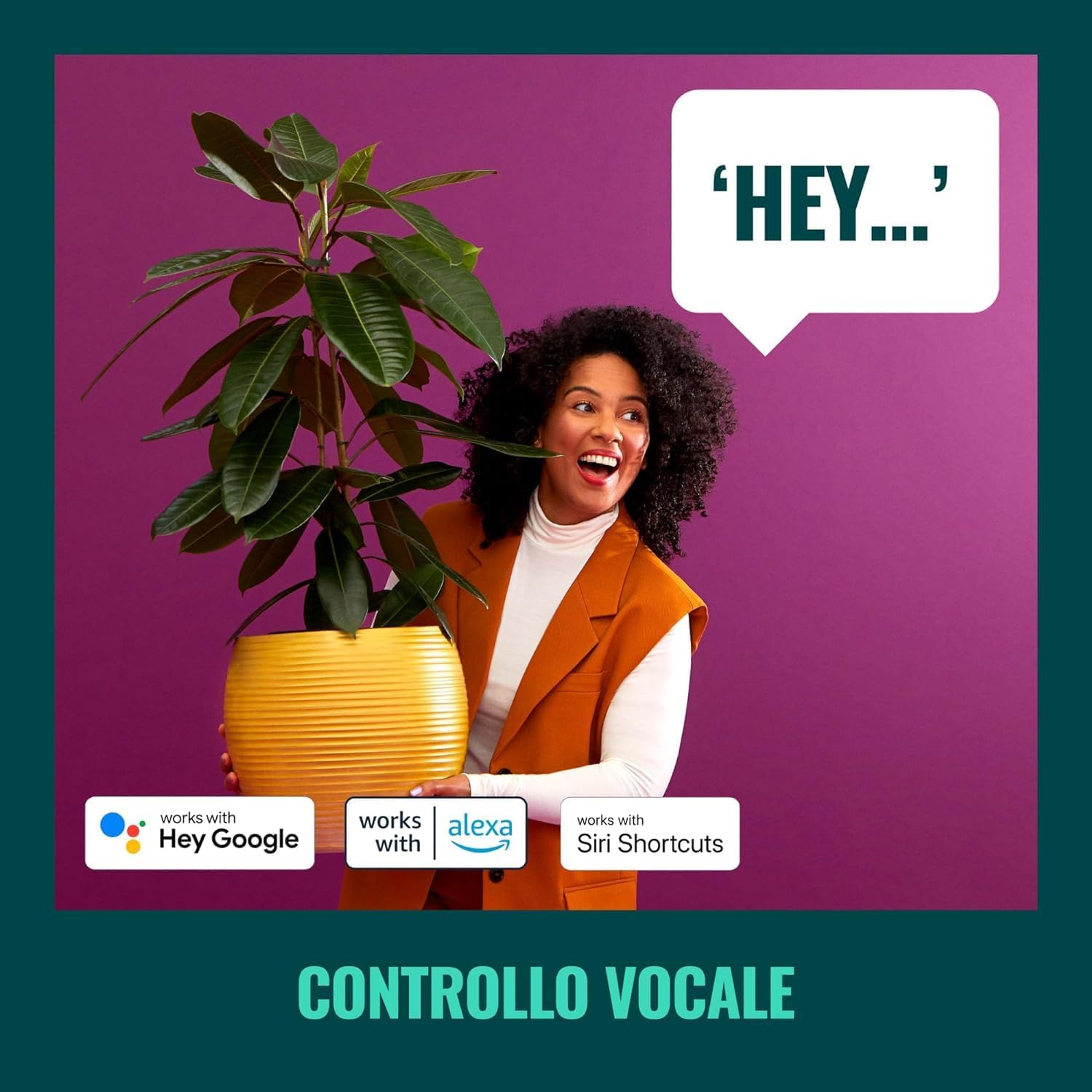
Image 4.3: Voice control allows for convenient operation of your smart spotlight.
4.4 Pre-set Modes and Scenes
The WiZ app offers various pre-set modes and allows you to create custom scenes for different activities or moods.
- Modi dinamiċi: Explore pre-programmed light effects like 'Ocean', 'Fireplace', or 'Party'.
- Xeni tad-dwana: Create and save your own combinations of colors, brightness, and white tones.

Immaġni 4.4: Eż.amples of pre-set lighting scenes for various ambiances.
5. Manutenzjoni
5.1 Tindif
To clean your WiZ Smart LED Imageo Spotlight, ensure it is powered off and disconnected from the power source. Use a soft, dry cloth to wipe the surface. Do not use abrasive cleaners or solvents, as these may damage the finish.
5.2 Sors tad-Dawl
The LED light source in this product is integrated and not user-replaceable. If the light source fails, the entire fixture should be replaced.
6 Issolvi l-problemi
If you encounter issues with your WiZ Smart LED Imageo Spotlight, refer to the following common problems and solutions:
| Problema | Kawża Possibbli | Soluzzjoni |
|---|---|---|
| Id-dawl ma jixgħelx. | No power, loose connection, or light source failure. | Check power supply. Ensure connections are secure. If the light source is integrated, contact support if the unit is under warranty. |
| Ma tistax tikkonnettja mal-Wi-Fi. | Incorrect Wi-Fi password, 5GHz network, or too far from router. | Verify Wi-Fi password. Ensure you are connecting to a 2.4GHz network. Move the spotlight closer to the router. |
| Il-kontroll tal-vuċi mhux qed jaħdem. | Voice assistant not linked, or incorrect commands. | Check WiZ app and voice assistant app for proper linking. Use correct voice commands. |
| SpaceSense not detecting movement. | Sensitivity too low, or obstruction. | Increase SpaceSense sensitivity in the WiZ app. Ensure no objects are blocking the detection area. |
7. Speċifikazzjonijiet
| Karatteristika | Dettall |
|---|---|
| Brand | WiZ |
| Numru tal-Mudell | 929002659101 |
| Dimensjonijiet tal-Prodott | 25 x 25 x 12.3 ċm |
| Piż | 620 gramma |
| Kulur | Iswed |
| Materjal | Plastik |
| Sors tad-Dawl | Integrated LED (2x5W RGB 690 LM) |
| Konnettività | Wi-Fi (2.4GHz) |
| Kontroll tal-Vuċi | Alexa, Apple HomeKit, Google Home |
| Batteriji Meħtieġa | Nru |
| Komponenti Inklużi | LED track light with 2 elements WiZ 2x5W RGB 690 LM black color |
8. Garanzija
This WiZ Smart LED Imageo Spotlight comes with a Garanzija ta' 2 snin mill-manifatturJekk jogħġbok żomm il-prova tax-xiri tiegħek għal talbiet taħt il-garanzija. Il-garanzija tkopri difetti fil-materjali u x-xogħol taħt użu normali.
9. Appoġġ
For further assistance, technical support, or warranty inquiries, please visit the official WiZ website or contact their customer service. You can find contact information on the WiZ product packaging or their official websit.


