Prodott Overview
The DXQ GC355 Mini Projector is a portable, full HD 1080P supported projector designed for home cinema, gaming, and various multimedia applications. It features WiFi connectivity, 6500 lumens brightness, and a long-lasting LED light source. This manual provides essential information for setting up, operating, maintaining, and troubleshooting your projector.

Image: The DXQ GC355 Mini Projector, a compact black device, shown with an HDMI cable and a screen displaying a WiFi connection symbol, highlighting its connectivity features.
Gwida ta' Setup
1. Tneħħija tal-kaxxa u l-Kontenut tal-Pakkett
Oħroġ il-komponenti kollha mill-kaxxa bir-reqqa. Kun żgur li l-oġġetti kollha elenkati hawn taħt huma preżenti:
- Mini proġettazzjoni
- Kontroll mill-bogħod
- Manwal għall-Utent
- Cable HDMI
- RCA Cable
- Provvista tal-Enerġija
2. Placement and Projection
Poġġi l-proġettur fuq wiċċ stabbli u ċatt. Għal użu ottimali viewing, ensure the projection surface (wall or screen) is clean and smooth. The projector supports a screen size range of 35 to 300 inches. For best results, consider using a dedicated projector screen and tripod.

Image: An illustration demonstrating the large projection size of up to 200 inches achievable with the projector, contrasted with a smaller 42-inch television, suggesting the use of a projector screen and tripod for optimal setup.
The projector can be ceiling mounted. Refer to the mounting type specification for details.

Image: A projector positioned on a table, casting a large, clear image onto a wall, illustrating its capability for a shorter throw distance while maintaining image quality.
3. Konnessjoni tal-Enerġija
Connect the provided power supply to the projector's power input port and then plug it into a standard electrical outlet.
4. Initial Power On and Focus Adjustment
Press the power button on the projector or the remote control to turn on the device. Once powered on, adjust the focus ring on the projector lens until the projected image appears sharp and clear. If the image is trapezoidal, use the keystone correction feature (if available) to square the image.
Istruzzjonijiet Operattivi
1. Għażliet ta' Konnettività
The GC355 projector offers multiple input options for connecting various devices:
- HDMI: For high-definition video and audio from laptops, gaming consoles (PS5), TV sticks, and Blu-ray players.
- USB: Biex iddoqq il-midja direttament minn drives USB.
- Karta SD: For playing media directly from SD memory cards.
- VGA: For connecting older computers or laptops.
- WiFi: For wireless screen mirroring from iOS and Android devices.

Image: The side of the projector displaying various input ports including HDMI, TF (SD card), Audio, AV, VGA, and USB, indicating its compatibility with multiple devices.
2. Wireless Screen Mirroring (WiFi)
The projector features enhanced WiFi connectivity for stable and ultra-fast screen mirroring from your smartphone or tablet. This allows you to project content from iOS and Android devices without cables.
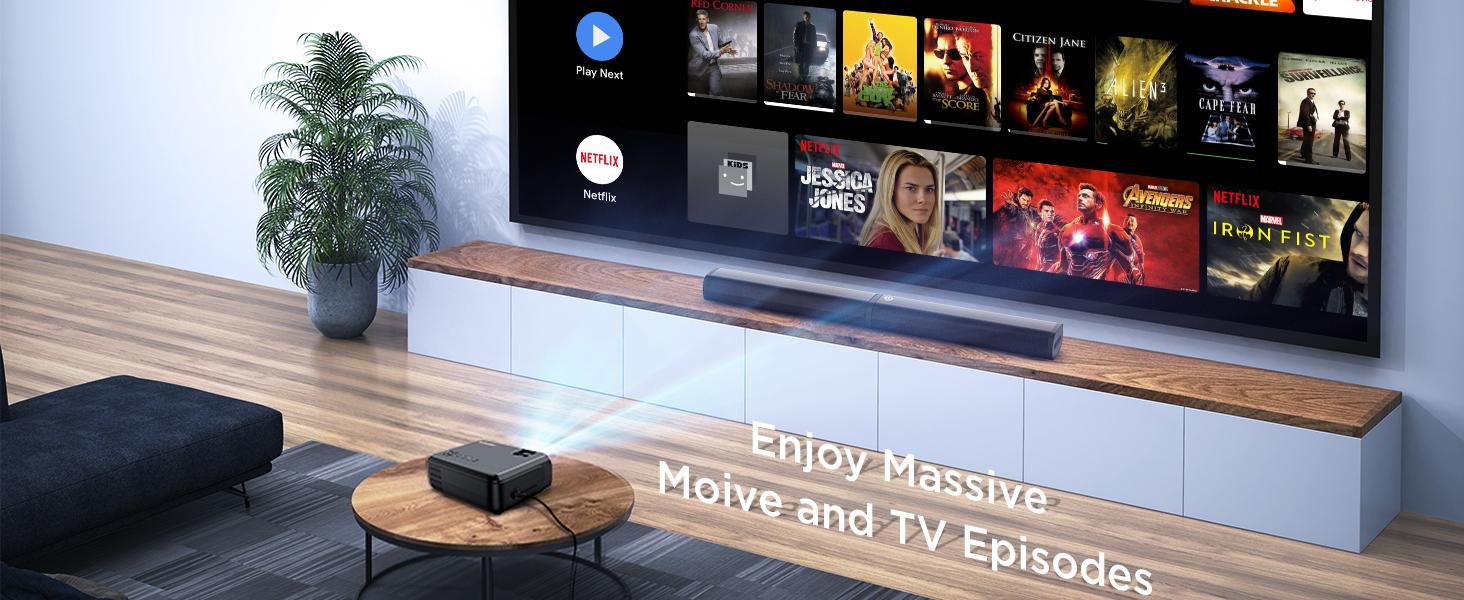
Image: A family enjoying content projected by the mini projector, highlighting its low input lag feature for smooth gaming and media consumption.
For detailed steps on connecting via WiFi, refer to the "WiFi Connect" section in the included user manual.
3. Output tal-Awdjo
The projector has built-in high-fidelity speakers. For enhanced audio experience, especially for outdoor movie nights, you can connect an external soundbar or speaker system via the 3.5mm audio input jack.

Image: A four-step guide illustrating how to connect a soundbar to the projector via Bluetooth, showing the process from turning on the soundbar to successful connection.
4. Display and Image Quality
The GC355 features native 720P resolution with support for 1080P video decoding, providing detailed and rich colors with a 9000:1 contrast ratio. Its 6500 lumens brightness ensures a clear image even with some ambient light.

Image: A projector casting a vibrant and sharp 1080P HD image onto a large screen, emphasizing the clarity and detail, particularly in the corners.
Utilizing diffuse reflection technology, the projector's soft light is designed to protect your eyes from eyestrain, making it suitable for extended viewing.
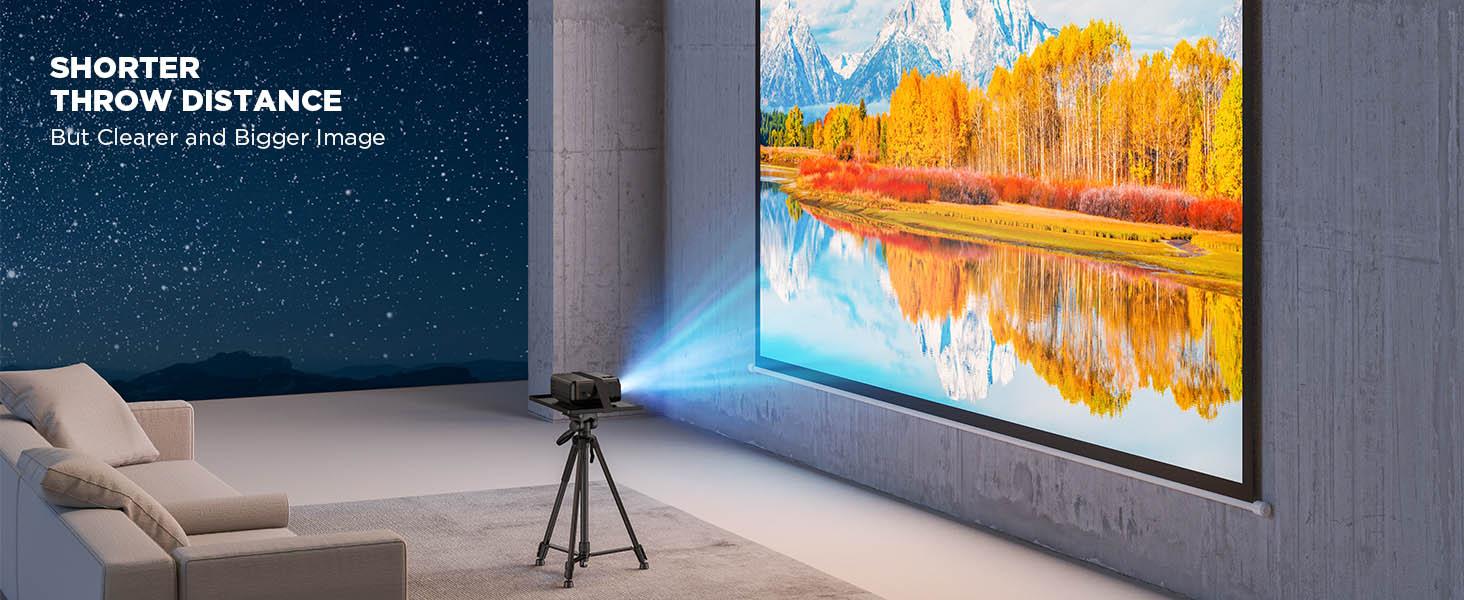
Image: A projected image with vibrant colors and clear details, illustrating the upgraded brightness achieved with premium optical lenses, even in a room with ambient light.

Image: A projector casting a massive 300-inch image onto a wall, demonstrating the overall brightness uniformity across the entire display area.
5. Xenarji ta' Użu
This projector is versatile and suitable for various uses:
- Home Cinema: Enjoy movies and TV shows on a large screen.
- Gaming: Experience immersive gaming with low input lag (as low as 35ms).
- Presentations: Connect to laptops for business or educational presentations.
- Outdoor Entertainment: Ideal for backyard movie nights (ensure appropriate lighting conditions).
- Online Activities: Suitable for online yoga, fitness classes, story reading, and online learning.

Image: Two children interacting in front of a large, vibrant projected image, illustrating the projector's suitability for gaming, movies, and children's entertainment.
Manutenzjoni
1. Tindif
To maintain optimal performance and image quality, regularly clean the projector. Use a soft, dry cloth to wipe the exterior. For the lens, use a lens cleaning cloth and specialized lens cleaning solution to avoid scratches. Do not use abrasive cleaners or solvents.
2. Lamp Ħajja
The GC355 projector uses an LED light source with an estimated lifespan of 70,000 hours, significantly reducing the need for lamp replacement. If the light source ever needs servicing, contact customer support.
For information on light bulb recycling and clean-up procedures, please refer to local regulations and guidelines.
3. Ħażna
When not in use for extended periods, store the projector in a cool, dry place, away from direct sunlight and extreme temperatures. Use the original packaging or a protective case to prevent dust accumulation and physical damage.
Issolvi l-problemi
This section addresses common issues you might encounter with your DXQ GC355 Mini Projector.
No Image or Signal
- Kun żgur li l-proġettazzjoni tkun mixgħula u li l-kejbil tal-enerġija jkun imqabbad sew.
- Verify that the correct input source (HDMI, USB, VGA, WiFi) is selected on the projector.
- Check the connection cable (HDMI, VGA) between the projector and the source device. Try a different cable if possible.
- Ensure the source device (laptop, TV stick) is powered on and outputting a signal.
Immaġni Mċajpra jew Mgħawġa
- Aġġusta ċ-ċirku tal-fokus fuq il-lenti tal-proġettazzjoni sakemm l-immaġni tkun ċara.
- Use the keystone correction feature to correct any trapezoidal distortion.
- Kun żgur li l-wiċċ tal-projezzjoni jkun ċatt u lixx.
- Check the projection distance; ensure it is within the recommended range for optimal clarity.
Ebda Awdjo jew Volum Baxx
- Żid il-volum kemm fuq il-proġettazzjoni kif ukoll fuq l-apparat tas-sors.
- Jekk qed tuża kelliema esterni, kun żgur li huma konnessi u mixgħula sew.
- Check audio settings on the source device to ensure audio is being outputted correctly.
Ħoss tal-Fan Eċċessiv
- Ensure the projector's ventilation vents are not blocked.
- Place the projector in an area with good airflow.
- While some fan noise is normal for projectors, if it's unusually loud, contact customer support. The projector is designed for low noise operation (less than 15dB).

Image: The projector placed on a bedside table next to a sleeping person, with text indicating "Noise <15dB", highlighting its quiet operation.
Speċifikazzjonijiet
| Karatteristika | Dettall |
|---|---|
| Brand | DXQ |
| Numru tal-Mudell | GC355 |
| Riżoluzzjoni Nattiva | 1280 x 720 Pixels |
| Riżoluzzjoni Max Appoġġjata | 1980 x 1080 Pixel (1080P) |
| Luminożità | 6500 Lumens |
| Proporzjon ta' Kuntrast | 9000:1 |
| Ħajja Sors tad-Dawl | 70,000 siegħa (LED) |
| Teknoloġija tal-Konnettività | HDMI, USB, SD card, VGA, WiFi |
| Tip ta 'Wiri | LCD |
| Dimensjonijiet tal-Prodott | 22 x 17.02 x 8.99 ċm; 1.25 kg |
| Użi Rakkomandati | Home Cinema, Logħob |
| Karatteristiċi Speċjali | Portable, USB Connect, Built-In Wi-Fi |
| Tip ta 'Immuntar | Muntatura tal-Limitu |
| Komponenti Inklużi | User Manual, RCA Cable, Remote, HDMI Cable, Mini Projector, Power Supply |
Garanzija u Appoġġ
For warranty information and technical support, please refer to the contact details provided in the included user manual or visit the official DXQ websit. Żomm l-irċevuta tax-xiri tiegħek bħala prova tax-xiri għal kwalunkwe talba ta' garanzija.


