1. Introduzzjoni
Grazzi tax-xiriasing the AUKEY PC-LM3 Webcam. This manual provides detailed instructions for setting up, operating, and maintaining your webcam. Please read this manual thoroughly before use and retain it for future reference.
2. Informazzjoni dwar is-Sigurtà
- Żomm il- webcam away from water, moisture, and extreme temperatures.
- Tippruvax tiżżarma jew issewwi l-apparat int stess. Irreferi għal kull manutenzjoni f'idejn persunal kwalifikat.
- Evita li twaqqa’ jew tissuġġetta l- webcam għal impatti qawwija.
- Clean the lens with a soft, dry cloth. Do not use liquid cleaners.
3. Kontenut tal-Pakkett
Jekk jogħġbok iċċekkja li l-oġġetti kollha huma preżenti fil-pakkett tiegħek:
- AUKEY PC-LM3 Webcam
- Manwal għall-Utent
- Kejbil USB (integrat)
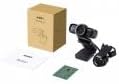
Image 1: Contents of the AUKEY PC-LM3 Webcam package, showing the webcam, manual, and packaging.
4. Prodott Aktarview
The AUKEY PC-LM3 is a 1080p USB 2.0 webcam designed for high-quality video communication and recording. It features a CMOS sensor and 5x optical zoom capability, providing clear and detailed visuals.
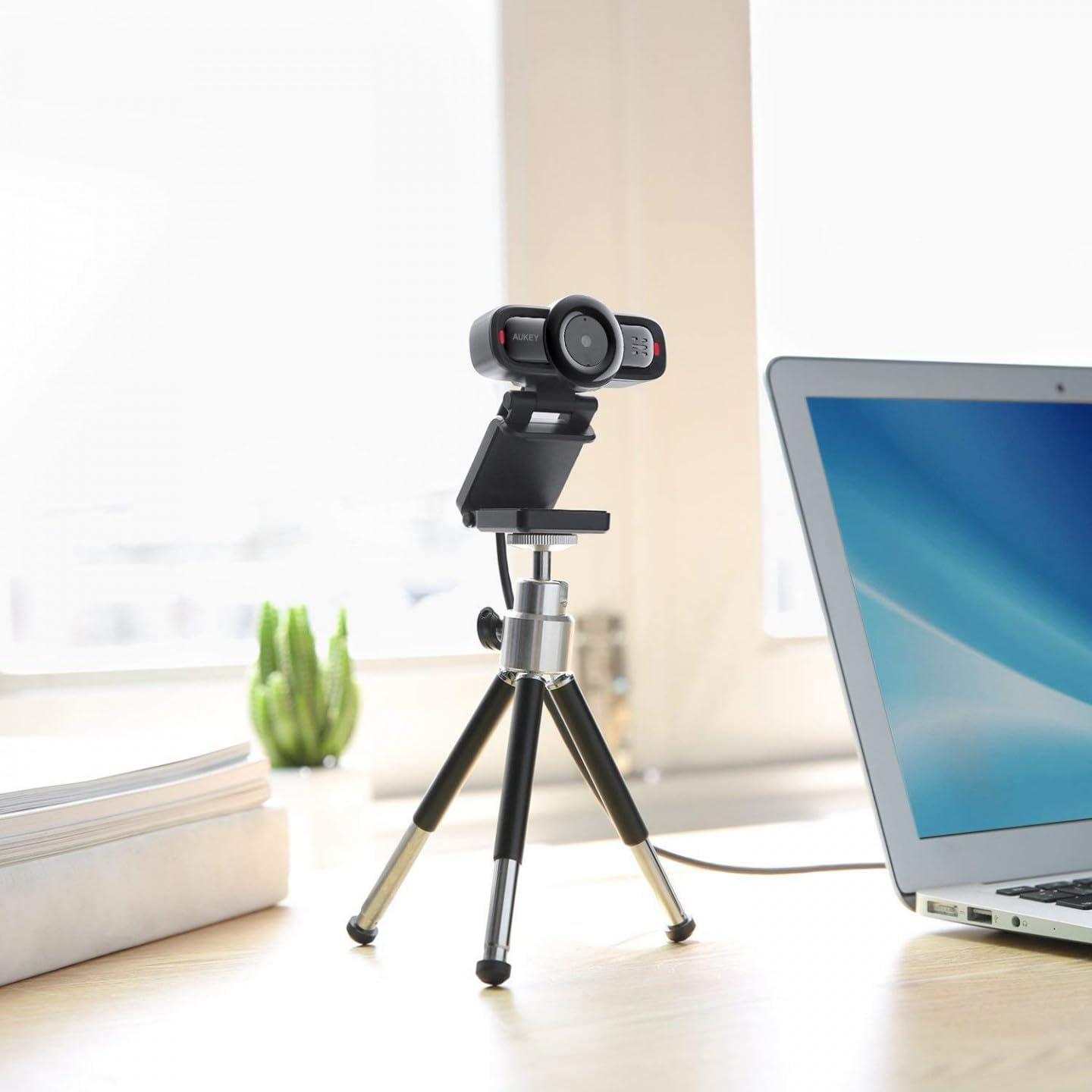
Image 2: AUKEY PC-LM3 Webcam in use, demonstrating its compact design and mounting flexibility on a tripod.
Karatteristiċi ewlenin:
- Full HD 1080p video recording
- CMOS sensor for clear images
- USB 2.0 connectivity for universal compatibility
- 5x optical zoom for detailed framing
- Integrated microphone for audio capture
- Adjustable clip for versatile mounting options
5. Setup
5.1 Placing the Webcam
- Fuq Monitor: Unfold the clip and place the webcam on top of your monitor or laptop screen. Adjust the clip to secure it firmly.
- Fuq Tripod: Il- webcam features a standard tripod thread. Mount it onto a compatible tripod for more flexible positioning.
- Fuq wiċċ ċatt: Itwi l-klipp biex tifforma stand stabbli u poġġi l- webcam on a desk or other flat surface.
5.2 Konnessjoni mal-Kompjuter Tiegħek
- Ipplaggja l-konnettur USB tal- webdaħħlet f'port USB 2.0 jew 3.0 disponibbli fuq il-kompjuter tiegħek.
- Il-kompjuter tiegħek għandu jiskopri u jinstalla awtomatikament id-drajvers meħtieġa. Dan il-proċess jista' jieħu ftit mumenti.
- Ladarba installati, il- webcam will be ready for use with video conferencing software or recording applications.
Nota: No additional software or drivers are typically required for Windows, macOS, or Linux operating systems.
6. It-tħaddim tal- Webcam
6.1 L-użu mas-Softwer tal-Vidjokonferenzi
To use the AUKEY PC-LM3 webcam with applications like Zoom, Skype, Microsoft Teams, or Google Meet:
- Iftaħ l-applikazzjoni preferuta tiegħek għall-konferenzi bil-vidjo.
- Navigate to the application's settings or preferences (usually found under "Audio & Video" or "Devices").
- Select "AUKEY PC-LM3" as your video input device.
- Select "AUKEY PC-LM3 Microphone" (or similar) as your audio input device, if applicable.
- Adjust any video settings such as resolution or brightness within the application if available.
6.2 Reġistrazzjoni tal-Vidjo
To record video using the webcam, use your computer's built-in camera application (e.g., Camera app on Windows, Photo Booth on macOS) or third-party recording software. Ensure the AUKEY PC-LM3 is selected as the video source.
6.3 Optical Zoom
Il- webcam features 5x optical zoom. This function is typically controlled via software. Check your video conferencing or recording application for zoom controls. If not available, third-party webcam control software may offer this functionality.
7. Manutenzjoni
7.1 Tindif il Webcam
- Tiżgura l- webcam is disconnected from your computer before cleaning.
- Use a soft, lint-free cloth to gently wipe the lens and body of the webcam.
- For stubborn smudges on the lens, slightly dampen the cloth with water or a lens cleaning solution, then wipe gently. Avoid excessive moisture.
- Tużax kimiċi ħarxa, prodotti tat-tindif li joborxu, jew solventi.
7.2 Ħażna
Meta ma tkunx qed tużah, aħżen webcam in a cool, dry place, away from direct sunlight and dust. Consider using a privacy cover (if included or purchased separately) to protect the lens and ensure privacy.
8 Issolvi l-problemi
| Problema | Soluzzjoni |
|---|---|
| WebKamera mhux skoperta mill-kompjuter. |
|
| Ebda output tal-vidjo. |
|
| Kwalità fqira tal-vidjo. |
|
9. Speċifikazzjonijiet
| Karatteristika | Dettall |
|---|---|
| Mudell | PC-LM3 |
| Riżoluzzjoni tal-vidjo | 1920 x 1080 pixels (1080p) |
| Teknoloġija tas-Sensers | CMOS |
| Konnettività | USB 2.0 |
| Zoom ottiku | 5x |
| Format tal-Qbid tal-Vidjo | MP4, AVI |
| Format awdjo appoġġjat | AAC, MP3 |
| Dimensjonijiet (L x W x H) | 7.7 x 7.2 x 4.6 ċm |
| Piż | 130 gramma |
| Kulur | Iswed |
10. Garanzija u Appoġġ għall-Klijent
AUKEY products are covered by a limited warranty from the date of purchase. For specific warranty terms and conditions, please refer to the warranty card included with your product or visit the official AUKEY websit.
If you encounter any issues or have questions regarding your AUKEY PC-LM3 Webcam, please contact AUKEY customer support for assistance. Contact information can typically be found on the official AUKEY webis-sit jew fuq il-karta tal-garanzija.


