Introduzzjoni
Thank you for choosing the Altec Lansing Shockwave Wireless Party Speaker. This manual provides essential information for setting up, operating, and maintaining your speaker to ensure optimal performance and longevity. Please read these instructions carefully before using the product.

Immaġni: Quddiem view of the Altec Lansing Shockwave speaker, highlighting its LED lights, 150W peak power, 10 hours play time, True Wireless Pairing, and multi-light party modes. A microphone is also shown as an included accessory.
Karatteristiċi ewlenin:
- Ħruġ Awdjo Qawwi: 150W peak power for clear and crisp sound.
- Dwal LED dinamiċi: Built-in LED lights with 7 modes that sync with your music.
- Konnettività versatili: Bluetooth 5.0 for stable wireless connection, USB, and AUX inputs.
- Ħin tal-logħob estiż: Rechargeable battery provides up to 10 hours of audio playback.
- USB Smartphone Charger: Integrated USB port to charge your mobile devices.
- Input tal-mikrofonu: Supports microphone for karaoke or public speaking.
- Tqabbil Veru Wireless: Connect two Shockwave speakers for a stereo experience.
Gwida ta' Setup
1. Iċċarġja l-Ispeaker
Before first use, fully charge the speaker. Connect the provided power adapter to the DC IN port on the speaker and plug it into a standard wall outlet. The charging indicator light will illuminate. Once fully charged, the indicator may change color or turn off, depending on the model. A full charge provides up to 10 hours of playtime.
2. Tixgħil / Mitfi
Agħfas u żomm il- Buttuna tal-qawwa located on the control panel to turn the speaker on or off. You will hear an audible prompt indicating the power status.

Image: Close-up of the speaker's top control panel, showing inputs for MIC1, MIC2, USB-OUT, AUX, DC IN, and various control buttons including FM/AUX, BT/PAIR, LIGHTS, VOLUME-, VOLUME+, and Power.
3. Tqabbil tal-Bluetooth
- Kun żgur li l-kelliem ikun mixgħul.
- L-ispiker jidħol awtomatikament fil-modalità ta' tqabbil Bluetooth, indikat minn dawl indikatur Bluetooth li jteptep.
- Fuq it-tagħmir mobbli tiegħek, ippermetti l-Bluetooth u fittex tagħmir disponibbli.
- Agħżel "Altec Lansing Shockwave" mil-lista.
- Once paired, the Bluetooth indicator light will become solid, and you will hear a confirmation tone.
4. Konnessjoni ta' Mikrofonu
Connect a microphone to either the MIC1 or MIC2 input on the control panel. Adjust the microphone volume using the MIC VOL+ u MIC VOL- kontrolli.
Istruzzjonijiet Operattivi
1. Daqq tal-Awdjo
- Bluetooth: Once paired, play audio from your connected device.
- Input AUX: Connect an audio device using a 3.5mm AUX cable to the AUX port. Press the FM/AUX buttuna biex taqleb għall-modalità AUX.
- Radju FM: Agħfas il- FM/AUX button to cycle to FM radio mode. Use the volume buttons to scan for stations.
2. Volum ta 'aġġustament
Uża l- VOLUM+ u VOLUM- buttons on the control panel to adjust the speaker's master volume.
3. Modi tad-Dawl LED
Agħfas il- DAWL button to cycle through the 7 available LED light modes. The lights will pulse and strobe with your music.
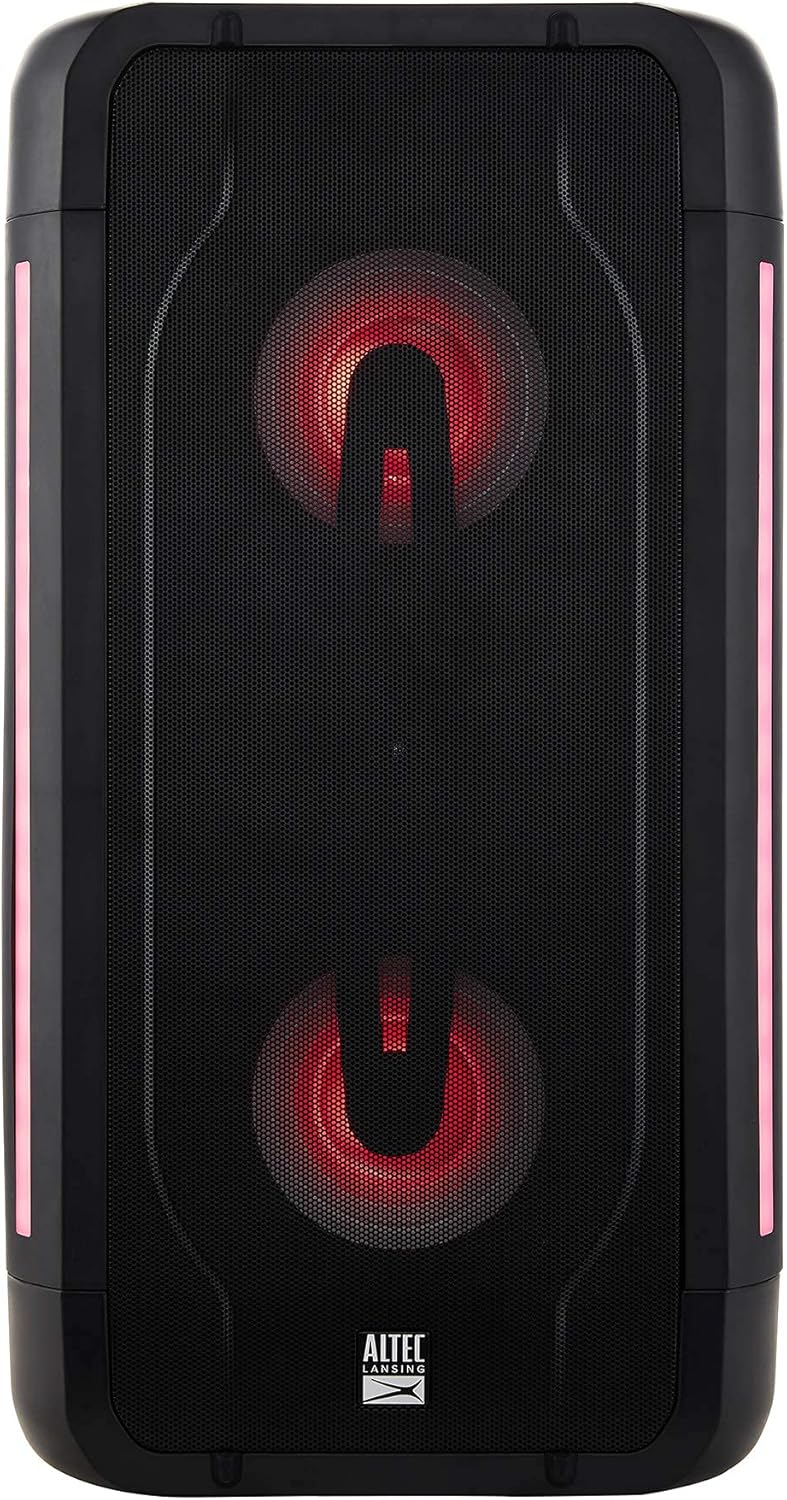
Image: The Altec Lansing Shockwave speaker illuminated with red LED lights, demonstrating one of its multi-light party modes.
4. True Wireless Pairing (TWS)
To connect two Altec Lansing Shockwave speakers for a stereo sound experience:
- Kun żgur li ż-żewġ kelliema huma mixgħula u mhumiex konnessi ma' xi apparat Bluetooth.
- Fuq kelliem wieħed, agħfas u żomm il-buttuna BT / PAR agħfas il-buttuna sakemm tisma' ton ta' tqabbil.
- The speakers will automatically connect to each other. Once connected, you will hear a confirmation.
- Connect your mobile device to the primary speaker via Bluetooth as described in the "Bluetooth Pairing" section.
5. USB Smartphone Charging
Connect your smartphone or other USB-powered device to the USB-OUT (5V 1A) port on the control panel to charge it. This feature is active when the speaker is powered on.
Manutenzjoni
- Tindif: Uża drapp artab u niexef biex tnaddaf il-barra tal-ispiker. Tużax prodotti tat-tindif jew solventi li joborxu.
- Ħażna: Aħżen l-ispiker f'post frisk u niexef 'il bogħod mix-xemx diretta u minn temperaturi estremi.
- Kura tal-batterija: Biex ittawwal il-ħajja tal-batterija, evita li tiċċarġja kompletament il-batterija ta’ spiss. Iċċarġja l-ispiker regolarment, anke jekk ma jkunx qed jintuża għal perjodi twal.
- Reżistenza għall-Ilma: While designed for outdoor use, avoid submerging the speaker in water.
Issolvi l-problemi
| Problema | Soluzzjoni |
|---|---|
| L-ispiker ma jixgħelx. | Ensure the speaker is charged. Connect the power adapter and try again. |
| L-ebda ħoss mill-kelliem. |
|
| Tqabbil Bluetooth ifalli. |
|
| Il-mikrofonu mhux qed jaħdem. |
|
Speċifikazzjonijiet
| Karatteristika | Dettall |
|---|---|
| Brand | Altec Lansing |
| Mudell | Shockwave |
| Output ta 'Qawwa | Qawwa massima ta '150W |
| Teknoloġija tal-Konnettività | Bluetooth 5.0, USB, AUX |
| Sors tal-Enerġija | Li jaħdem bil-batterija (batterija tal-jone tal-litju meħtieġa) |
| Ħajja tal-batterija | Sa 10 sigħat |
| Input Awdjo | Microphone (2 inputs) |
| Output USB | 5V 1A (for smartphone charging) |
| Dimensjonijiet tal-Prodott (L x W x H) | 10.51 x 19.84 x 9.37 pulzieri |
| Piż tal-oġġett | 13.02 liri |
| UPC | 656942160175 |
| ASIN | B097Z48XFB |
Garanzija u Appoġġ
Garanzija Mġedda tal-Amazon
This product is part of the Amazon Renewed program. Products purchased through Amazon Renewed are professionally inspected and tested to work and look like new. If you are not satisfied with your purchase, renewed products are eligible for replacement or refund under the Amazon Renewed Guarantee. Please refer to the Amazon Renewed Guarantee terms and conditions for full details regarding returns and support for renewed products.
Ikkuntattja l-Appoġġ
For further assistance or technical support, please refer to the contact information provided with your Amazon Renewed purchase or visit the Amazon Renewed support page.


