1. Introduzzjoni
The WiMiUS W1 5G WiFi Bluetooth Projector is designed to provide a high-quality visual experience with its native 1080P resolution and 400 ANSI lumens brightness. This manual provides essential information for setting up, operating, and maintaining your projector to ensure optimal performance and longevity.

Figure 1: WiMiUS W1 Projector with included carrying case and a smartphone demonstrating wireless connectivity.
2. X'hemm fil-Kaxxa
Iċċekkja li l-oġġetti kollha elenkati hawn taħt huma inklużi fil-pakkett tiegħek:
- Proġekter WiMiUS W1
- Kontroll mill-bogħod
- Kejbil tal-Enerġija
- Cable HDMI
- AV Cable
- Manwal għall-Utent
- Kawża tal-Ġarr
- Projection Screen (100-inch) with mounting accessories

Figure 2: Included accessories for the WiMiUS W1 Projector.
3. Prodott Aktarview
The WiMiUS W1 projector features a compact design with intuitive controls and multiple connectivity options.
3.1 Il-Panel ta' Quddiem u ta' Fuq
Figura 3: Quddiem view showing the projection lens and top panel with control buttons.
- Lenti tal-Projezzjoni: Emits the image onto the screen or wall.
- Focus Adjustment Wheel: Manually adjust for a clear image.
- Keystone Correction Wheel: Manually adjust image shape.
- Buttuni tal-Kontroll: Power, navigation (up/down/left/right), OK/Enter, Menu, Source selection.
3.2 Pannelli ta' wara u tal-ġenb

Figure 4: Rear panel displaying various input/output ports.
- HDMI 1 & HDMI 2 Ports: Connect to devices like laptops, TV boxes, gaming consoles, or streaming sticks.
- Portijiet USB: Connect USB drives for direct media playback or power external devices.
- Ħruġ tal-Awdjo (Ġakk ta' 3.5mm): Qabbad kelliema jew headphones esterni.
- Port AV: Qabbad apparati eqdem billi tuża l-kejbil AV provdut.
- Input ta' Enerġija: Qabbad il-kejbil tad-dawl hawn.
- Gradilji tal-ventilazzjoni: Ensure these are not blocked for proper heat dissipation.
4. Setup
4.1 Qawwa Inizjali
- Qabbad il-kejbil tal-enerġija mad-dħul tal-enerġija tal-proġettazzjoni u mbagħad ma' sokit tal-enerġija.
- Press the power button on the projector's top panel or the remote control to turn on the device.
- The projector will display the WiMiUS logo and then proceed to the main menu.
4.2 Image Placement and Adjustment
Position the projector on a stable surface or mount it to project the image onto a flat wall or screen. The optimal projection distance varies based on desired screen size.

Figure 5: Recommended projection distances for different screen sizes (e.g., 70" at 6-7ft, 100" at 9-10ft, 120" at 11-12ft, 200" at 20-22ft).
- Fokus: Rotate the focus adjustment wheel near the lens until the image appears sharp and clear.
- Korrezzjoni Keystone: If the image appears trapezoidal, use the keystone correction wheel to adjust it until it forms a perfect rectangle. The projector supports 4D ±50° V/H Digital Keystone correction for crisper images.
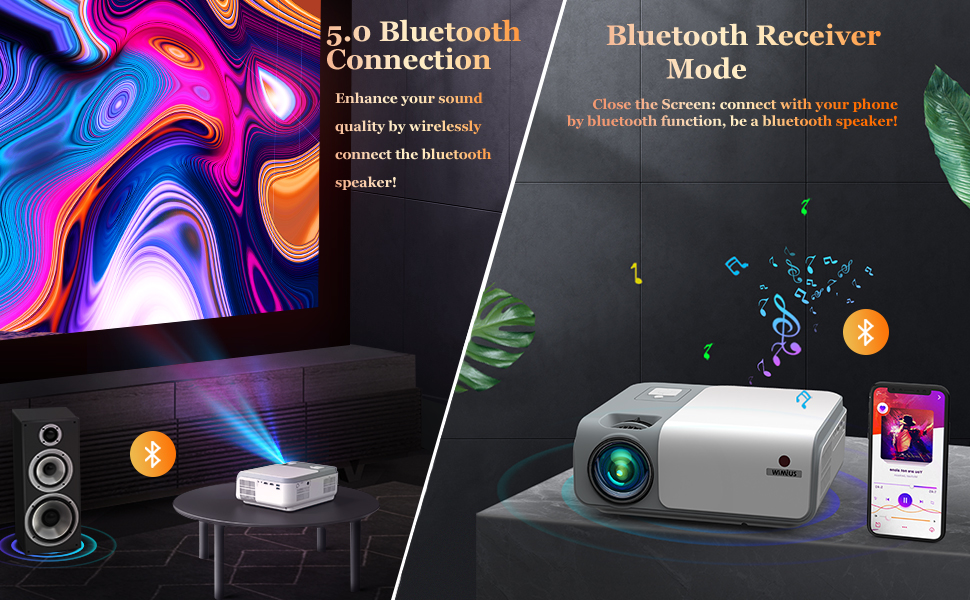
Figure 6: Visual representation of 4D keystone correction, showing how a distorted image is corrected.
5. Istruzzjonijiet Operattivi
5.1 Apparat li jgħaqqad
Il-proġettur joffri diversi modi kif tqabbad l-apparati tiegħek:
- HDMI: Connect to devices like laptops, PC, TV Box, Xbox/PS3/PS4, or streaming sticks to the HDMI 1 or HDMI 2 ports.
- USB: Insert a USB drive for direct media playback.
- TA’: Uża l-kejbil AV provdut biex tqabbad apparati eqdem.
- Bluetooth: Connect external Bluetooth speakers for enhanced audio. The projector can also function as a Bluetooth speaker itself.
- Wireless Screen Mirroring (5G WiFi):
- iOS Cast: Mirror your iPhone or iPad screen.
- Miracast: Mirror Android devices or Windows 10 laptops.
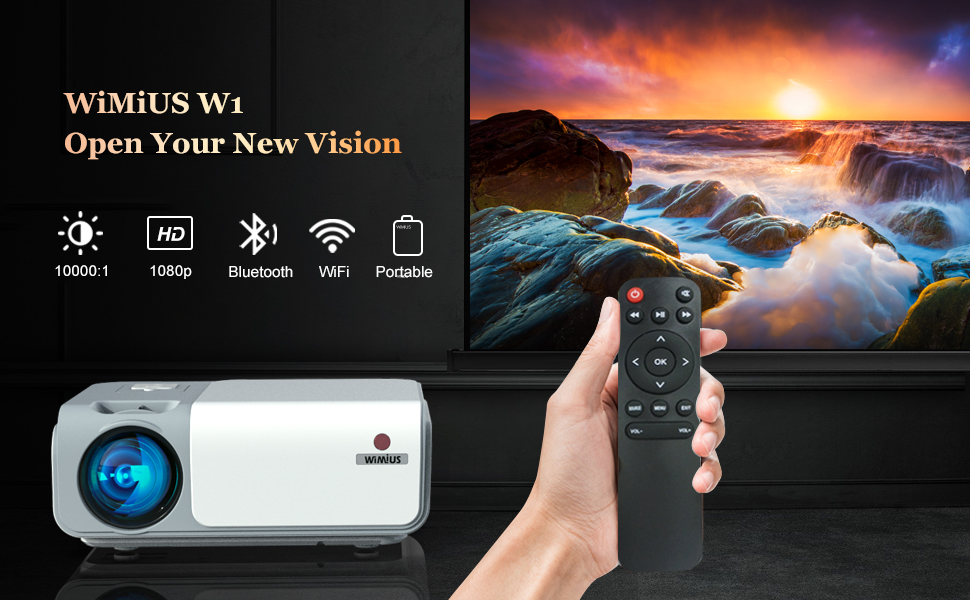
Figure 7: Wireless screen mirroring options including Airplay and Miracast.
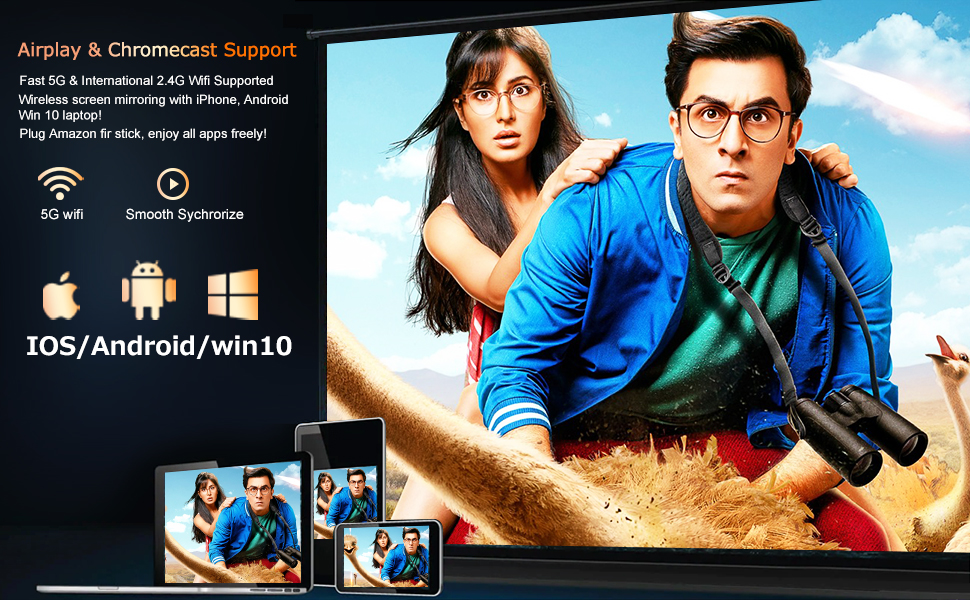
Figure 8: Bluetooth connectivity for external speakers and the projector's Bluetooth receiver mode.
5.2 Navigazzjoni tal-Menu
Use the remote control or the top panel buttons to navigate the projector's menu. The main menu provides access to Movies, Music, Photos, Settings, and other features.
- Modalità Stampa: Aġġusta l-luminożità, il-kuntrast, il-kulur, it-lewn, u n-nitidezza.
- Modalità tal-Ħoss: Select audio presets (e.g., Standard, Dynamic).
- Projection Zoom: Adjust the image size from 100% down to 50% without moving the projector.
- Modalità ta' Projezzjoni: Change settings for front, rear, ceiling, or desktop projection.
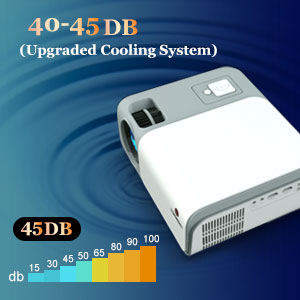
Figure 9: The zoom function allows for image size adjustment.
6. Manutenzjoni
- Tindif tal-Lenti: Use a soft, lint-free cloth to gently clean the projector lens. Avoid abrasive materials.
- Ventilazzjoni: Ensure the ventilation grilles are clear of obstructions to prevent overheating. The projector features an upgraded cooling system for optimal performance and reduced noise (40-45dB).
- Ħażna: When not in use, store the projector in its carrying case in a cool, dry place.
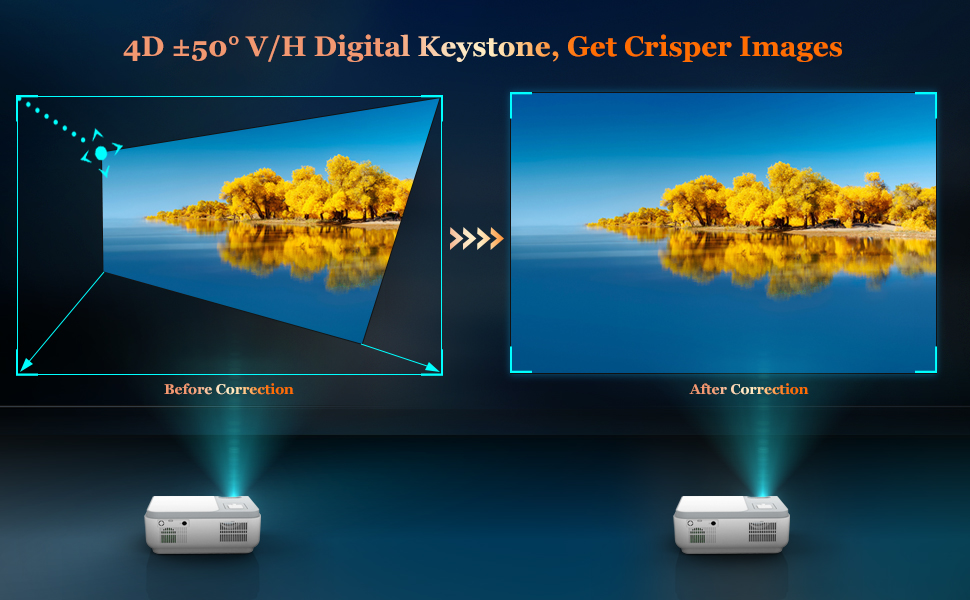
Figure 10: The projector's upgraded cooling system ensures quiet operation.
7 Issolvi l-problemi
- Ebda Immaġni/Immaġni Mċajpra:
- Check power connection and ensure the projector is on.
- Adjust focus and keystone correction wheels.
- Kun żgur li l-għatu tal-lenti jitneħħa.
- Iċċekkja li s-sors tad-dħul intgħażel b'mod korrett.
- Ebda Ħoss/Ħoss Baxx:
- Adjust the volume on the projector and your connected device.
- Check audio cable connections (if using AV or external speakers).
- Ensure Bluetooth speakers are correctly paired if used.
- Wireless Mirroring Issues:
- Kun żgur li kemm il-proġettazzjoni kif ukoll l-apparat tiegħek huma konnessi mal-istess netwerk Wi-Fi.
- Some streaming services may block mirroring due to copyright protection.
8. Speċifikazzjonijiet
| Karatteristika | Dettall |
|---|---|
| Brand | WiMiUS |
| Numru tal-Mudell | W1 |
| Tip ta 'Wiri | LCD |
| Riżoluzzjoni tal-Wiri Massimu | 1920 x 1080 (1080P Nattiv) |
| Luminożità | 400 lumens ANSI |
| Teknoloġija tal-Konnettività | Bluetooth, USB, HDMI, AV, 5G WiFi |
| Korrezzjoni Keystone | 4D ±50° V/H Digital Keystone |
| Funzjoni Zoom | 50% |
| Livell ta' Storbju | 40-45dB (Upgraded Cooling System) |
| Piż tal-oġġett | 6.03 liri |
| Dimensjonijiet tal-Pakkett | 14.21 x 10.71 x 5.63 pulzieri |
9. Garanzija u Appoġġ
For warranty information or technical support, please refer to the contact details provided in your user manual or visit the official WiMiUS websit.
10. Vidjows Uffiċjali tal-Prodott
Awesome experience and very much impressed with the quality
Video Description: A user demonstrates the projector's quality and expresses satisfaction with the product.
More user friendly, good picture quality and better sound options!
Video Description: A user highlights the projector's user-friendly interface, good picture quality, and improved sound options.
Outstanding budget projector that exceeds the competition
Video Description: A user reviews the projector, praising its performance as an outstanding budget option.
Impressive for the price
Video Description: A short clip showcasing the projector's performance, deemed impressive for its cost.
Image quality and fan noise demo.
Video Description: A demonstration of the projector's image quality and the level of fan noise during operation.
Wonderful Budget Projector
Video Description: A user review praising the projector as a wonderful budget-friendly option.
A good project for family use
Video Description: A short video highlighting the projector's suitability for family entertainment.
Very great projector!!
Video Description: A brief clip showcasing the projector's features and performance, with positive user feedback.


