1. Prodott Aktarview
The REXING HS01 is a 1080p wireless smart home security camera system designed for both indoor and outdoor use. It features a rechargeable battery, solar panel charging capability, two-way intercom, motion activation, infrared night vision, and cloud storage options. The camera connects to your home WiFi network and is managed via a mobile application.
Karatteristiċi ewlenin:
- Vidjow Full HD 1080p: Records clear video with a 120-degree wide-angle lens.
- Wireless u Rikarikabbli: Operates wirelessly with a 6000mAh rechargeable battery.
- Li jaħdmu bix-xemx: Can be continuously charged by the included solar panel.
- Intercom f'żewġ direzzjonijiet: Allows for real-time communication via the mobile app.
- Disinn li ma jgħaddix ilma minnu: IP65 rated for outdoor weather resistance.
- Sejbien tal-Moviment: PIR motion sensor with adjustable sensitivity up to 33ft.
- Viżjoni bil-lejl infrared: Provides clear visibility up to 33ft in low light conditions.
- Ħażna Cloud: Offers free 3-day cloud storage with options for extended plans.
- Kontroll tal-App mobbli: Manage and monitor the camera from your smartphone.
2. Kontenut tal-Pakkett
Jekk jogħġbok iċċekkja l-pakkett għall-oġġetti li ġejjin:
- Kamera tas-Sigurtà REXING HS01
- Panel Solari
- Bracket tal-Immuntar u Viti
- Cable tal-Iċċarġjar tal-USB
- Manwal għall-Utent
3. Gwida ta' Setup
3.1 Iċċarġjar inizjali
Before first use, fully charge the camera's internal 6000mAh battery using the provided USB cable. Connect the cable to the camera's charging port and a standard USB power adapter (not included). The charging indicator will show the charging status.
3.2 Installazzjoni tal-App
Niżżel il- Rexing Home applikazzjoni mill-app store tal-ismartphone tiegħek (disponibbli fuq iOS u Android). Fittex għal "Rexing Home" and install the application.
3.3 Konnessjoni Wi-Fi
- Open the Rexing Home app and create an account or log in.
- Segwi l-istruzzjonijiet fl-app biex iżżid apparat ġdid.
- Kun żgur li l-ismartphone tiegħek huwa konness ma' Netwerk Wi-Fi 2.4GHz. The HS01 camera does not support 5GHz Wi-Fi.
- Skennja l-kodiċi QR muri fuq it-telefon tiegħek bil-lenti tal-kamera meta tintalab.
- Wait for the camera to connect to your Wi-Fi network. A voice prompt will confirm successful connection.
3.4 Immuntar tal-Kamera u l-Pannell Solari
The REXING HS01 camera and solar panel can be mounted indoors or outdoors. Choose a location that provides the desired viewing angle and ensures the solar panel receives ampDawl tax-xemx dirett matul il-ġurnata għal iċċarġjar ottimali.

Image: The REXING HS01 camera with its solar panel mounted on an exterior wall, highlighting its 100% wireless and solar-powered operation. The camera is designed for outdoor use and is weatherproof.
- Use the provided mounting bracket and screws to securely attach the camera to a wall or desired surface.
- Mount the solar panel in a location that receives maximum direct sunlight. Connect the solar panel cable to the camera's charging port.
- Aġġusta l-angolu tal-kamera biex tkopri ż-żona ta' monitoraġġ mixtieqa.
4. Istruzzjonijiet Operattivi
4.1 Ħaj View and Remote Playback
Once connected, open the Rexing Home app to access the live video feed from your camera. You can view foo f'ħin realitage from anywhere with an internet connection. The app also allows you to review video irreġistrat footage stored in the cloud.

Immaġni: Skrin ta' smartphone li juri vidjo dirett view from the REXING HS01 camera, with icons for remote playback and indicating motion alerts. This demonstrates complete control from the Rexing Home App.
4.2 Komunikazzjoni Awdjo f'Żewġ Direzzjonijiet
The HS01 camera features a built-in microphone and speaker, enabling two-way audio communication. From the live view in the Rexing Home app, you can speak to individuals near the camera and hear their responses.
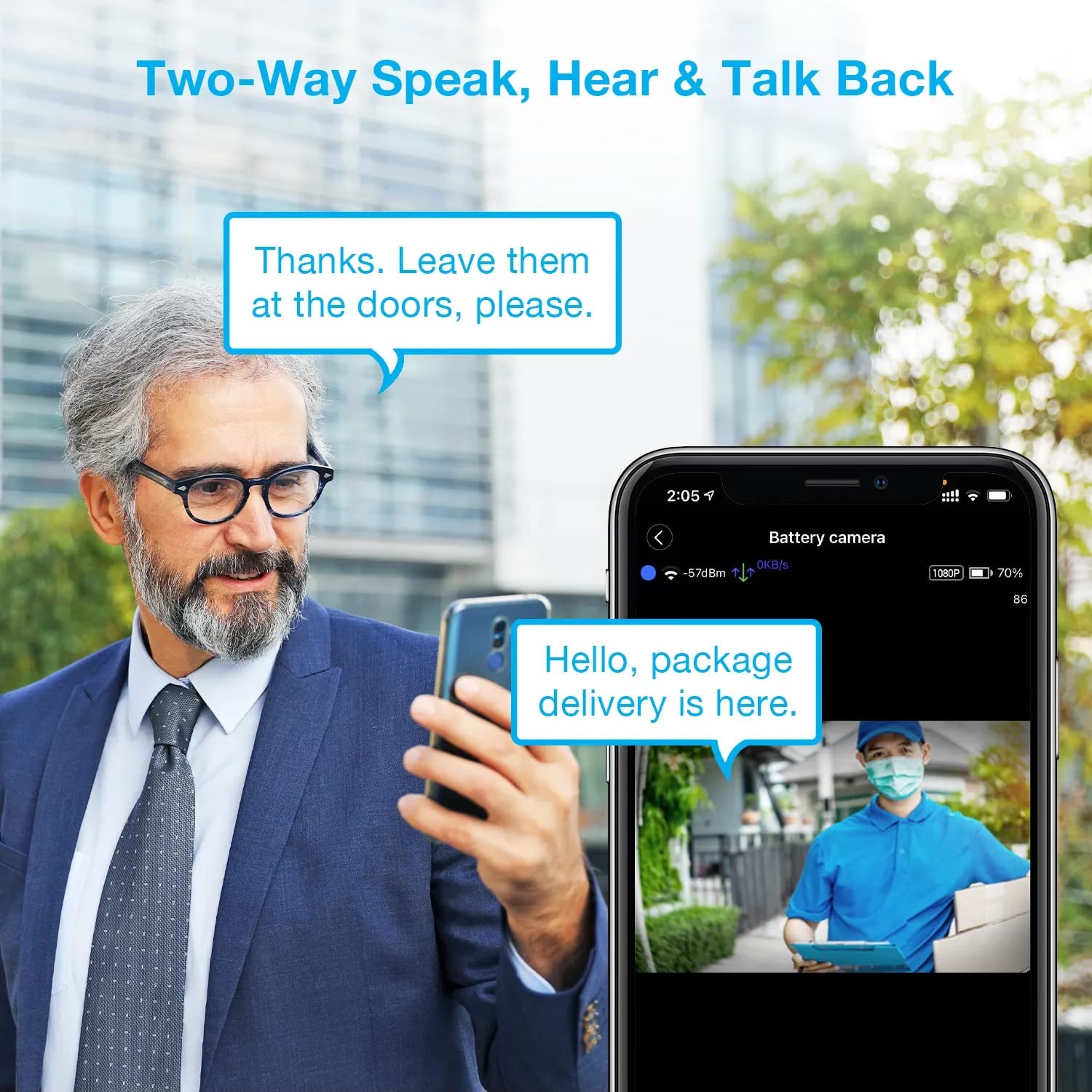
Image: A man using his smartphone to communicate with a delivery person visible on his screen, demonstrating the two-way speak and talk-back functionality of the REXING HS01 camera.
4.3 Sejbien tal-Mozzjoni u Twissijiet
The camera utilizes a PIR (Passive Infrared) motion sensor to detect movement. When motion is detected, the camera will begin recording and send instant notifications to your smartphone via the Rexing Home app.
- Aġġustament tas-Sensittività: You can adjust the PIR motion sensitivity settings within the app, with options up to 33ft.
- Settings ta' Notifika: Customize alert preferences in the app to receive notifications for every detected motion.
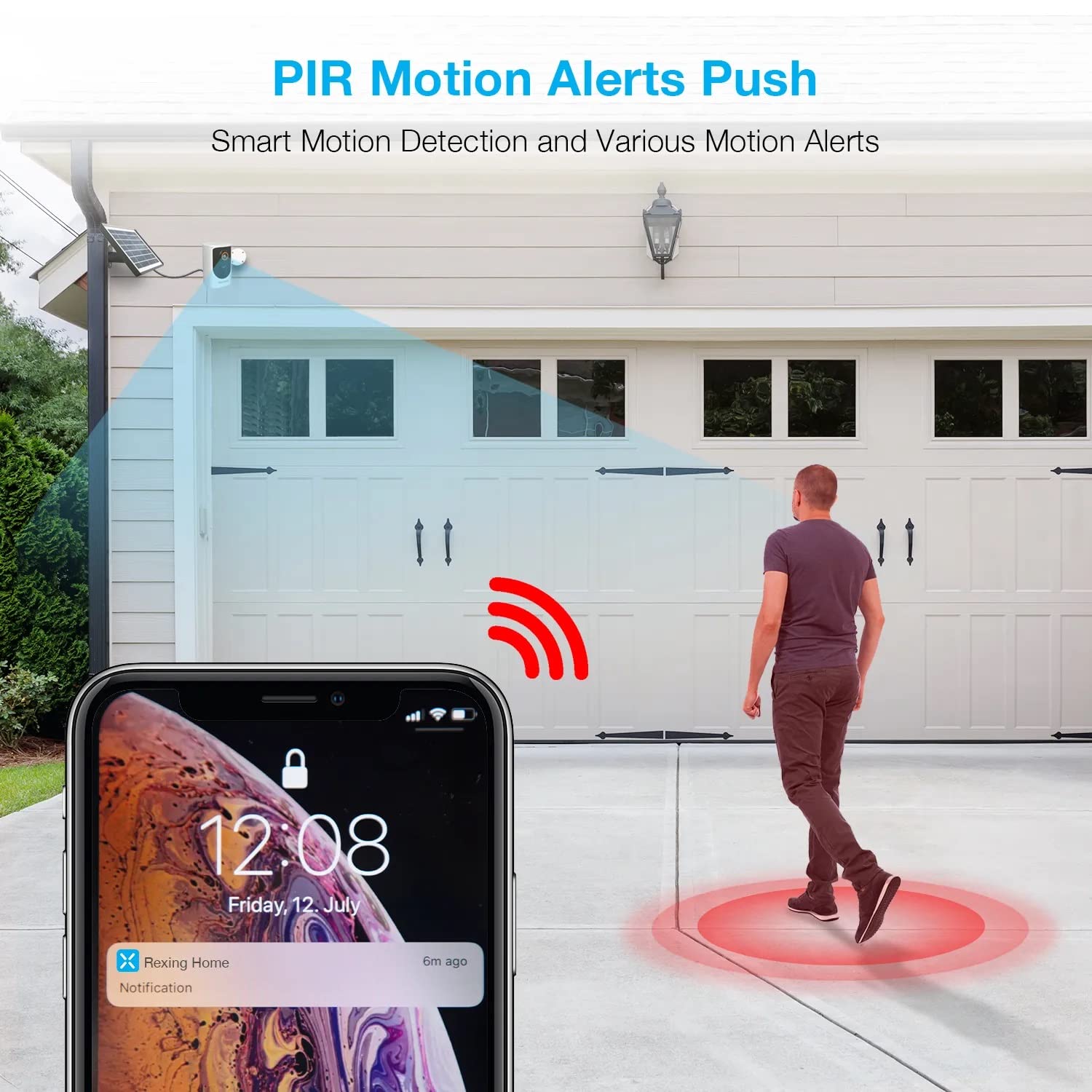
Image: A smartphone screen showing a notification from the Rexing Home app indicating a motion alert, with a visual representation of a person walking into the camera's detection zone.
4.4 Viżjoni bil-lejl
The HS01 camera is equipped with 8 built-in 850nm Infrared LEDs and enhanced CMOS imaging sensors, providing clear night vision up to 33ft. The night vision mode activates automatically in low-light conditions.
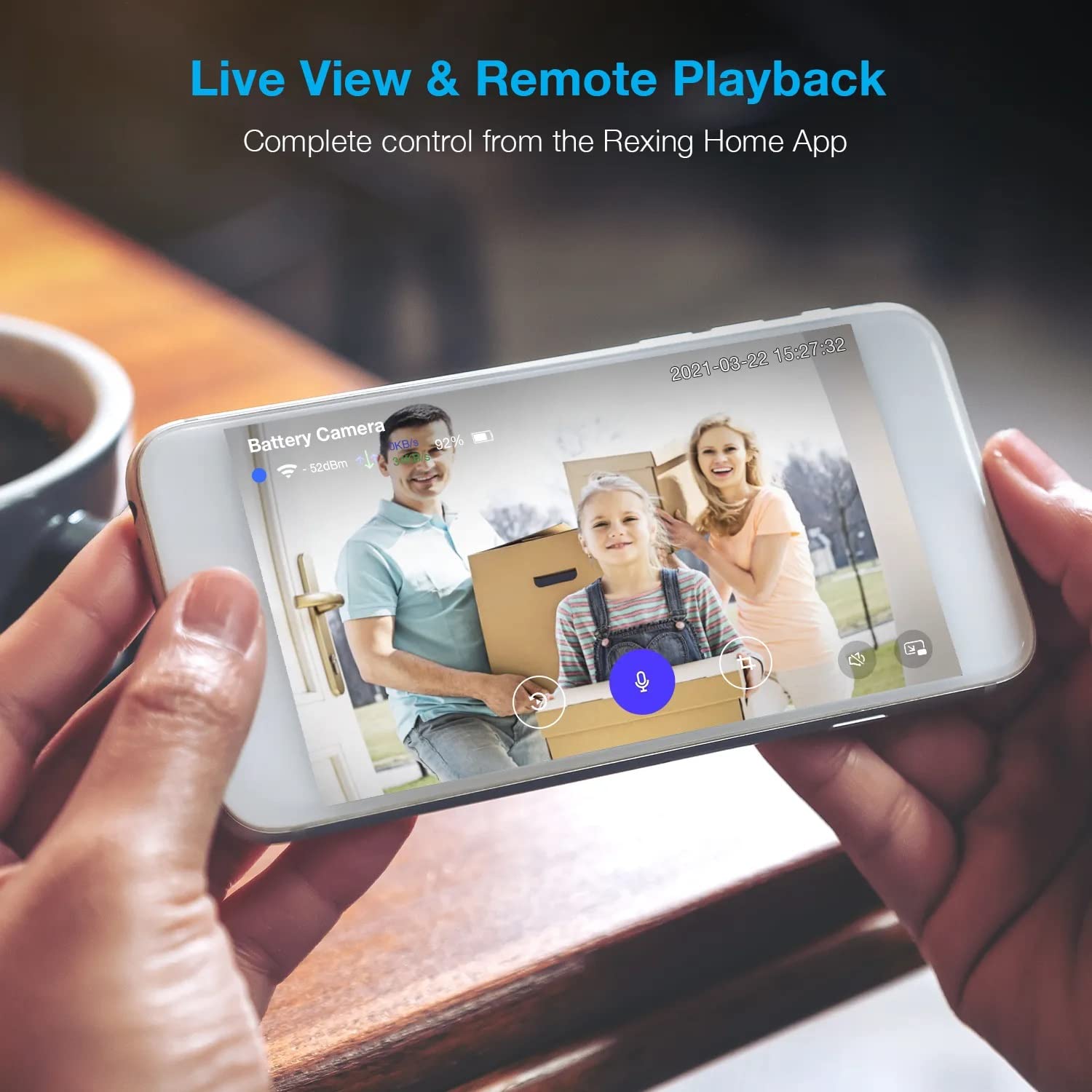
Image: A smartphone displaying a split screen, with one side showing a daytime view of a house in full color and the other side showing the same house in enhanced infrared night vision, demonstrating the camera's 1080p HD and night vision capabilities.
4.5 Ħażna fis-Sħab
The camera offers secure cloud storage for recorded video footage. You can access the past 3 days of video recordings for free. Extended cloud storage plans are available for purchase through the Rexing Home app.
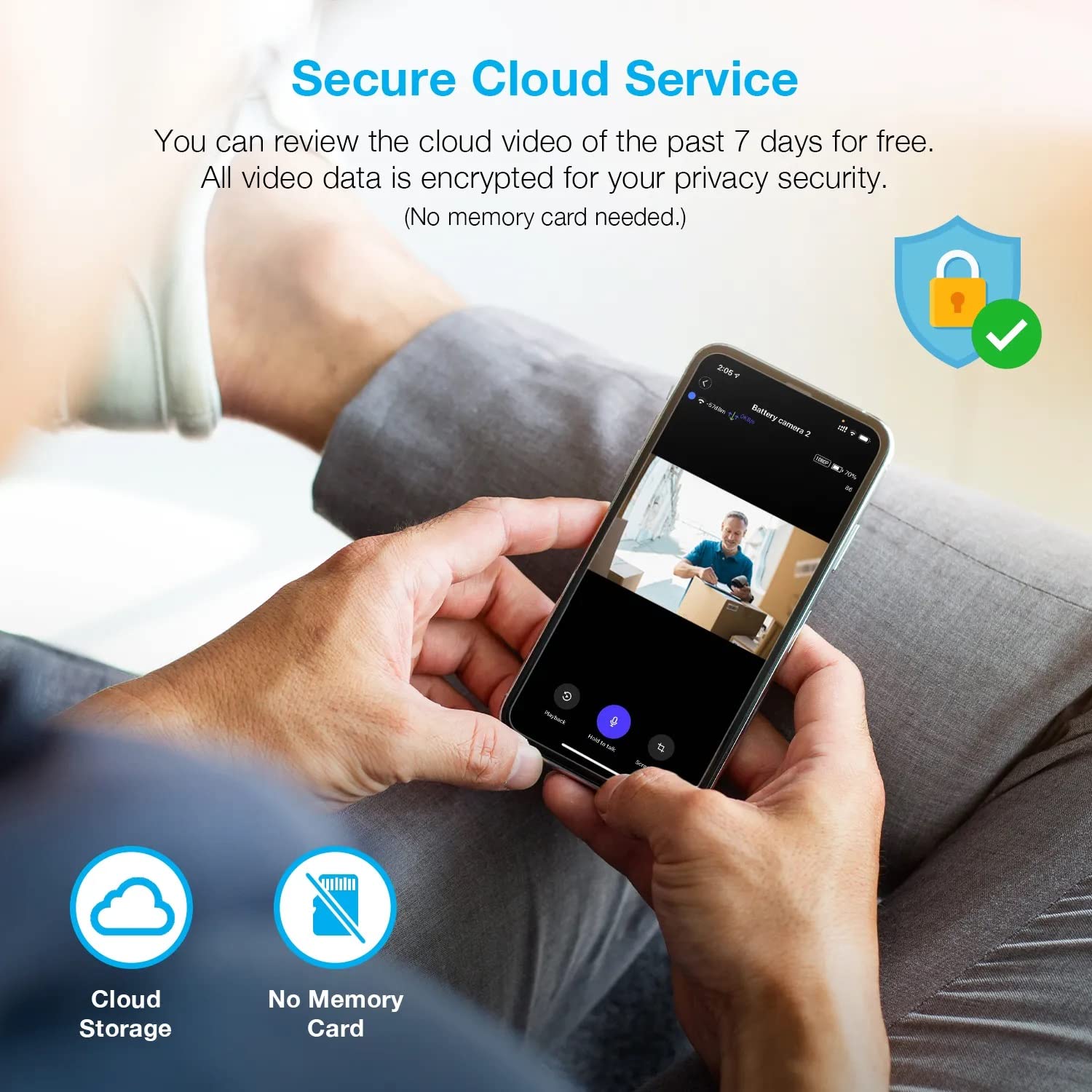
Immaġni: Persuna viewing recorded camera footage on a smartphone, accompanied by icons for cloud storage and indicating that no memory card is needed, highlighting the secure cloud service feature.
5. Manutenzjoni
5.1 Ġestjoni tal-batterija
The HS01 camera is powered by a 6000mAh rechargeable battery. For continuous operation, ensure the solar panel is positioned to receive adequate direct sunlight. If the camera is used in an area with limited sunlight, periodic manual charging via the USB cable may be required.
5.2 Tindif
To maintain optimal performance, periodically clean the camera lens and the solar panel surface with a soft, damp drapp. Evita li tuża prodotti tat-tindif jew solventi li joborxu li jistgħu jagħmlu ħsara lill-uċuħ.
6 Issolvi l-problemi
- Il-kamera mhux qed tikkonnettja mal-Wi-Fi:
- Kun żgur li n-netwerk Wi-Fi tiegħek huwa 2.4GHz. Il-kamera ma tappoġġjax netwerks ta' 5GHz.
- Iċċekkja s-saħħa tas-sinjal tal-Wi-Fi fil-post fejn tinsab il-kamera.
- Iċċekkja li l-password tal-Wi-Fi li daħħalt fl-app hija korretta.
- Erġa' ibda r-router u l-kamera tiegħek.
- Kwalità fqira tal-vidjo:
- Ensure a strong Wi-Fi signal. Weak signals can affect streaming quality.
- Naddaf il-lenti tal-kamera jekk tidher maħmuġa jew imtebbgħa.
- Motion detection not working or too sensitive:
- Adjust the PIR motion sensitivity settings in the Rexing Home app.
- Kun żgur li m'hemm l-ebda ostaklu li jimblokka l-kamera view jew is-senser PIR.
- Check the camera's battery level. Low battery can affect sensor performance.
- Battery not holding charge or solar panel not working:
- Kun żgur li l-pannell solari jkun pożizzjonat biex jirċievi dawl tax-xemx dirett għal diversi sigħat kuljum.
- Clean the solar panel surface to remove any dirt or debris.
- Ivverifika li l-kejbil tal-pannell solari huwa konness sew mal-kamera.
- If issues persist, try charging the camera directly via USB.
- No audio or poor two-way audio:
- Check the volume settings on your smartphone and in the Rexing Home app.
- Kun żgur li l-mikrofonu tat-telefon tiegħek huwa attivat għall-app.
- Verify a stable internet connection for both the camera and your smartphone.
7. Speċifikazzjonijiet
| Karatteristika | Speċifikazzjoni |
|---|---|
| Numru tal-Mudell | HS01 |
| Riżoluzzjoni tal-vidjo | Full HD ta '1080p |
| Qasam ta View | 120 Grad |
| Medda tal-Viżjoni Lejl | 33 Saqajn |
| Kapaċità tal-batterija | 6000 mAh |
| Konnettività | Mingħajr fili (Wi-Fi 2.4GHz) |
| Klassifikazzjoni li ma jgħaddix ilma minnha | IP65 |
| Apparati Kompatibbli | Smartphone (Amazon Alexa, Google Assistant) |
| Dimensjonijiet tal-oġġett | 8.5 x 7.25 x 3.75 pulzieri |
| Piż tal-oġġett | 1 Lira |
| Sors tal-Enerġija | Batterija rikarikabbli, Pannell Solari |
8. Garanzija u Appoġġ
8.1 Informazzjoni dwar Garanzija
For detailed warranty information regarding your REXING HS01 Smart Home Security Camera System, please refer to the warranty card included with your product or visit the official REXING websit. It-termini u l-kundizzjonijiet tal-garanzija jistgħu jvarjaw skont ir-reġjun u l-bejjiegħ bl-imnut.
8.2 Appoġġ għall-Klijent
If you encounter any issues or have questions about your REXING HS01 camera, please contact REXING customer support. You can typically find support contact information on the official REXING website or within the Rexing Home mobile application.
For the latest updates, FAQs, and additional resources, please visit the official REXING websit: www.rexingusa.com


