1. Introduzzjoni
This manual provides essential information for the safe and efficient use of your AT&T USB-C Wall Charger. Designed for fast charging, this power adapter features foldable prongs for travel convenience and is compatible with a wide range of USB-C devices, including iPhones, iPads, Samsung Galaxy, and Google Pixel phones.
Karatteristiċi ewlenin:
- Riżultat b'saħħtu: USB-C power delivery provides up to 80% faster charging compared to standard chargers, ideal for rapidly charging phones, tablets, and other USB-C devices.
- Kompatibilità Universali: Works seamlessly with compatible iPhone, iPad, Samsung Galaxy, Google Pixel, and other USB-C enabled devices, delivering optimal charging speeds.
- Disinn Lest għall-Ivvjaġġar: Compact form factor with foldable prongs makes this charger ideal for travel, weighing only 0.14 pounds for ultimate portability.
- Protezzjoni Avvanzata: Built-in safeguards prevent over-voltage, over-current, and overheating, ensuring safe, reliable charging for all your devices.
- Kwalità Assigurata: Backed by a 1-year limited warranty, providing peace of mind while the durable construction ensures long-lasting performance.
2. Setup u Konnessjoni
Follow these steps to set up and connect your AT&T USB-C Wall Charger:
- Iftaħ il-Prongs: Iġbed bil-mod il-ponot li jintrew mill-qafas tal-ċarġer sakemm jissakkru f'posthom.
- Qabbad il-Kejbil USB-C: Insert one end of your USB-C charging cable (not included, unless specified by product packaging) into the USB-C port on the charger. Ensure it is fully inserted.
- Ipplaggja mal-Ħut tal-Ħajt: Daħħal il-ponot tal-ċarġer f'sokit standard tal-ħajt.
- Qabbad mal-Apparat: Connect the other end of the USB-C charging cable to your compatible device (e.g., smartphone, tablet). Your device should indicate that it is charging.

Image: The AT&T USB-C Wall Charger in white, showing its compact design and extended foldable prongs.
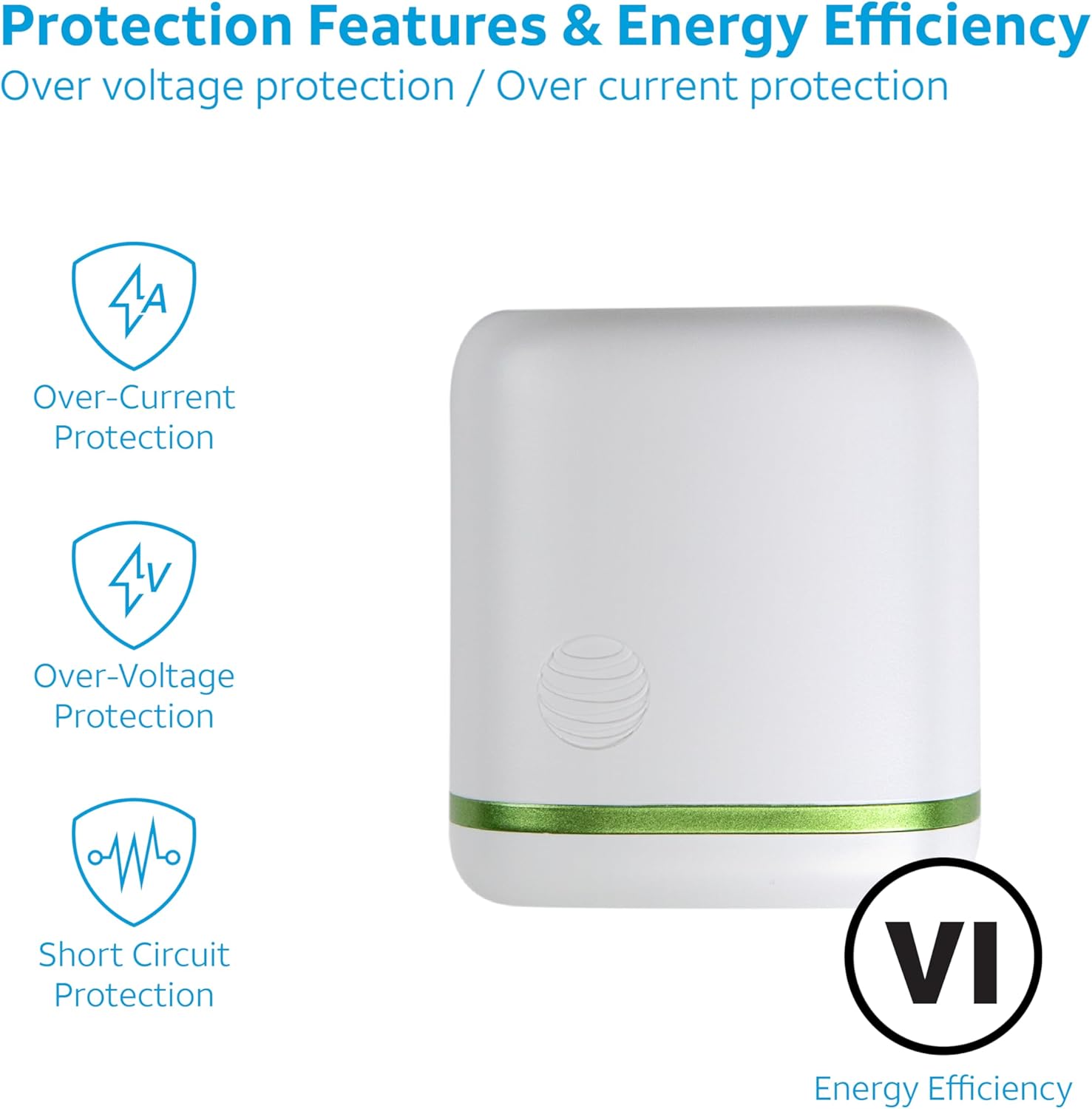
Image: A close-up of the AT&T USB-C Wall Charger, highlighting its foldable prongs for easy storage and travel.
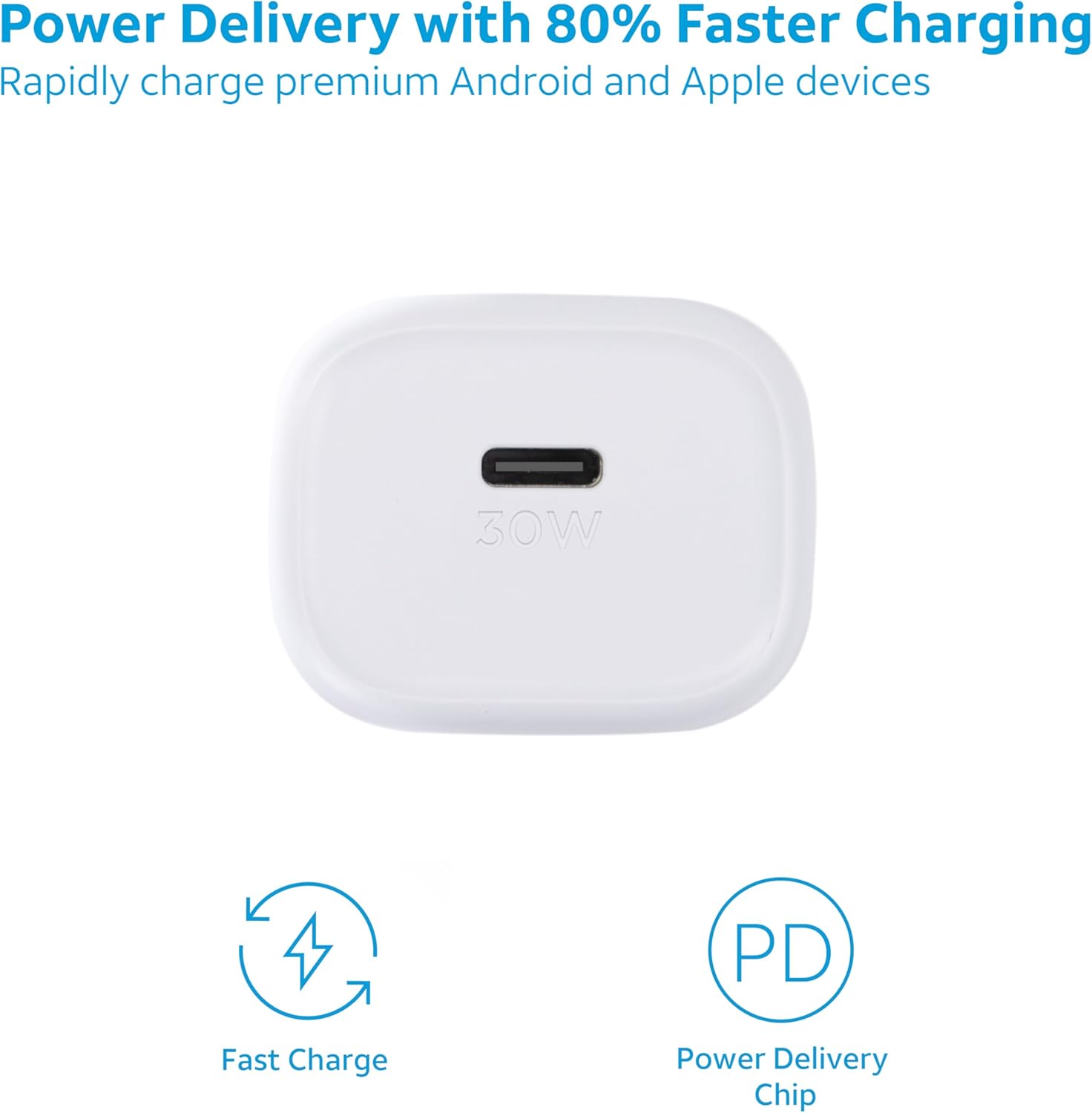
Immaġni: Il-faċċata view of the AT&T USB-C Wall Charger, clearly showing the 30W USB-C charging port.
3. Istruzzjonijiet Operattivi
This charger is designed for optimal performance and fast charging. Once connected, the charger automatically detects your device's power requirements and delivers the fastest possible charge safely.
Kapaċità tal-Iċċarġjar Mgħaġġel:
The USB-C Power Delivery (PD) technology allows for significantly faster charging speeds compared to conventional chargers. For best results, use a high-quality USB-C to USB-C or USB-C to Lightning cable that supports Power Delivery.

Image: A visual representation of the charger's fast charging capabilities and integrated Power Delivery chip.

Image: An illustration demonstrating the charger's universal compatibility with various devices like phones, tablets, and smartwatches.
Karatteristiċi tas-Sigurtà:
The charger incorporates multiple protection features to ensure safe operation:
- Vol-żejjedtage protezzjoni
- Protezzjoni ta 'kurrent żejjed
- Protezzjoni ta 'sħana żejda
- Protezzjoni ta 'ċirkwit qasir

Image: A graphic detailing the charger's built-in safety mechanisms, including protection against over-current, over-voltage, and short circuits, along with its energy efficiency rating.
4. Manutenzjoni
To ensure the longevity and optimal performance of your charger, follow these maintenance guidelines:
- Żomm il-ċarġer niexef. Tesponihx għall-umdità jew likwidi.
- Clean the charger with a soft, dry cloth. Avoid using harsh chemicals or abrasive materials.
- Aħżen il-ċarġer f'post frisk u niexef meta ma tkunx qed tuża.
- Evita li twaqqa' l-ċarġer jew li tissottomettih għal impatti qawwija.
- Ensure the foldable prongs are fully retracted when storing or traveling to prevent damage.
5 Issolvi l-problemi
If you encounter issues with your AT&T USB-C Wall Charger, refer to the following common problems and solutions:
| Problema | Kawża Possibbli | Soluzzjoni |
|---|---|---|
| Apparat mhux jiċċarġja. | Konnessjoni maħlula, kejbil difettuż, problema fis-sokit tal-elettriku, apparat inkompatibbli. | Ensure cable is securely connected to both charger and device. Try a different USB-C cable. Test the outlet with another device. Verify device compatibility. |
| Iċċarġjar bil-mod. | Cable not supporting Power Delivery, device not supporting fast charging, background apps. | Use a USB-C cable rated for Power Delivery. Ensure your device supports fast charging. Close unnecessary background applications on your device. |
| Il-ċarġer jaħraq. | Tħaddim normali, tagħbija eċċessiva, ventilazzjoni ħażina. | A slight warmth is normal during fast charging. Ensure the charger is in a well-ventilated area and not covered. If excessively hot, disconnect immediately and contact support. |
6. Speċifikazzjonijiet
| Karatteristika | Dettall |
|---|---|
| Numru tal-Mudell | 06535 |
| Brand | AT&T |
| Kulur | 30W Abjad |
| Teknoloġija tal-Konnettività | USB |
| Tip ta' Konnettur | USB Tip Ċ |
| Apparati Kompatibbli | Cellular Phones (Apple iPhone, Samsung Galaxy, Google Pixel) |
| Karatteristika Speċjali | Iċċarġjar Mgħaġġel |
| Piż tal-oġġett | 2.08 uqija |
| Dimensjonijiet tal-Pakkett | 4.13 x 2.99 x 1.65 pulzieri |
| Manifattur | AT&T |
| Pajjiż ta' Oriġini | Iċ-Ċina |
| L-ewwel Disponibbli | 25 ta’ Lulju, 2023 |
7. Garanzija u Appoġġ
Your AT&T USB-C Wall Charger is backed by a Garanzija limitata ta 'sena. Din il-garanzija tkopri difetti fil-materjali u l-abbilità taħt użu normali.
For warranty claims, technical support, or any inquiries regarding your product, please contact AT&T customer support through their official channels or visit their webgħal aktar informazzjoni.
Video: An official product video from AT&T Accessories showcasing the AT&T Fast Wall Chargers, highlighting their features and benefits.


