Introduzzjoni
This manual provides essential information for setting up, operating, and maintaining your Sony X90J 75-inch BRAVIA XR Full Array LED 4K Ultra HD Smart Google TV. Please read this manual thoroughly before using your television to ensure proper and safe operation. Keep this manual for future reference.

The Sony X90J 75-inch TV offers a stunning visual experience with its BRAVIA XR processor.
X'hemm fil-Kaxxa
Iċċekkja li l-oġġetti kollha elenkati hawn taħt huma inklużi fil-pakkett tiegħek:
- Televiżjoni
Karatteristiċi Ewlenin
- COGNITIVE PROCESSOR XR: Revolutionary TV processing technology that understands how humans see and hear to deliver intense contrast with pure blacks, high peak brightness, and natural colors.
- XR TRILUMINOS PRO: Rediscover everything you watch with billions of accurate colors and see impressive picture quality that is natural and beautiful to the human eye.
- FULL ARRAY LED & XR CONTRAST BOOSTER: Precisely controlled backlighting brings out real-life depth and detail with deep blacks and high peak brightness.
- Kompatibilità tal-muntaġġ tal-ħajt: Designed to hang flush to the wall with compatible brackets.
- Swivel Functionality: Allows adjustment of screen angle from left to right.
- Magnetic Lock System and Lateral Shift Bracket: For safe and easy installation.
Setup
Unboxing u Tqegħid Inizjali
Carefully remove the television from its packaging. It is recommended that two or more people handle the 75-inch model due to its size and weight. Place the TV on a stable, flat surface or proceed with stand/wall mount installation.
Wall Mounting (SU-WL855 Bracket)
The Sony X90J is compatible with the SU-WL855 Ultra Slim Wall-Mount Bracket (sold separately) for a flush wall-mounted appearance. This bracket allows you to swivel your TV left to right to adjust the screen angle and features a magnetic lock system and lateral shift bracket for secure installation.

The TV can be angled for optimal viewing when wall-mounted.

Achieve a sleek, flush-to-wall installation with the compatible wall mount.
Apparat li jgħaqqad
Your Sony X90J TV features multiple connectivity options:
- HDMI: Connect external devices such as Blu-ray players, gaming consoles, and sound systems.
- USB: Għall-daqq tal-midja minn drives USB.
- Wi-Fi: For internet connectivity and smart TV features.

Connect your devices using the conveniently located ports on the back of the TV.
It-tħaddim tat-TV
Qawwa mixgħul/mitfi
Press the power button on the remote control or on the TV itself to turn the television on or off.
Remote Control and Voice Search
The included remote control provides intuitive navigation. Utilize the voice search feature for quick access to content, apps, and information. Simply press the microphone button on the remote and speak your command.
Interfaċċja tat-TV tal-Google
Your Sony X90J runs on Google TV, offering a personalized content experience. Navigate through recommended content, live TV, apps, and your library using the remote. Chromecast built-in allows you to cast content from your mobile devices directly to the TV. The TV also works with Apple AirPlay 2 and Apple HomeKit for seamless integration with Apple devices.
Learn about new features available on Google TV, enhancing your viewing esperjenza.
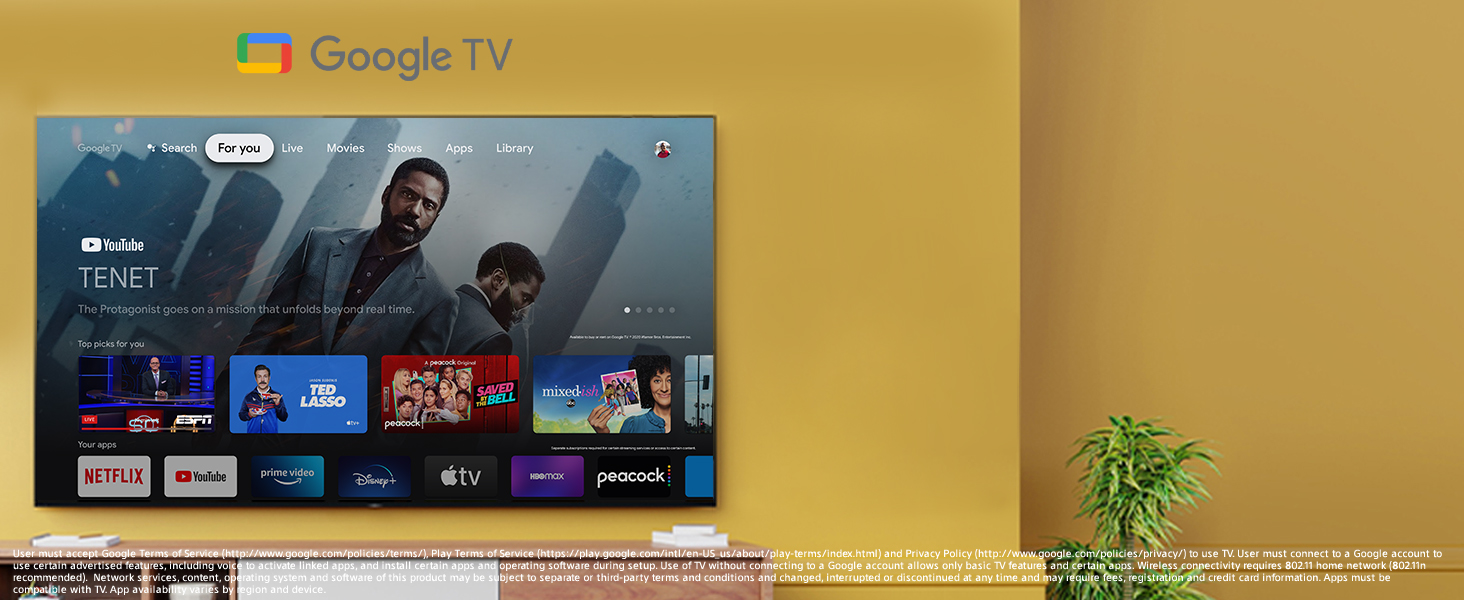
The Google TV interface provides easy access to all your favorite content and apps.
Kwalità tal-Istampa
The Sony X90J is engineered for exceptional visual performance:
- BRAVIA XR with Cognitive Processor XR: Processes images similar to the human brain, optimizing elements like contrast, color, and clarity for a natural viewing esperjenza.
- XR Triluminos Pro: Delivers a wide spectrum of colors, reproducing every shade with subtle differences.
- Full Array LED & XR Contrast Booster: Backlight zones are independently controlled for precise contrast, making bright areas brighter and dark areas darker.
- 4K Ultra HD with Dolby Vision HDR: Provides stunning detail and vibrant colors with enhanced contrast and brightness.
- Rata ta' Aġġornar ta' 120 Hz: Ensures smooth motion for fast-paced content and gaming.
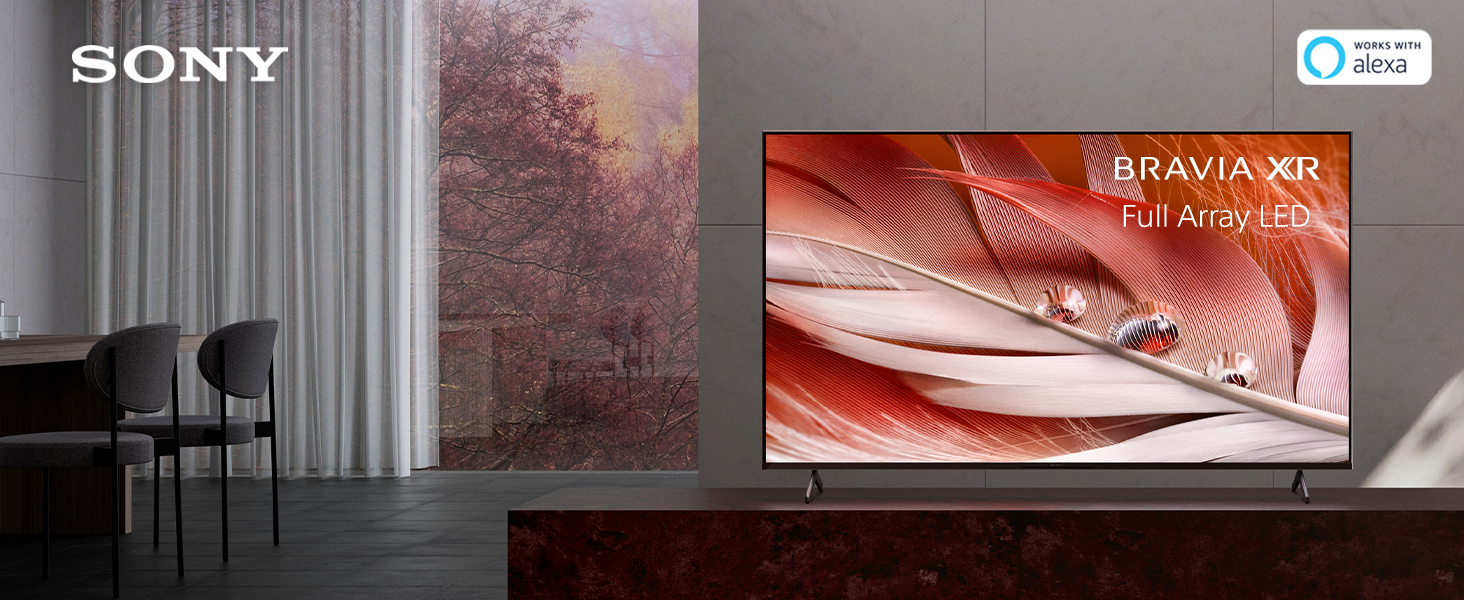
Experience lifelike images with the BRAVIA XR Full Array LED display.
Karatteristiċi tal-Logħob
The X90J is designed to enhance your gaming experience:
- Rata ta' Aġġornar ta' 120 Hz: Provides smooth and responsive gameplay.
- Lag baxx tal-Input: Ensures minimal delay between your controller input and on-screen action.
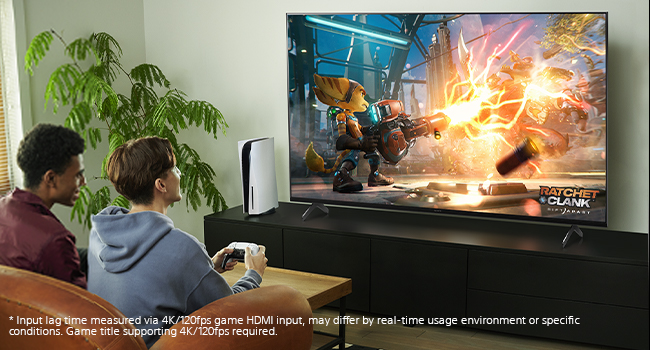
Enjoy immersive gaming with the TV's high refresh rate and low input lag.
Karatteristiċi Smart
Beyond stunning visuals, the X90J offers advanced smart capabilities:
- Smart Google TV: Access a vast library of movies, shows, and apps.
- Kompatibbiltà Alexa: Control your TV and smart home devices using voice commands through Alexa.
- Chromecast inkorporat: Stream content from your smartphone, tablet, or laptop directly to the TV.
- Works with Apple AirPlay 2 and Apple HomeKit: Seamlessly integrate your Apple devices for streaming and smart home control.
Manutenzjoni
Tindif tal-Iskrin
Imsaħ l-iskrin bil-mod b'ċarruta ratba u niexfa tal-mikrofibra. Għal tbajja' persistenti, nixxef bil-mod.ampLaħlaħ id-drapp bl-ilma jew b'soluzzjoni tat-tindif speċifika għall-iskrin (evita kimiċi ħarxa).
Kura Ġenerali
Avoid placing heavy objects on the TV. Ensure proper ventilation around the TV to prevent overheating. Keep the TV away from direct sunlight and heat sources.
Issolvi l-problemi
Ebda Qawwa
- Iċċekkja jekk il-korda tal-enerġija hijiex imdaħħla sew kemm fit-TV kif ukoll f'sokit elettriku li jaħdem.
- Kun żgur li s-sokit tal-enerġija huwa attiv billi tittestjah b'apparat ieħor.
Ebda Stampa/Ħoss
- Ivverifika li s-sors tad-dħul korrett huwa magħżul fuq it-TV.
- Check all cable connections (HDMI, audio) between the TV and external devices.
- Kun żgur li l-apparati esterni huma mixgħula.
Il-Kontroll Remot Mhux Jaħdem
- Ibdel il-batteriji fil-kontroll remot.
- Kun żgur li m'hemm l-ebda ostaklu bejn ir-remote u s-senser IR tat-TV.
Speċifikazzjonijiet
| Karatteristika | Dettall |
|---|---|
| ASIN | B093L8C5F5 |
| Daqs tal-Wiri tal-Iskrin Permanenti | 75 Pulzier |
| Proporzjon ta' l-aspett | 16:9 |
| Teknoloġija tal-Wiri | Full Array LED (as per product title and features) |
| Riżoluzzjoni | 4K |
| Riffriskar Rata | 120 Hz |
| Karatteristiċi Speċjali | Cognitive Intelligence with the Cognitive Processor XR; XR HDR Remaster; XR Contrast; 4K XR Super Resolution; XR 4K Upscaling; 4K XR Smoothing; XR Sound Position; Voice Search; Smart Remote; Chromecast Built-in; Works with Apple AirPlay 2 and Apple HomeKit |
| Teknoloġija tal-Konnettività | HDMI, USB, Wi-Fi |
| Servizzi tal-Internet Appoġġjati | Amazon Instant Video, Hulu Plus, Pandora |
| Manifattur | Sony |
| Data L-Ewwel Disponibbli | 29 ta’ April, 2021 |
Garanzija u Appoġġ
For warranty information and technical support, please refer to the documentation provided with your television or visit the official Sony support websit. Żomm l-irċevuta tax-xiri tiegħek bħala prova tax-xiri għal talbiet ta' garanzija.


